Two distinct roles
Add one photo for the keyboard performer and one for the dance partner. Both photos are required to recreate the pair.
Video trend
Play the keyboard and dance together in a white studio.
Add a photo for both roles: the whole scene is redrawn from your photos. The moves and the camera are already set.
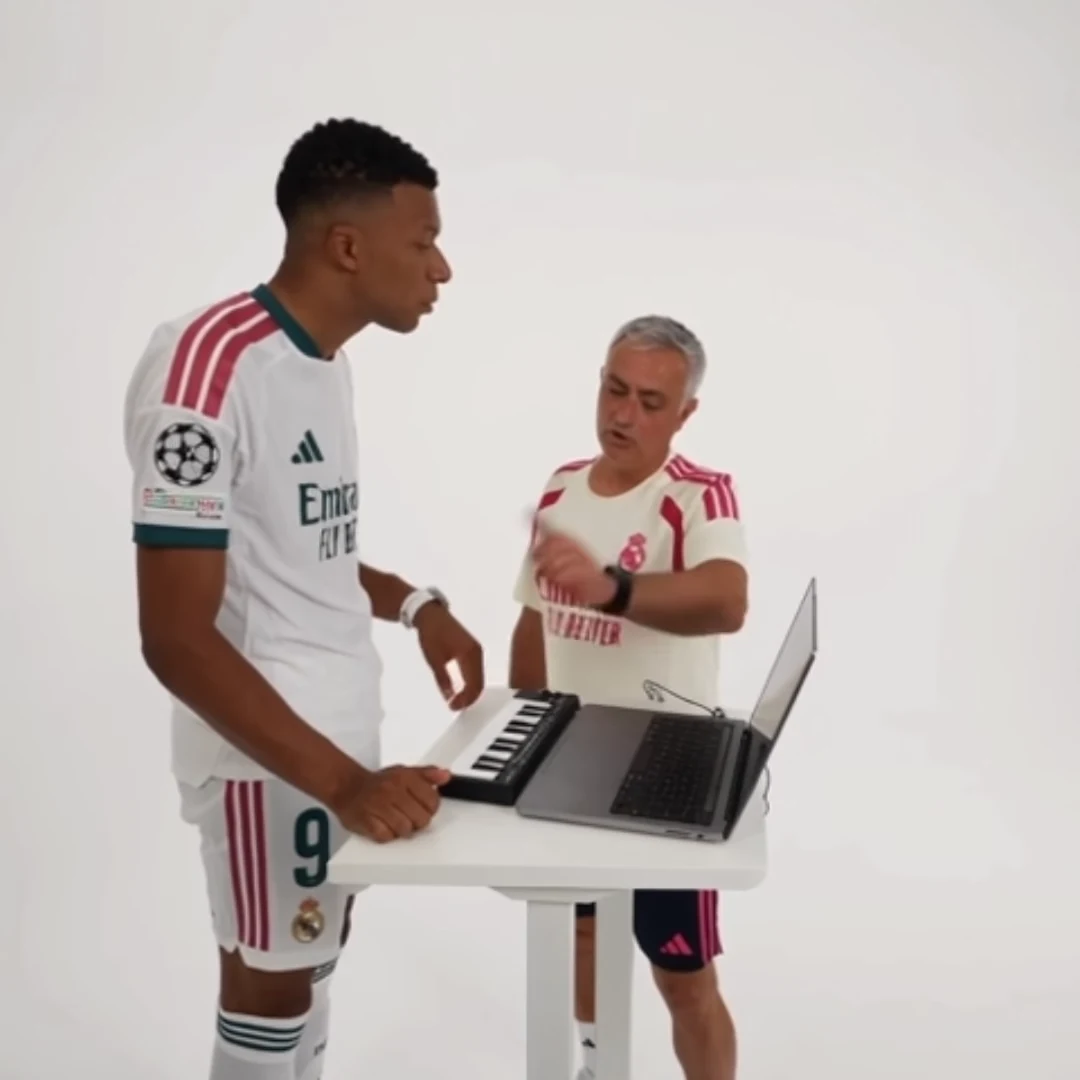 Keyboard performerDance partner
Upload a clear photo for the keyboard performer and another for the dance partner.
Choose from the available qualities. The selected price includes preparing your photos.
Watch both performers through the full routine with sound, then download your square video.
Add one photo for the keyboard performer and one for the dance partner. Both photos are required to recreate the pair.
The template follows the full studio routine and its timing through the distant wide shot at the end.
AI recreates both people and the studio. Hands, keyboard playing and identity consistency can vary as the performers move and overlap.
It recreates the white-studio keyboard-and-dance scene that is reportedly from a 2010 Made in Jamel sketch in which Stromae and Jamel Debbouze perform Alors on danse. In Oakgen, assign one photo to the keyboard performer and another to the dance partner, then recreate the reference routine. Oakgen is not affiliated with Stromae or Jamel Debbouze, and the template does not include their photos or any other celebrity preset.
No. The Alors on danse format is the two-person white-studio video meme. Papaoutai AI covers are a different music format. This template recreates the keyboard scene with the reference audio; it does not create a new Papaoutai cover or clone your singing voice.
No. The preview is the original Instagram reference. It shows the scene to recreate, not a verified Oakgen output. Oakgen is not affiliated with that Reel.
Yes. The template covers the full original reference timeline, not a shortened testing excerpt. AI-generated details and motion can differ from the reference.
Two: one for the keyboard performer and one for the dance partner. Both are required.
The finished video uses the original reference audio, rather than a recording of your voice.
6,673 credits per 720p video. This includes preparing both photos. The selected price is shown before you generate.
Plan a story, keep your character recognizable, and make the finished clip your own.
Alors on danse AI duo ideas. Write the relationship before assigning the keyboard and dance roles, build a short caption script and plan a second episode.
The Alors on danse AI trend recreates a 2010 sketch with Stromae and Jamel Debbouze. See how it differs from the 2021 TikTok dance and how to cast your duet.
Assign two photos in AI duet trends with a four-line cast sheet that names each role by its action, then check every transition for swapped roles.
Write AI duo trend captions that explain both roles, with original friend, work and family examples plus practical label timing for moving performers.
Upload 2 photos. Everything else is set.