Your reference portrait
The photo guides your features and expression. Compare the eyes, hairline and smile with your original before saving.
Image trend
Choose a clear photo of your face for a school picture-day portrait. The template frames your head and shoulders against a mottled blue backdrop with soft studio light.
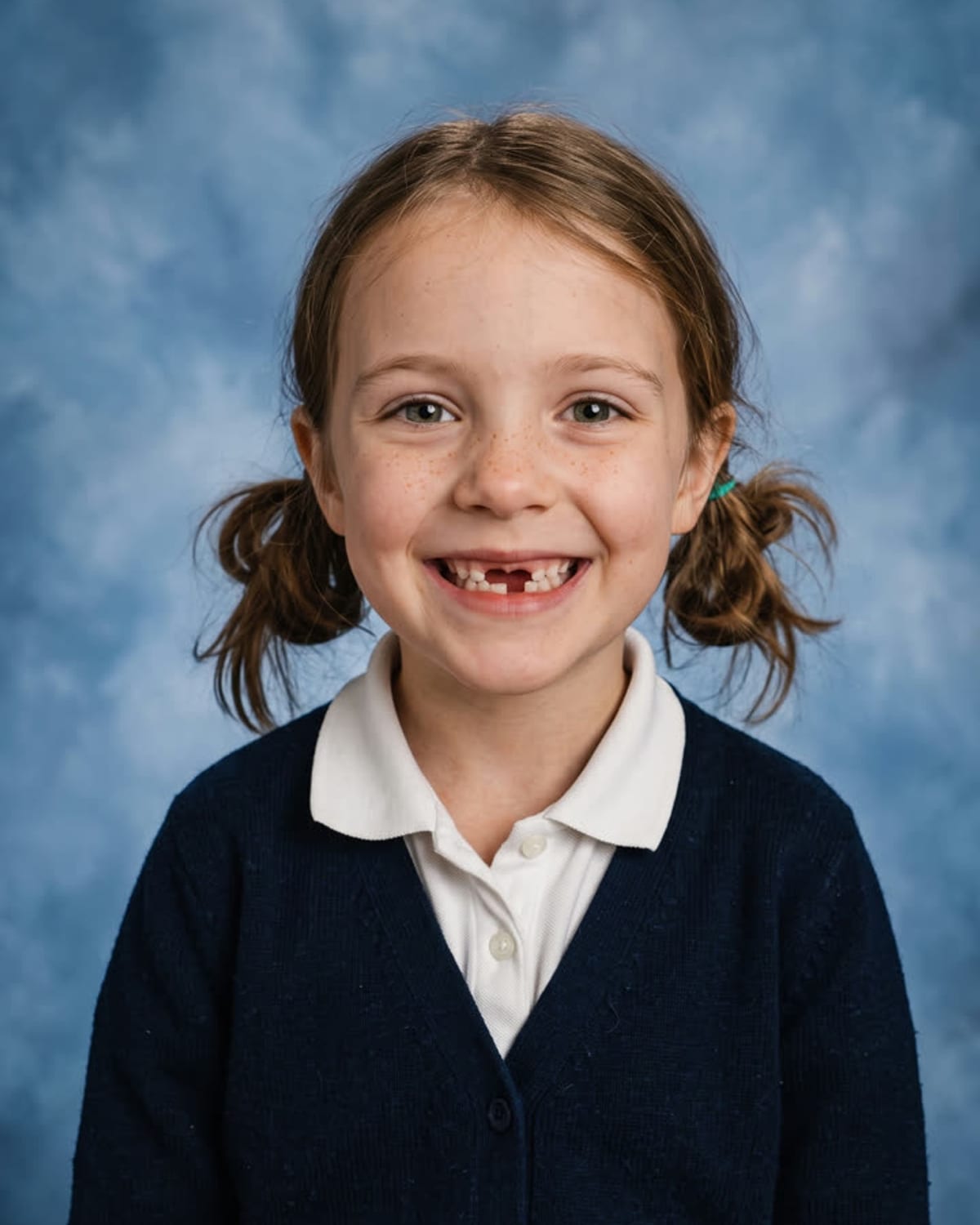
A classic picture-day portrait on a mottled blue backdrop. Add one clear photo; the look is already set.
For a yearbook-style headshot, keep the shoulders and the top of the head in the photo. Check that the blue backdrop leaves a clear outline around your hair before making a square crop.
A clear, front-facing photo of your face in good light.
Pick a clear, front-facing photo of your face.
Backdrop, light and framing take about a minute.
Save the image and share it anywhere.
The photo guides your features and expression. Compare the eyes, hairline and smile with your original before saving.
Mottled blue canvas, soft studio light and a slight school-photographer glow.
Head and shoulders, a slight angle and a straight-to-camera look.
This template makes a classic picture-day portrait with a mottled blue backdrop and soft studio lighting. It has no decade selector and is not an age-transformation tool. Use a current photo for the reference; the intended change is the school-portrait setting and framing, rather than a younger version of you.
One: a clear photo of your face.
Your photos are used to make your image. Only upload photos of yourself, or of people who have agreed to it.
Check your plan's terms for what you can do with generated images. They apply to your result.
About a minute. You can leave the page; the finished School Photo image is saved to your assets.
The preset asks for a new backdrop, lighting and crop. A generated portrait can change facial details, so compare the result with your reference.
Pick a premise, choose the right photo, and turn one finished image into a post worth sharing.
AI school photo ideas for adults: picture-day concepts for friends, teams and reunions, what to wear, which selfie to use and how to caption it honestly.
How the 2023 AI yearbook trend from the Epik app differs from parents' AI school photos in 2026 and from one picture-day portrait of your current face.
One photo, about a minute. The mottled backdrop, the studio light, the picture-day smile.