Big, sharp and straight on
Your face should fill a good part of the photo and be in focus, with both eyes visible. Side profiles and group shots where you are small give the portrait less detail to work from.
Image trend
Unlike multi-selfie yearbook apps, this template works from a single photo and keeps your face as photographed. That one selfie therefore sets the ceiling for the portrait, and a plain, well-lit shot beats a stylish angle.
Your face should fill a good part of the photo and be in focus, with both eyes visible. Side profiles and group shots where you are small give the portrait less detail to work from.
The finished pose looks straight at the camera, and the template's own tips say a smile works best. A selfie where you already meet the lens and smile matches that pose most naturally.
This is not an age-transformation tool, so an old childhood picture will not become a grown-up portrait and a current one will not make you younger. Use a photo that looks like you now, and keep your real school photo for a side-by-side post.
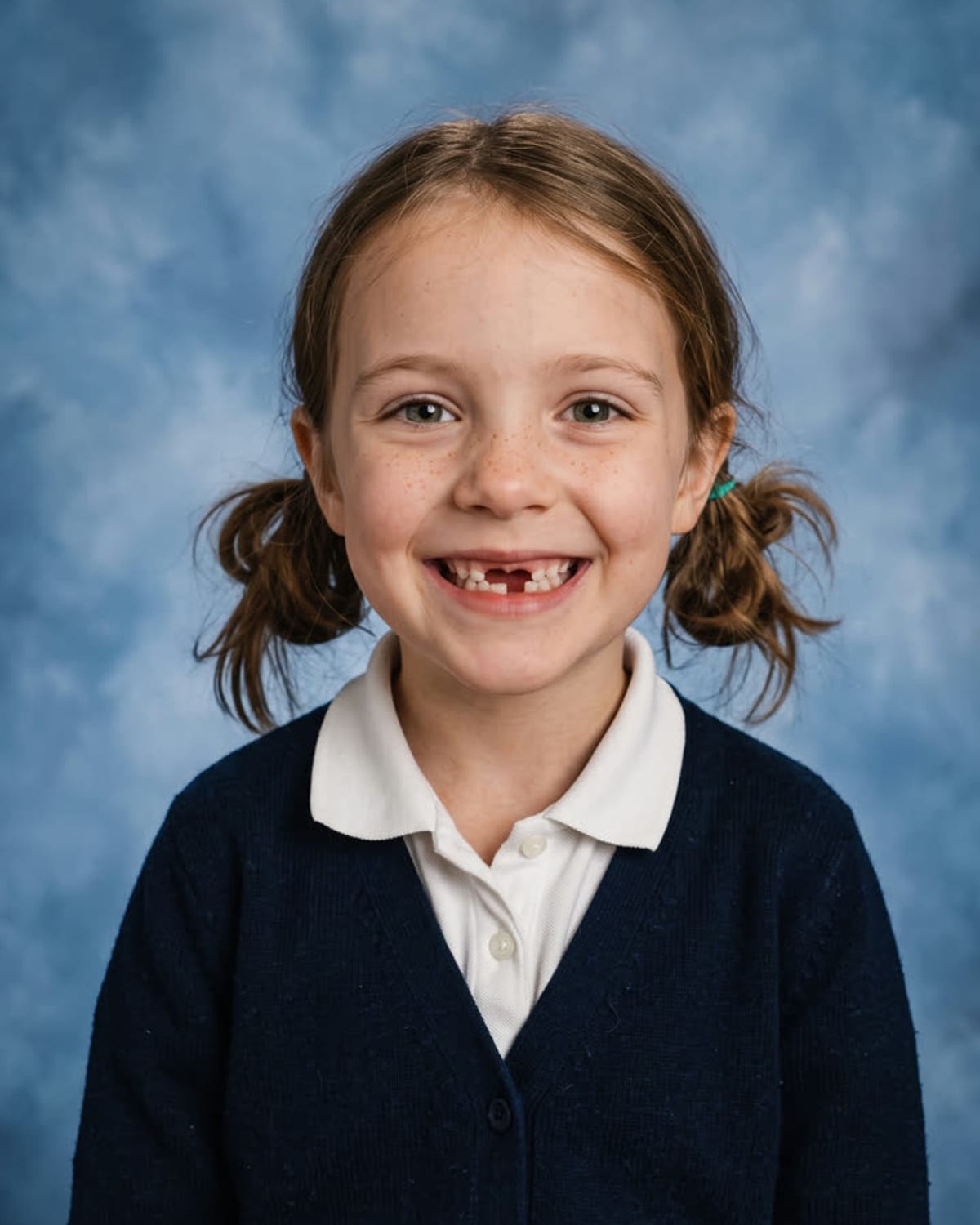
A classic picture-day portrait on a mottled blue backdrop. Add one clear photo; the look is already set.
A clear, front-facing photo of your face in good light.
Pick a clear, front-facing photo of your face.
Backdrop, light and framing take about a minute.
Save the image and share it anywhere.
No smoothing or reshaping. The face in the portrait is the face in your photo.
Mottled blue canvas, soft studio light and a slight school-photographer glow.
Head and shoulders, a slight angle and a straight-to-camera look.
This template makes a classic picture-day portrait with a mottled blue backdrop and soft studio lighting. It has no decade selector and is not an age-transformation tool. Use a current photo for the reference; the intended change is the school-portrait setting and framing, rather than a younger version of you.
One: a clear photo of your face.
Your photos are used to make your image. Only upload photos of yourself, or of people who have agreed to it.
Check your plan's terms for what you can do with generated images. They apply to your result.
About a minute. You can leave the page; the finished School Photo image is saved to your assets.
No. The backdrop, light and framing change; your features stay exactly as they are in your photo.
Pick a premise, choose the right photo, and turn one finished image into a post worth sharing.
AI school photo ideas for adults: picture-day concepts for friends, teams and reunions, what to wear, which selfie to use and how to caption it honestly.
Where the AI yearbook trend came from in 2023, what parents' AI school photos are in 2026, and how a single picture-day portrait of your current face differs.
One photo, about a minute. The mottled backdrop, the studio light, the picture-day smile.