An AI photo trend works when three choices line up: the look, the photo you feed it and the way you post the result. Every Oakgen image trend is a fixed recipe. You don't write prompts or adjust settings. That makes the photo you choose and the way you present the result the parts you control.
Browse every look on the trends page. This playbook helps you choose between them and links to a worked project for each one.
Browse every image trend
See example results for every photo trend, from Halloween looks to cartoon styles.
Step 1: Pick the trend by what it keeps from your photo
Trends differ most in what they keep from your photo. That decides which photo you need, so it's the first thing to check.
| What the trend keeps | Trends | Photo to use |
|---|---|---|
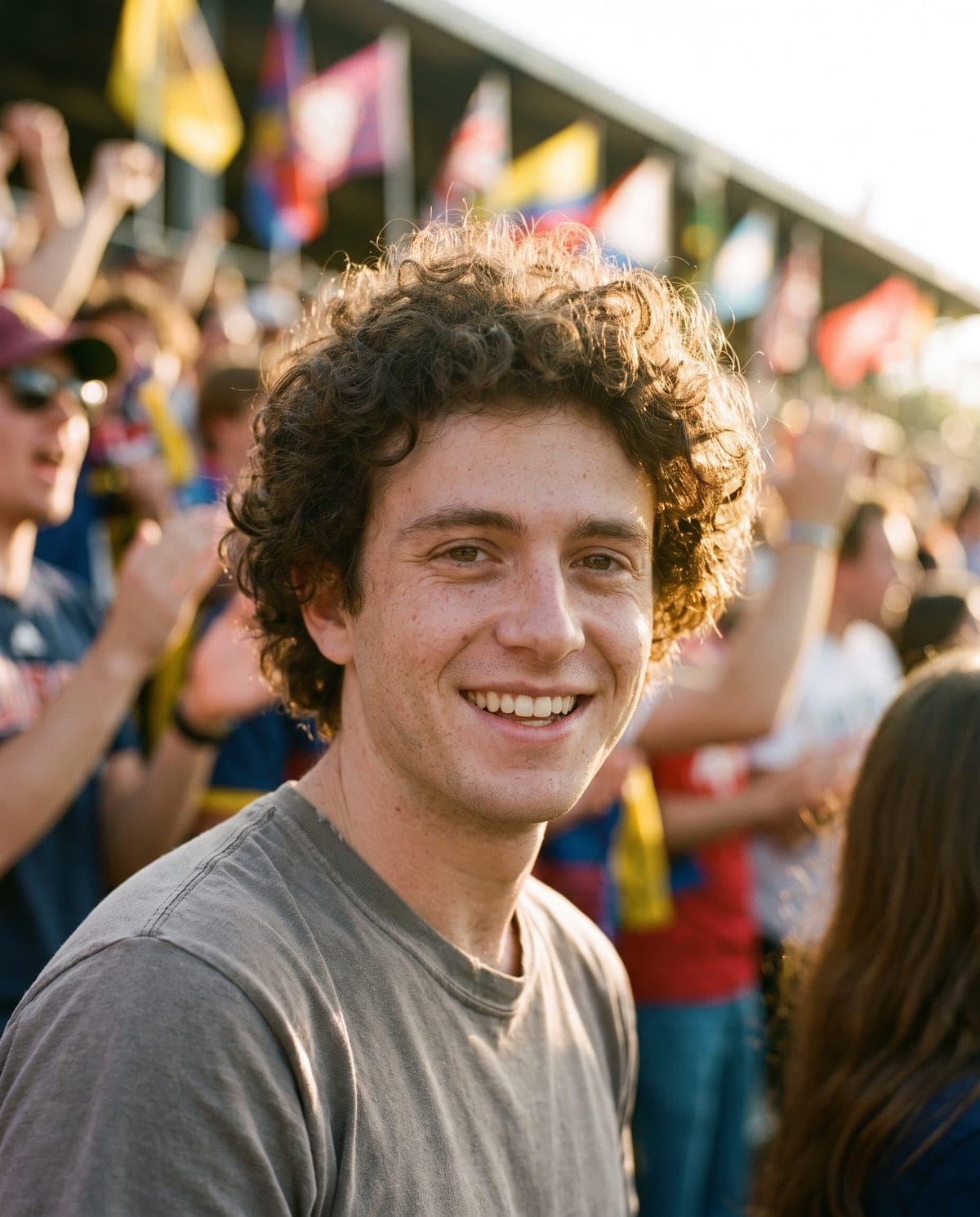
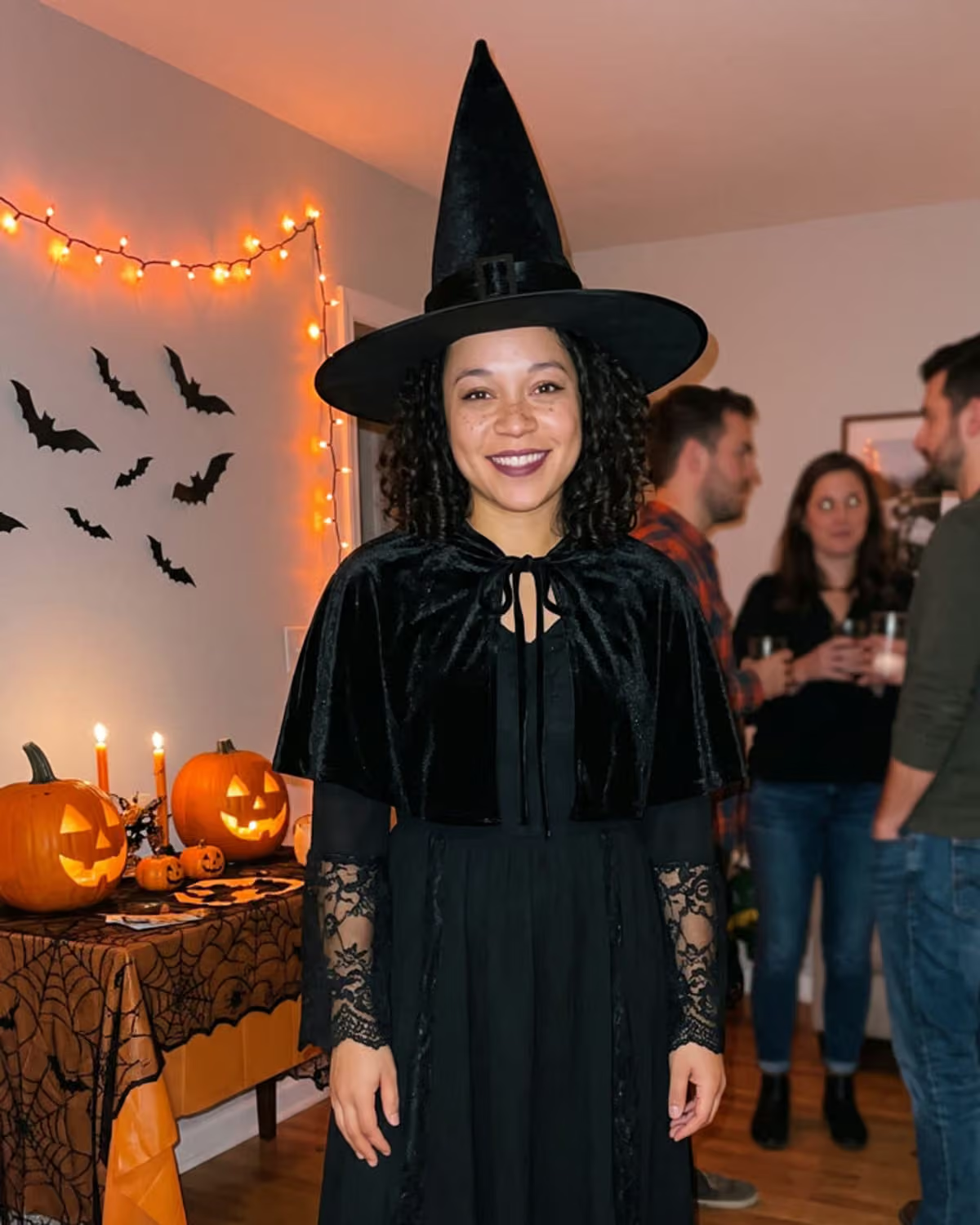
| Your face, closely | School Photo, Game Day, Catrina Makeup, Halloween Costume, Ghostface Call | Sharp, front-facing face in good light |
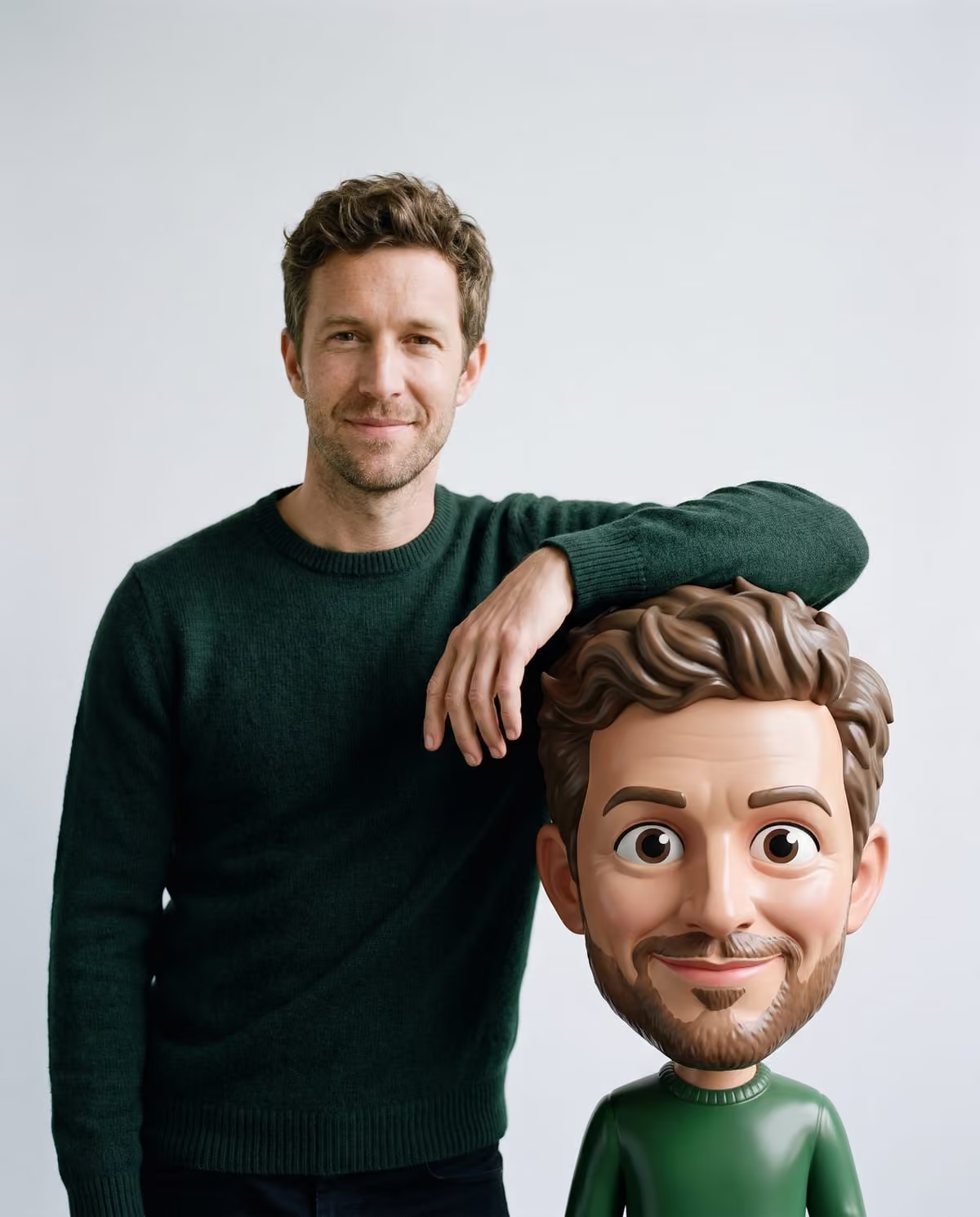
| Your face, turned into a character | 3D Bobblehead-Style, South Park-Style Cartoon, Doodle Street Portrait, Street Character Collage | Clear face and outfit; for street styles, an outdoor photo |
| Your outfit, not your face | Pumpkin Head, Ghost Photoshoot | Full-body or knee-up shot, outfit fully visible |
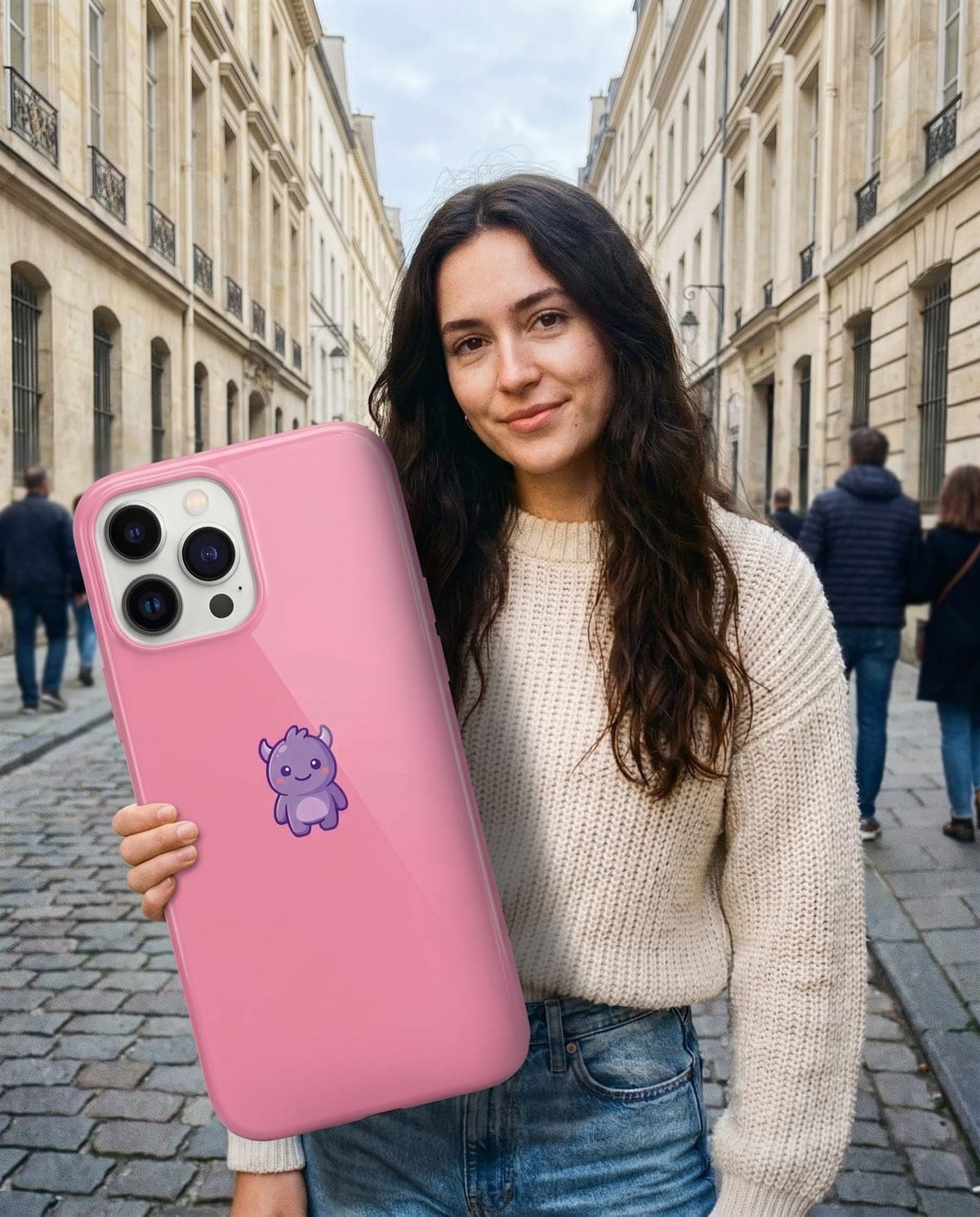
| You plus something else | Big Thing Effect (you and an object), Ryuk Spotted (you and a shinigami), Tim Burton-Style Girls (you among gothic dolls, with your eyes covered) | Upper body for you; the object alone on a plain background |
| Your whole photo | Color Gradient | Any landscape, street or portrait |
| Your pet | Pet Halloween Costume | Your dog or cat with its face visible |
If you'd rather not show your face, use Pumpkin Head, Ghost Photoshoot, Color Gradient on a scenery shot, or Pet Halloween Costume.
Step 2: Choose the photo the trend can actually use
Most disappointing results come from the source photo, not the trend. Before uploading, open the photo at full size and check:
- The detail the trend needs is visible. A face trend needs your face sharp. An outfit trend needs your shoes in frame.
- The light is even. Harsh shadow across half your face, or a dark object beside a bright selfie, gives the trend less to work with.
- There's one clear subject. Group shots and busy backgrounds make it harder to tell which person or thing to use.
- There are no heavy filters, sunglasses or hands covering your face. That applies unless the trend covers your face anyway.
Only upload photos of yourself, or of people who have agreed to it.
Step 3: Check the result before you share it
Look at the finished image twice: once at full size, once at the size it'll appear in a feed.
- Identity: does it still look like you, your pet or your object? Compare it with the original.
- Hands and edges: check grips, necklines and where the subject meets the background.
- The point of the trend: the giant object should read as giant, and the pumpkin should sit where your head was.
If something's wrong, change the photo before trying again. Running the same photo again rarely fixes a problem that came from the photo itself. If the result matches the trend but not your idea, try a different trend.
Step 4: Turn one image into a post
A single trend image is stronger with a premise. "Me when the group chat finally picks a restaurant" gives a Game Day crowd shot a reason to exist. Some ideas that work across trends:
- Before and after: your original photo next to the result, clearly labelled.
- A set: two or three trends from the same source photo, posted as one carousel.
- Profile picture: South Park-Style Cartoon crops well to a head-and-shoulders circle. Check the crop before saving; in wider scenes like Bobblehead, a circle can cut off a head.
- A caption that says it's AI: short, honest and part of the joke.
Seasonal: Halloween photo trends
Seven of the image trends are Halloween looks. The Halloween AI photo trends guide compares them by the photo each needs, and the Halloween collection shows every example.
Trend projects
Each guide below is a worked project for one trend: ideas, photo planning, captions and a review checklist.
- Pumpkin Head Photoshoot Ideas: Outfits, Poses and Captions
- Ghost Photoshoot Ideas: Shoes, Group Carousels and Captions
- AI Halloween Costume Photo Ideas: Plan Your Vampire Party Shot
- Ghostface Phone Call Photo Ideas: Premises, Captions and Carousels
- Catrina Makeup Portrait Ideas: Photo Prep, Captions and Día de Muertos Posts
- Tim Burton-Style Gothic Portrait Ideas: Outfits, Poses and Captions
- Pet Halloween Costume Photo Ideas: Dress Your Dog or Cat as a Pumpkin
- Ryuk Behind Me Photo Ideas: Shinigami Street Shots, Captions and Carousels
- Bobblehead Photo Ideas: Plan a Portrait With Your Giant 3D Caricature
- South Park-Style Cartoon of Yourself: Avatar, Group and Caption Ideas
- Doodle Street Portrait Ideas: Plan the Street, the Prop and the Post
- Street Character Collage Ideas: Outfits, Backdrops and Carousel Plans
- Big Thing Effect Ideas: Giant Object Photos That Tell a Small Story
- AI School Photo Ideas: Picture-Day Portraits for Grown-Ups
- Game Day Fan Portrait Ideas: Captions, Carousels and Photo Prep
- Color Gradient Photo Ideas: Re-Grade a Trip, a Street or a Portrait