Upload a single photo of you
Open the South Park-Style Cartoon trend and add one clear photo of yourself to the only slot. There is nothing to type and no style to pick; the cut-out look and the town come with the template.
Image trend
Most tutorials for this look send you to a template link or a long prompt. Here the style, the character shape and the snowy setting are already fixed, so the only real decision is which photo of you to upload.
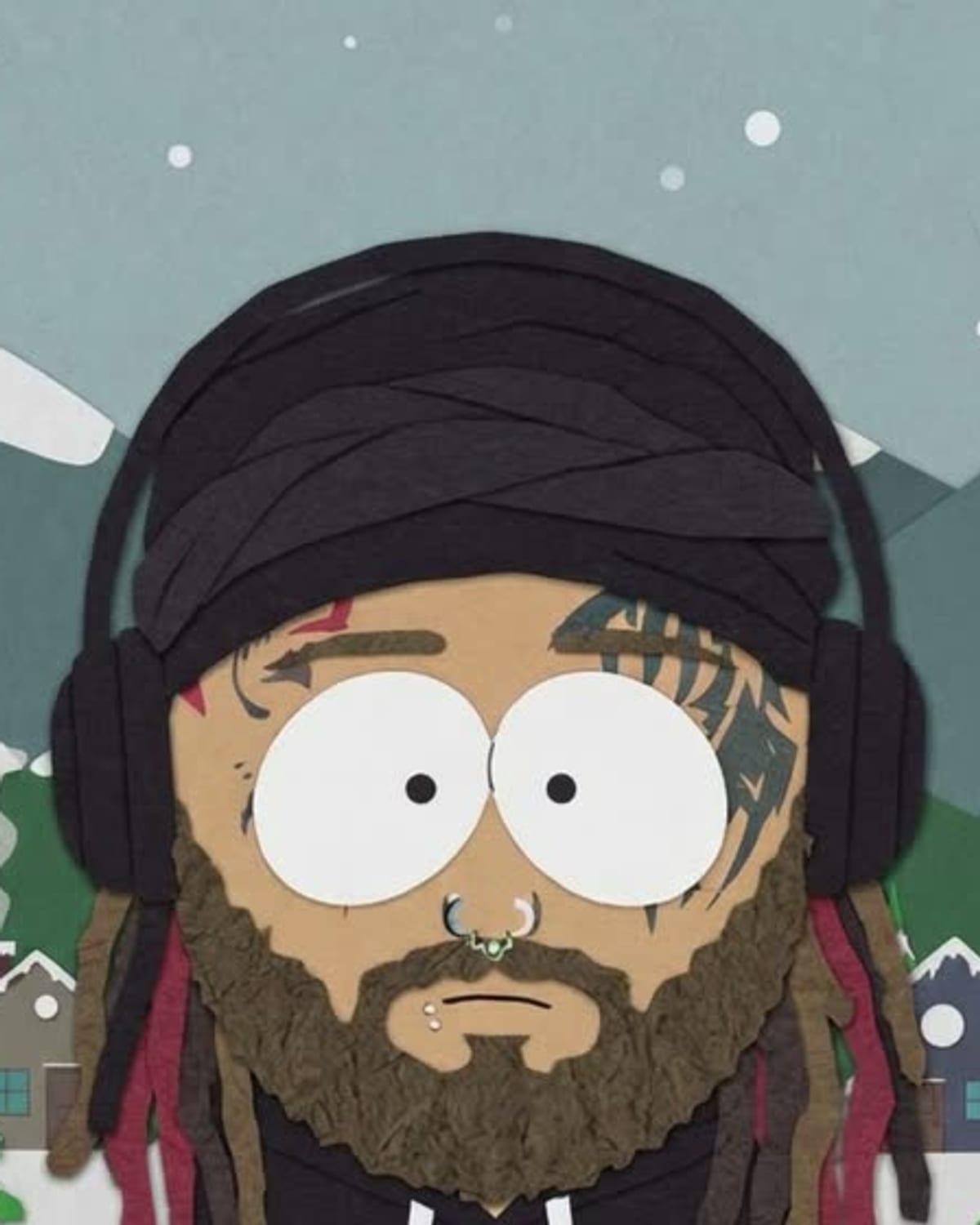
Open the South Park-Style Cartoon trend and add one clear photo of yourself to the only slot. There is nothing to type and no style to pick; the cut-out look and the town come with the template.
The cartoon is ready in about a minute and lands in your assets, so you can close the tab while it runs. Hair, skin tone, glasses, a hat and outfit colours are carried over, while your real face is swapped for the round head and oval eyes.
You get a 4:5 portrait with no lettering on it. Post it alone, pair it with your original photo or crop the head for an avatar, and say in the caption that it is an AI cartoon.
Redrawn as a flat paper cut-out cartoon in a snowy mountain town. Add one clear photo; the look is already set.
A clear photo of you with your face and outfit visible.
Pick a clear photo of you.
You become a flat cut-out cartoon in about a minute.
Save the image and share it anywhere.
Your hair, skin tone, glasses and outfit colours carry into the cartoon.
Flat colours, simple shapes and a slightly stiff, paper-craft look.
Pine trees, mountains and small houses in the same flat style.
One: a clear photo of you.
Your photos are used to make your image. Only upload photos of yourself, or of people who have agreed to it.
Check your plan's terms for what you can do with generated images. They apply to your result.
About a minute. You can leave the page; the finished South Park-Style Cartoon image is saved to your assets.
No. It is our own take on the flat cut-out cartoon look and is not affiliated with any show.
Pick a premise, choose the right photo, and turn one finished image into a post worth sharing.
Plan a South Park-style cartoon of yourself: which outfit details survive the flat cut-out look, avatar crops, friend-group sets and captions that say it is AI-made.
What people mean by the South Park AI filter, the ways it gets made (app templates, chatbot prompts, filter sites), how it differs from South Park memes, and what Oakgen's cut-out version does.
One photo, about a minute. Round head, oval eyes and a snowy little town.