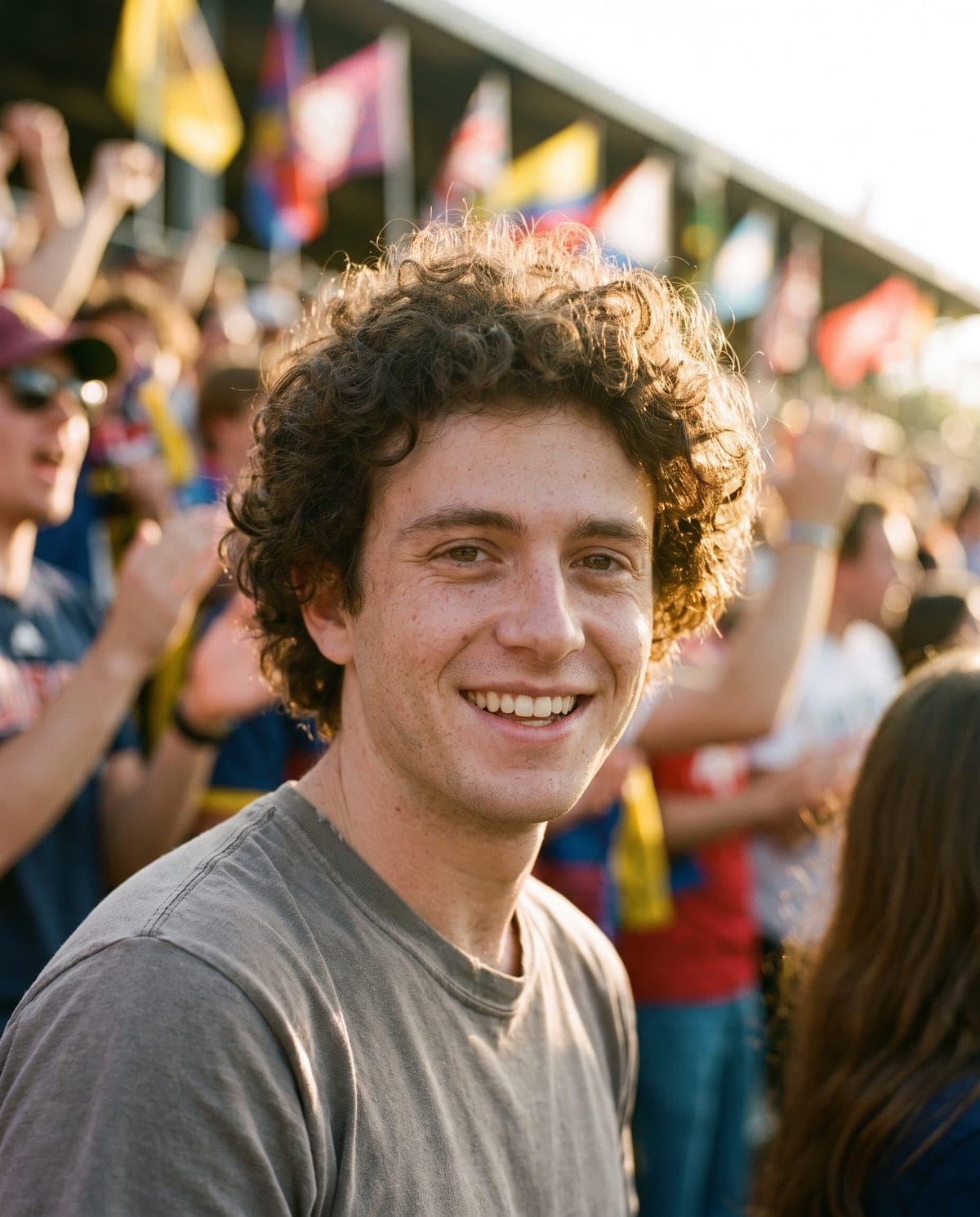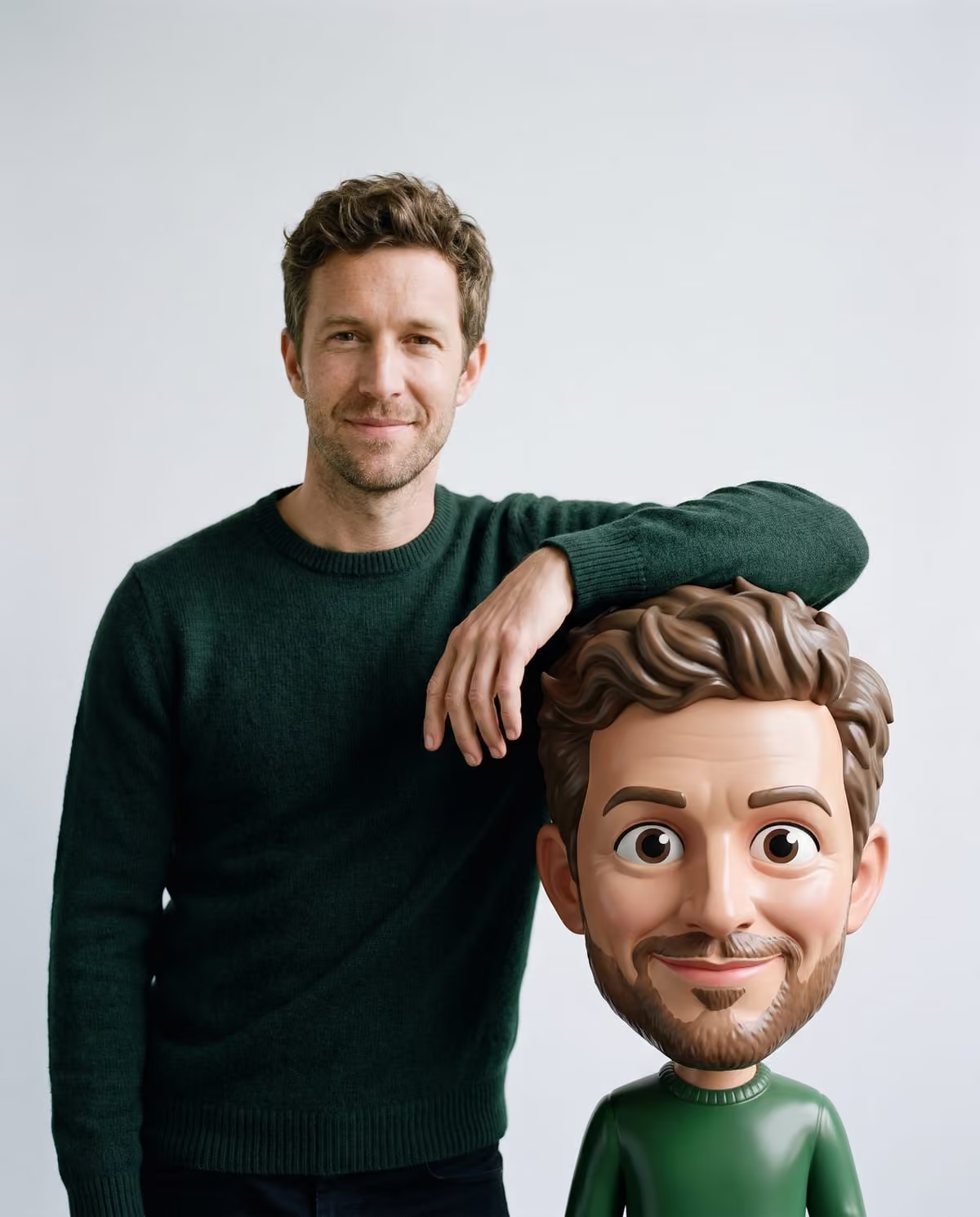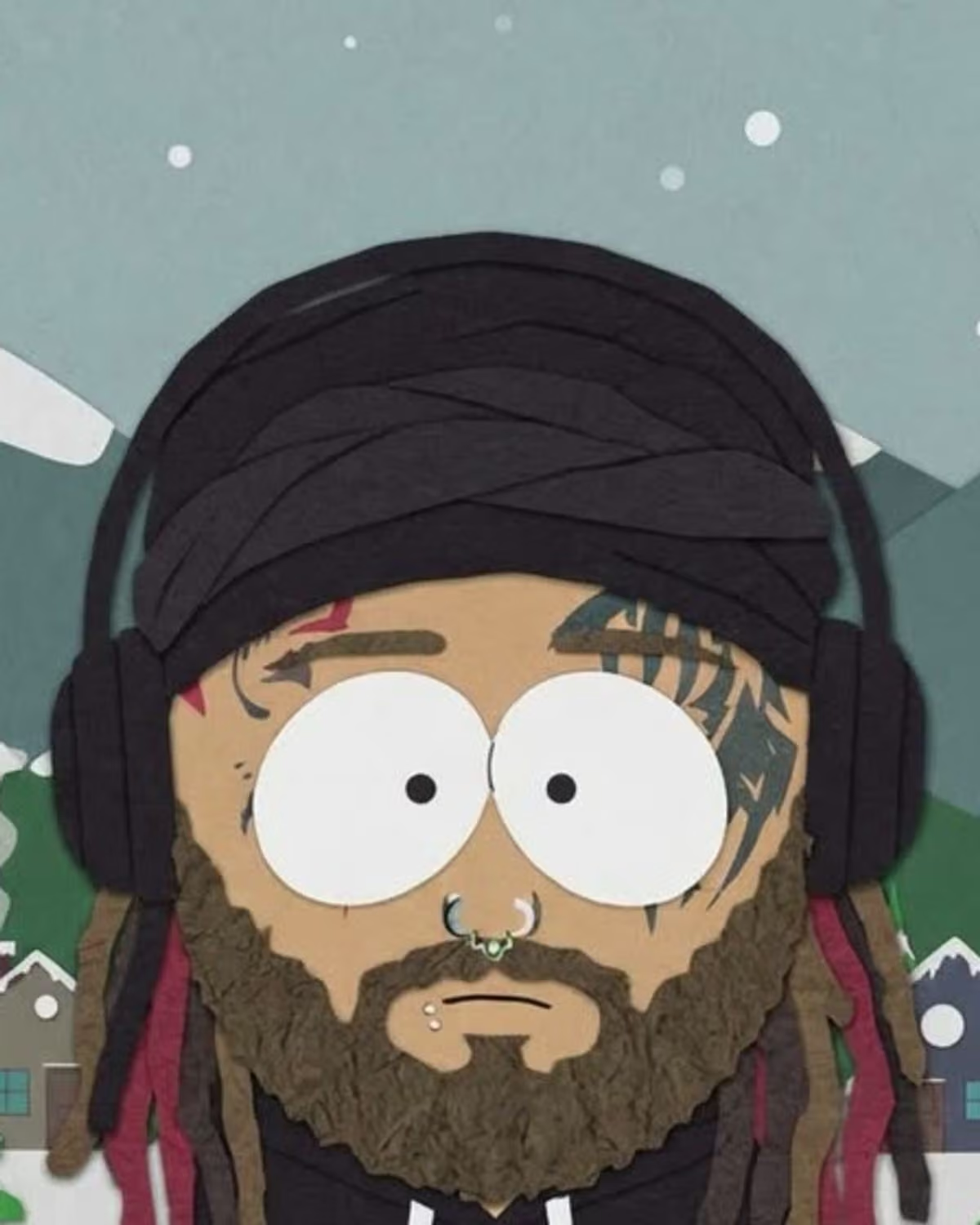
"South Park AI filter" sounds like one thing. In practice it is a label people put on several different tools that all redraw a photo of you as a flat, construction-paper style cartoon. This explainer covers where the name appears, the common ways the look gets made, a South Park meme that is easy to confuse with it, and what Oakgen's South Park-Style Cartoon template does.
Make your cut-out cartoon
Upload one clear photo of yourself and get redrawn as a flat paper cut-out character in a snowy little town.
Where the "South Park AI filter" name comes from
We looked for an origin and did not find one. What we found instead is the name used in three places:
- Photo-tool sites. Media.io sells a "Paper Cutout Cartoon" filter and calls it the South Park AI filter, describing round heads, white oval eyes, dot pupils and mitten hands. PicTools.AI has a page titled "South Park AI Filter" with a statement that it is not affiliated with the show's rights holders. Fotor calls its version a South Park character creator.
- TikTok tutorials. TikTok groups videos under titles such as South Park Filter Tutorial and How to Turn Yourself into South Park Trend. Search snippets show many of them pointing to a CapCut template. We could not open those pages directly, so we are relying on the titles and snippets.
- Chatbot how-tos. The earliest dated article we found is from GIGA, a German tech site, in August 2025: a guide to turning yourself into a South Park figure with ChatGPT. It does not call it a viral trend.
None of these sources names a song or sound, and none gives reach figures we could check. "Viral" on a vendor page is marketing language, not a measurement.
Three ways people make the South Park-style look
App templates
A template link opens in an editing app, you add a selfie, and the app applies a preset. It is fast, but tutorial pages note that results vary between people, and the template can change or disappear without notice.
Chatbot prompts
You upload a photo to a chatbot and describe the style, colours, expression and setting. You get the most control this way, and the most room for drift: the GIGA guide warns that piling on instructions can distort the result.
Filter sites and fixed templates
You upload once and the site applies its own version of the look. Oakgen's template is one of these, with everything fixed:
| App template | Chatbot prompt | Oakgen's South Park-Style Cartoon | |
|---|---|---|---|
| What you supply | Selfie | Photo plus written prompt | One photo of you |
| Setting | Depends on the template | Whatever you describe | Always a snowy small mountain town |
| What carries over | Varies | Whatever the model keeps | Hair colour and style, skin tone, glasses, hat, outfit colours |
| Output | Varies by template | Image | One 4:5 image with no text |
Not the same as South Park memes
In October 2026 a different South Park format spread on TikTok: Kyle looking at an old photo, a nostalgia slideshow built from a still of the show. It reuses the show's own artwork and has nothing to do with redrawing your photo. Other South Park meme edits that use clips from the show are also separate. If you are searching for the filter, the giveaway is a real person's photo turned into a flat cut-out character.
What Oakgen's South Park-Style Cartoon does
The template takes one clear photo of you and redraws you as a flat paper cut-out character: a large round head, two big white oval eyes with small dot pupils, a small mouth, a short squat body and mitten hands, in flat colours with thin outlines. You stand in the snow of a cartoon mountain town with pine trees, mountains and a few small houses. Your original background is not used.
It is not an official filter and is not affiliated with or endorsed by the show's rights holders. South Park is a trademark of its owners. Call your result a South Park-style or cut-out cartoon rather than a character from the show.
The source and naming guide has the short version of this history, and the step-by-step page covers making one.
Choosing your route
- You want the snowy-town look with no prompt writing: use the fixed template, and spend your effort on the photo. The photo guide explains why bold colours and accessories matter more than scenery.
- You want a specific setting or pose: a chatbot prompt gives you that control, at the cost of more trial and error.
- You want a moving edit: look at app templates; Oakgen's version makes a still image only.
After you make one
Two follow-ups are covered elsewhere. For posting, the before-and-after caption page has slide orders and lines that say the cartoon is AI-made. For checking, the result review checklist lists what to compare against your photo. For project ideas such as avatars and friend-group sets, read South Park-style cartoon of yourself: avatar, group and caption ideas.
Frequently asked questions
Who started the South Park AI filter trend?
We could not find a single first post, creator or date. The name shows up on photo-tool sites and as TikTok tutorial pages, many pointing to a CapCut template, and a German tech site covered making a South Park figure with ChatGPT in August 2025.
Is there a song for the South Park filter trend?
We found no sound or song tied to it. Creators pick their own audio, so do not tag a track as the trend's official song.
Is Oakgen's version an official South Park filter?
No. It is an inspired-by flat cut-out cartoon look and is not affiliated with or endorsed by the show's rights holders.
Continue your project
South Park-style cartoon ideas · AI photo trend playbook · All trends