
Image trend

South Park AI Trend Before and After: Caption Ideas

Tool pages and TikTok posts present this look as a reveal: the real photo, then the cartoon. The pairing works because the outfit is the only obvious link between the two. These ideas help you write the post around that reveal.

Final image
1 still
Your input
1 photo
Price
from 51 credits
South Park-Style Cartoon example result
South Park-Style CartoonExample result

Writing the reveal post

01

Order the slides

Lead with whichever image makes people want to swipe. The cartoon first works when the outfit is loud; the real photo first works when the cartoon is the surprise. A third slide can be a friend's version, posted only with their agreement.

02

Captions that label the cartoon

Original lines to adapt: “Before: me. After: AI cut-out me.”, “The hat survived the AI cartoon filter.”, “AI made me a snowy-town local. Swipe for the real one.” Keep the word AI in the caption so nobody takes the drawing for official artwork.

03

Profile picture crop

For a round avatar, crop to head and shoulders and confirm your hair or hat still reads inside the circle. Avoid naming the picture after a show character; call it a South Park-style or cut-out cartoon of you.
Explore the South Park-Style Cartoon trend

How to make it

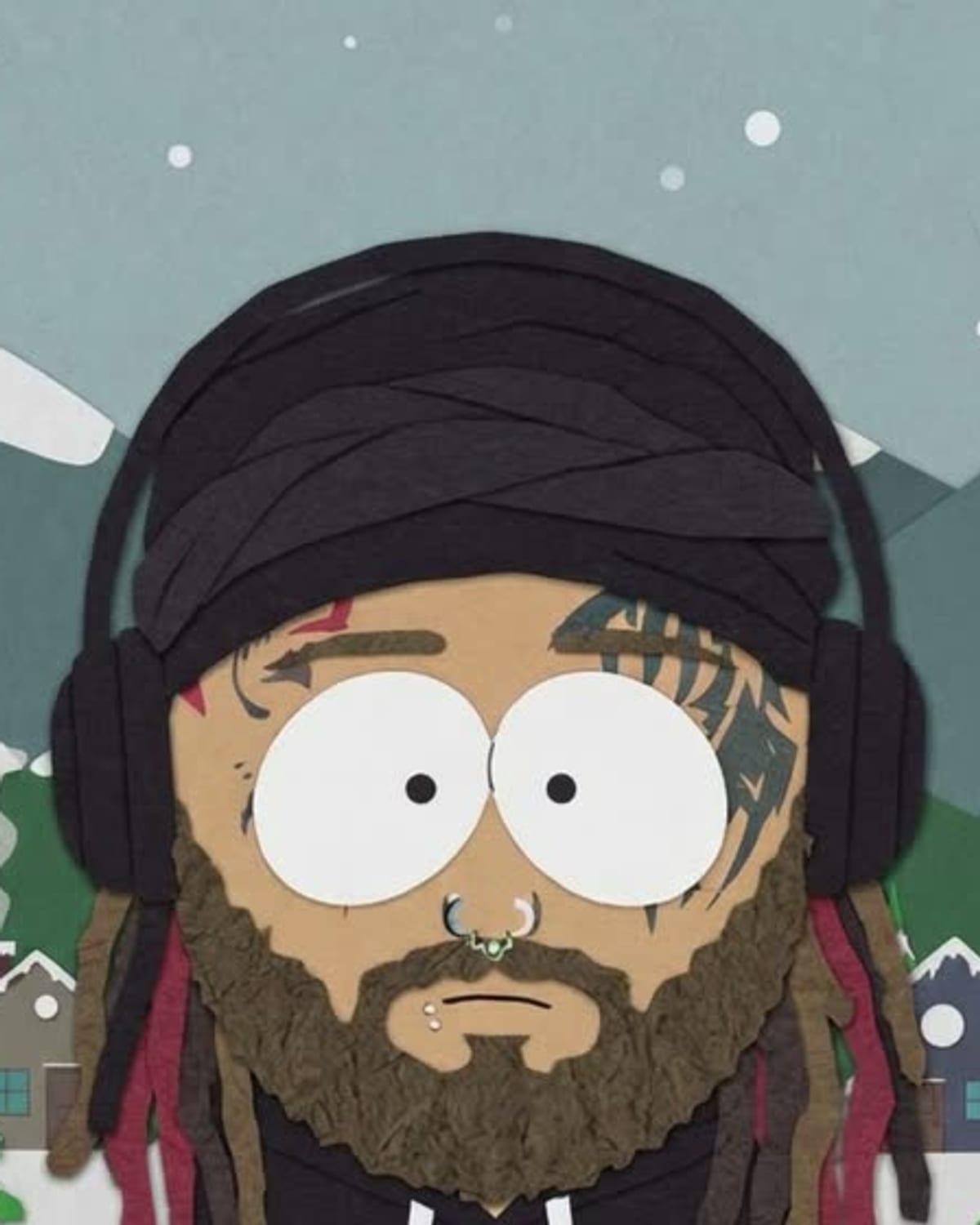
Redrawn as a flat paper cut-out cartoon in a snowy mountain town. Add one clear photo; the look is already set.

The photo you add

  • 1. You

    A clear photo of you with your face and outfit visible.

  1. 01

    Upload your photo

    Pick a clear photo of you.

  2. 02

    We redraw you

    You become a flat cut-out cartoon in about a minute.

  3. 03

    Download and post

    Save the image and share it anywhere.

01

Your look, simplified

Your hair, skin tone, glasses and outfit colours carry into the cartoon.

02

The cut-out style

Flat colours, simple shapes and a slightly stiff, paper-craft look.

03

A snowy little town

Pine trees, mountains and small houses in the same flat style.

Photo tips

  • Face clearly visible
  • Outfit colours easy to see
  • Glasses and hats carry over
  • Just you in the photo

Questions & answers

How many photos do I need?

One: a clear photo of you.

Is my photo private?

Your photos are used to make your image. Only upload photos of yourself, or of people who have agreed to it.

Can I use the result commercially?

Check your plan's terms for what you can do with generated images. They apply to your result.

How long does it take?

About a minute. You can leave the page; the finished South Park-Style Cartoon image is saved to your assets.

Is this an official show filter?

No. It is our own take on the flat cut-out cartoon look and is not affiliated with any show.

Ideas for your next photo

Pick a premise, choose the right photo, and turn one finished image into a post worth sharing.

Explore the AI photo trend playbook →

Make your South Park-Style Cartoon image

One photo, about a minute. Round head, oval eyes and a snowy little town.

Make this image