Pick a face-forward photo
A sharp, evenly lit picture of you looking roughly at the lens is enough, even if it stops at the shoulders. The template builds the body, cape and pose, so a full-length shot is not required.
Image trend
Prompt-based costume generators ask you to describe the costume and hope the face survives. This template already knows the costume and the room, so the only decision left is which photo of you to give it.
A sharp, evenly lit picture of you looking roughly at the lens is enough, even if it stops at the shoulders. The template builds the body, cape and pose, so a full-length shot is not required.
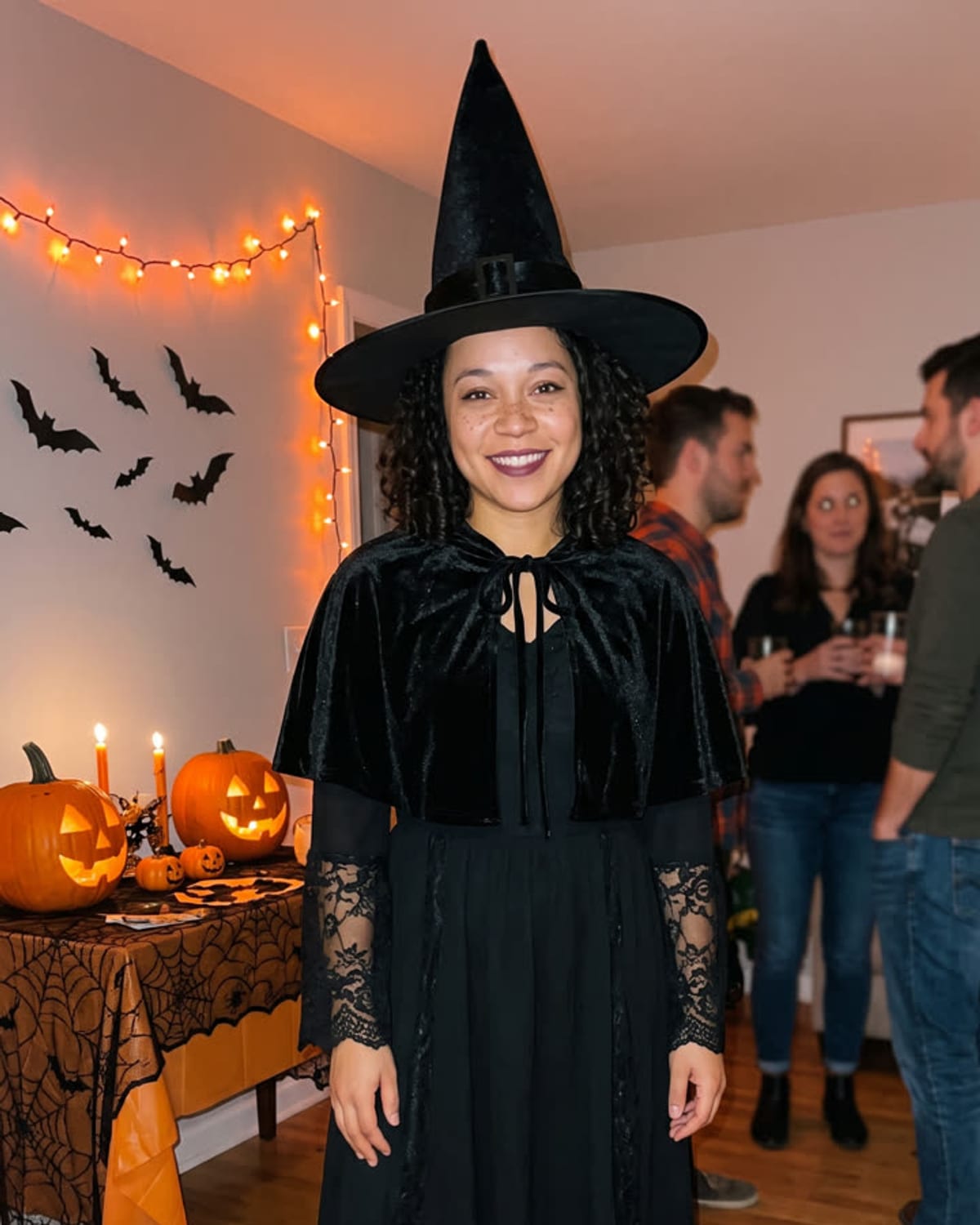
There is one upload and no text box. The cape, dark outfit, candles, pumpkins and blurred guests are already decided, which keeps results consistent with the trend page preview.
Set the result beside your original and look at eyes, hairline and skin tone. If it reads as a stranger in a cape, a sharper, more frontal photo is the change most likely to help.
You as a vampire at a candlelit Halloween house party. Add one clear photo; the look is already set.
A clear photo of your face, ideally with your upper body visible.
Pick a clear photo of your face.
The costume and the party are built in about a minute.
Save the image and share it anywhere.
Your face, hair and skin tone stay the same under the costume.
A high-collared cape, a dark suit or dress and subtle vampire details.
Pumpkins, candles and friends in costume softly blurred behind you.
One: a clear photo of you.
Your photos are used to make your image. Only upload photos of yourself, or of people who have agreed to it.
Check your plan's terms for what you can do with generated images. They apply to your result.
About a minute. You can leave the page; the finished Halloween Costume image is saved to your assets.
Not yet. This trend always makes a classic vampire costume so the look stays consistent.
Pick a premise, choose the right photo, and turn one finished image into a post worth sharing.
AI Halloween costume photo ideas for the vampire trend: post concepts, a face photo plan, honest captions and a checklist for a candlelit party image of you.
What the AI Halloween costume trend is, what is documented about the vampire look, and how a fixed one-photo vampire template compares with prompt-based generators.
Compare seven Halloween AI photo trends by the photo they need, what stays yours and what each finished image is best for, then pick the one that fits.
One photo, about a minute. A velvet cape, a candlelit party and no costume shopping.