
Image trend

AI Vampire Costume Photo: How to Recognise This Look

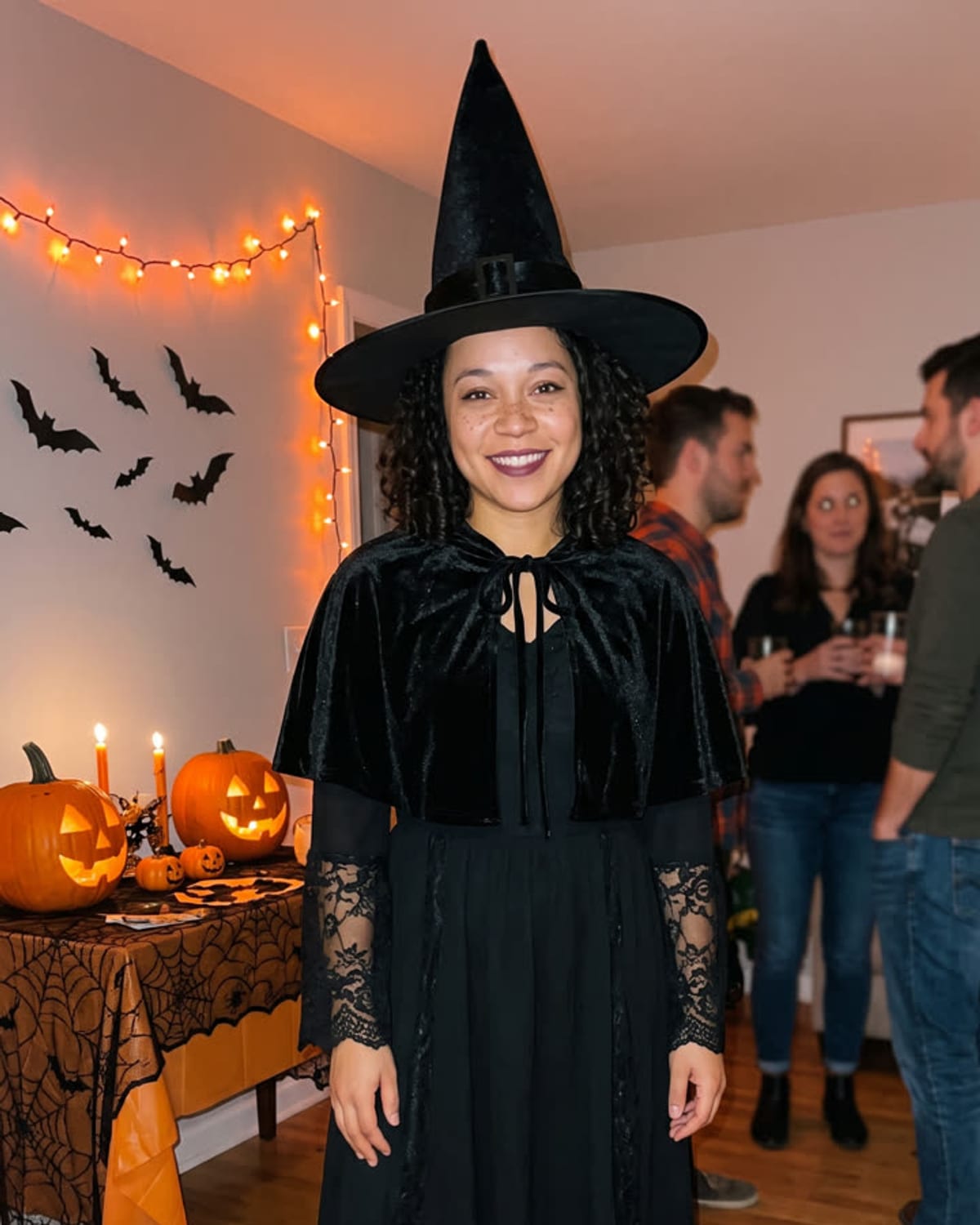
A dark high-collared cape, a candlelit room and costumed guests out of focus behind you: that is the AI vampire costume photo. It is one look within the broader habit of AI Halloween costume edits, not a single viral post. This page helps you spot it, and the explainer below covers what is documented about the category.

Final image
1 still
Your input
1 photo
Price
from 51 credits
Halloween Costume example result
Halloween CostumeExample result

Spotting the candlelit vampire portrait

01

What marks this version

The person keeps their own face, hair and skin tone and wears a high-collared cape over a dark suit or dress, with only subtle vampire touches. They stand at an indoor party lit by candles while guests in other costumes blur into the background.

02

How it differs from costume generators

Sites sold as AI Halloween costume tools usually offer many outfits, vampire among them, chosen from a menu or typed as a prompt. Talk of a vampire filter going viral mostly comes from those vendors. Oakgen's version skips the menu: the costume and the party are always the same.

03

What you supply

One clear photo of your face is the only input. There is no costume picker, no prompt box and no group option, so if you want witches or skeletons beside you, this template is not the one.
Explore the Halloween Costume trend

How to make it

You as a vampire at a candlelit Halloween house party. Add one clear photo; the look is already set.

The photo you add

  • 1. You

    A clear photo of your face, ideally with your upper body visible.

  1. 01

    Upload your photo

    Pick a clear photo of your face.

  2. 02

    We dress you up

    The costume and the party are built in about a minute.

  3. 03

    Download and post

    Save the image and share it anywhere.

01

Still you

Your face, hair and skin tone stay the same under the costume.

02

A full costume

A high-collared cape, a dark suit or dress and subtle vampire details.

03

A real party photo

Pumpkins, candles and friends in costume softly blurred behind you.

Photo tips

  • Face sharp and well lit
  • Looking toward the camera
  • Upper body in frame if you can
  • Just you in the photo

Questions & answers

How many photos do I need?

One: a clear photo of you.

Is my photo private?

Your photos are used to make your image. Only upload photos of yourself, or of people who have agreed to it.

Can I use the result commercially?

Check your plan's terms for what you can do with generated images. They apply to your result.

How long does it take?

About a minute. You can leave the page; the finished Halloween Costume image is saved to your assets.

Can I choose a different costume?

Not yet. This trend always makes a classic vampire costume so the look stays consistent.

Ideas for your next photo

Pick a premise, choose the right photo, and turn one finished image into a post worth sharing.

Explore the AI photo trend playbook →

Make your Halloween Costume image

One photo, about a minute. A velvet cape, a candlelit party and no costume shopping.

Make this image