Seasonal collection
Halloween AI photo trends
The spooky looks everyone is posting this October, made from one photo. Become a pumpkin head, a bedsheet ghost or a vampire, get the Catrina makeup, take the Ghostface call, or dress up your pet. No costume needed.
7 Halloween looks
Every look takes one photo and is ready in about a minute. Open one to see what to upload.
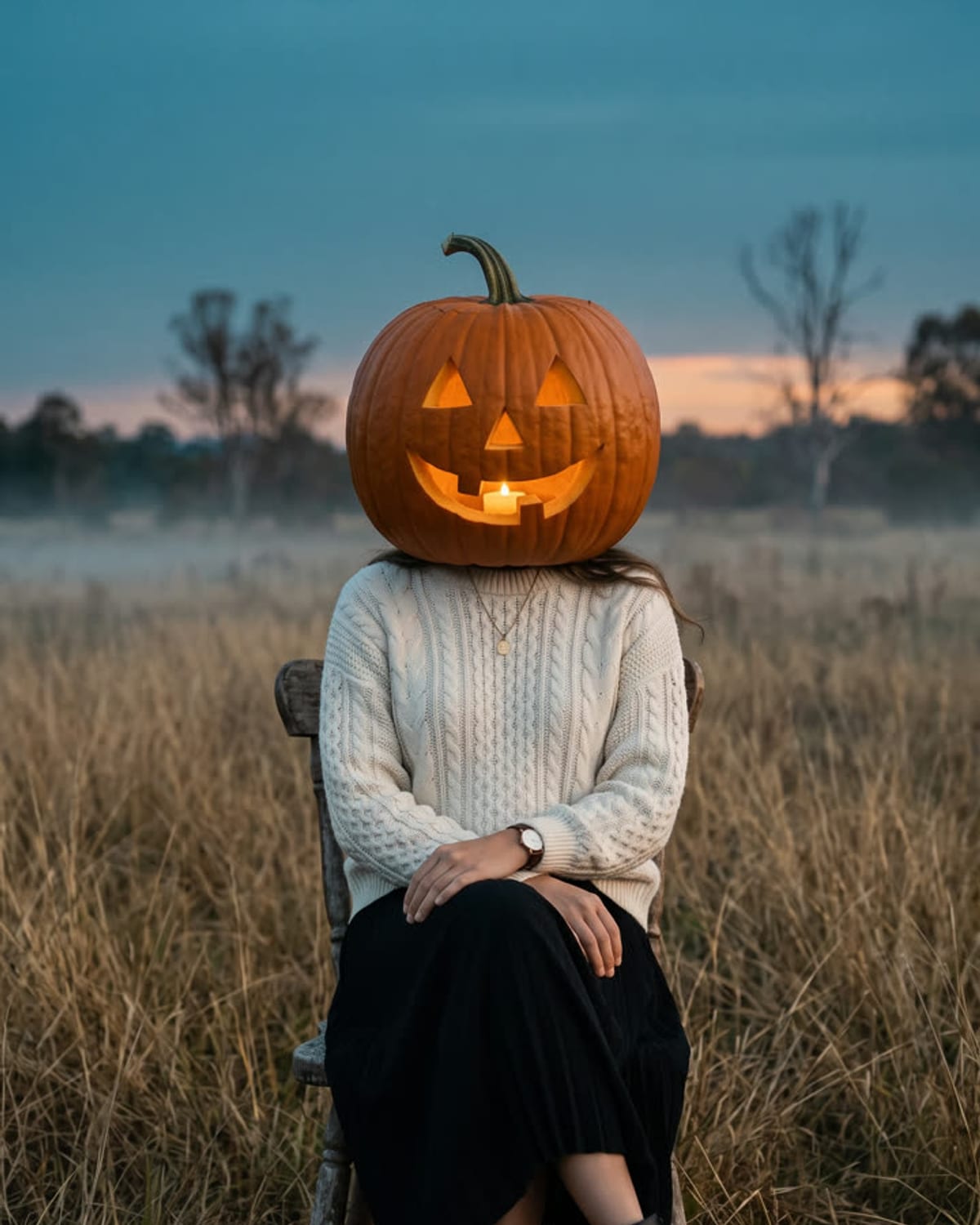
Pumpkin Head
Your outfit, your pose, and a glowing jack-o'-lantern for a head.
1 photo · from 51 credits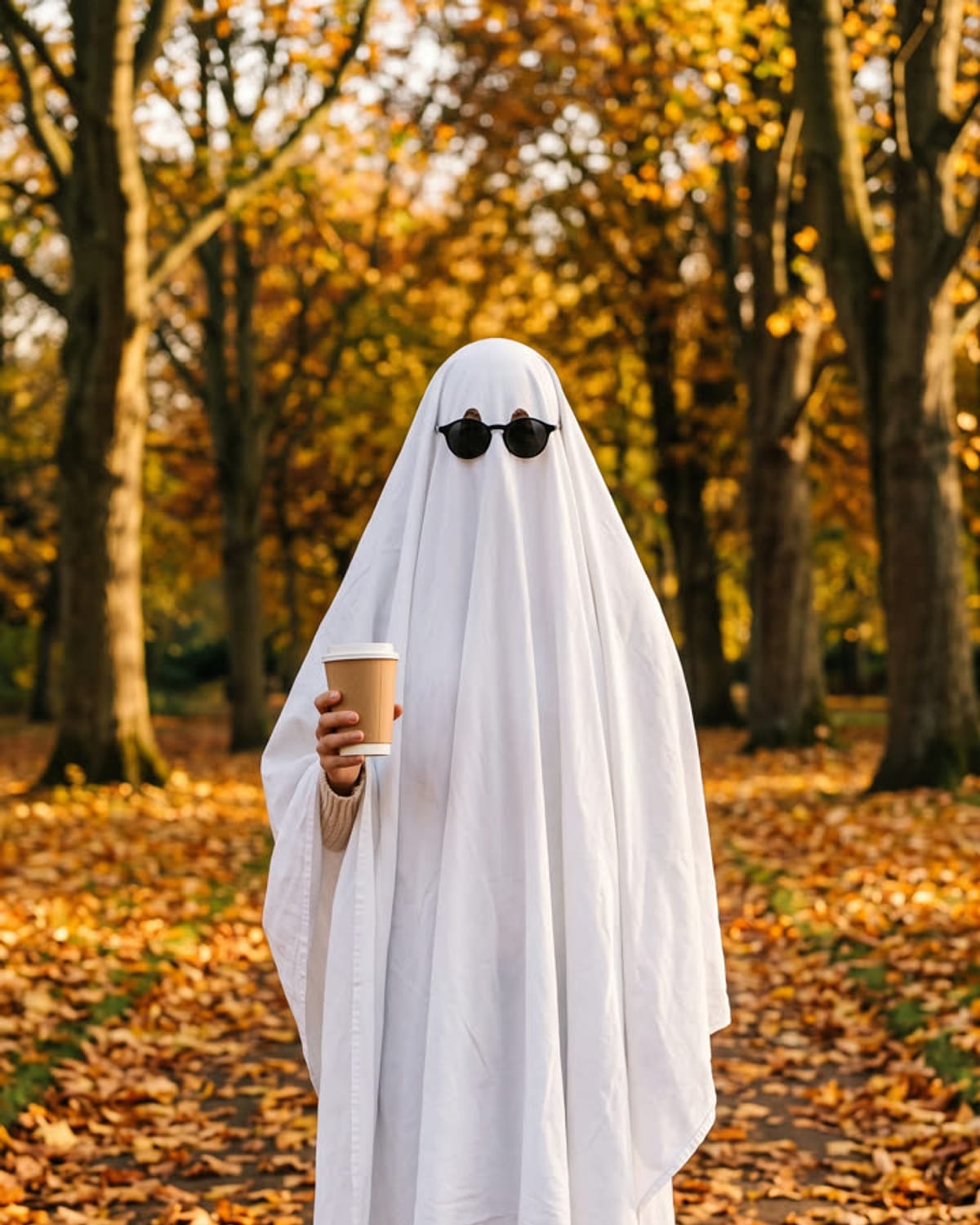
Ghost Photoshoot
A bedsheet ghost in sunglasses, wearing your jeans and shoes.
1 photo · from 51 credits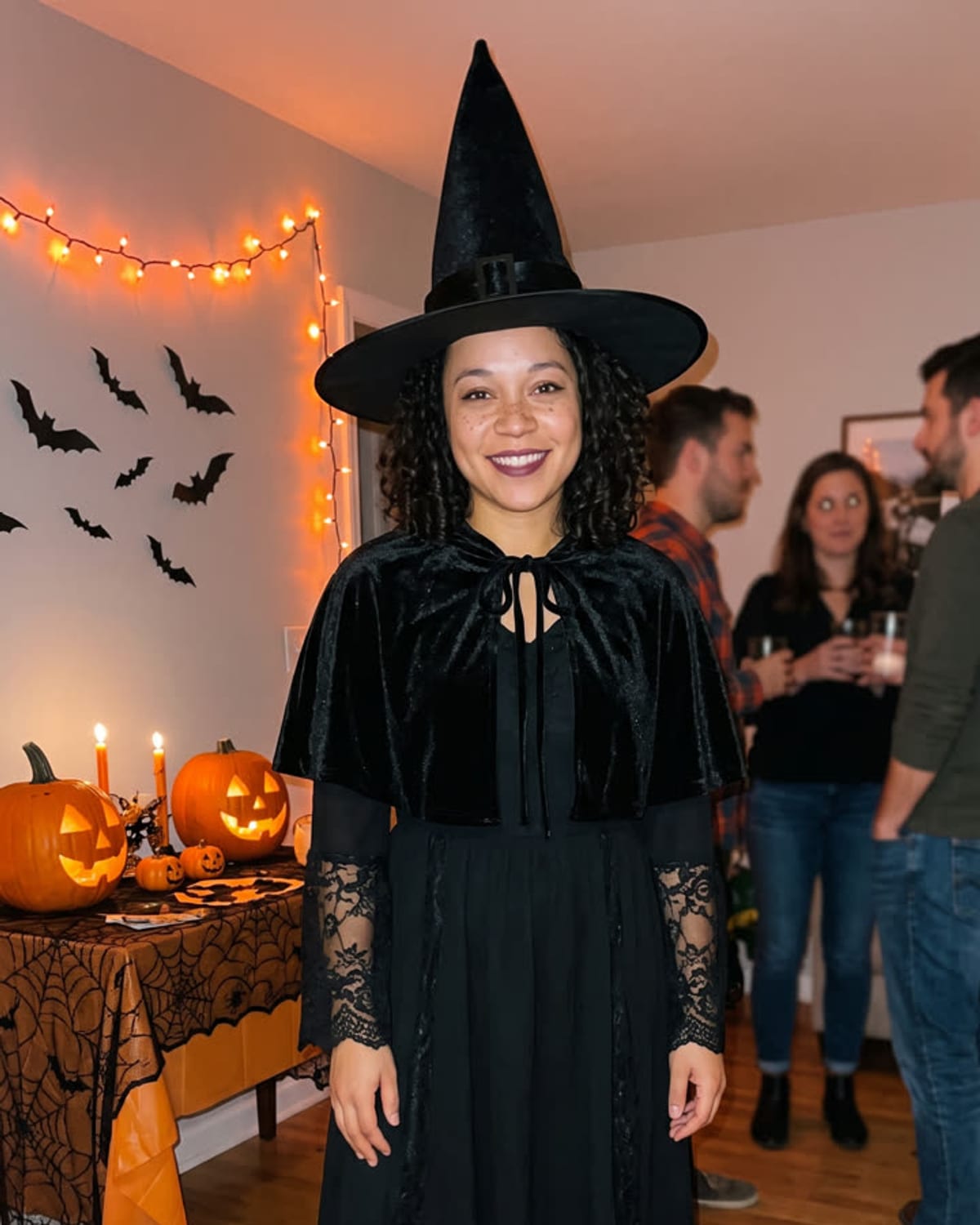
Halloween Costume
You as a vampire at a candlelit Halloween house party.
1 photo · from 51 credits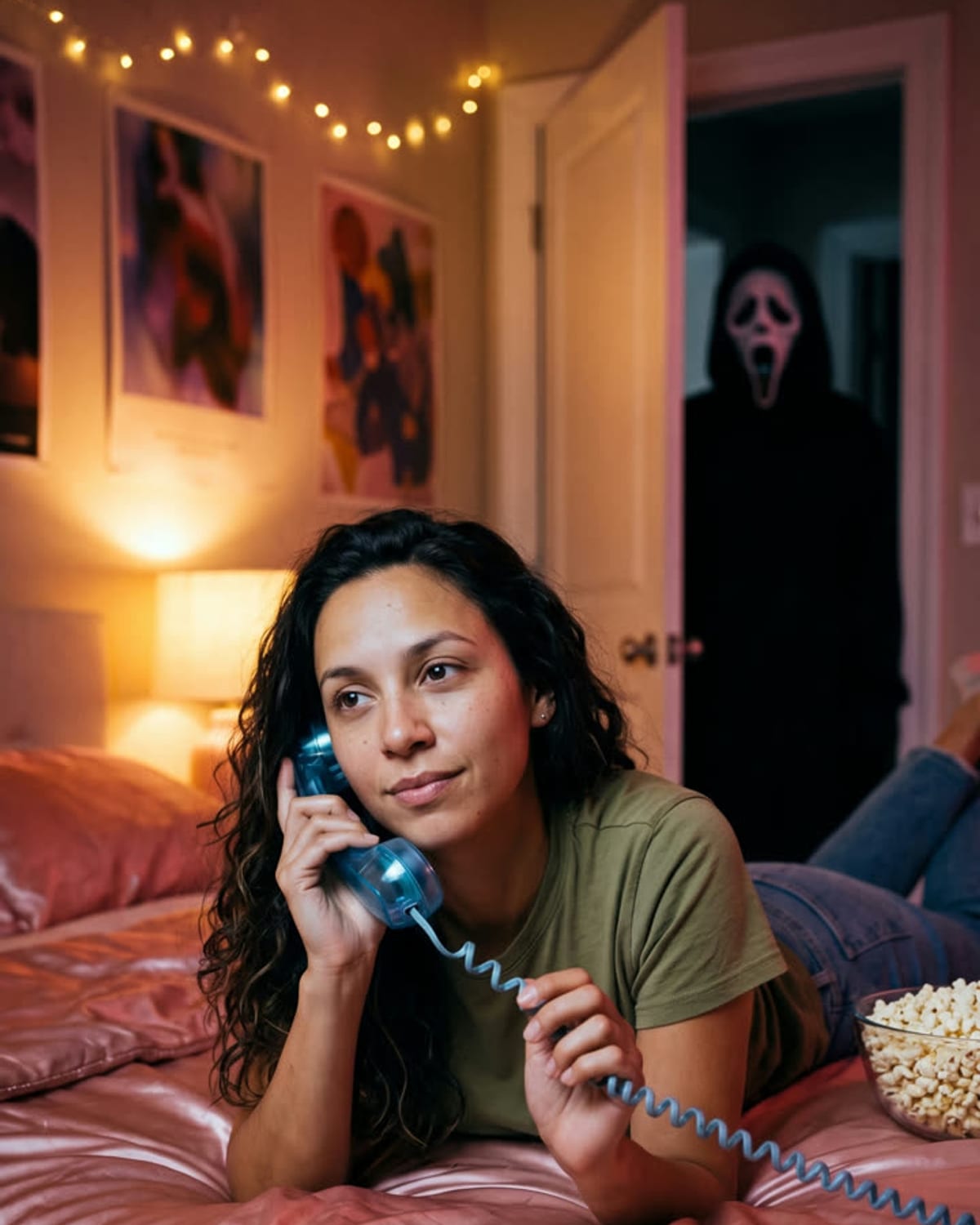
Ghostface Call
On the phone in bed, with a masked figure in the doorway.
1 photo · from 51 credits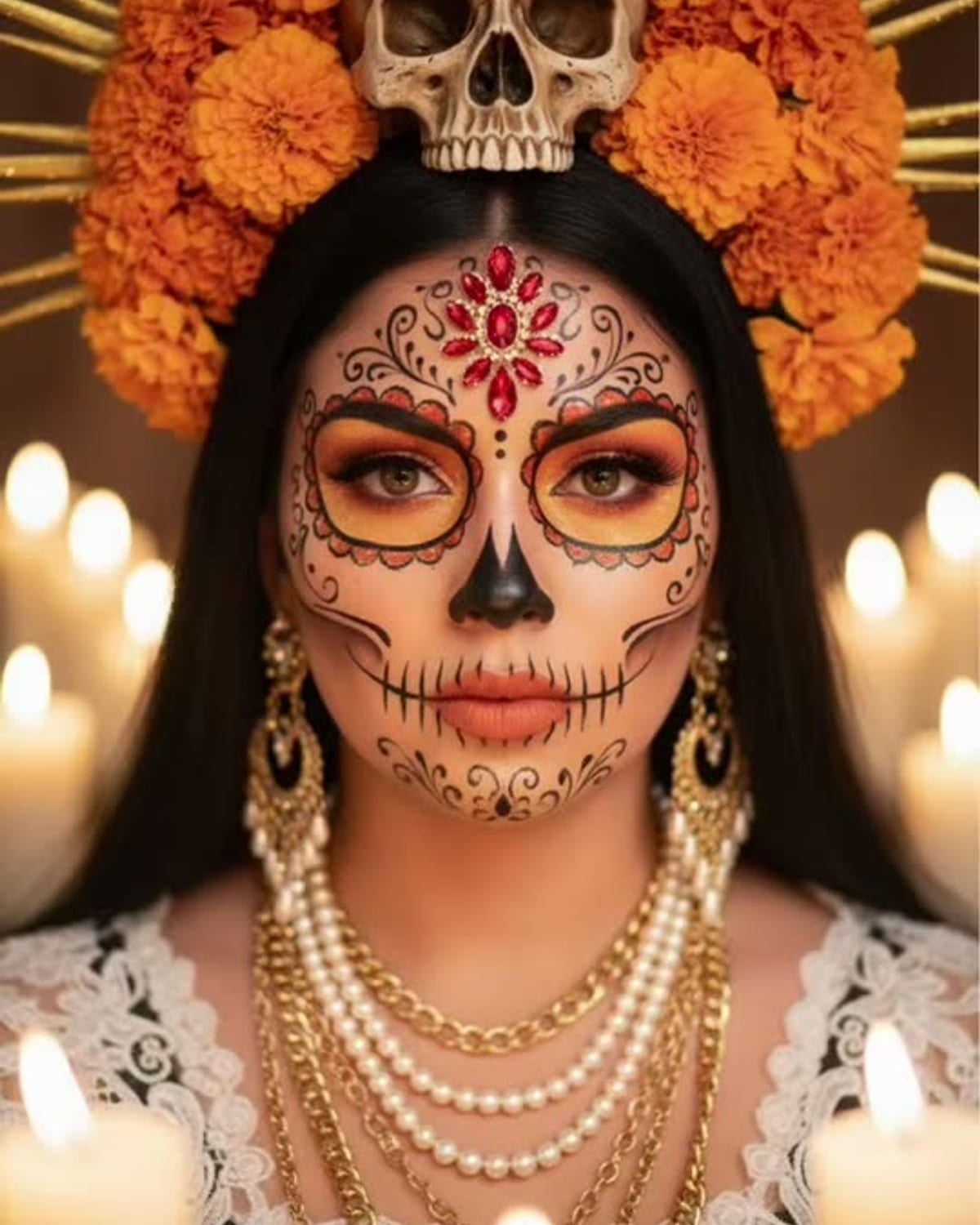
Catrina Makeup
A Day of the Dead portrait in sugar-skull makeup and a crown of red roses.
1 photo · from 51 credits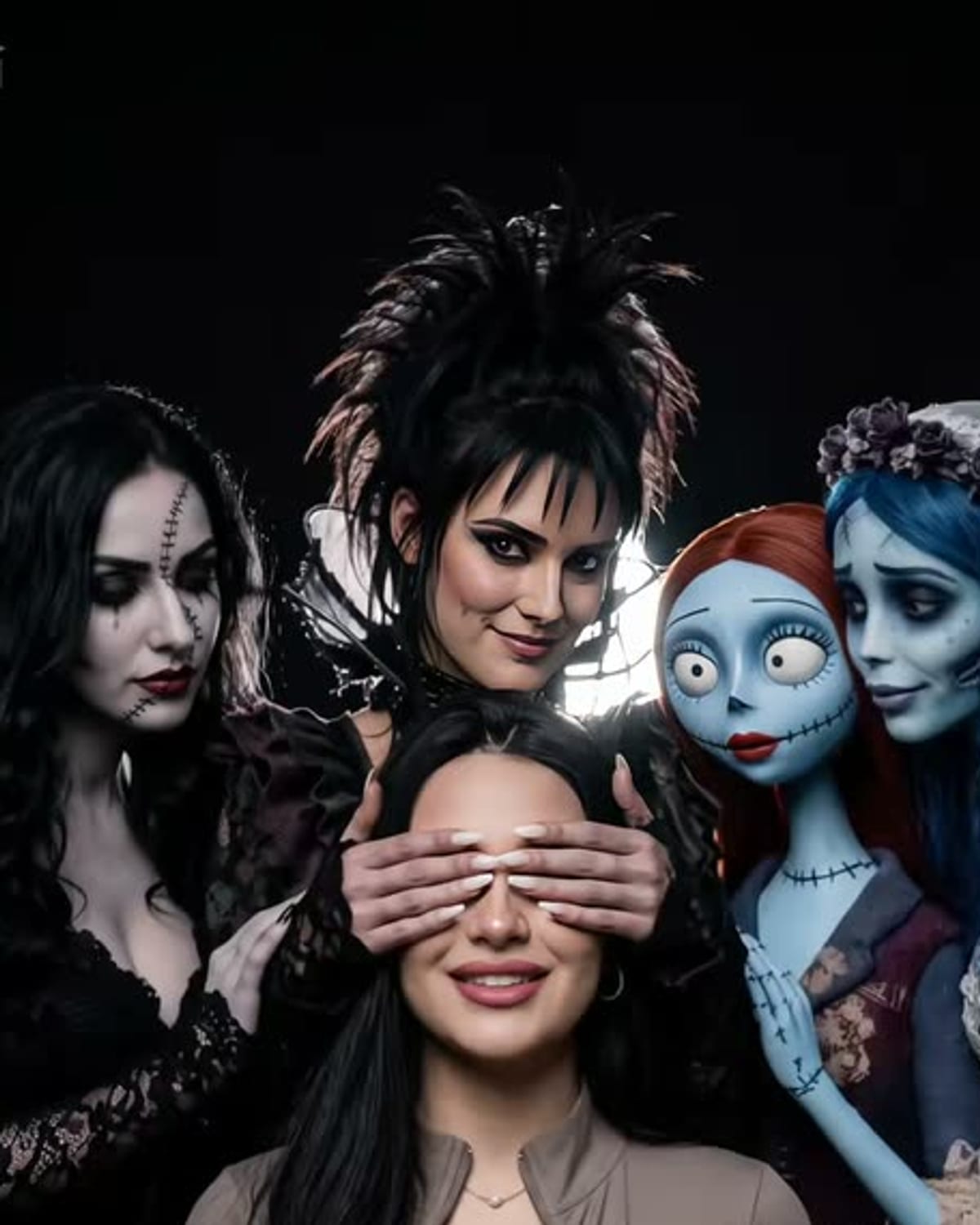
Tim Burton-Style Girls
A dark studio portrait with pale gothic women and dolls leaning in.
1 photo · from 51 credits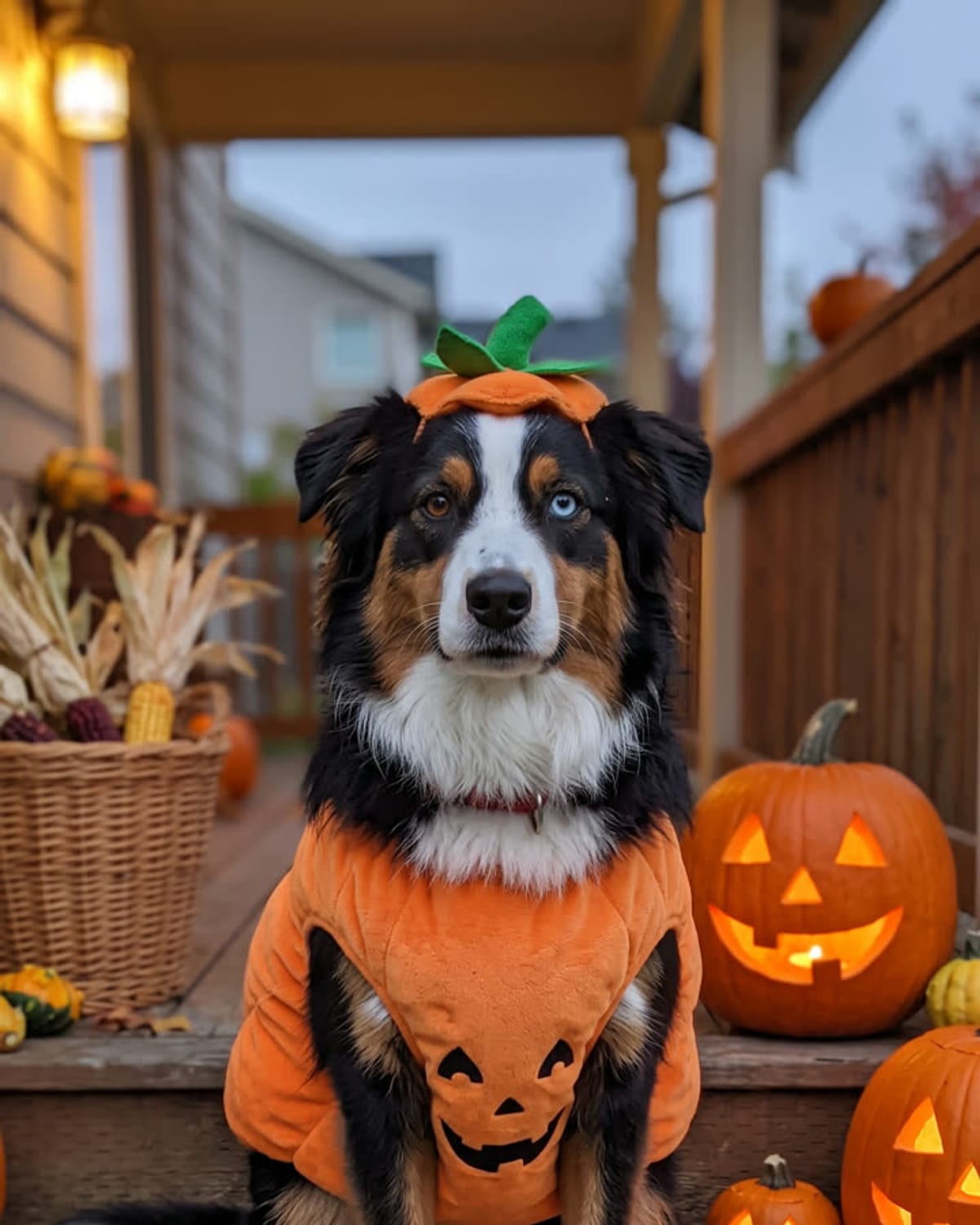
Pet Halloween Costume
Your dog or cat in a cosy pumpkin costume.
1 photo · from 51 credits
How to make a Halloween AI photo
Three steps, no editing skills needed.
- 01
Pick a Halloween look
Choose a trend below. Each one has its own scene, lighting and costume already set.
- 02
Upload one photo
Add a clear photo of yourself, or of your dog or cat for the pet costume. No costume or props needed.
- 03
Get your image
Your Halloween photo is ready in about a minute and saved to your assets, ready to post.
Questions & answers
What are the most popular Halloween AI photo trends?
This season's viral looks include Pumpkin Head, Ghost Photoshoot, Halloween Costume, Ghostface Call, Catrina Makeup, Tim Burton-Style Girls, Pet Halloween Costume. Each one is on this page with an example result.
Do I need a costume or makeup?
No. Upload an everyday photo and the trend adds the costume, makeup, props and scene. For most looks your own clothes are kept.
Can I make a Halloween photo of my pet?
Yes. The Pet Halloween Costume trend dresses your dog or cat in a pumpkin costume from a single pet photo.
How much does a Halloween AI photo cost?
Each image costs Oakgen credits, starting from 51 credits. The exact price is shown on each trend before you generate.
How many photos do I need?
One photo is enough for every Halloween trend on this page. A clear, well-lit photo gives the best likeness.