Is it still you?
Compare eyes, nose, hairline and skin tone with your upload at full size. Candle glow can warm skin colour a little; a different face shape is the sign to start again from a sharper, more frontal picture.
Image trend
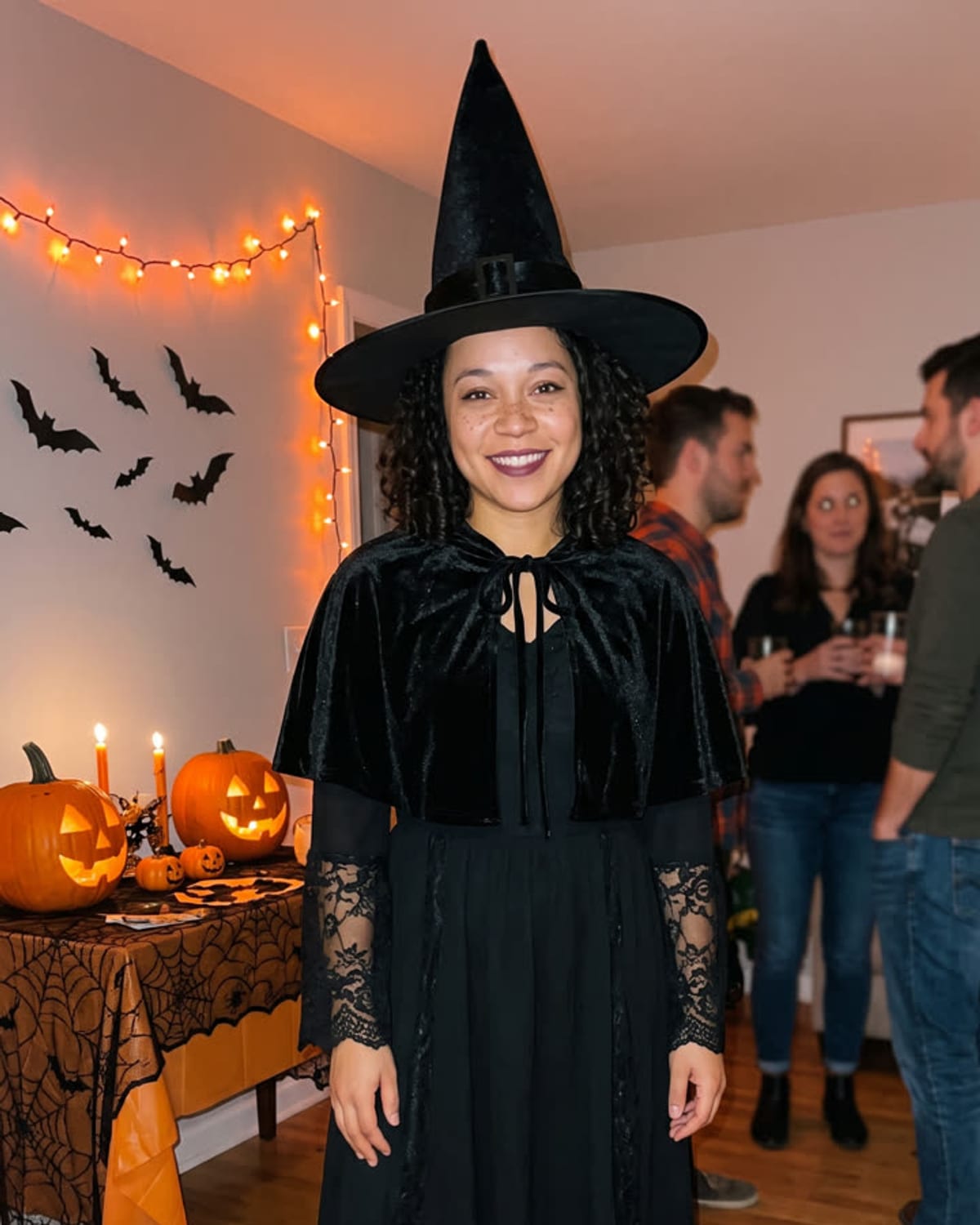
A candlelit party scene hides a lot in warm shadow. Before you post, look past the mood and check that the person in the cape is recognisably you and that nothing odd is lurking in the background.
Compare eyes, nose, hairline and skin tone with your upload at full size. Candle glow can warm skin colour a little; a different face shape is the sign to start again from a sharper, more frontal picture.
The high collar should rise behind your neck without cutting into your jaw, and the cape should hang from both shoulders. Count fingers and check that any hand resting on the cape looks natural.
The other costumed figures should remain soft and unrecognisable. If one looks like a real, identifiable person, or stray lettering appears on a wall, choose a different result rather than posting it.
You as a vampire at a candlelit Halloween house party. Add one clear photo; the look is already set.
A clear photo of your face, ideally with your upper body visible.
Pick a clear photo of your face.
The costume and the party are built in about a minute.
Save the image and share it anywhere.
Your face, hair and skin tone stay the same under the costume.
A high-collared cape, a dark suit or dress and subtle vampire details.
Pumpkins, candles and friends in costume softly blurred behind you.
One: a clear photo of you.
Your photos are used to make your image. Only upload photos of yourself, or of people who have agreed to it.
Check your plan's terms for what you can do with generated images. They apply to your result.
About a minute. You can leave the page; the finished Halloween Costume image is saved to your assets.
Not yet. This trend always makes a classic vampire costume so the look stays consistent.
Pick a premise, choose the right photo, and turn one finished image into a post worth sharing.
AI Halloween costume photo ideas for the vampire trend: post concepts, a face photo plan, honest captions and a checklist for a candlelit party image of you.
What the AI Halloween costume trend is, what is documented about the vampire look, and how a fixed one-photo vampire template compares with prompt-based generators.
Compare seven Halloween AI photo trends by the photo they need, what stays yours and what each finished image is best for, then pick the one that fits.
One photo, about a minute. A velvet cape, a candlelit party and no costume shopping.