Choose an outdoor photo
Pick a clear photo of you on a street, terrace or similar spot, with a background you are happy to keep, since it stays as shot. Add it to the single upload slot.
Image trend
Prompt tools for this look expose controls like line weight and border thickness. This template fixes them, so the steps are short.
Pick a clear photo of you on a street, terrace or similar spot, with a background you are happy to keep, since it stays as shot. Add it to the single upload slot.
The ink character and border are created in roughly a minute, and the result is saved to your assets. You can leave the page in the meantime.
Run your eye once around the white outline and confirm your accessories made it into the drawing. Then download it and write your own caption, labelling the image as AI-made.
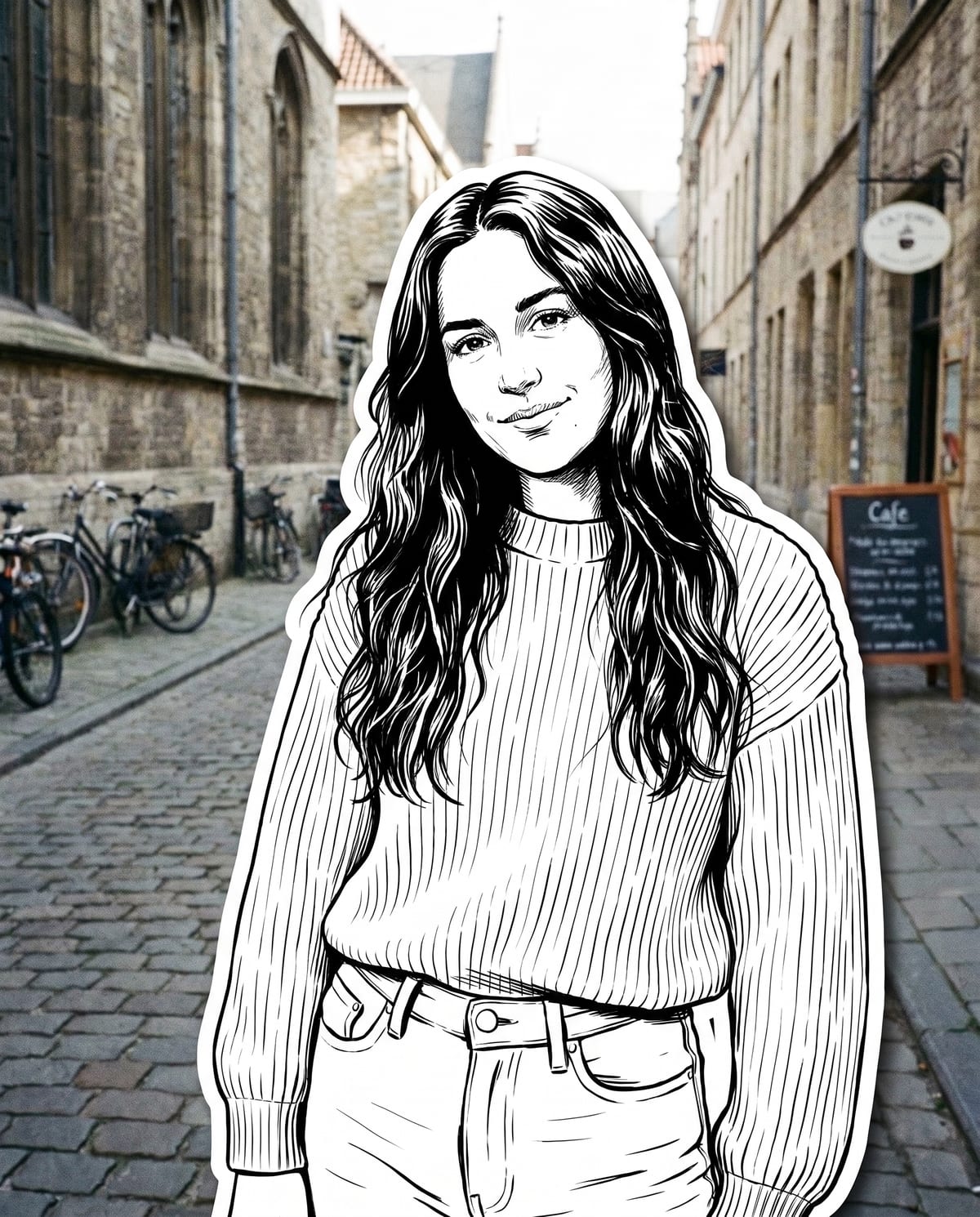
Become a bold ink character, collaged onto your street photo. Add one clear photo; the look is already set.
A clear photo of you outdoors, like a street or terrace.
Pick a street photo of you with a good background.
You become a collaged ink character in about a minute.
Save the image and share it anywhere.
Comic-style outlines, hatching and solid blacks, not a filter.
Glasses, caps, tattoos and outfit details are kept in the drawing.
A thick, clean white die-cut border over your untouched real street photo.
One: a clear photo of you.
Your photos are used to make your image. Only upload photos of yourself, or of people who have agreed to it.
Check your plan's terms for what you can do with generated images. They apply to your result.
About a minute. You can leave the page; the finished Street Character Collage image is saved to your assets.
No. Only you become the ink character. Your photo behind stays as it was.
Pick a premise, choose the right photo, and turn one finished image into a post worth sharing.
Street character collage ideas: outfits that survive black-and-white ink, colourful streets to contrast with it, sticker-style series and AI-labelled captions.
Sticker OOTD peel videos, black-and-white ink sticker prompts and die-cut selfie tools all use a white border. Compare them with Oakgen's Street Character Collage and pick the right one.
One photo, about a minute. A black-and-white you on a very real street.