Lead with the outfit
Name what you are wearing in the first line: “Denim on denim, inked by AI.” or “Striped tee, AI comic edition.” Because colour is dropped from the figure, the original photo is where people see the real colours.
Image trend
Sticker OOTD posts are outfit posts first. A black-and-white collage fits that format when the caption and the slide order point people to the outfit, then to the drawing.
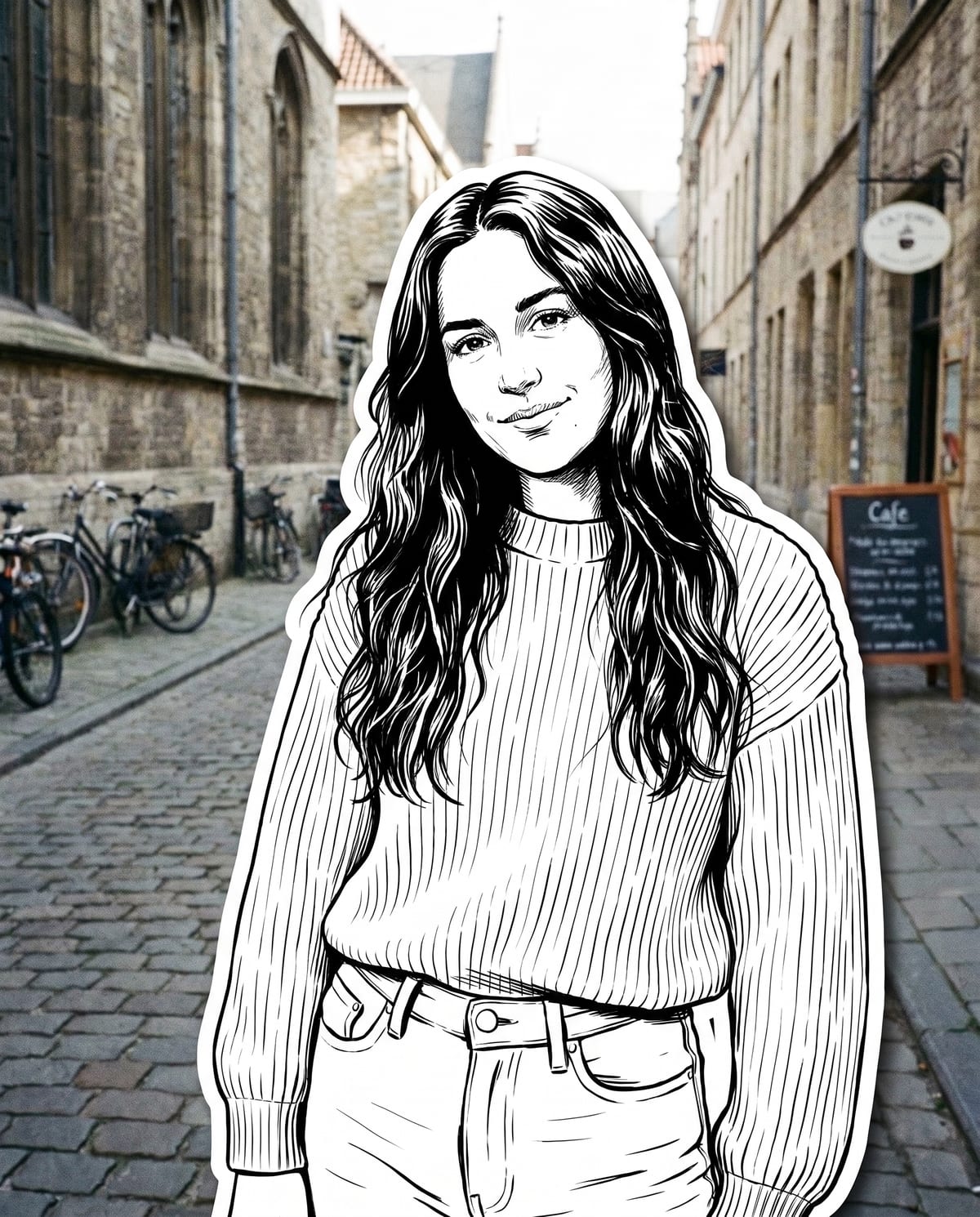
Name what you are wearing in the first line: “Denim on denim, inked by AI.” or “Striped tee, AI comic edition.” Because colour is dropped from the figure, the original photo is where people see the real colours.
Collage first, original second, and a close-up of the inked jacket, cap or jewellery third. Posting the original also shows that the street behind you is real, not generated.
This template makes one still image. The peeling-sticker motion seen in OOTD videos would be a separate edit you make yourself, and that clip deserves an AI-made label too.
Become a bold ink character, collaged onto your street photo. Add one clear photo; the look is already set.
A clear photo of you outdoors, like a street or terrace.
Pick a street photo of you with a good background.
You become a collaged ink character in about a minute.
Save the image and share it anywhere.
Comic-style outlines, hatching and solid blacks, not a filter.
Glasses, caps, tattoos and outfit details are kept in the drawing.
A thick, clean white die-cut border over your untouched real street photo.
One: a clear photo of you.
Your photos are used to make your image. Only upload photos of yourself, or of people who have agreed to it.
Check your plan's terms for what you can do with generated images. They apply to your result.
About a minute. You can leave the page; the finished Street Character Collage image is saved to your assets.
No. Only you become the ink character. Your photo behind stays as it was.
Pick a premise, choose the right photo, and turn one finished image into a post worth sharing.
Street character collage ideas: outfits that survive black-and-white ink, colourful streets to contrast with it, sticker-style series and AI-labelled captions.
Sticker OOTD peel videos, black-and-white ink sticker prompts and die-cut selfie tools all use a white border. Compare them with Oakgen's Street Character Collage and pick the right one.
One photo, about a minute. A black-and-white you on a very real street.