Use the original file
Upload the photo from your camera roll rather than a screenshot or a copy saved from a messaging app. Compressed copies can carry blocky artefacts that become easier to see once contrast drops.
Image trend
There is one upload slot and no grading controls; the warm-to-cool haze is a fixed recipe. That keeps the steps short, so most of the care goes into choosing the file and comparing the result.
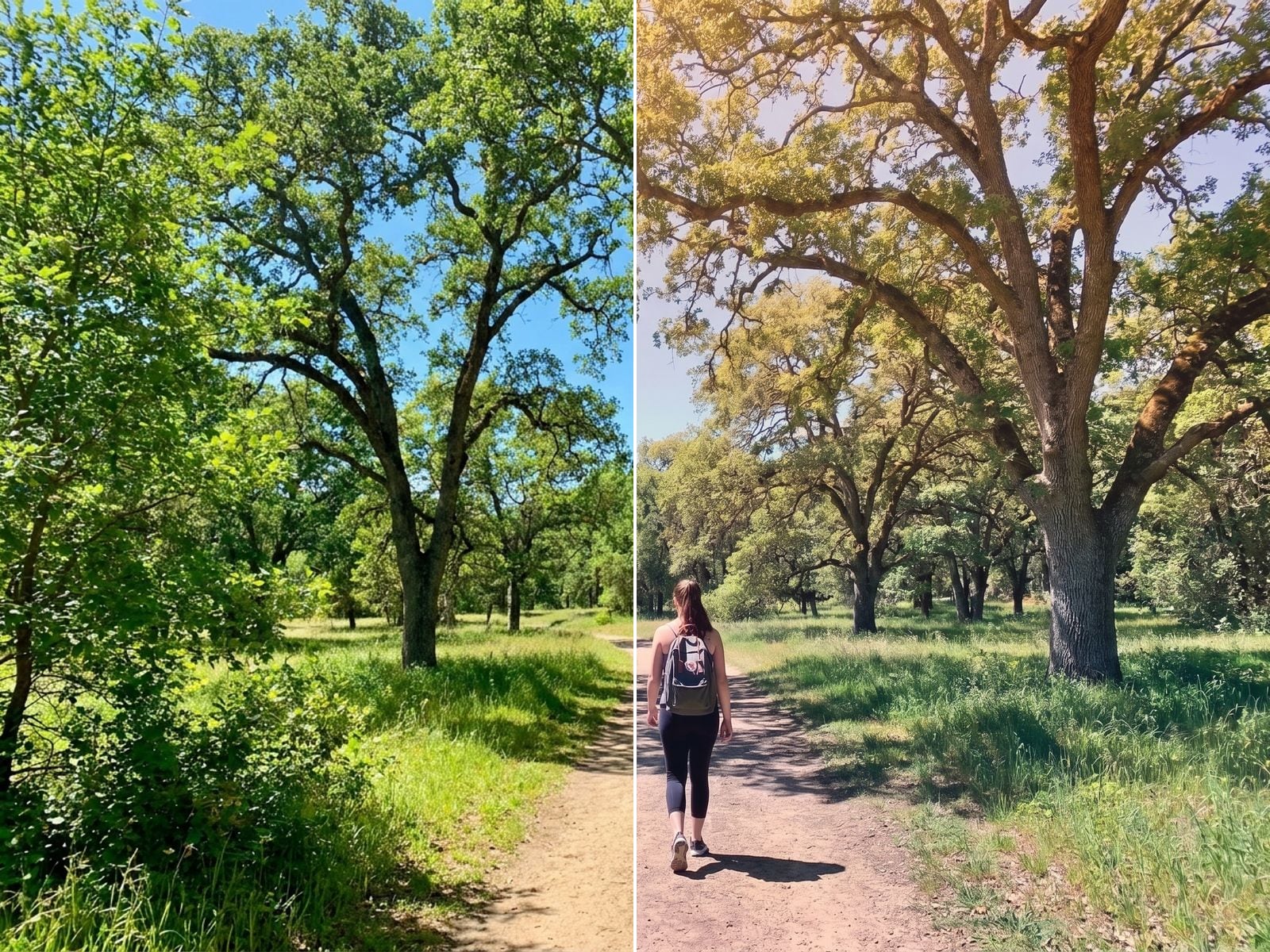
Upload the photo from your camera roll rather than a screenshot or a copy saved from a messaging app. Compressed copies can carry blocky artefacts that become easier to see once contrast drops.
After upload, colour, haze and grain are applied in about a minute. You can close the tab; the finished image is saved to your assets in the same shape as the photo you gave it.
Open the result next to the original and start with the sky, where a smooth fade should replace any hard colour steps. Then look at the people, whose faces should be unchanged apart from the light falling on them.
A smooth, hazy colour gradient across your own photo. Add one clear photo; the look is already set.
Any photo: a landscape, a street, a portrait.
Pick any photo you want to re-grade.
Soft haze and a smooth colour gradient are applied in about a minute.
Save the image in the same shape as your original.
Composition, people and faces are kept as they were. Only the light and colour change.
Warm highlights fade into cool, muted shadows, with low contrast and fine film grain.
Landscapes, city streets and portraits all take the grade well.
One: any photo you want to re-grade.
Your photos are used to make your image. Only upload photos of yourself, or of people who have agreed to it.
Check your plan's terms for what you can do with generated images. They apply to your result.
About a minute. You can leave the page; the finished Color Gradient image is saved to your assets.
No. The aim is to keep your composition, subjects and faces as they are and only change the light, colour and atmosphere.
Pick a premise, choose the right photo, and turn one finished image into a post worth sharing.
Color gradient photo ideas: which shots to re-grade, how to build a before-and-after carousel or a matching photo set, and what to check in the hazy result.
Cinematic color grading AI looks compared: the hazy Color Gradient grade, teal-and-orange movie prompts, grainy anti-AI film edits and gradient overlay filters.
One photo, about a minute. The same moment, in softer, graded colour.