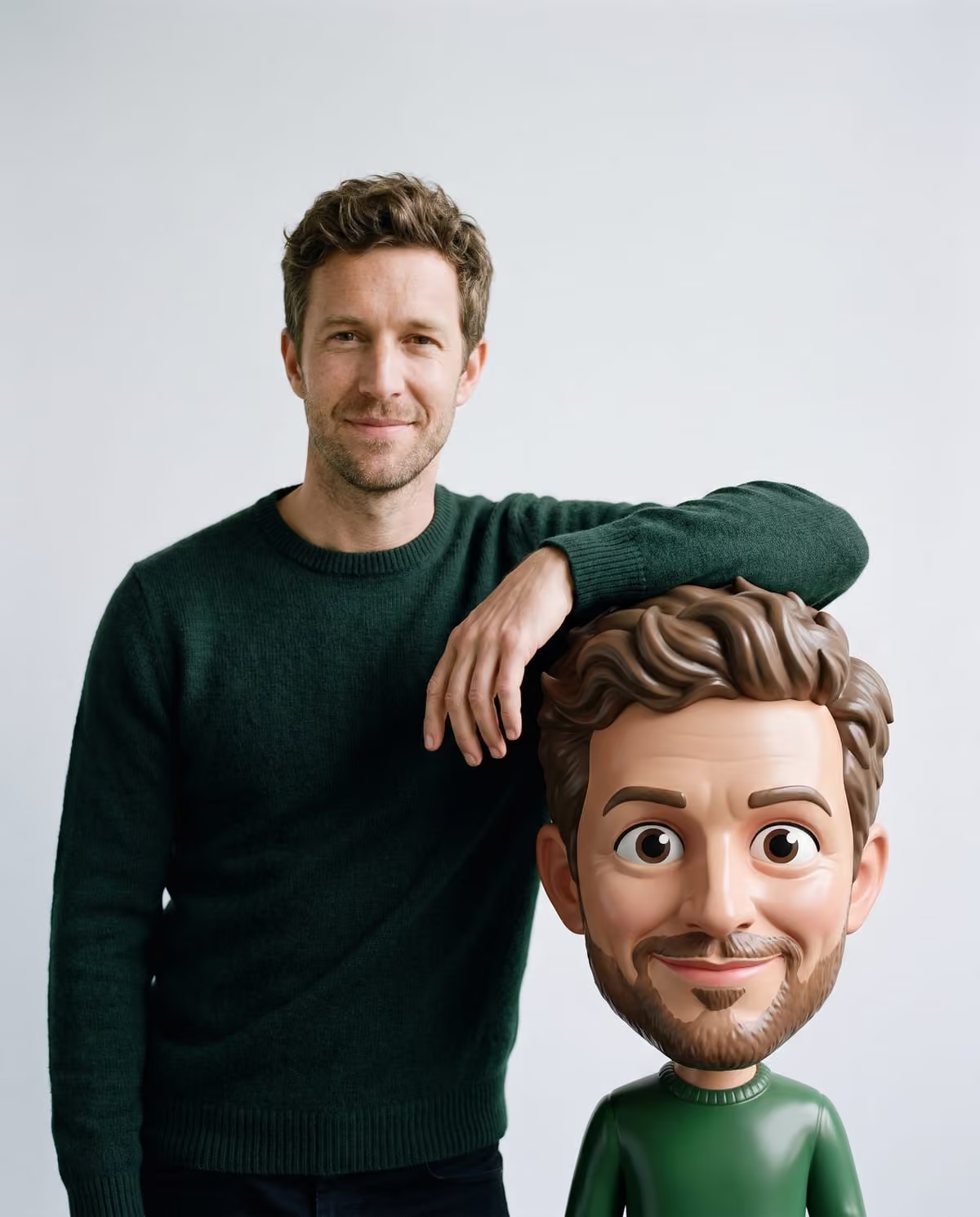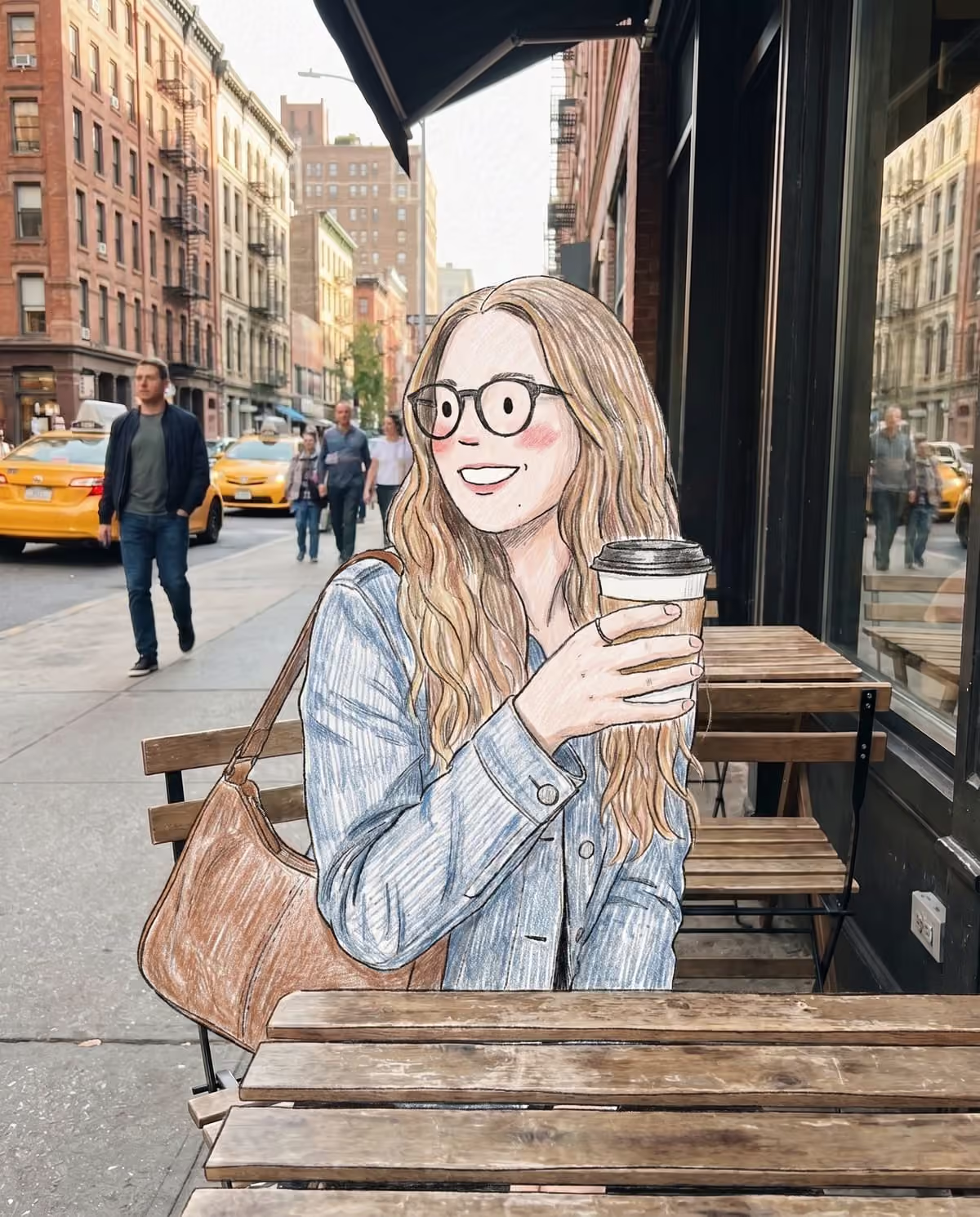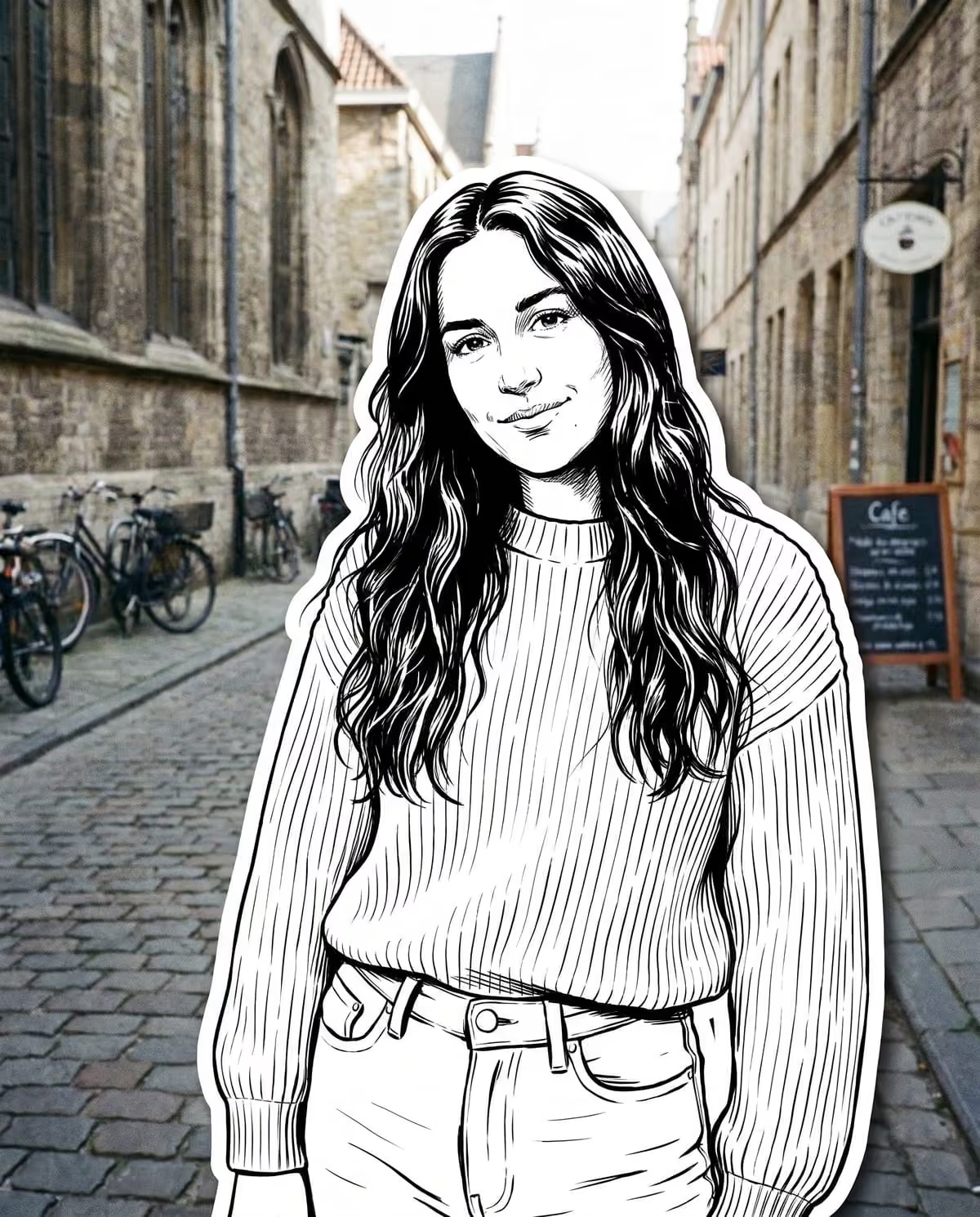
A thick white border around a person is one of the most recognisable shapes in 2026 photo edits. It shows up in outfit videos, sticker prompts and selfie tools, and each uses it differently. Oakgen's Street Character Collage is one more variation: you become a black-and-white ink character with a white die-cut edge, pasted onto your own colour street photo. This comparison shows how it relates to the others.
Ink yourself onto your street photo
Upload one outdoor photo and become a bold black-and-white comic character with a white cut-out border.
AI sticker OOTD: the peel-off outfit video
WeShop's June 10, 2026 guide describes AI sticker OOTD posts it says have been showing up on Instagram, Pinterest and TikTok. An outfit photo looks ordinary until a hand enters and peels the person off as if they were a paper sticker with a clean white edge. The figure stays in colour, the format is a short video, and the sound design is paper and peeling noises rather than a named song.
What it shares with the collage: the white die-cut border and an outfit-first mindset. What it does not share: the ink drawing and the still format.
Black-and-white ink sticker prompts
Closer in look are two community prompt tools on YouMind, both updated in September 2026:
- Hand-Drawn Doodle Sticker turns a person or pet into a black-and-white sticker with thick ink outlines, sparse crosshatching and an irregular off-white border, while the real background, lighting and composition stay unedited. Its controls include line width and border thickness.
- Black-and-White Sticker Poster renders the person as a minimalist black-and-white hand-drawn sticker on a colour, realistic scene, and adds handwritten text and decorative doodles.
These are prompt tools, not documented trends. We found no creator, date of first post or attached song for either.
Die-cut selfie tools
Some editors, such as CapCut's Dreamina stickers-on-face page, add a white border and die-cut effect to selfies. The page claims these layouts are dominating TikTok; that is the tool maker's claim and we have not verified it. These tools keep you photographic rather than drawing you.
Side by side
| AI sticker OOTD | Ink sticker prompts | Die-cut selfie tools | Oakgen's Street Character Collage | |
|---|---|---|---|---|
| Format | Short video | Still image | Still image | Still image |
| You become | A colour photo sticker | A black-and-white drawn sticker | A bordered photo cut-out | Black-and-white comic ink line art |
| Background | Original photo | Original or colour scene | Varies | Your untouched colour photo |
| Extras | Hand and peel motion | Text and doodles in one tool | Varies | None: no text, no logos |
| Settings | Prompted per post | Line, fill and border controls | Varies | Fixed |
What Street Character Collage makes
The template redraws you in comic line art with confident inked outlines, hatching and solid spot blacks, keeping strong detail in your outfit. Glasses, caps and hats, jewellery and tattoos stay clearly visible, and your face stays recognisable. A smooth, even, thick white border runs all the way around you with a very subtle drop shadow, as if you had been cut from paper and pasted on. Your pose and position do not move, and the street, terrace or similar background stays a real colour photograph.
There is nothing to set: no line weight, border width or style choice. You upload one photo and get one 4:5 image. The black-and-white sticker source page has the short version of this comparison.
Which one should you use?
You want motion and a reveal
A peel-off video is the sticker OOTD format. This template does not animate. If you build a peel edit from your collage yourself, label it as AI-made.
You want to tune the drawing
The prompt tools give you control over lines, fill and border. Expect more attempts.
You want an ink comic version of you on a street you like
That is this template. Because colour leaves the figure, patterned outfits and visible accessories give the ink the most to draw. The photo guide explains what to pick, and the comic collage how-to has the steps.
After you make one
Check the border, the ink and the background with the die-cut white border checklist. To post it as an outfit piece, the AI sticker OOTD caption plan has outfit-led lines and a swipe order with your original photo, which also shows that the street is real. For outfit, backdrop and carousel ideas, read street character collage ideas.
Frequently asked questions
Is Street Character Collage the AI sticker OOTD trend?
Not exactly. Sticker OOTD posts are colour outfit videos where a hand peels a white-bordered person off the photo. Street Character Collage makes one still image with you redrawn in black-and-white ink, bordered in white, on your untouched street photo.
Does this collage look have an official trend name?
We did not find one. The closest public names are community prompt tools such as Black-and-White Sticker Poster and Hand-Drawn Doodle Sticker, and none is documented as a viral trend with a creator, date or song.
Can I make the ink figure peel off?
No. The template makes a still image. Any peel animation would be a separate edit you make yourself, labelled as AI-made.
Continue your project
Street character collage ideas · AI photo trend playbook · All trends