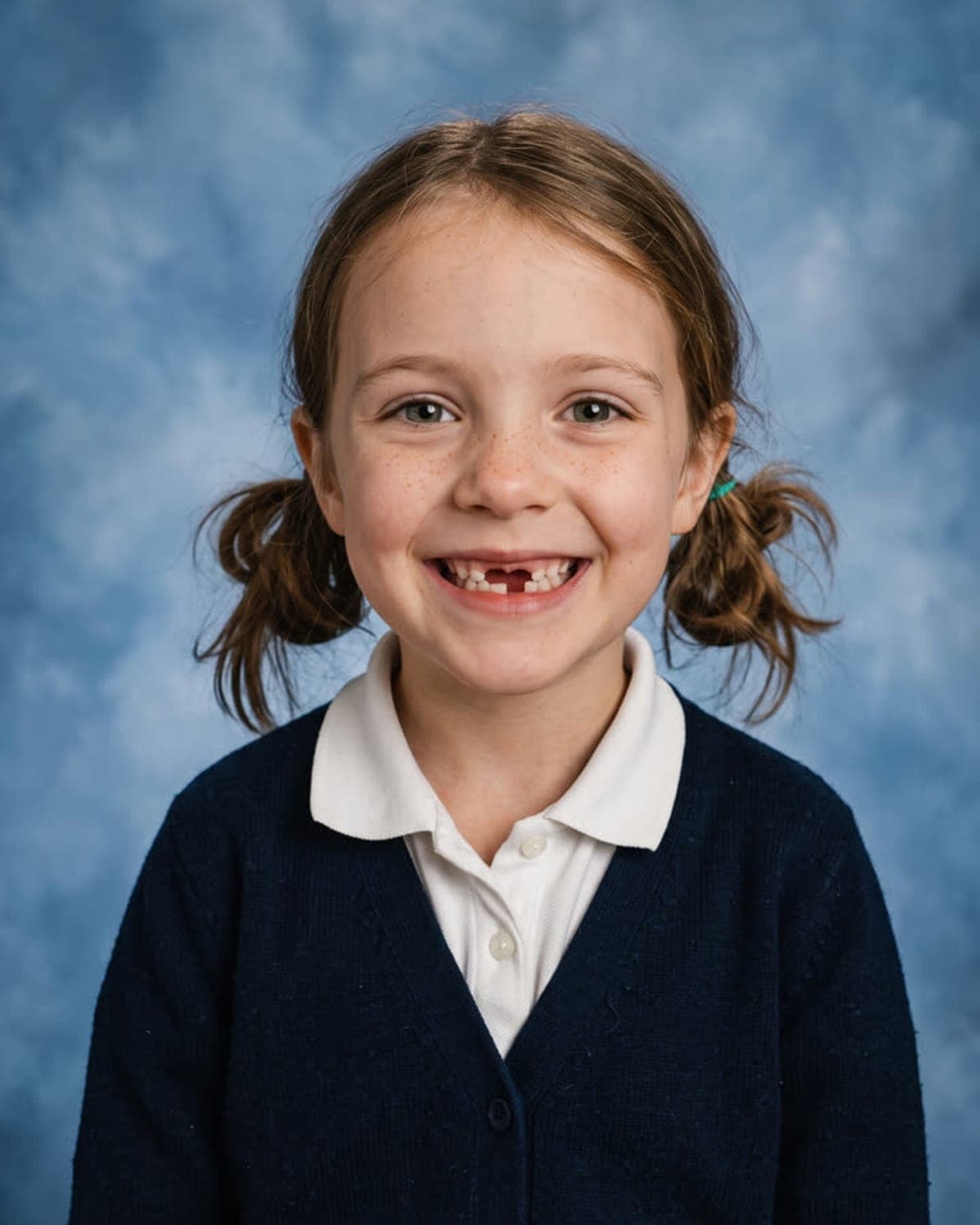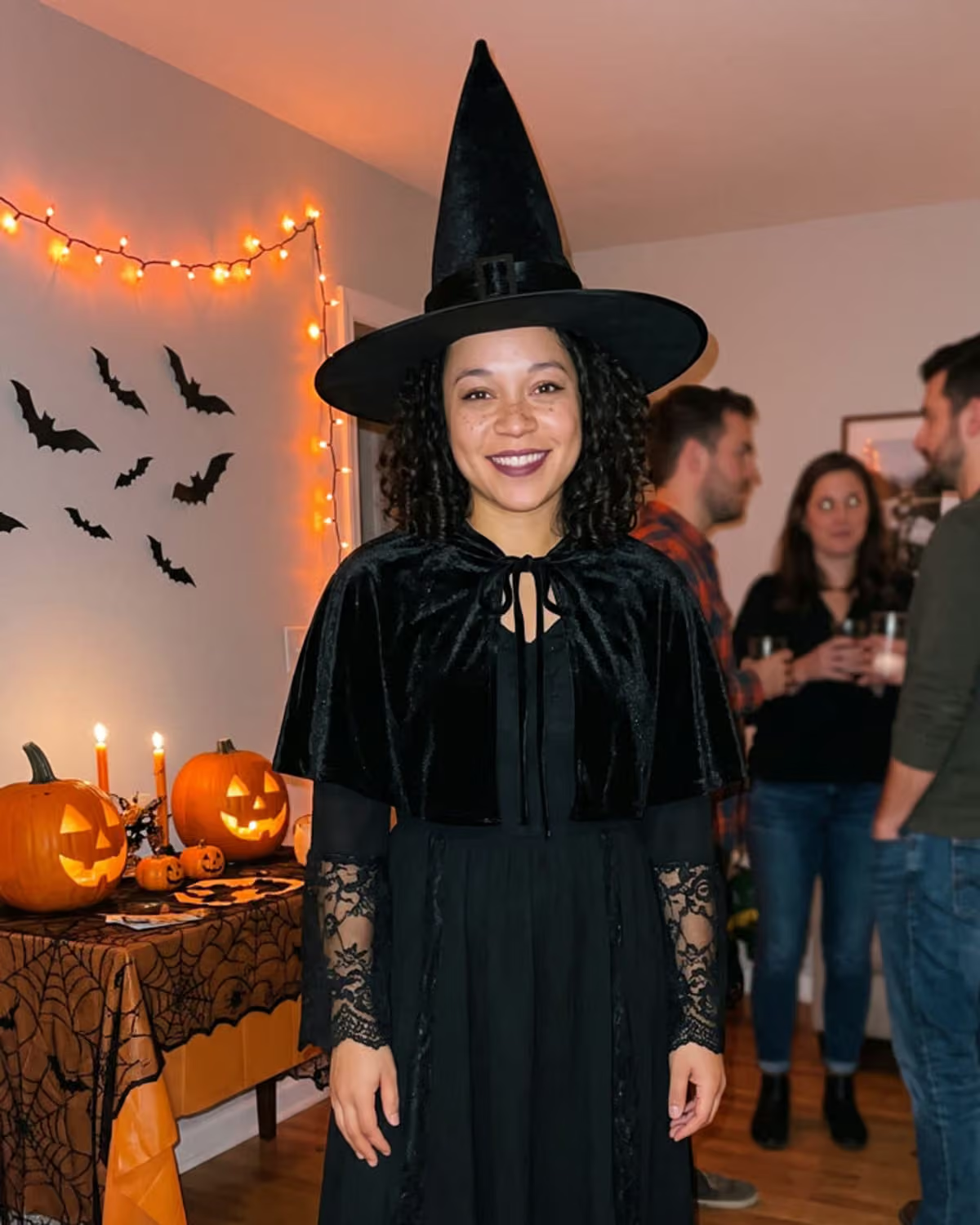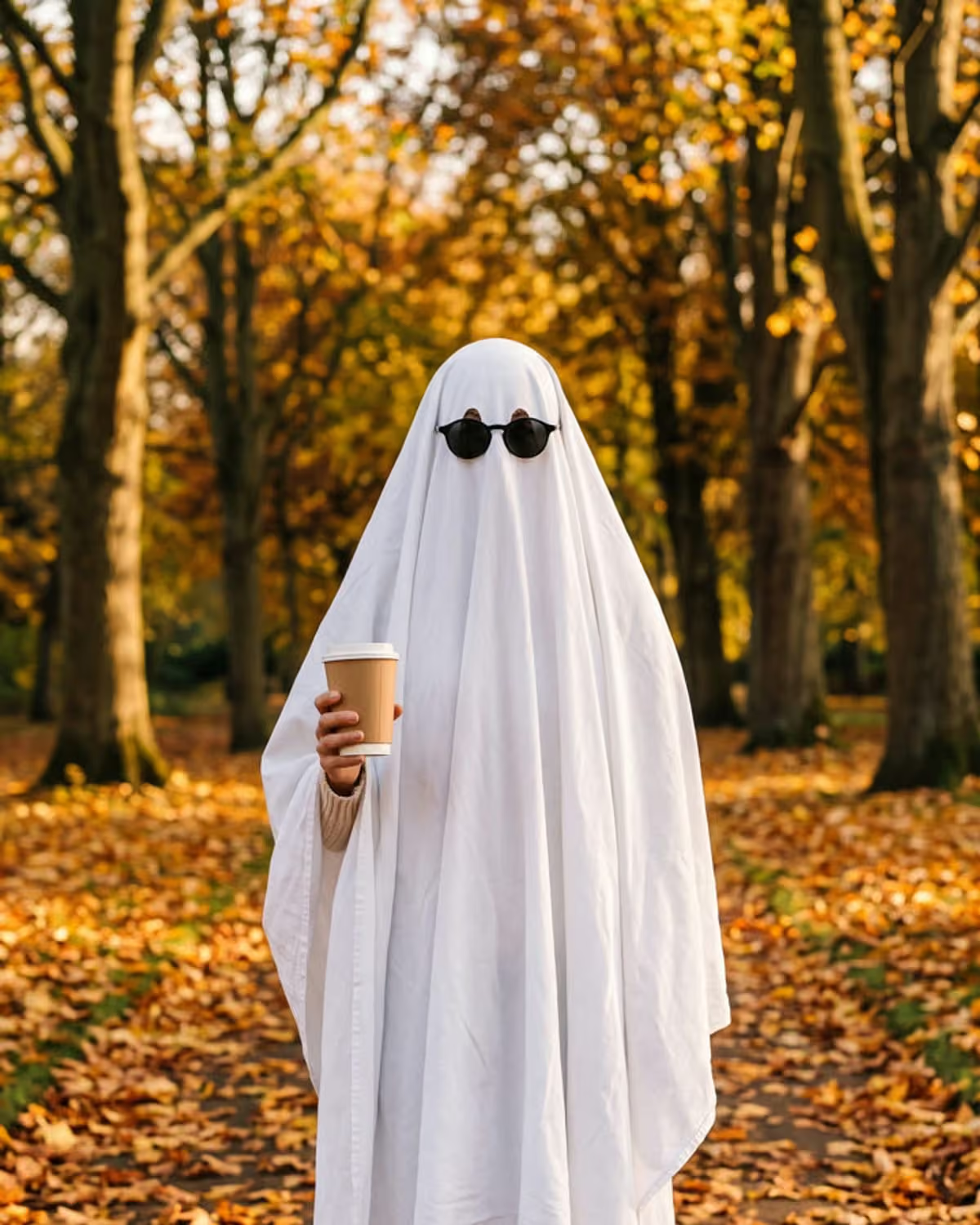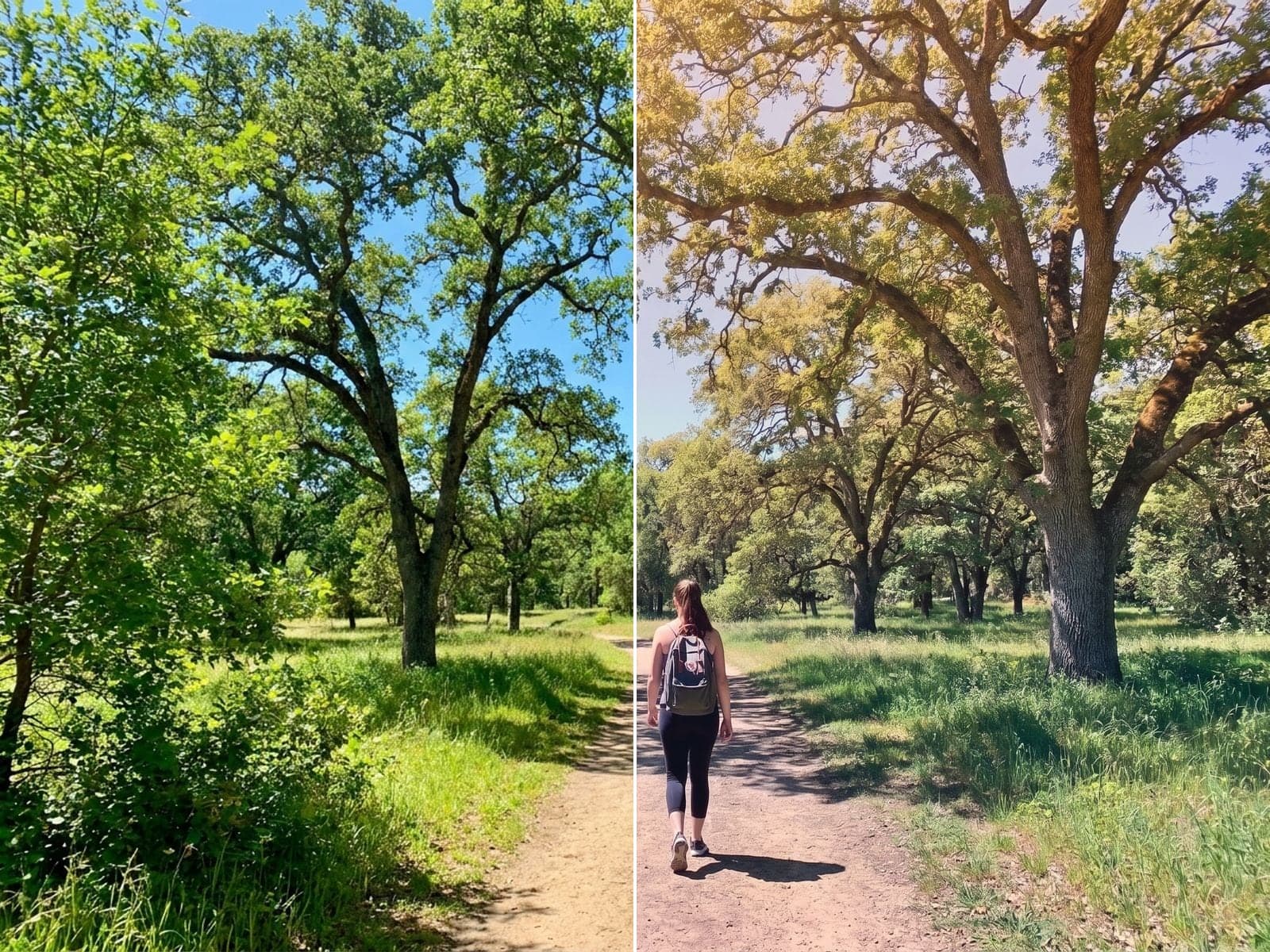
Most phone photos are technically fine and emotionally flat: correct exposure, true colours, no mood. The Color Gradient trend changes only that last part. Your framing, people and faces stay where they are; the light becomes a soft, hazy fade from warm highlights to cool, muted shadows, with low contrast and fine grain.
That makes Color Gradient less of a one-off effect and more of a finishing step for photos you already have. This guide covers which photos to pick, three project formats, and what to check before you post. If you are deciding between this and a teal-and-orange or grainy film edit, read how Color Gradient compares with other cinematic looks first.
Re-grade one of your photos
Upload any photo. The composition stays put; the colour and light change in about a minute.
Which photos take a cinematic color grade well
A gradient needs space to travel across. Photos with a horizon, a stretch of sky or open ground give the warm-to-cool fade somewhere to go. Tight, cluttered frames and night shots give it less to work with.
| Photo type | Why it works | Watch for |
|---|---|---|
| Landscape with sky | The fade has a natural top-to-bottom path | A blown-out white sky has no detail to grade |
| Quiet street in daylight | Buildings and road pick up the haze | Very busy signage can look muddy once contrast drops |
| Portrait outdoors | Skin warms in the highlights, background cools | Harsh midday shadows on the face stay harsh |
| Beach or lake | Water and sky carry the colour shift | A tilted horizon is more obvious in a calm grade |
| Night city shot | Usually weaker | Dark frames turn grey rather than hazy |
Start from the sharpest, best-exposed version you have. The grade lowers contrast on purpose, so a slightly soft or dark original can end up looking washed out instead of cinematic. The photo choice guide goes deeper on picking between two similar shots.
Three color gradient photo projects
1. The before-and-after carousel
Put your original first and the graded version second. The comparison shows the change without explanation, because everything except the colour is identical. The before-and-after caption guide has caption lines that name the edit.
2. The matched trip set
Pick five or six photos from one trip, ideally shot in similar daylight, and run each through the trend. Because every image gets the same kind of grade, the set reads as one series in a grid or carousel. Order them by time of day so the mood flows. Caption idea: "Lisbon, re-graded. Colour by AI, memories by me." (Swap in your own place.)
3. The one-photo story
Choose a single photo that matters, such as a first view of a city or a walk with someone, and post only the graded version with a short line about the moment. The haze and grain do the scene-setting, so keep the caption plain.
How to give a photo a film look step by step
- Pick the photo using the table above, and use the original file instead of a screenshot.
- Upload it to the trend. There are no settings to choose; the grade is a fixed look.
- Download the result. It keeps the same shape as your original, so it lines up with the before image in a carousel.
- Compare the two side by side before posting.
The how-to guide walks through the same steps with more detail on originals.
Review checklist
Because the trend promises to change colour and nothing else, the check is mostly "did anything else move?"
- Same people, same faces. Compare expressions and hair with the original.
- Nothing added or removed. Look along the edges for new objects or missing ones.
- Smooth transitions. The fade between warm and cool should be gradual, with no visible bands or colour blocks in the sky.
- Readable shadows. If dark areas have become a flat grey, try a brighter original.
The banding and grain check explains the fix for each of these.
When you share, say the grade was AI-made, especially if the photo shows other people; only use photos of yourself or of people who agreed. For an overview of what the effect does, read the Color Gradient trend guide, and see how it compares with the other image trends in the AI photo trend playbook.
Frequently asked questions
What photos look best with the Color Gradient trend?
Sharp, well-exposed daylight photos with sky, hills or open space. The gradient needs room to fade from warm highlights to cool shadows, which a cramped or dark frame does not give it.
Can I make a whole set of photos match?
Yes. Run each photo through the trend separately. Because every image gets the same style of grade, a set of photos shot in similar light tends to look like a series.
Does the Color Gradient crop my photo?
No. The result is saved in the same shape as your original, with the composition kept as it was.