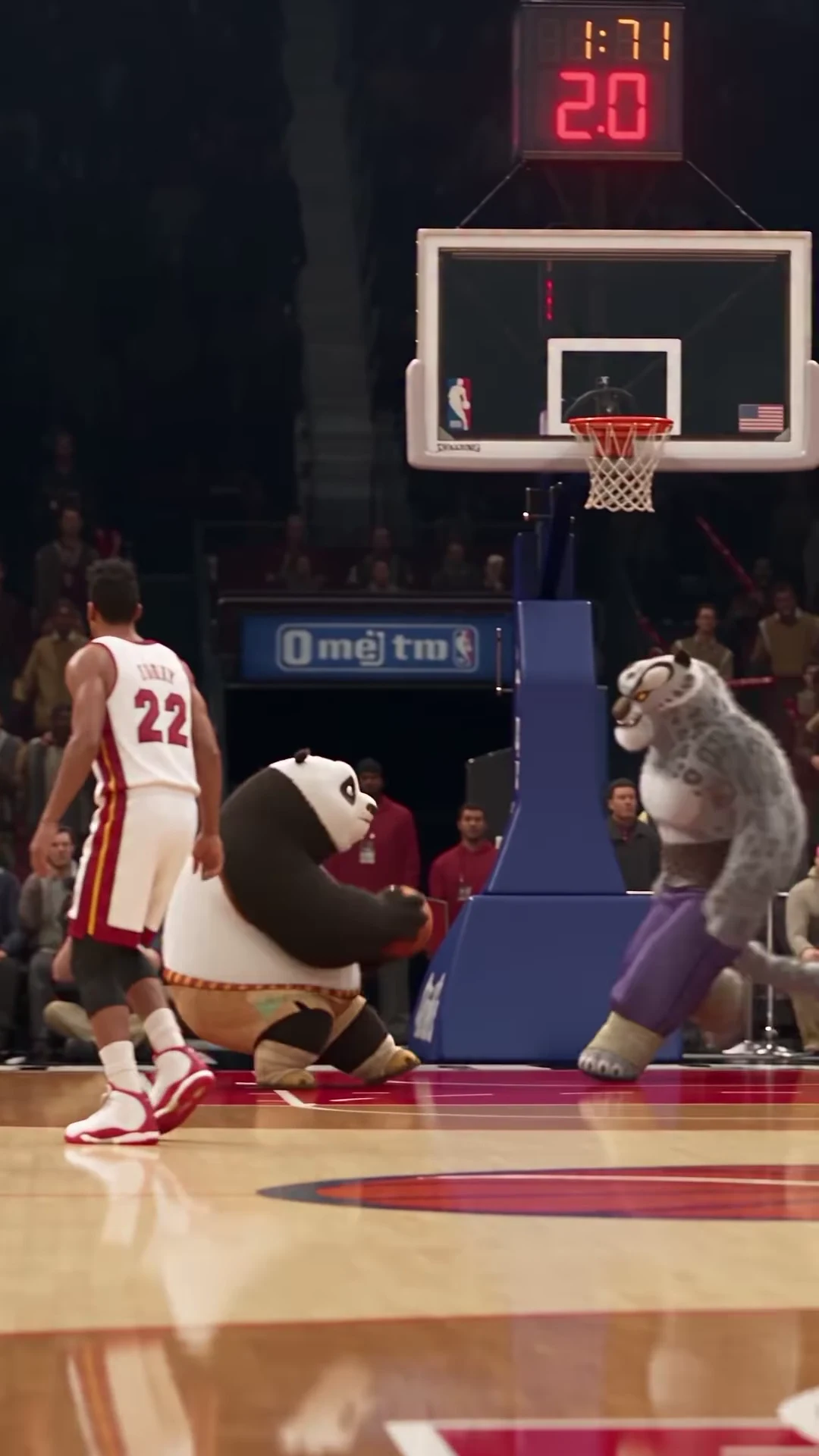
01Use source landmarks rather than the scoreboard
The inspected source lasts about 12.04 seconds. As an approximate map, the approach and gather occupy the opening few seconds, the extended jump and contest fill the middle, the ball reaches the rim around the later middle, and the final seconds show the descent. Locate these moments in your actual footage before cutting. The recreated scoreboard contains inconsistent details and is not a reliable editing clock.
02Keep the rim and the takeoff in the same composition
Start with the complete portrait frame. Check a frame before takeoff and another near the ball’s highest point. A face-focused crop may remove the basket; a crop centered only on the rim may hide the approach. You need the dunker, defender and basketball path to remain understandable as the camera moves. Decide the crop from several action moments, not just a dramatic poster.
03For a shorter edit, preserve cause and effect
If you shorten a downloaded result in an editor, retain a readable gather, the contest and the landing. Beginning after the ball is already above the defender can make the shot visually striking but harder to understand. The product’s reference remains the complete scene; a shorter publishing cut is an editing choice, not a different source timeline inside the trend.
04A caption that waits for the action
Try a short setup such as “One more game?” during the approach. Clear it before the characters overlap near the hoop. After the landing, a second line such as “Okay. Last one.” can supply a small reaction without explaining the dunk in advance. These are original caption suggestions to add in your editor, not words in the source audio or text the trend automatically generates.
05Place text away from the ball path
The upper center contains the backboard and rim; the middle becomes busy with raised hands and faces. Avoid putting a headline over the basket simply because that area looks dark in the opening. Inspect the caption at the gather, highest jump and descent. If a square or landscape layout is required, first try containing the whole portrait clip on the new canvas instead of cutting away its top and bottom.
06Keep picture and sound attached
When trimming or replaying a section, move its audio with the same source interval. Do not slide the soundtrack independently to make a transition longer. Preserve the original speed unless you intentionally make an editorial variation, and listen across the cut before exporting. The source already has an extended slow-motion treatment; slowing it again is not necessary to retain the original effect.