Choose one replacement when the contrast with an existing source character is the joke. Choose two replacements when the relationship between your own pair is the point. That is the useful decision before opening Poster Dunk.
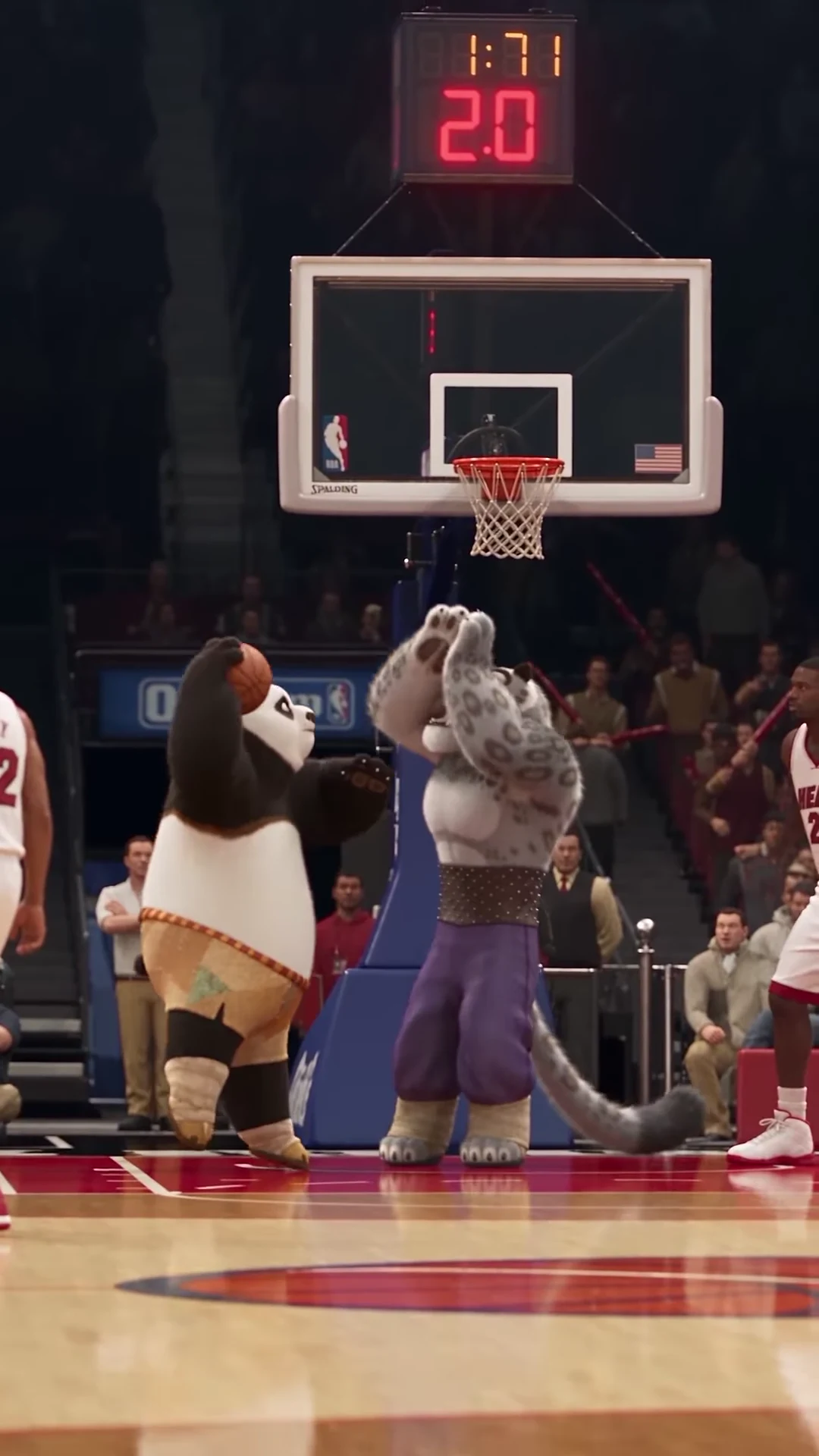
The source puts a dunker on the approach and a defender near the hoop. Both jump, their silhouettes overlap and the camera moves closer. Casting is therefore more than choosing two nice portraits: the pair has to remain understandable during the contested action.
Choose your Poster Dunk matchup
Start with the full reference, then assign a photo to the dunker, defender or both.
Start with the premise
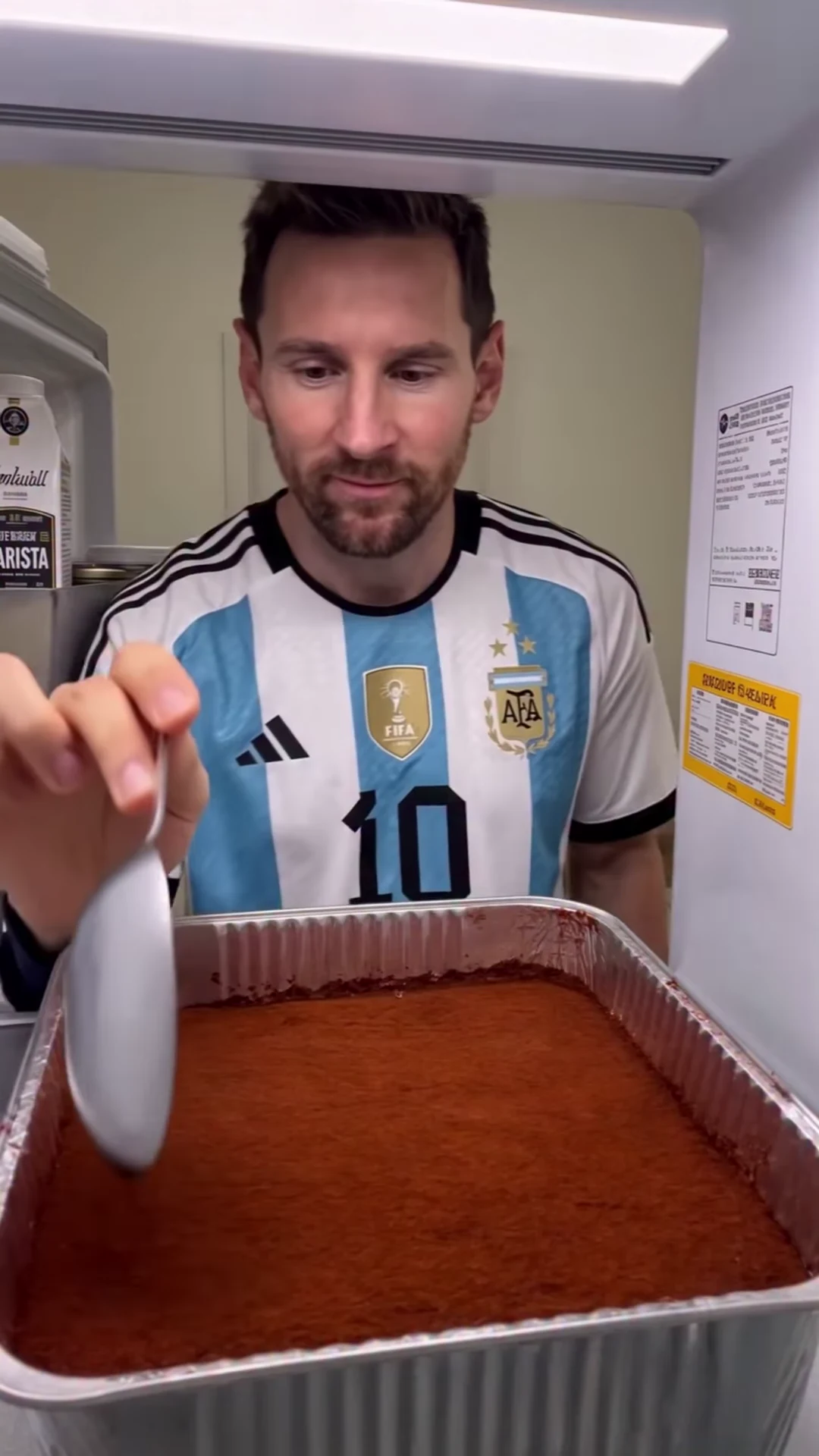
The supplied @tisha_bimbo recreation depicts Po dunking against Tai Lung. Its creator metadata credits Higgsfield Genjutsu. The preview and cover are that supplied source, not evidence of an Oakgen-generated result.
The format gives you three practical starting points:
| Selection | Creative premise | Question to answer before submitting |
|---|---|---|
| Dunker only | Your character takes the starring action against the source defender | Does the retained defender help the joke make sense? |
| Defender only | Your character reacts to the source dunker | Is the reaction or mismatch more interesting than being the scorer? |
| Both roles | Your pair creates a new rivalry or relationship | Are the two characters visibly distinct during the overlap? |
A human dunker opposite the source animal defender can make the contrast apparent without a long caption. A defender-only version can put the humor in the contest and reaction. Two original mascots can communicate a rivalry through their colors and outfits. These are proposed concepts, not examples of tested outputs.
For the exact role mapping, use the basketball duo casting guide. The source starts with the dunker toward the left and the defender closer to the basket, but their on-screen positions change during the action. The role names are the reliable assignment.
Write one sentence that the scene can deliver
Before choosing photos, write a premise short enough to understand from the footage. For example:
- “The quiet teammate takes the last possession.”
- “Two original mascots settle a friendly rivalry.”
- “The confident defender meets an unexpected matchup.”
Then ask whether both replacements contribute to that sentence. If changing the defender adds nothing, one selected role may be sufficient for your idea. If the rivalry depends on recognizing both characters, two roles are justified.
Avoid giving the fixed template a story it cannot show. A photo upload does not add a new interview, change the court to a different location or create a second basketball play. You can add captions in an editor, but the scene still needs to carry the idea without several paragraphs of explanation.
Compare photos before comparing generated videos
For each intended character, choose one reference with a readable face and visible clothing. The jump exposes the torso and legs; a face-only crop cannot communicate the whole outfit. At the same time, a very distant full-body image may hide the facial detail that makes the person recognizable.
Compare two possible inputs using concrete questions: Is the head clear? Is the desired outfit visible? Is there one unambiguous subject? Will the colors remain distinguishable from the other role? The photo guide expands those comparisons for humans, pets and stylized characters.
This inspection costs no generation credits and can settle a casting decision before you submit. It does not predict a success rate, and a carefully chosen image still needs output review.
If you run a comparison, change one decision at a time
A comparison is optional. Begin with the concept you actually prefer; do not generate several variants merely because the template allows them. Read the studio's current quote, including the selected roles and quality, and decide the maximum you are comfortable spending.
If a first result leaves a specific question unresolved and you choose to try another, record what changes. For example, keep the dunker's photo and quality constant while comparing a retained source defender with your own defender photo. That gives you a clearer creative comparison than changing both photos, quality and captions at once.
Use a small review record:
| What to record | Example note |
|---|---|
| Intended difference | “Replace defender as well as dunker” |
| Identity | “Compare the dunker's face before and after the jump” |
| Readability | “Can I tell which arm belongs to each character?” |
| Action | “Follow the ball through the rim and descent” |
| Decision | “Keep this version, revise the input, or stop” |
This is a planning worksheet, not a claim that any example above passed. A comparison of a few outputs is a creative choice, not evidence of a universal quality advantage or a higher purchase rate.
Judge the result through the landing
Watch once at normal speed, then pause at the gather, overlap and descent. Check each identity and outfit, follow the basketball and look for a coherent return after the characters separate. Use the continuity checklist to distinguish a briefly hidden hand from a persistent visual error.
Choose the version that communicates your premise while meeting your own quality standard. If neither does, do not let the fact that credits were spent turn an unsatisfactory result into a required post.
When you have footage you want to share, the Poster Dunk storyboard explains how to label source clips, introduce your version and preserve the action through a replay. Open the studio when the roles and photos are clear; its current quote is the price to review.