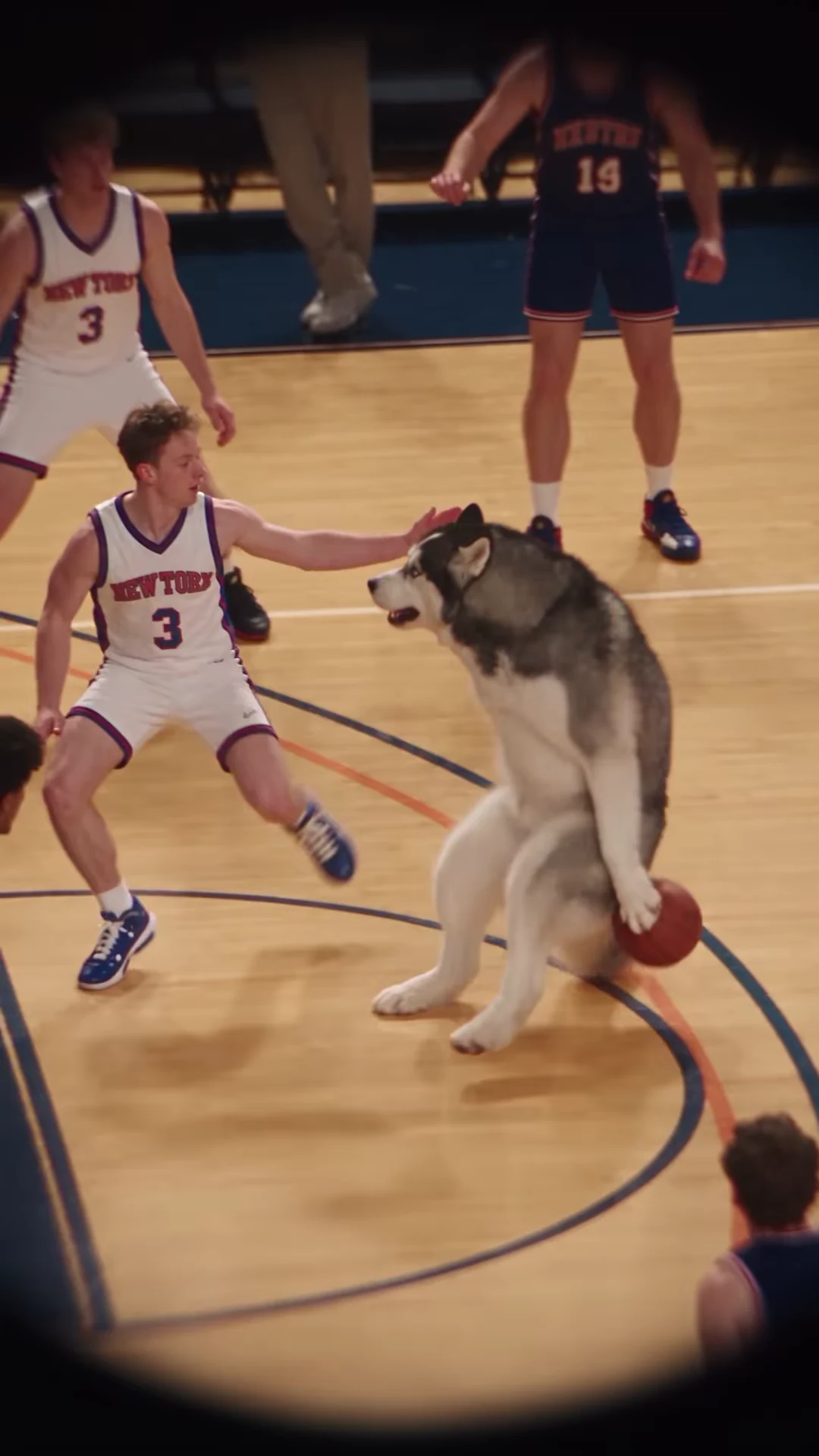
A useful dunk reel needs the approach, the contest and the finish. A useful comparison reel also needs the viewer to understand which footage they are watching. Keep those two jobs separate when building an edit around Poster Dunk.
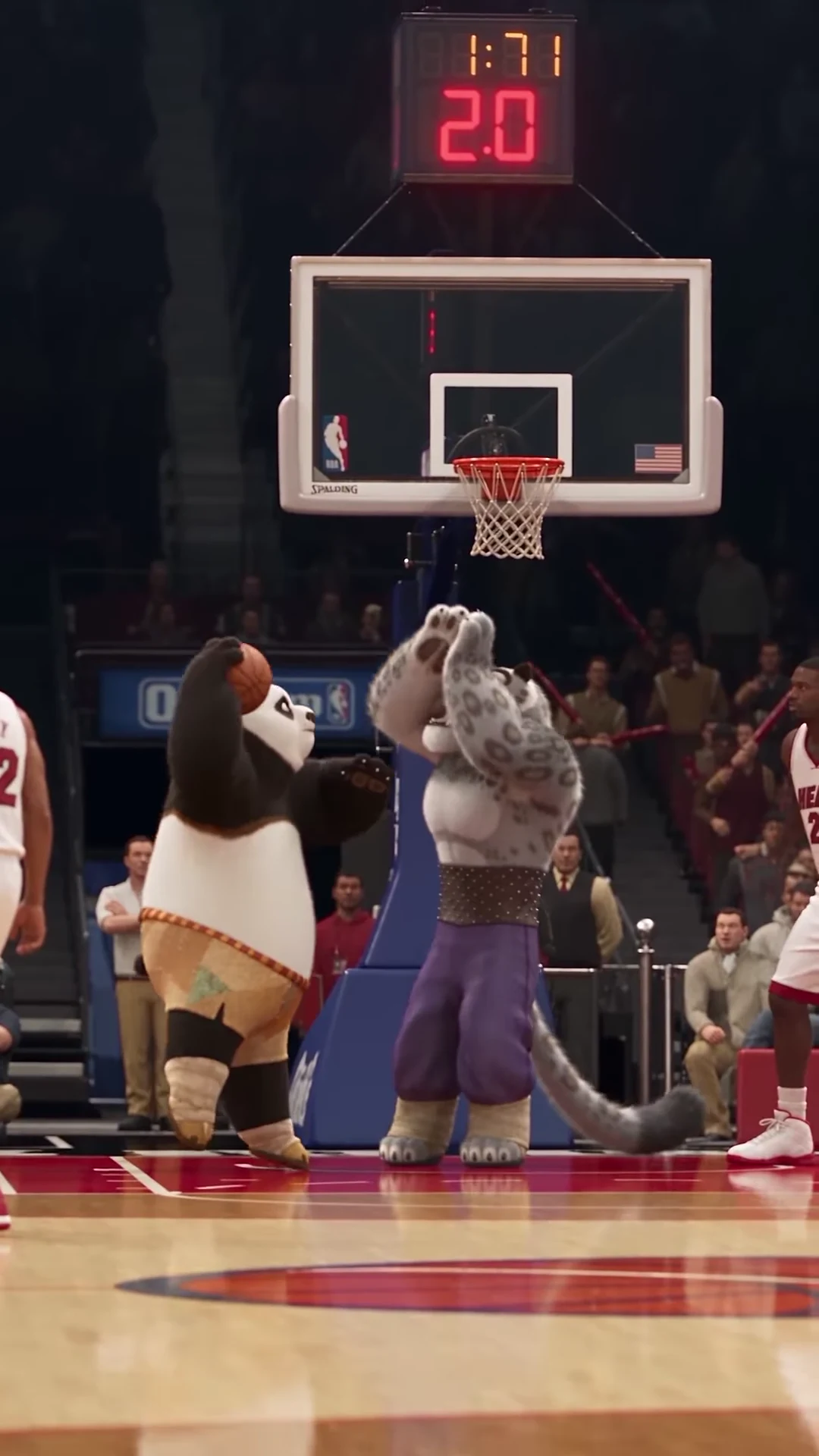
The supplied character recreation shows Po rising toward the basket while Tai Lung contests. Its long airborne moment creates a natural place to reveal a different version, but cutting only between dramatic stills can hide the action that makes the match interesting.
Explore the Poster Dunk scene
Watch the complete reference and choose which basketball role you want to replace.
Establish what each clip represents
The Instagram reference is from @tisha_bimbo, dated October 19, 2026 in retrieved creator metadata. Its caption credits Higgsfield Genjutsu and names Tai Lung. The article cover comes from that supplied reference; it is not an Oakgen output.
The official NBA baseline clip is a strong visual match for the underlying sequence. The saved source research associates it with Ja Morant dunking over Victor Wembanyama after the whistle. The approach, raised-arm contest and reaction align, but the Instagram creator has not confirmed the precise source file or edit used.
That distinction changes the labels in your edit. “Human footage” and “Creator recreation” describe the two supplied clips accurately. “Before” and “Made with Oakgen” would imply a generation process those clips do not demonstrate. If you later add your own output, give it a third, explicit label such as “My Poster Dunk version.”
The source guide records the reference distinctions. A source link identifies footage; it does not by itself establish permission for every promotional reuse.
Choose one of two edit structures
You can plan a useful comparison without generating anything. Or you can build around an actual downloaded result after you have reviewed it. These structures have different endings.
| Part | Existing-footage comparison | Edit featuring your own result |
|---|---|---|
| Opening | Identify the human clip and show enough approach to understand the play | Identify the supplied creator reference and establish the action |
| Transition | Move to the character recreation at a comparable action landmark | Introduce the selected role photo or photos, then the actual result |
| Payoff | Let the character version finish its dunk and landing | Let your result complete its dunk and landing |
| Closing | Credit the sources and describe the edit as a comparison | Identify your version and direct viewers to the trend page |
Neither plan requires presenting an unfinished experiment as a successful result. The existing-footage version is an editorial comparison. The generated version becomes a demonstration only when the output actually exists and you have inspected it.
Match an action landmark, not equal timestamps
The Instagram recreation lasts approximately 12.04 seconds and extends the airborne action. Equal timestamps in the human and character clips do not necessarily represent the same movement.
Pick one recognizable landmark for your transition:
- The gather: the dunker commits to the upward movement while carrying the ball.
- The contest: the defender's arms are raised and both bodies are clearly airborne.
- The finish: the ball reaches the basket, followed by the descent.
Find that landmark independently in each clip. Then compare the frames immediately before and after it. A clean match on the gather usually explains the relationship better than cutting at unrelated moments just because both clips show a hoop.
For a replay, return to a short lead-in before the chosen moment so viewers can follow how the action develops. Move picture and audio together. If you change speed or add a pause, make that an intentional editing decision rather than silently stretching only the soundtrack.
A concrete caption and transition plan
Here is an original caption sequence for an existing-footage comparison:
| Beat | Suggested treatment |
|---|---|
| Human approach | Small label: “Human footage” |
| Cut at the gather | Replace it with “Creator recreation” |
| Airborne contest | Leave the ball, hands and faces unobstructed |
| Landing | Add a short reaction such as “Same move. Different matchup.” |
| End | Show source credits and a clear destination if the edit promotes a tool |
The captions are editorial suggestions, not source dialogue or text the generator adds. Avoid a large headline across the upper center: the rim and backboard occupy that area, and the moving basketball needs to remain visible.
Keep the full portrait composition as your starting point. If the human clip has a different shape, containing it within the same canvas can preserve the complete play. Do not force both sources into a crop that cuts off a head or hides the ball merely to fill the screen. The timing and cropping guide provides a scene-specific review sequence.
Review the complete edit before sharing
Watch at phone size with sound. Can you tell which clip is the supplied recreation? Is the transition motivated by the movement? Does the landing remain visible after the dunk? Listen for an audio jump introduced by a replay or trim.
For an edit featuring a generated result, also review the ball and hand continuity checklist. A strong poster frame is not enough evidence that the full jump is coherent.
If you are still deciding who should occupy the scene, read one role versus two. Choose the creative premise first, then open the Poster Dunk studio and review its current quote. No generation results or performance measurements are claimed in this storyboard.