Video trend

Outstanding Tiny Desk AI Template: Settings, Price and Output

The meme's how-to posts call it a template: a fixed format you drop faces into. Oakgen's version works that way. You supply five photos and pick a quality, and it rebuilds the whole 19-second clip around them. This page lists exactly what you control, what you do not and what you pay for.

Final video
19 seconds
Your input
5 photos
Quality
720p
REFERENCE RECREATION19 SEC / 9 / 16
Outstanding Tiny DeskYour photo. This scene.

Settings and output

01

What you control: five photos

Five required photos: the lead singer, the front backing singer, the saxophonist, the standing singer on the right and the standing singer on the left. Each sets that person's face, hair, build and outfit in their own shots: the lead in both close-ups, the three backing singers in both wide band shots, the saxophonist in the solo.
02

What you control: quality

Choose 480p, 720p or 1080p; 720p is preselected. Higher quality costs more. The shots, the timing and the length are the same at every quality.

03

What is fixed

The office desk concert, the shelves, the red stage keyboard, the five shots and their cuts, the saxophone solo and the meme's original live audio of "Outstanding". You cannot change the song, move a cut, add a shot or add a sixth band member.

04

What the price is made of

The quote covers three things: preparing your five photos, preparing three scene references that place the lead singer in the close-ups, and generating the full 19-second video. The studio shows the credit price before you start. A re-run is a new generation at the same price.

05

What you get

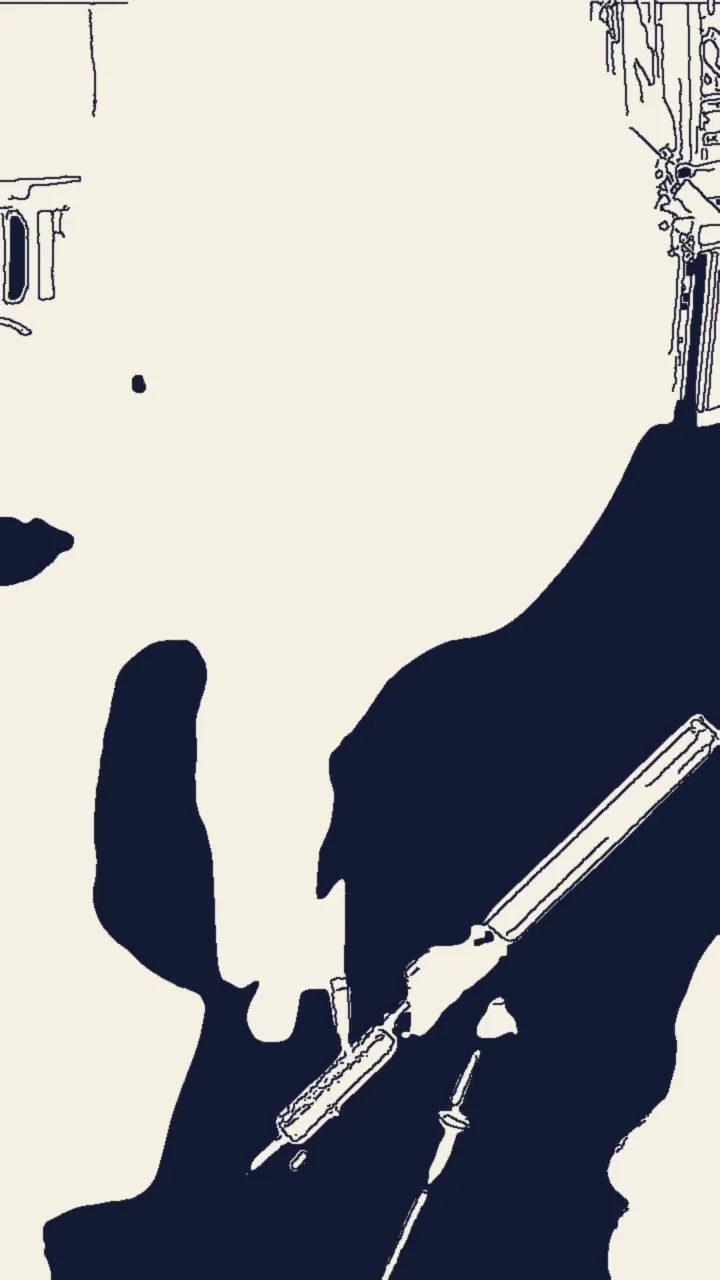
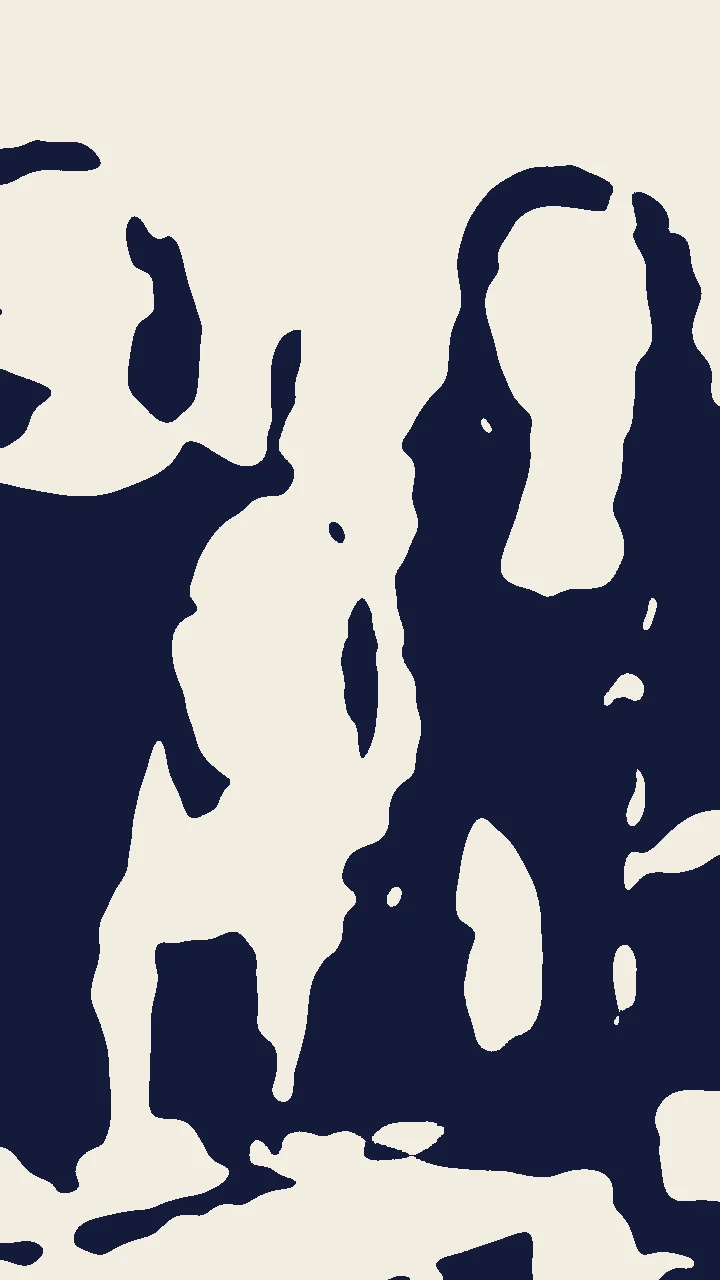
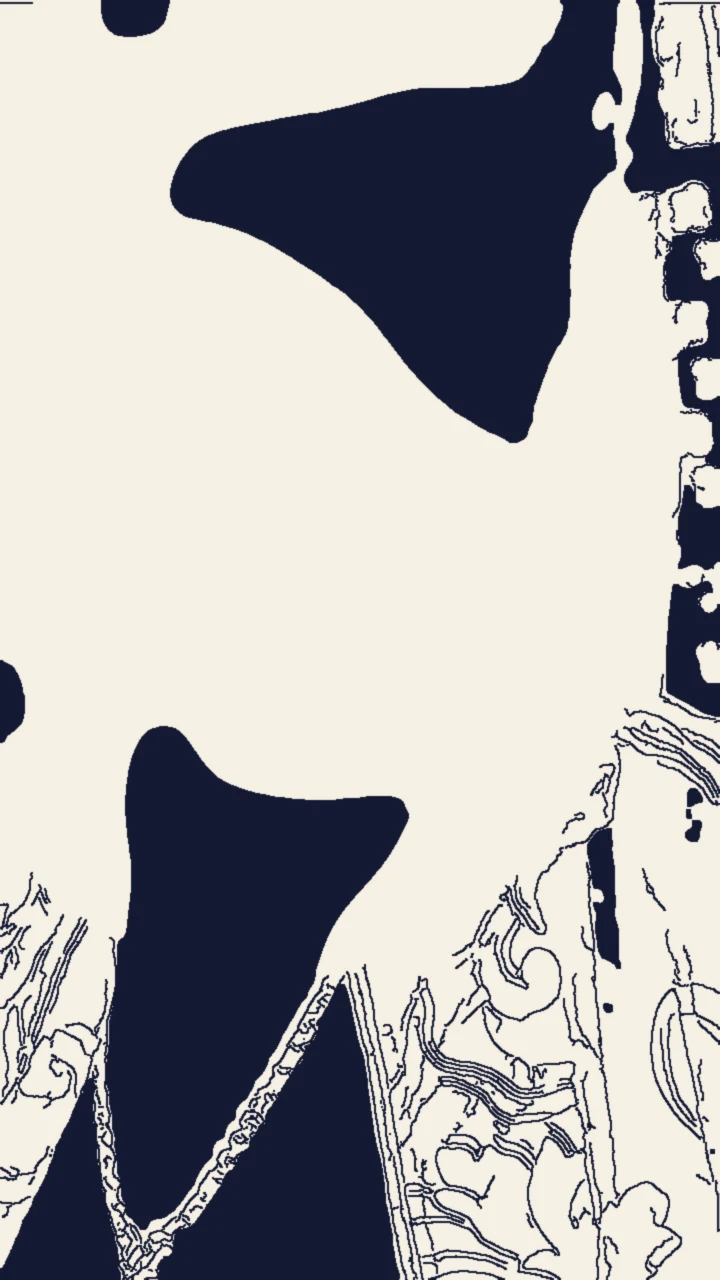
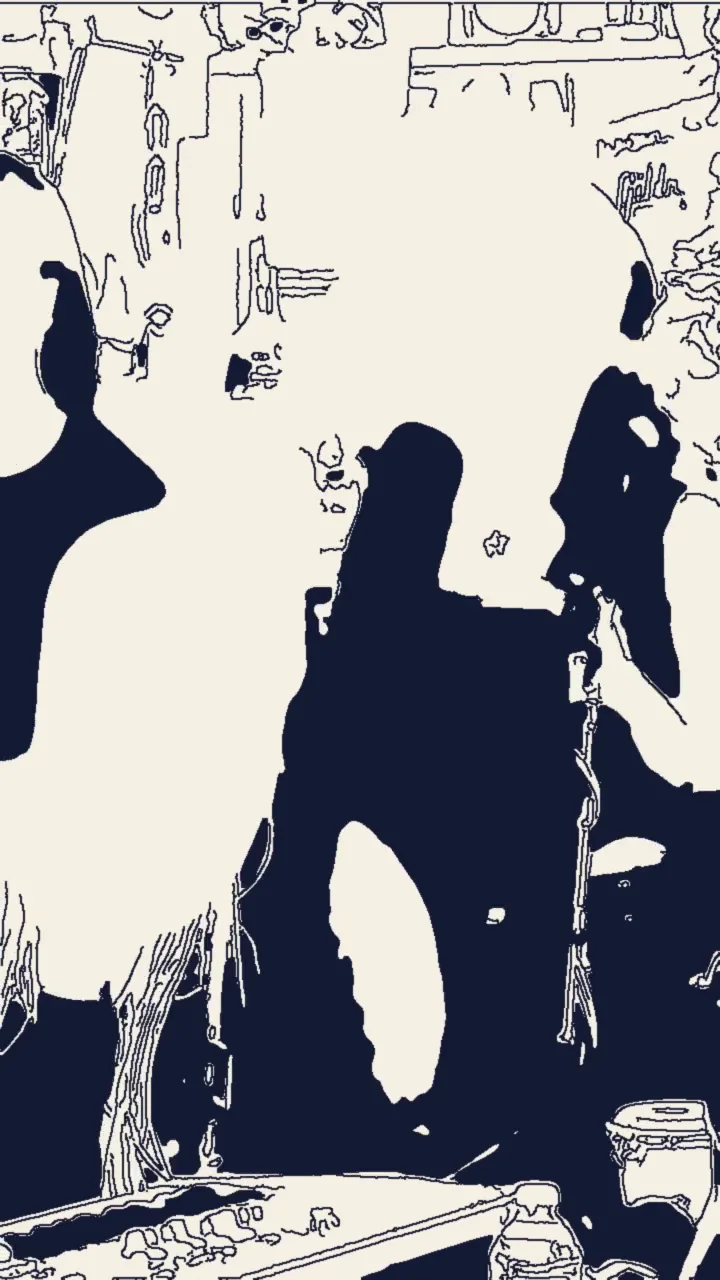
A portrait 9:16 MP4, 19 seconds long, with the original live audio. Your five people are in their roles: the lead in both close-ups, the front singer and the two standing singers in both wide shots, the saxophonist in the solo. Check every role before you post. The preview on the trend page is a two-tone sketch of the shots with faces left blank, not a sample of the output.
06

Why a template instead of editing it yourself

Editing the meme by hand means swapping five faces into moving shots, one in profile, one mid-laugh, three in a crowded wide shot and one behind a saxophone, and keeping them in sync with live singing. The template does the swaps, the lip timing and the cuts in one generation. You still review the result before you post it.

Explore the Outstanding Tiny Desk trend

How to make it

Add a photo for the lead singer and front backing singer and saxophonist and standing singer on the right and standing singer on the left.

The roles in the Outstanding Tiny Desk reference recreation
Lead singer in the Outstanding Tiny Desk source video
Lead singer
Front backing singer in the Outstanding Tiny Desk source video
Front backing singer
Saxophonist in the Outstanding Tiny Desk source video
Saxophonist
Standing singer on the right in the Outstanding Tiny Desk source video
Standing singer on the right
Standing singer on the left in the Outstanding Tiny Desk source video
Standing singer on the left
  1. 01

    Add five photos

    Upload one clear photo each for the lead singer, the front backing singer, the saxophonist, the standing singer on the right and the standing singer on the left: you, or people who agreed to appear. A sharp, front-facing face with the whole head visible works best; a waist-up or full-body photo also sets the outfit.

  2. 02

    Review quality and price

    Choose 480p, 720p or 1080p and review the quote. It includes the full video, the preparation of all five photos and three scene preparations.

  3. 03

    Check every shot

    Watch the lead in the profile shot and the long laughing, singing close-up, the front backing singer and both standing singers in the band shots and the saxophonist in the solo, check for swapped faces or text, then download your portrait MP4 with the original sound.

01

The whole band

One photo each for the lead singer, the front backing singer, the saxophonist and the two standing backing singers, five people in all. Each photo sets that person's face, hair, build and outfit in their own shots, and the template replaces every reference performer's face and clothes; check each shot before you post.

02

Nobody from the original band

All five band members come from your photos, and the video is given no picture of the original band's faces. Every photo is required, so nobody is left as a stranger; check the band shots before you post.

03

The meme's shots and sound

All 19 seconds in the meme's five shots: your profile close-up, the backing singers, your laughing, singing close-up, the sax solo and the backing singers again, with the original live audio of "Outstanding".

04

A sketch preview, not a result

The preview is a two-tone sketch of the meme's shots and timing with every face left blank. It shows where your close-ups fall; it is not an Oakgen result.

Photo tips

  • One person per photo
  • A different person in each photo
  • Sharp, front-facing face
  • Whole head and hair in frame
  • Waist-up photo sets the outfit
  • Use a photo of someone who consented
  • Label the video as AI-made

Questions & answers

What is the Outstanding Tiny Desk AI trend?

It is a 19-second portrait AI clip that puts five people in a small office concert: a quick profile close-up, a shot of backing singers behind a red keyboard, a long close-up of the lead laughing and singing "Outstanding", a saxophone solo and the backing singers again. Oakgen's template casts your photos as the lead singer, the front backing singer, the saxophonist and the two standing backing singers and keeps the shots, the timing and the sound.

Why is it called Outstanding Tiny Desk?

Outstanding Tiny Desk is the name people use for this meme, after the song in it and the desk-concert clip it recreates. We use the name only to identify the meme. Oakgen's template is not connected to or endorsed by the makers of that concert series.

What song is in it?

"Outstanding", the song The Gap Band released in 1982 on the album Gap Band IV. The meme uses a live performance of it, not the studio recording, and your video keeps that original live audio so your mouth lines up with the singing.

Can I put my friends in the band?

Yes, four of them, so the whole band fits. Besides the lead singer, the template takes a photo for the front backing singer, one for the saxophonist and one for each of the two standing backing singers, and all five are required.

Whose photo can I use?

Your own, or a photo of someone who agreed to be in the video. Do not upload photos of celebrities, athletes, public figures or anyone who has not consented, and label AI videos clearly when you share them.

What do I wear in the video?

The outfit in each photo. The template asks for each person's own clothes, not the reference performers' hats, sunglasses or jackets. Waist-up or full-body photos give it the most to work with.

Can I use a photo of my pet?

The template is written for a person singing in close-up. An animal photo is not blocked, but the result is untested and the singing may not look right.

How long is the video?

19 seconds in portrait 9:16, in five shots. The lead singer is in the two close-ups, about 7.5 of the 19 seconds; the front backing singer and the two standing singers are in both band shots and the saxophonist in the 3-second solo.

Is the preview generated by Oakgen?

No. It is a two-tone sketch made from the meme's shots and timing, with every face left blank. It is not an Oakgen result. Review your face and the band shots before sharing.

How much does it cost?

4,154 credits per 720p video. The quote includes the preparation of all five photos, three scene references and the complete video. Check it before generating.

Ideas for your next video

Plan a story, keep your character recognizable, and make the finished clip your own.

Explore the video trend playbook →

Make your Outstanding Tiny Desk video

Upload 5 photos. Everything else is set.

Make this video