Your Outstanding Tiny Desk video is back. This guide is for checking it, not making it: what to look at in each of the five shots, which photo choice can sit behind a flaw, and the one change to try next. You are in only two of the shots, so most of the checking happens in those 7.5 seconds. How to make it in the first place is in the how-to guide.
Make another take
Try a sharper photo or a different outfit and make the 19-second Outstanding Tiny Desk video again.
Watch it twice first
Watch once with sound, looking only at your mouth in the long close-up. The video keeps the meme's original live audio, so the singing should line up with it. Then watch once muted, looking only at faces, hair, hands and clothes. Most flaws only show up when you look for one thing at a time.
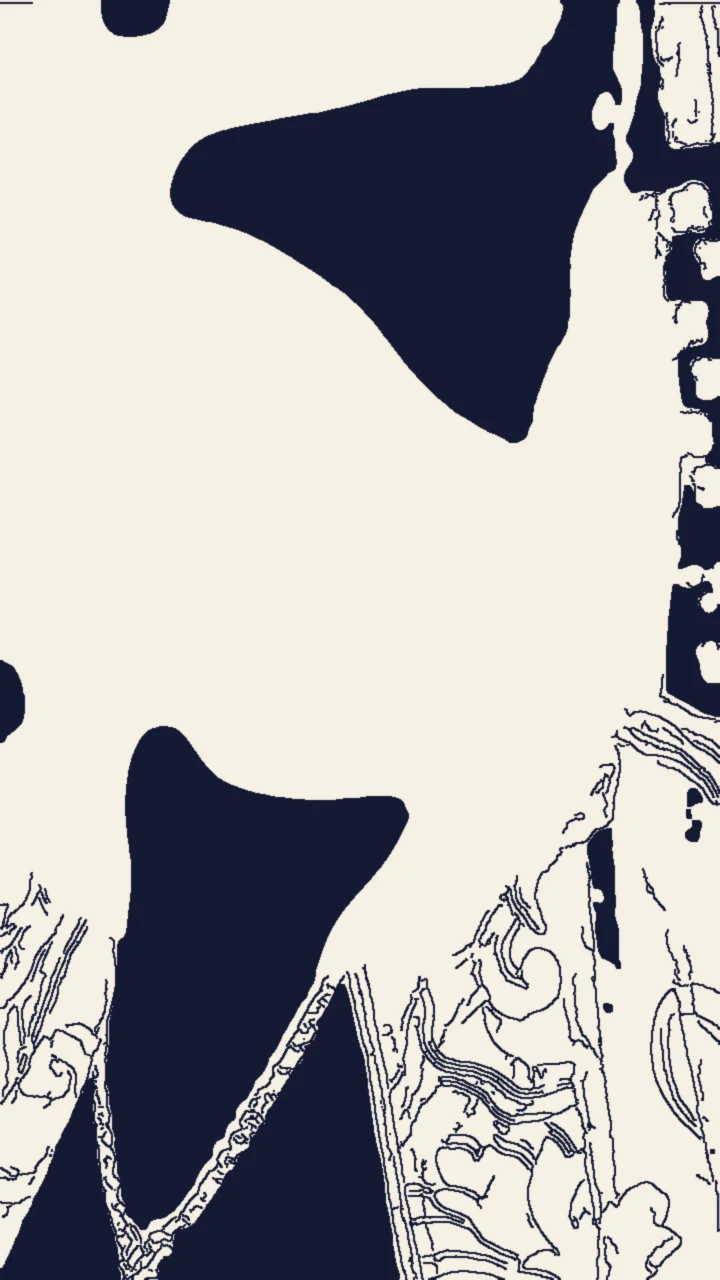
A frame from the sketch preview on the trend page, not an Oakgen output. The blank face is where yours goes. The jacket and chain belong to the reference singer; the template asks to remove them unless your photo has them.
Second by second
| Time (about) | What happens | What to check |
|---|---|---|
| 0 to 1.3 s | You in left-facing profile, dancing, shoulders swinging | The profile is yours: nose, jaw, hairline. The outfit is the one in your photo. The shot is short, so pause on it. |
| 1.3 to 6.7 s | Backing singers behind the red keyboard, clapping and singing; one in front shakes a small green tambourine | You are not in it, and that is correct. The singers wear black. Nobody has your face. No text on the keyboard or shelves. |
| 6.7 to 12.9 s | You chest-up: a big laugh, singing with the mouth wide open, a wave near the chin at about 11 s, a wide smile | The face stays yours through the laugh. Teeth look natural. The mouth moves with the singing. The waving hand has five fingers. |
| 12.9 to 16.3 s | The saxophonist's solo, a microphone stand across the frame | No lead singer. One solid saxophone, with the player's hands on it. |
| 16.3 to 19 s | The backing singers again; one raises a fist near the end | Still no lead singer. No extra shot, title or logo at the end. |
Common flaws and what to try
We have not reviewed generated results from this template yet. The flaws below are ones we expect from the way it works, not ones we have seen, and the suggestions are untested. Every re-run is a full new generation of all 19 seconds at the quoted price, and it can repeat the same flaw. Check the quote before each run and change only one thing at a time.
The profile does not look like you. The first shot is side-on, and most photos are taken from the front. A photo with the whole head, ears and hairline visible gives the template more to work from.
The face changes in the laugh. A head thrown back and a wide-open mouth change a face more than anything else here. If you turn into someone else mid-laugh, try a sharper, front-facing photo in even light.
The mouth drifts off the singing. The live audio is kept so the singing can line up. If the mouth is out of time, that is a generation error, not something your photo controls. Decide whether a re-run is worth the price.
Your face shows up in the band. The backing singers and the saxophonist should be new, anonymous musicians. A copy of your face among them is a generation error. A photo with only you in it removes one possible cause.
The reference look comes back. Sunglasses, a knit hat, a patterned jacket or a chain that your photo does not have should not appear. If they do, a waist-up or full-body photo shows the template more of your own outfit.
The hand goes wrong in the wave. Extra or merged fingers at about 11 seconds are a generation error with no photo fix we can point to. Judge whether the rest of the take is worth keeping.
Before you post
Say that the video is AI-made. Use photos only of people who agreed to appear, and never of celebrities, athletes or public figures. For a cover, pick a frame from the long close-up: it shows you, and a band shot does not. For captions and text placement, see captions and posting ideas. To pick a better photo for the next take, see casting yourself as the lead from one photo. To compare your timing with the meme, see the meme shot by shot.
Checking another music result? Checking a Studio Neutral Zone result covers a recording booth clip where one person raps and the other listens in silence.
Frequently asked questions
How do I know my Outstanding Tiny Desk video is ready to post?
Check your two close-ups, to about 1.3 seconds and from about 6.7 to 12.9 seconds, then the three band shots. If your face holds, your mouth moves with the singing and nobody in the band has your face, it is ready.
Why am I only in two of the five shots?
That is how the meme is cut. The lead is on screen for about 7.5 of the 19 seconds. The other shots show the band, so a shot without you is expected.
Why does the lead wear my clothes and not the jacket in the preview?
That is intended. The photo sets your face, hair, build and outfit. The template asks to remove the reference singer's sunglasses, knit hat, patterned jacket and chain unless your photo has them.
Can I regenerate just the long close-up?
No. Any fix is a full new generation of the whole 19-second video at the quoted price, and it can repeat the same flaw. Change one thing at a time.
Is the preview video made by Oakgen?
No. It is a two-tone sketch of the meme's shots and timing with every face left blank. We have not reviewed a generated result from this template yet.