1. Get three photos
One person per photo, head and shoulders, face forward, hair fully visible and no hat or sunglasses. Use your own photo and photos of people who agreed to be in the video.
Video trend
You need three photos and about a minute of setup. The template keeps the clip's four shots, camera and beat and swaps all three dancers for the people in your photos. Here is the whole process from choosing photos to posting.
One person per photo, head and shoulders, face forward, hair fully visible and no hat or sunglasses. Use your own photo and photos of people who agreed to be in the video.
The Centre dancer gets the close-up, the Right dancer is biggest in the opening, the Left dancer has the least screen time. Each person stays in their place in every shot.
Open Kardashian Jenner Dance and add a photo to the Left, Centre and Right slots. All three are required, because the template keeps none of the original dancers.
Pick 720p or 1080p and check the quote. One price covers the full 15 seconds with all three dancers replaced.
Watch the close-up at 3.7 to 7.3 seconds for the face and the thumbs, the walk-in at 7.3 to 10.8 seconds for who stands where, and the wide meadow shot for faces that stay recognisable. Keep the sound on to hear the beat.
Download the landscape 4:3 MP4, crop to vertical if you like, and label it as AI-made. Do not present it as real footage of anyone.
The preview is an AI-made parody clip, not real footage of Kim Kardashian, Kendall Jenner or Kylie Jenner, and none of them made, endorsed or appears in it. Oakgen is not affiliated with or endorsed by them or by any brand.
Add a photo for each role shown below. All roles need a photo.
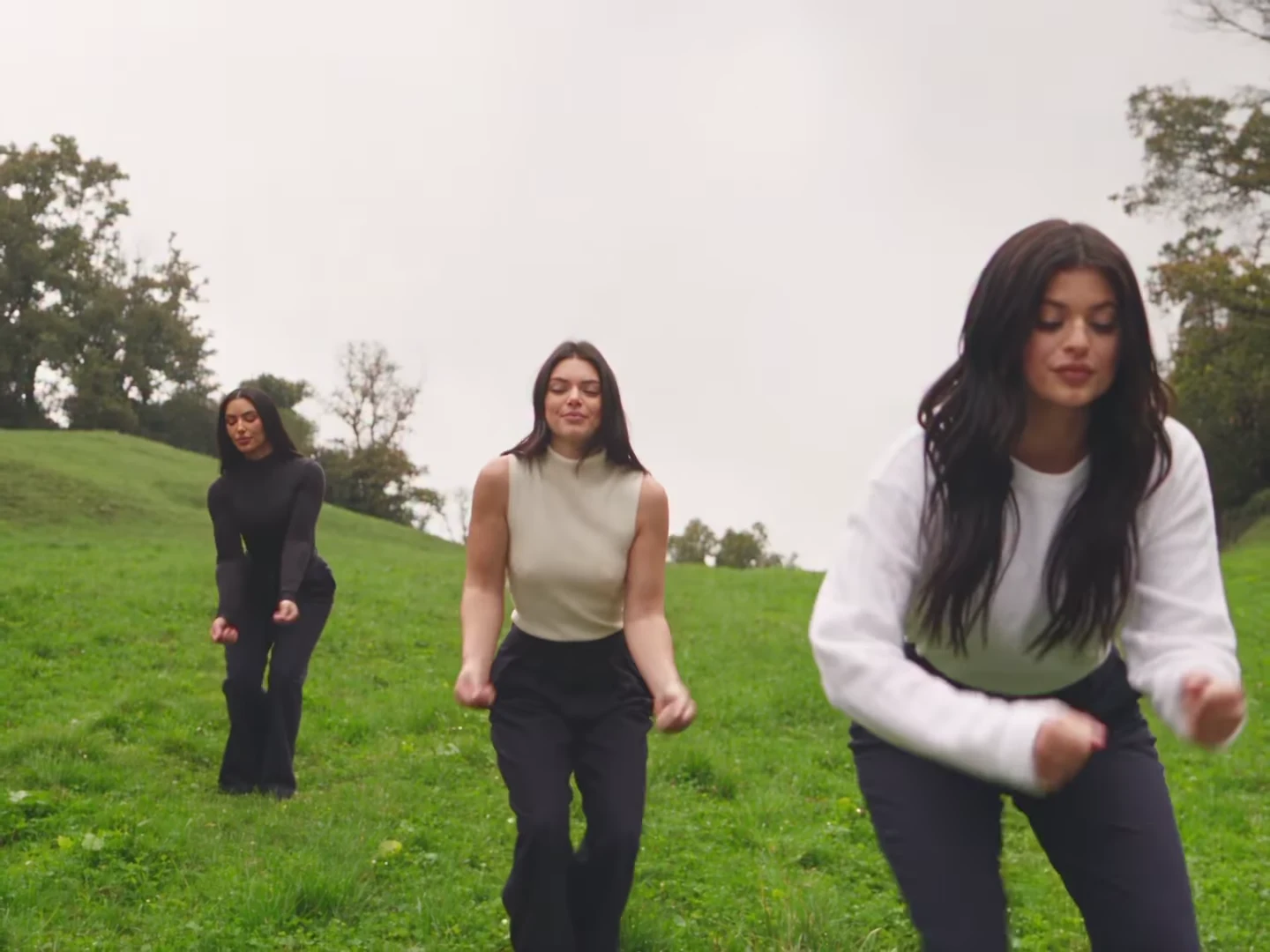
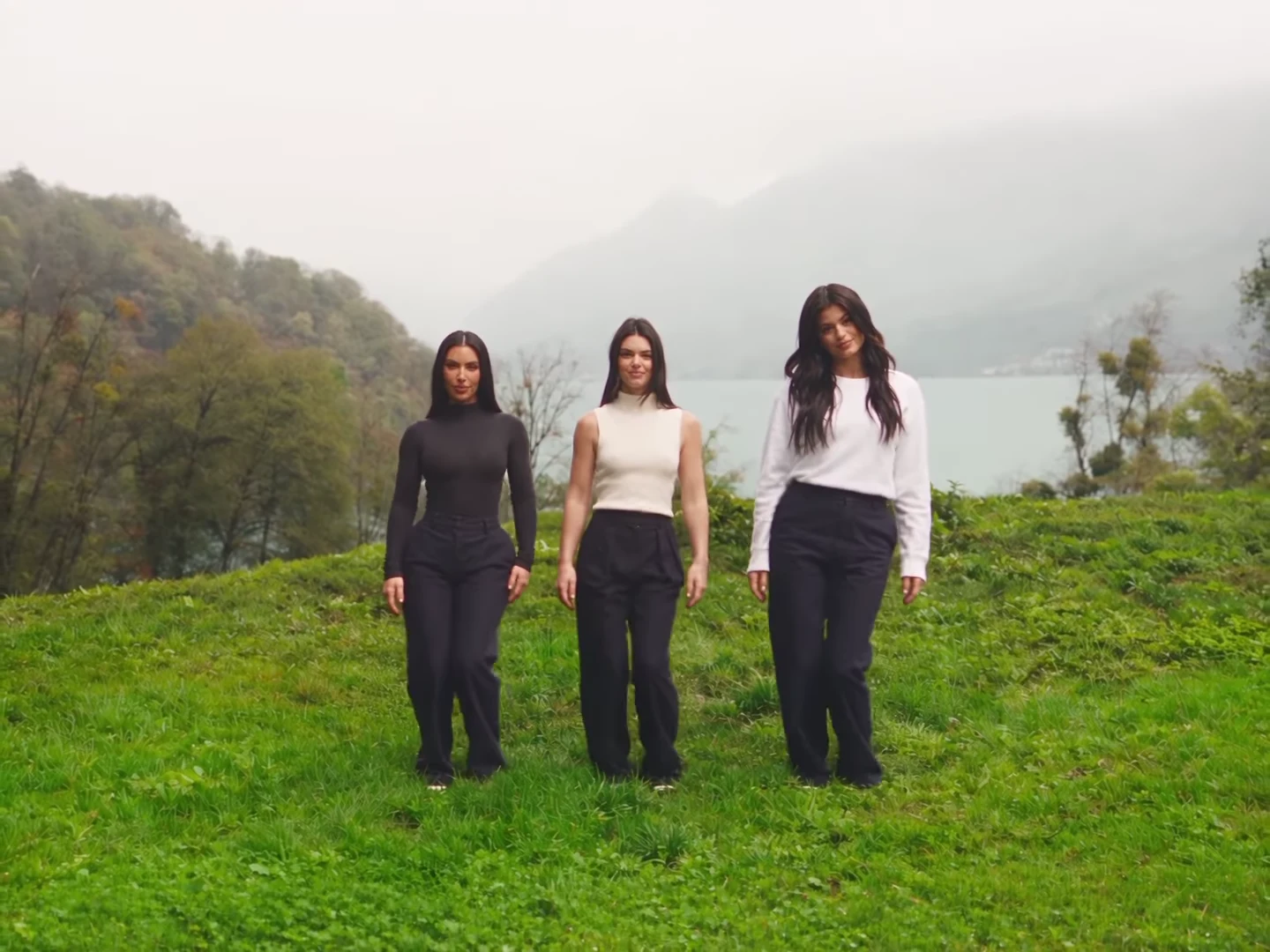
Choose the Centre dancer, who gets the close-up, then the Left dancer and the Right dancer. Use a head-and-shoulders photo for each, face forward, hair fully visible and no hat. Everyone pictured should have agreed to appear.
Pick 720p or 1080p and review the quote. It covers the full 15-second video with all three dancers replaced.
Watch the thumbs-up close-up for the face and hands and the wide shots for who stands where, then download your landscape 4:3 MP4 with the beat and label it as AI-made when you post.
The template follows the parody clip's moves and camera, but each dancer comes from a photo: face, hair, build and outfit in every shot. The reference dancers' faces, long dark hair, bodysuit, cream top, white sweater and matching navy trousers are not kept, and no one's likeness is copied from the reference.
A low-angle group dance with hands in the hair, a close-up of the centre dancer pointing both thumbs at the lens, a wide walk-in in front of a misty lake and a spread-out freestyle on a sloping meadow.
Your video keeps the reference clip's soundtrack, a hip-hop beat. No separate audio input is sent to the video model and its own sound is thrown away; the beat is put back on the finished video. The dancers do not lip-sync, so there is no mouth timing to match.
The preview is an AI-made parody, not real footage of Kim Kardashian, Kendall Jenner or Kylie Jenner, and none of them made, endorsed or appears in it. Your version asks for plain clothes with no logos or lettering.
An AI-made parody clip in which three women who look like Kim Kardashian, Kendall Jenner and Kylie Jenner dance together in a misty green meadow, posted with the caption 'Jenner sisters x Kim'. It has four shots: a low-angle group dance, a thumbs-up close-up of the centre dancer, a walk-in in front of a lake and a wide freestyle. Oakgen's template keeps the moves, the camera and the cuts and puts the three people from your photos in the three places.
No. The preview is an AI-made parody clip, not real footage of Kim Kardashian, Kendall Jenner or Kylie Jenner, and none of them made, endorsed or appears in it. Oakgen is not affiliated with or endorsed by them or by any brand, and your video does not show them: the dancers are the people in your photos.
Yes, it is the same clip. It circulates with the caption 'Jenner sisters x Kim' and the Jenner and Kardashian tags, so you may also see it described as the Kardashian Jenner AI dance or the Kim, Kendall and Kylie AI dance. Oakgen has one tool for this clip, Kardashian Jenner Dance.
Yes. The Left dancer, the Centre dancer and the Right dancer each need a photo, because the template replaces all three women in the reference, so none of them is kept in your video.
The Centre dancer. From about 3.7 to 7.3 seconds the camera is close on her face while she grins, closes her eyes and points both thumbs at the lens and over her shoulder; the other two dance behind her. Put the person with the best camera face in the centre.
The reference clip's soundtrack is a hip-hop beat. We could not identify it as a released track, so we do not name one. Your video keeps that original beat; Oakgen does not swap in a different song.
No. No separate audio file or audio input is sent to the video model, and whatever sound the model returns is thrown away. The dance follows the moves in the reference clip, and the original beat is put back on the finished video.
No. There is no costume. Each person wears the outfit from their own photo, with their own hair and accessories, instead of the reference dancers' black bodysuit, cream sleeveless top, white sweater and navy trousers. Matching outfits in your photos make it look more like a sister shoot.
Yes. That is what the template is for: any three people who agreed to appear, sisters, cousins, best friends or a mother and two daughters. Each photo goes to one place in the row and stays there in every shot.
Yes. A clear photo of a dog or cat works in any of the three places and bounces along with its own face, fur and markings. The close-up is where a pet reads best; check the paws in the group dance before you post.
Your own, or photos of people who agreed to be in the video. Do not upload photos of Kim Kardashian, Kendall Jenner, Kylie Jenner, other celebrities or anyone who has not consented, and label the video as an AI parody when you share it.
15 seconds in landscape 4:3, with four shots cut to the beat, ready to post or crop for Reels, TikTok and Shorts.
No. It is the AI-made parody reference clip the trend comes from, used for the moves and timing, not an Oakgen result. Its three dancers are never reused.
796 credits per 720p video. The quote covers the complete 15-second video with all three dancers replaced. Check it before generating.
Plan a story, keep your character recognizable, and make the finished clip your own.
Make the Kardashian Jenner AI dance with three photos: cast the left, centre and right places, check the close-up and wide shots, and post it labelled.
What the Kardashian Jenner AI dance clip is, why it is tagged Jenner sisters x Kim, what is real and what is AI, and how to make and post your own fairly.
Upload 3 photos. Everything else is set.