Video trend

Dunk On Your Friend AI Video: Make the Rivalry Clip

Getting dunked on is the oldest bragging right in basketball, and the 1v1 Dunk template is built around it: one person beats another twice in 15 seconds and celebrates both times. This page is for turning a friendly rivalry into that clip: a sibling who always wins at board games, a coworker who brags about fantasy league, a roommate who never does the dishes. It covers casting, caption timing on the actual beats, and how to keep the joke on the right side of the line.

Final video
15 seconds
Your input
2–3 photos
Quality
720p
REFERENCE RECREATION15 SEC / 9 / 16
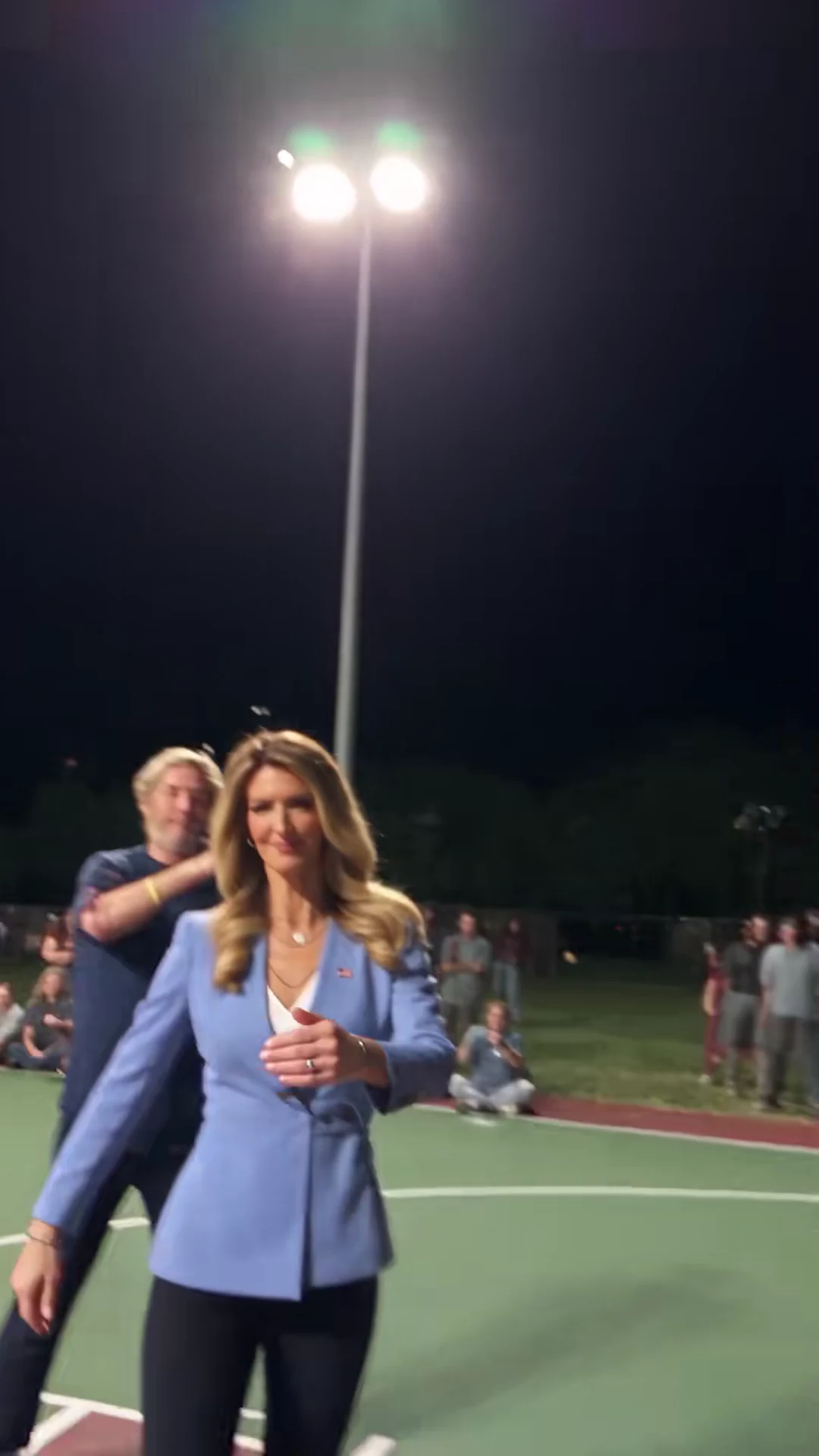
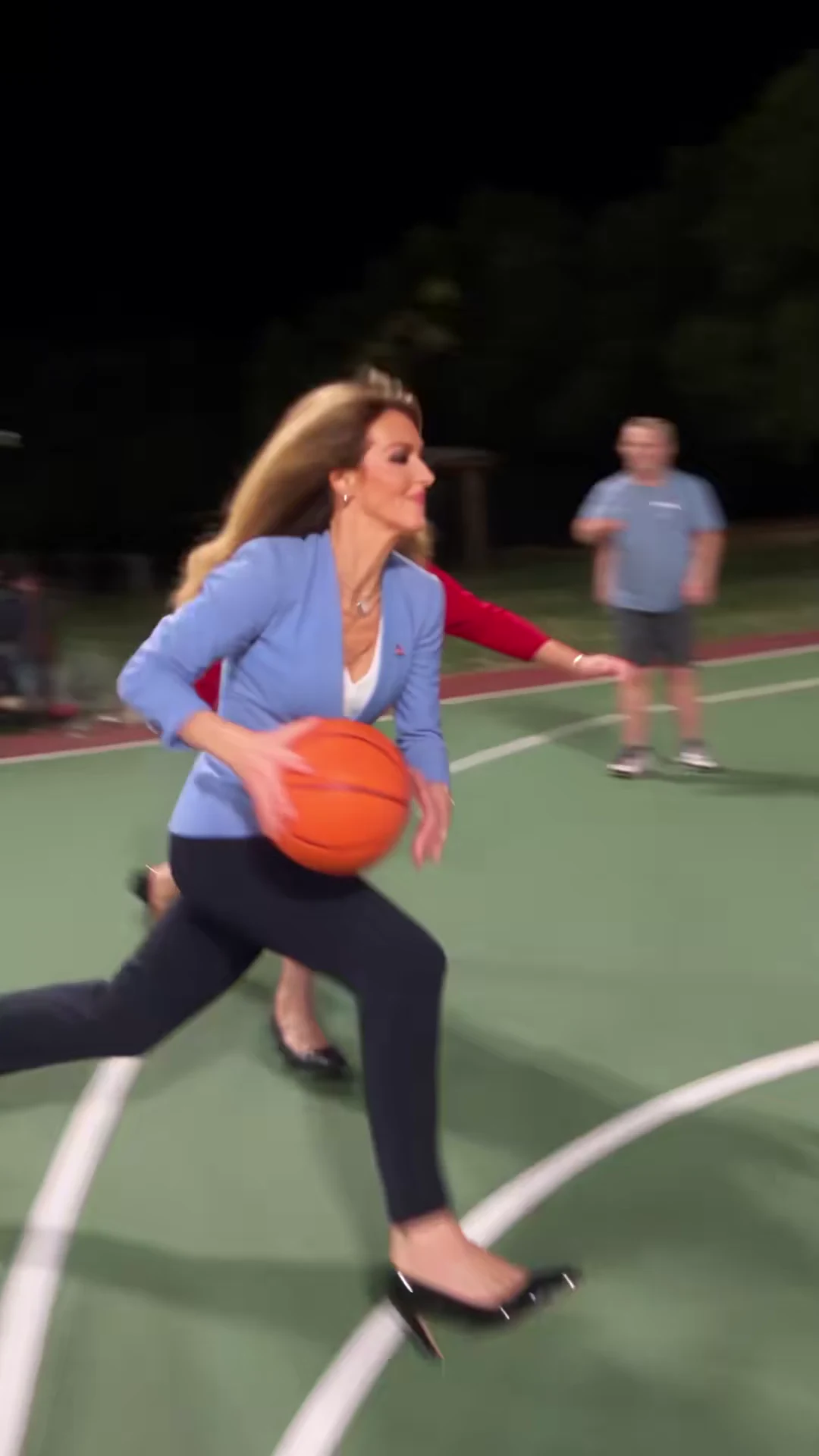
1v1 DunkSource: @scrambledai · 1v1 basketball AI parody

Plan the rivalry before you upload

01

Ask first, then cast

The defender is the person being dunked on, so they should be in on the joke. Use photos of yourself or of people who have agreed to appear, and skip anyone who would not find it funny. The clip works best when the rivalry is light and shared: a boast settled, a bet paid, a running joke between people who know each other. It is not a tool for embarrassing someone who did not say yes.

02

Who goes in which slot

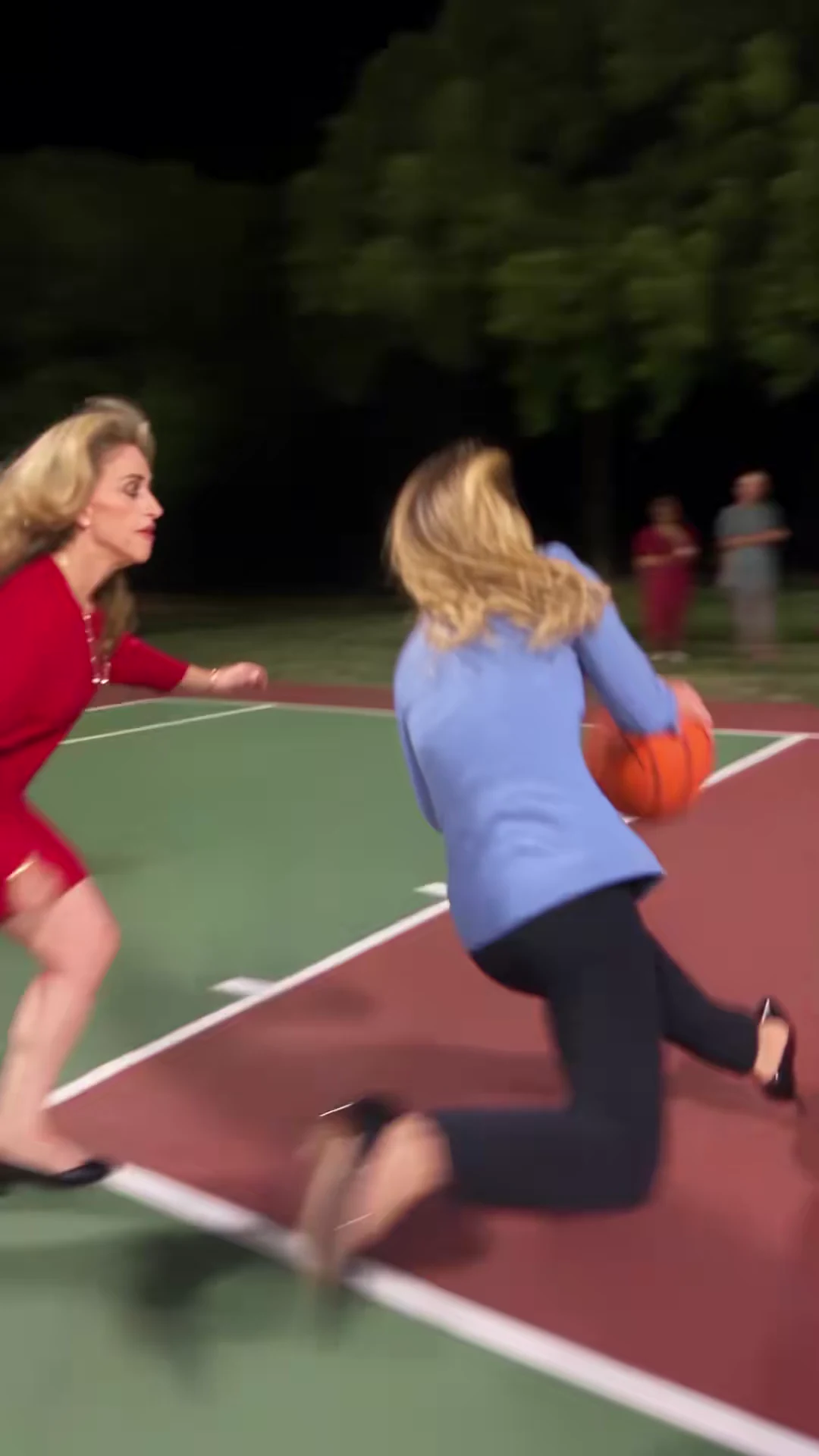
Both player slots are required. Put the winner of the rivalry in the Attacker slot: they are seen face-on in both celebrations. Put the friend being teased in the Defender slot. Because the defender is filmed mostly from behind during both dunks, choose a photo where their hair, build and clothes are easy to see, so people still recognise them from the back. Leave the optional Court slot empty for the floodlit night court, or add a location photo if the rivalry belongs somewhere specific.

03

Captions timed to the beats

The clip has four moments worth a caption. Open with the setup, such as "Me vs my brother after he said he'd never lose", over the first drive (0 to 1.4 seconds). Let the first dunk at about 1.5 seconds play clean. Put the punchline on the first celebration, about 3.5 to 5.8 seconds, when the attacker is standing still facing the camera. Save a second line, such as "Best of three", for the slow-motion dunk from about 7.2 seconds. Keep text in the upper part of the frame during the dunks so it does not cover the rim or the ball.

04

Make the location part of the joke

The Court slot replaces the setting with a location photo, so the dunk can happen where the rivalry lives: the office kitchen, the garage, the backyard, the gym you both go to. The template is set up to keep the players, ball, hoop and action and change the environment. A wide photo of the place with clear floor space and no people in it is the easiest starting point. We have not reviewed a generated result for every kind of location, so check the hoop, the floor and the spectators in yours.

05

The rematch

If your friend wants revenge, make a second video with the two photos swapped between the Attacker and Defender slots. Posting the two side by side, labelled "Round 1" and "Round 2", is a fair way to settle it. Each video is a separate generation, so read the studio quote for both before you start.

06

Post it as a joke, clearly

Say that the video is AI-made, so nobody mistakes it for a real game. Oakgen's template asks for a playful "number one" raised index finger as the celebration toward the camera, which keeps the tease friendly; it is an instruction to the model, not a guarantee, so watch the celebration frames before posting. If you show the source clip alongside yours, credit it to @scrambledai and label the two clips separately. The source has no speech, and its sound is labelled "original sound - Scrambled.ai"; do not present it as a named song.
Explore the 1v1 Dunk trend

How to make it

Add a photo for the attacker and defender. The court is optional: add a photo to change it.

Attacker in the 1v1 Dunk source video
Attacker
Defender in the 1v1 Dunk source video
Defender
Court in the 1v1 Dunk source video
Court
  1. 01

    Pick your players and court

    Upload a clear photo for the attacker and one for the defender, and optionally a photo of the place you want them to play. Full-body photos carry the outfit through the jumps.

  2. 02

    Review quality and price

    Choose 480p, 720p or 1080p and review the quote. It includes the full video, both player preparations and the scene preparation.

  3. 03

    Check the dunks

    Watch the ball, hands and rim on both dunks, the defender's rear views and the taunt before downloading your portrait MP4 with the original sound.

01

Three things to swap

Both players come from your photos: each takes their face, hair and outfit from their own upload. An optional location photo moves the whole game somewhere else, from a school gym to an office or a beach court.

02

The whole possession

The 15-second portrait clip keeps the crossover and drive, the first dunk, the taunt to the camera, the second drive and the slow-motion flying dunk over the defender, with the original whip-pan cuts.

03

A friendly taunt

The template asks for the attacker's celebration as a raised "number one" finger toward the camera. Check the celebration frames before you share.

04

An attributed AI source

The preview is @scrambledai's AI basketball parody, used as the motion and timing reference. It is not an Oakgen-generated result, and its players are never reused: both roles come from your photos.

Photo tips

  • One person per photo
  • Show the outfit you want on court
  • Keep faces and hair clear
  • Pick visibly different players
  • Use a wide, well-lit location photo
  • Check the ball and rim on both dunks

Questions & answers

What is the 1v1 Dunk trend?

It is a one-on-one AI basketball parody: the attacker crosses over and drives past the defender, dunks, taunts the camera, then finishes a slow-motion flying dunk over the defender. 1v1 Dunk is Oakgen's name for it, taken from the "1v1" and "dunk" wording creators use for these basketball templates.

Can I change the court?

Yes. Add a location photo in the Court slot and the whole game moves there, while the hoop, ball, players and camera moves stay. Leave it empty to keep the floodlit outdoor night court.

Do I have to replace both players?

Yes. The attacker and the defender each need a photo, so the reference players never appear in your video. The court is optional: leave it empty to keep the floodlit outdoor night court.

Which player is the attacker?

The attacker has the ball the whole time: they drive, dunk twice and celebrate toward the camera. The defender guards the drive and is mostly seen from behind in the foreground during the dunks.

How is it different from Poster Dunk?

Poster Dunk is a single slow-motion dunk on a fixed court. 1v1 Dunk follows a full one-on-one possession with two dunks and a taunt, and it lets you replace the court as well as both players.

How long is the video?

The output is 15 seconds in portrait 9:16 format, matching the reference from the first dribble to the final walk toward the camera.

Does it keep the original sound?

Yes. The final MP4 keeps the reference's music and crowd sound. The source labels it only as original sound, so we do not name a track or artist.

Whose photos can I use?

Use photos of yourself or of people who agreed to be in the video. Do not upload photos of public figures or anyone who has not consented.

Is the preview generated by Oakgen?

No. It is the attributed source AI parody, shown for its moves and timing. Your result uses your two players and, if you add one, your court; review the ball, hands, faces and the celebration before sharing.

How much does it cost?

3,173 credits per 720p video. The quote includes both player preparations, the scene references and the complete video; a court photo adds no character preparation. Check the quote before generating.

Ideas for your next video

Plan a story, keep your character recognizable, and make the finished clip your own.

Explore the video trend playbook →

Make your 1v1 Dunk video

Upload 2–3 photos. Everything else is set.

Make this video