You have seen the one-on-one where one player crosses the other over, dunks, celebrates, then does it again in slow motion. This guide takes you from choosing photos to posting, in order. When your video is back, the companion article, checking your 1v1 Dunk result, walks through it beat by beat.
Cast your own one-on-one
Add your attacker and defender photos, optionally a new court, review your credit quote and make the 15-second dunk clip.
What the template gives you
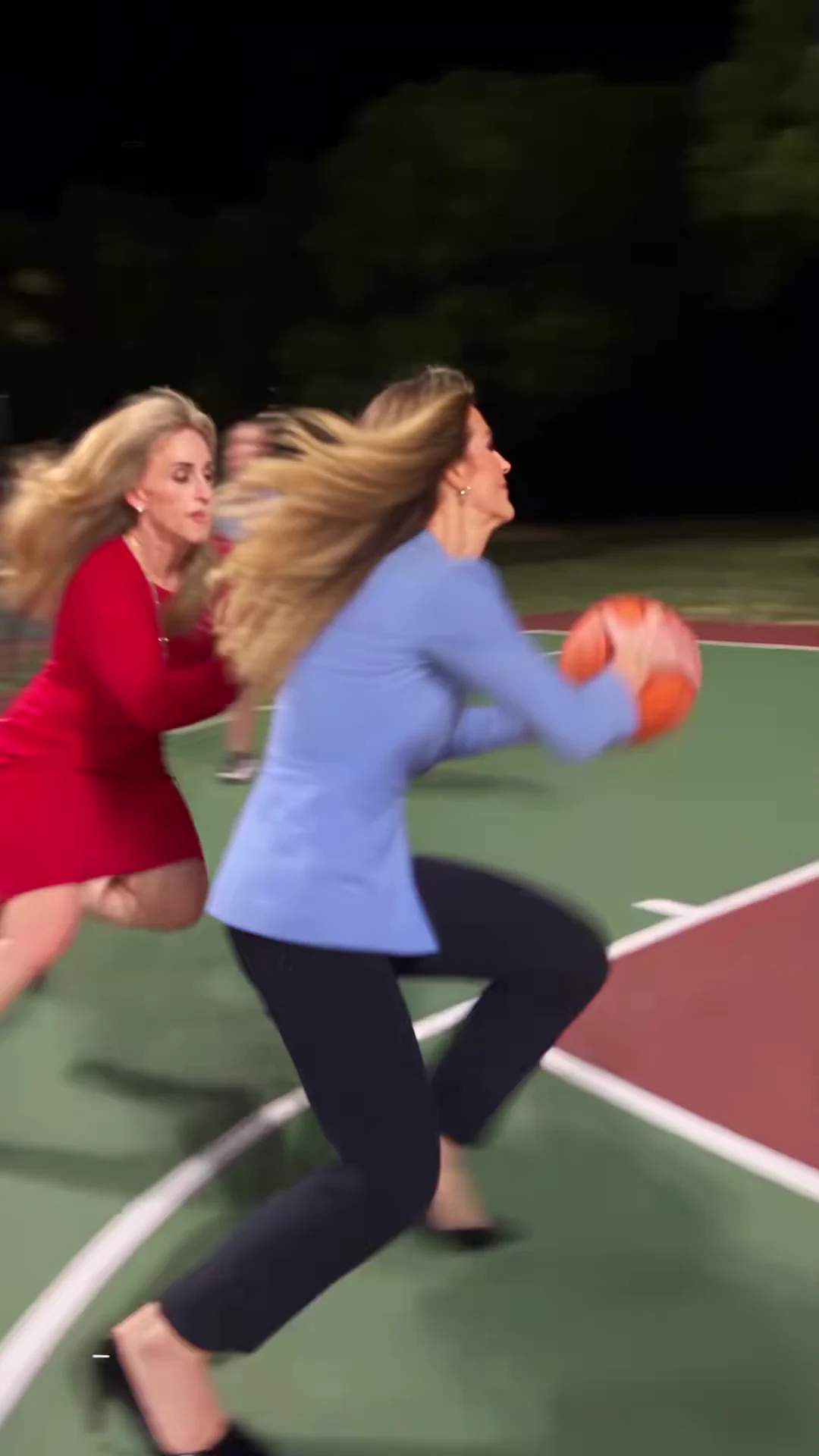
1v1 Dunk recreates a 15-second portrait clip of one full one-on-one: a drive and a first dunk, a celebration toward the camera, a second drive and a slow-motion flying dunk over the defender, a second celebration, and a closing whip-pan up to the floodlights and back. The reference is a one-on-one AI basketball parody by @scrambledai posted on October 22, 2026. The creator posted the same choreography in other settings too, including an office, which is the idea behind Oakgen's three slots: Attacker and Defender, both required, and an optional Court. The source guide covers the versions and what is not known about them.
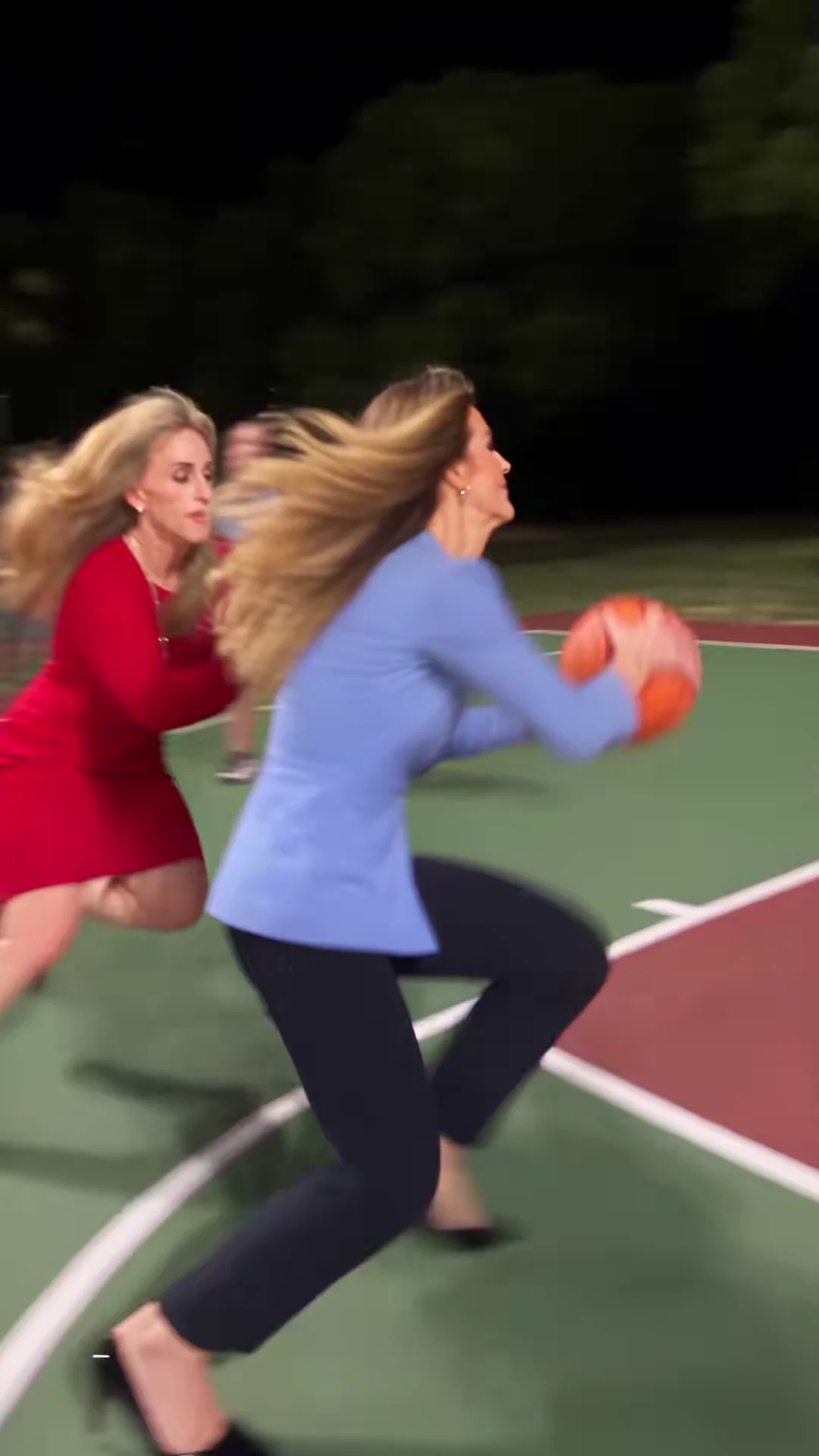
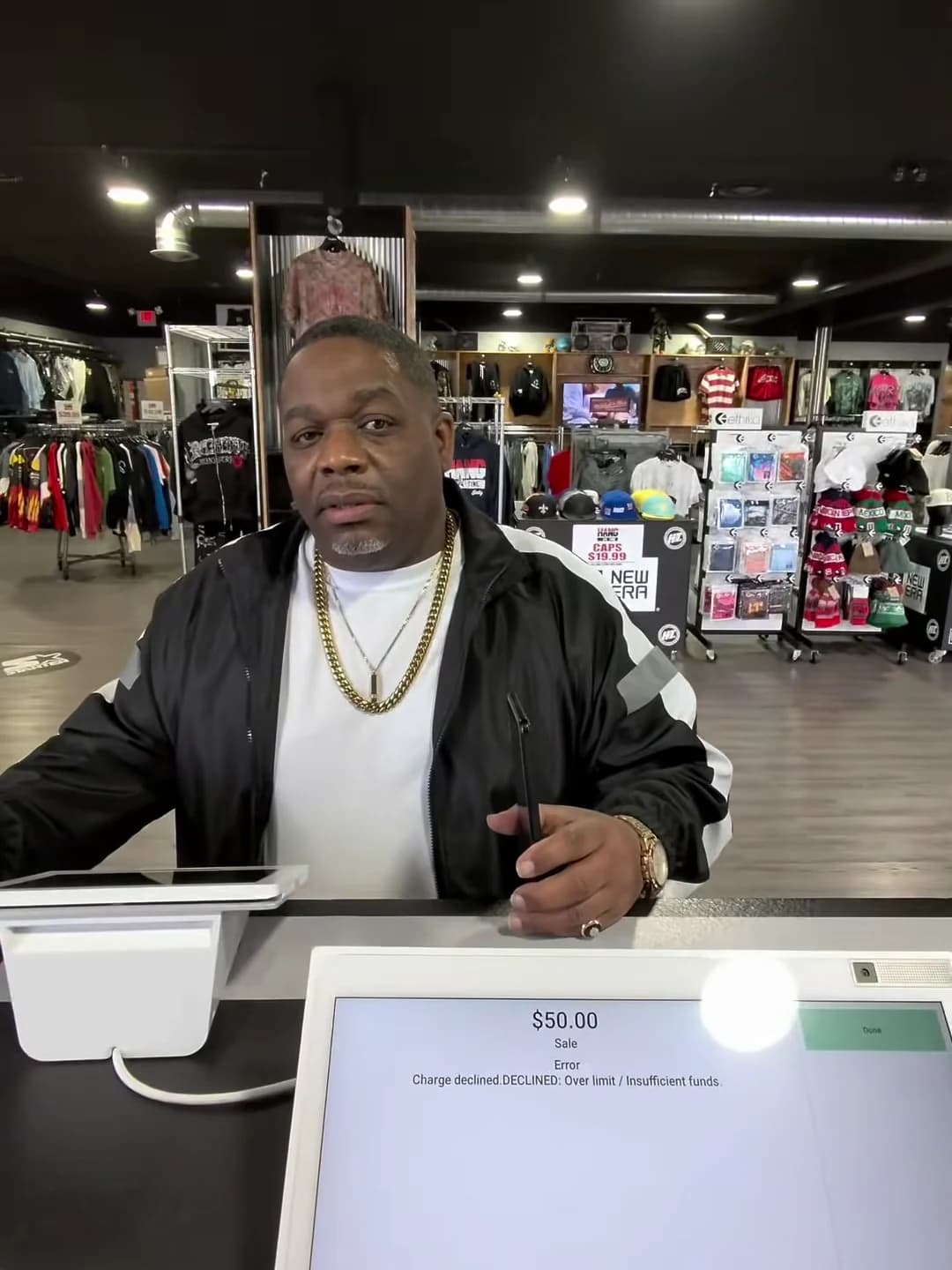
Frame from the credited @scrambledai source clip, not an Oakgen output.
Step 1: decide the story
Before any photo, decide who wins. The roles are not equal:
- The attacker scores twice and celebrates twice, standing still and facing the camera. They are on screen for almost the whole clip.
- The defender is beaten twice and spends both dunks in the foreground with their back to the camera.
- The court is where it all happens. The reference is a floodlit outdoor court at night with a crowd behind the baseline.
So the attacker slot is for the person who should get the glory, and the defender slot for the person being teased, with their agreement. If the rivalry is the whole point, the dunk on your friend page has caption timing for that version.
Step 2: choose the attacker photo
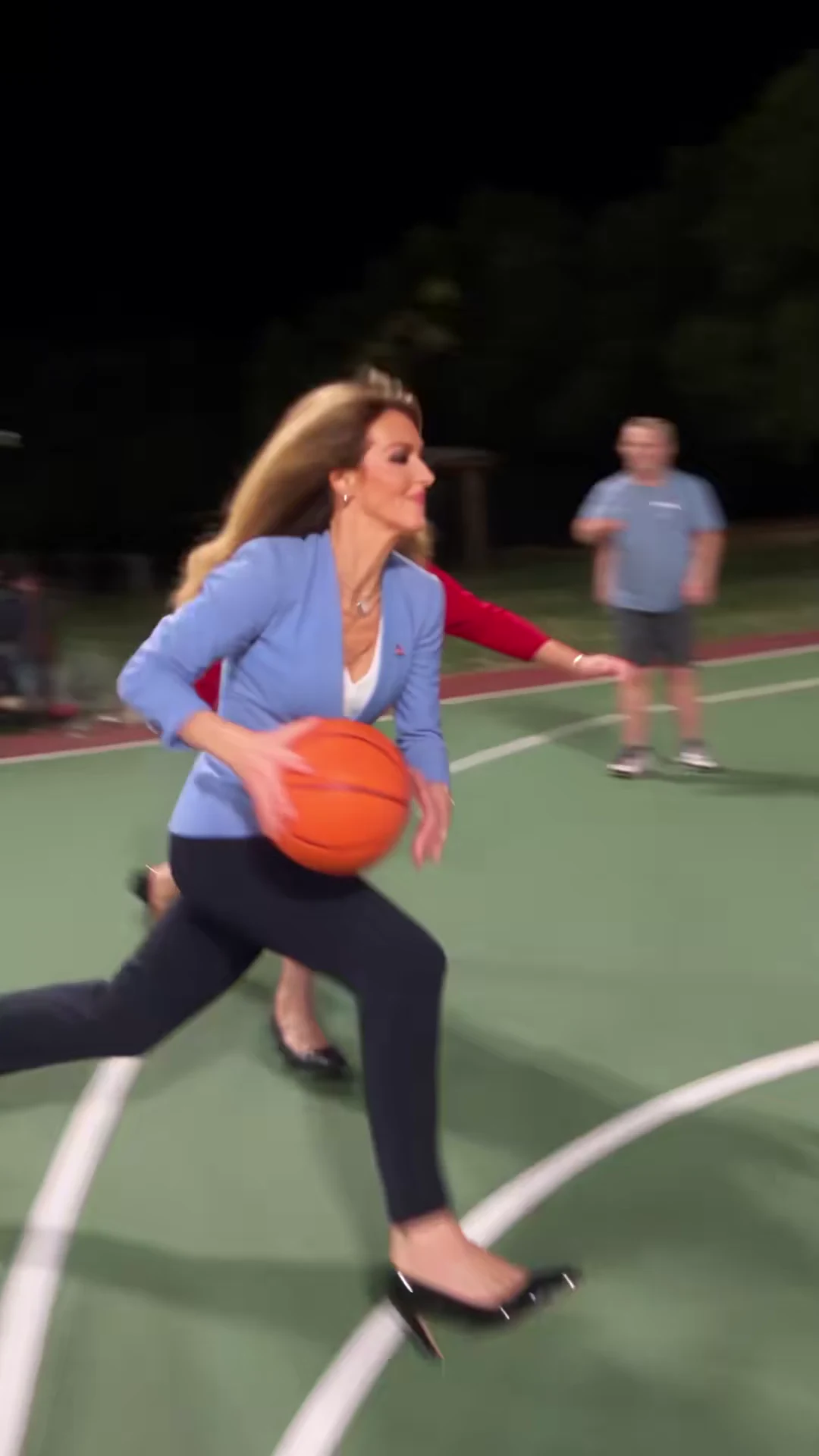
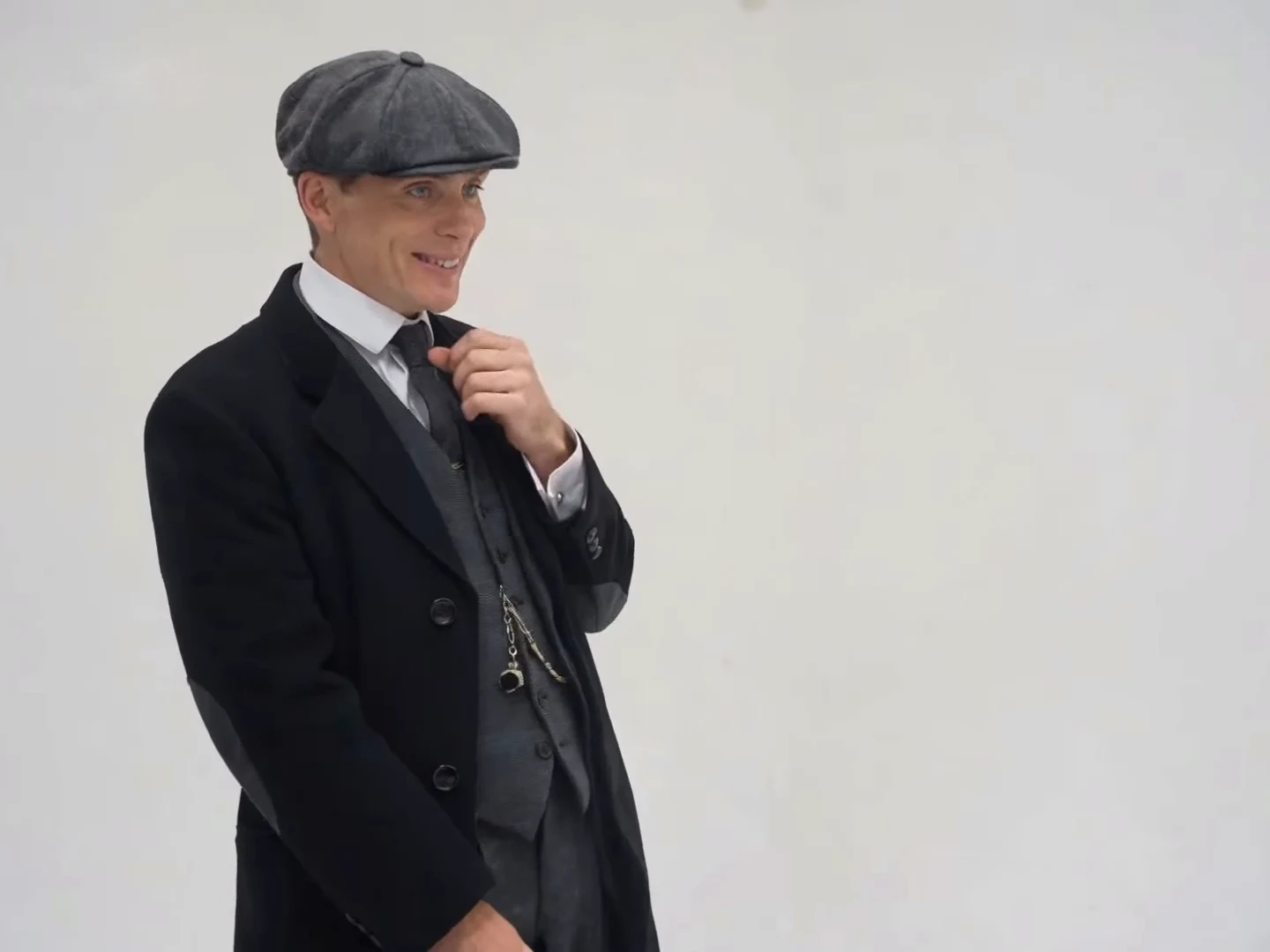
The attacker as seen in the credited @scrambledai source clip, not an Oakgen output.
The attacker is seen face-on and at full-body size during the celebrations from about 3.5 to 5.8 seconds and 11.9 to 14 seconds, and close to the lens at the very end. Use a sharp, front-facing photo with the whole face visible, good resolution and even light. One person per photo. Avoid sunglasses, heavy filters and a face turned away.
Step 3: choose the defender photo
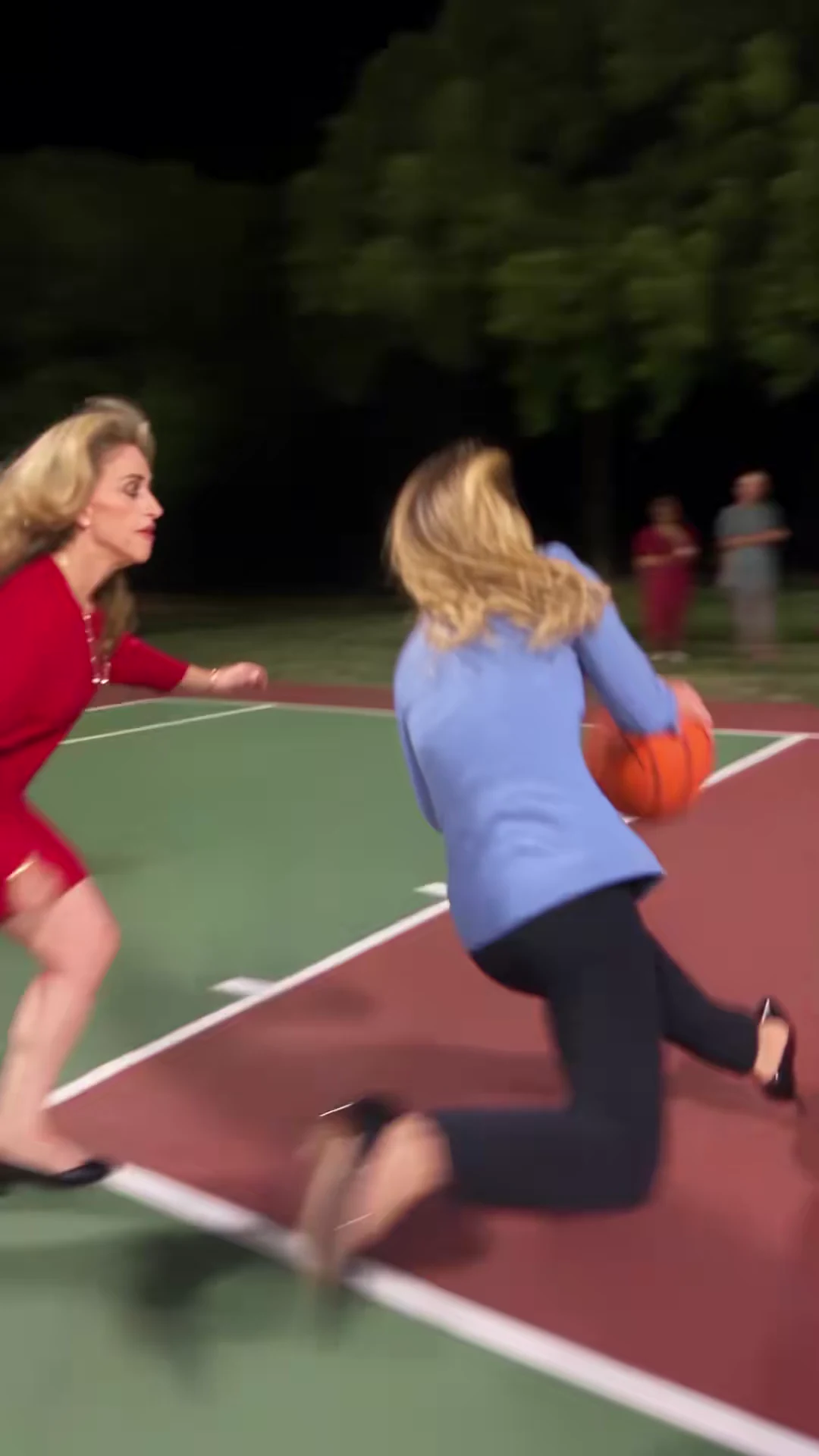
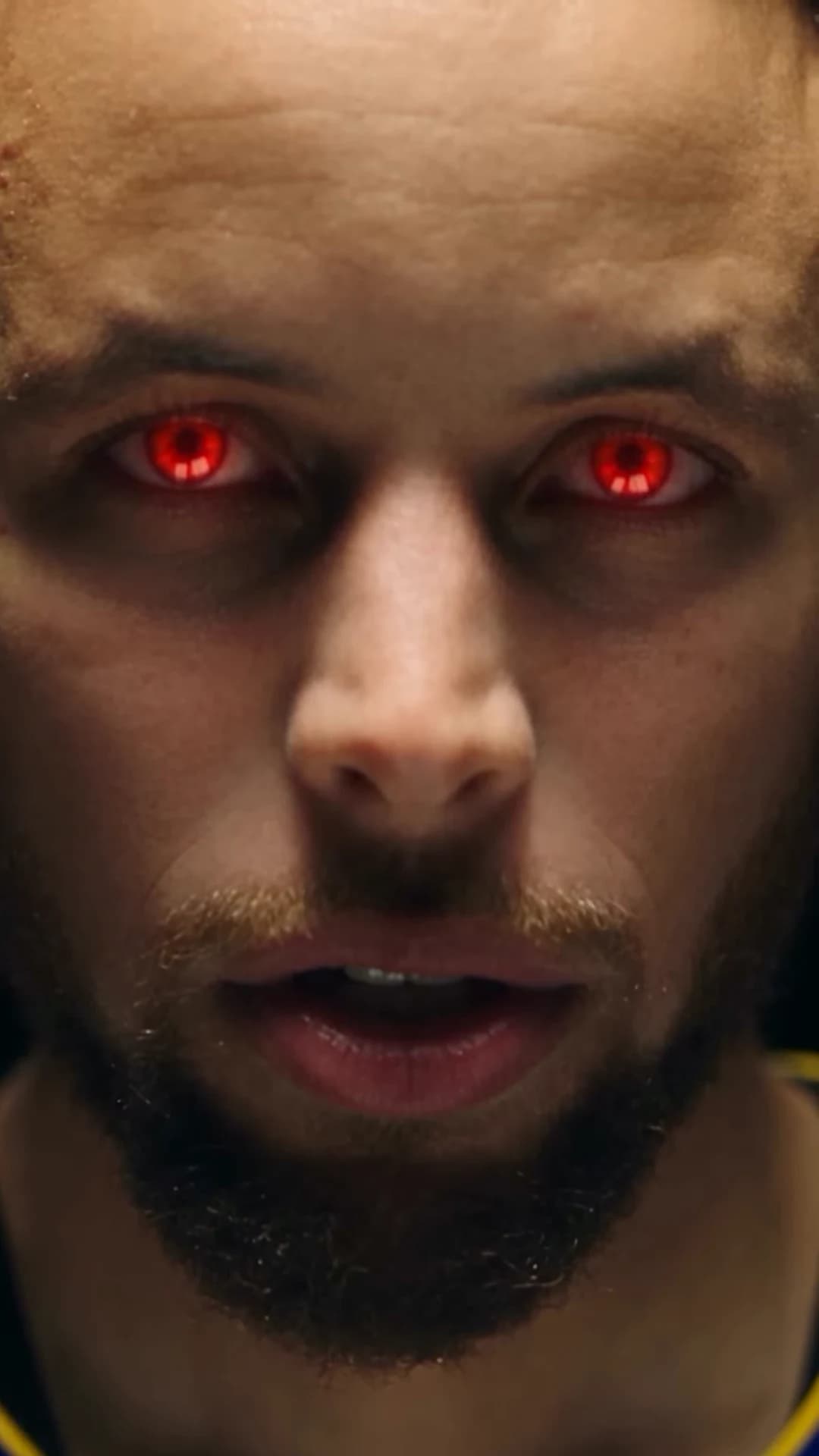
The defender as seen in the credited @scrambledai source clip, not an Oakgen output.
The defender's face is seen only briefly, in profile during the two drives. During both dunks the camera sits behind them. That means hair, build and clothes carry the recognition. Pick a photo where the face is clear but the hair and outfit are also visible; a tight face crop gives the template little for the over-the-shoulder shots. The casting page goes deeper into the two roles.
Step 4: keep the court or move it
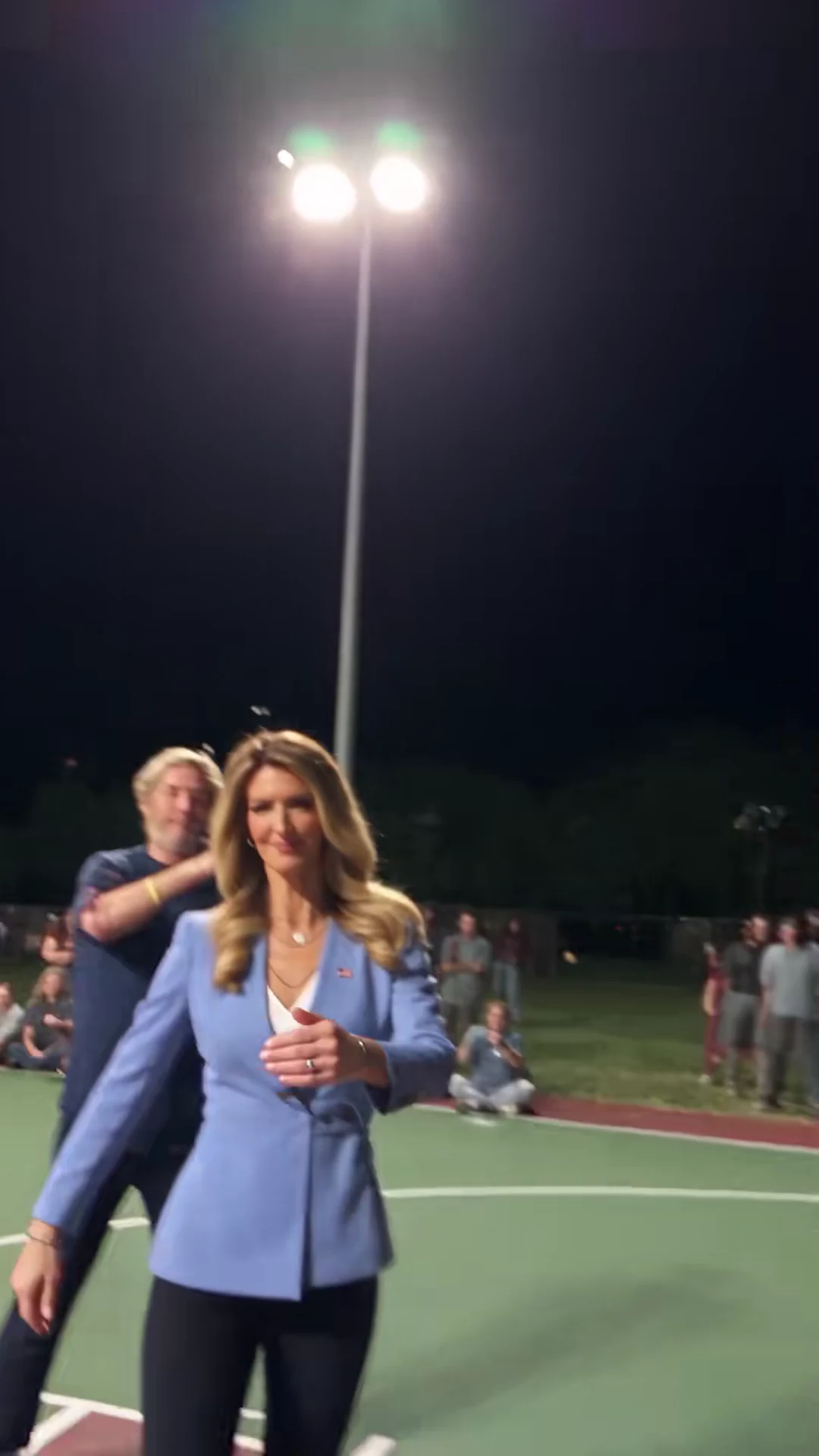
The reference court in the credited @scrambledai source clip, not an Oakgen output.
The Court slot is the only optional one. Leave it empty and the game stays on the floodlit night court. Add a location photo and the environment changes; the template is set up to keep the players, ball, hoop and action, but check them in your result. A good location photo:
- is wide, taken at about standing eye level, with open floor in the middle;
- has no people in it, so nobody competes with the two players;
- shows a light source if you can, because the last second whips the camera up toward the lights;
- is a place you have the right to show.
Offices, gyms, driveways, garages, beach courts and living rooms all fit the idea. The any-setting guide explains which camera angles the location has to survive.
Step 5: check the quote
Choose a resolution in the studio and read the credit quote before generating. It covers the whole 15-second clip and always includes preparing both player photos. A location photo adds no character preparation. Read the number before you start; this guide does not list a fixed price because the studio quote is the authority.
Step 6: know what is fixed
The shot order, soft whip-pan cuts, slow-motion second dunk, single ball, hoop and portrait frame are the template. The sound is the source's original audio: no speech, labelled "original sound - Scrambled.ai", with no identified song. The attacker always wins. You cannot add a third player, change the moves or end on a face-off. If you want a jump-shot style ending, that is a different kind of "1 vs 1" template, compared on the 1 vs 1 template page.
Oakgen's template asks for a raised index finger, a "number one" sign, as the celebration toward the camera, and for plain banners in the background. Those are instructions to the model, not guarantees, so watch the celebration frames at about 3.5 to 5.8 and 11.9 to 14 seconds before you post.
Step 7: caption and post
Good captions sit on the beats:
| Time | Beat | Caption idea |
|---|---|---|
| 0 to 1.4 s | First drive | The setup: "Me vs my sister after she said she was better" |
| 1.5 to 3.5 s | First dunk | Nothing; let it land |
| 3.5 to 5.8 s | First celebration | The punchline |
| 7.2 to 10.3 s | Slow-motion dunk | "Best of three" or a second punchline |
| 11.9 to 15 s | Second celebration and walk-off | The sign-off |
Keep text near the top of the frame during the dunks so it does not cover the rim and the ball. Say that the video is AI-made. If you show the source clip, credit @scrambledai and label your version separately, for example "Source" and "My version".
There is no generated example on this page and no measured success rate for any photo or setting. Once yours is ready, run through the beat-by-beat check before posting.