Add one close face photo
Upload a clear photo where your face is large and well lit. Because the final image is a tight close-up, a full-body or distant photo spends most of its pixels on things that will not appear.
Image trend
You supply a face; the stadium, light and grain come with the template. With one upload slot and no options, the steps are quick, and the attention goes into the review afterwards.
Upload a clear photo where your face is large and well lit. Because the final image is a tight close-up, a full-body or distant photo spends most of its pixels on things that will not appear.
The crowd, the warm light and the grain are added in about a minute. The image is saved to your assets, so you can leave the page while it runs.
Confirm your eyes, smile and hair match your photo, then scan the crowd and frame edges for stray lettering or odd shapes. The review page for this template walks through each check.
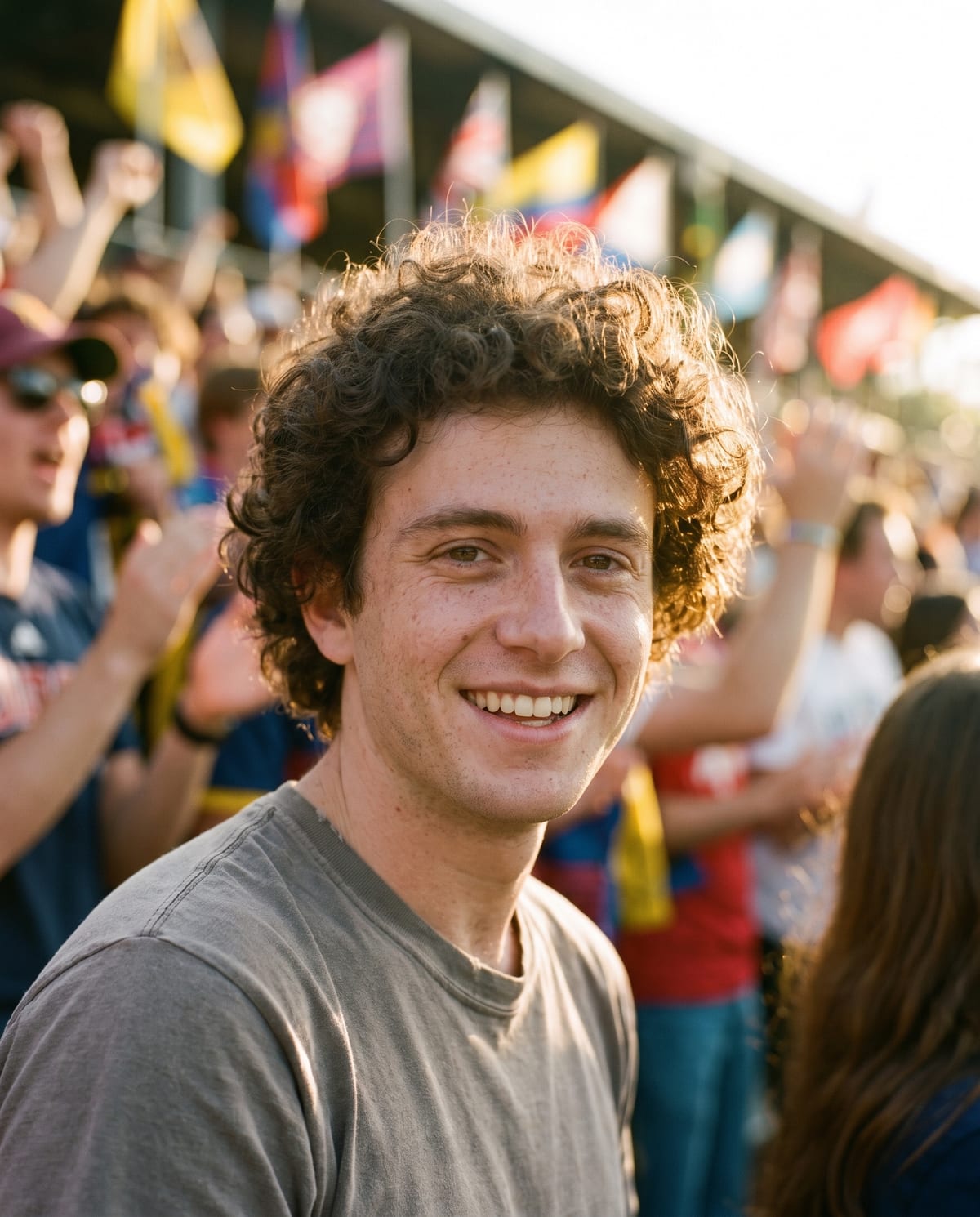
A film-grain fan portrait from the middle of the crowd. Add one clear photo; the look is already set.
A clear, close photo of your face in good light.
Pick a clear, close photo of your face.
The stadium, the light and the film grain are built in about a minute.
Save the image and share it anywhere.
A tight portrait that keeps your features, freckles and hair.
Warm late-afternoon light, shallow depth of field and fine 35mm grain.
The crowd and flags are blurry colour, with no team names or readable text.
One: a clear, close photo of you.
Your photos are used to make your image. Only upload photos of yourself, or of people who have agreed to it.
Check your plan's terms for what you can do with generated images. They apply to your result.
About a minute. You can leave the page; the finished Game Day image is saved to your assets.
No. The crowd is deliberately generic, with no team names, logos or readable text.
Pick a premise, choose the right photo, and turn one finished image into a post worth sharing.
Game Day fan portrait ideas: post concepts for season openers and watch parties, which close-up selfie to use, honest captions and what to check in the crowd.
The 2026 AI baseball fan cam trend, match-day fan photo generators and the Game Day film portrait compared: what each one makes and which suits your post.
One photo, about a minute. Golden light, blurry flags and your face on the cover.