Detail beats context
Pick the photo where your face is biggest and sharpest, even if the background is boring. A great outfit photo where your face is small gives the close-up less to keep.
Image trend
In a tight close-up there is nowhere for a weak photo to hide. The details that make the portrait feel like you, such as freckles, eye shape and hair texture, all have to be visible in the selfie you upload.
Pick the photo where your face is biggest and sharpest, even if the background is boring. A great outfit photo where your face is small gives the close-up less to keep.
Window light or open shade shows your features evenly. A hard shadow across half your face or a dim indoor shot leaves the warm stadium light little real detail to build on.
Sunglasses hide the eyes, and a low cap brim can do the same. Look toward or near the camera with a relaxed smile, which suits a fan caught mid-cheer.
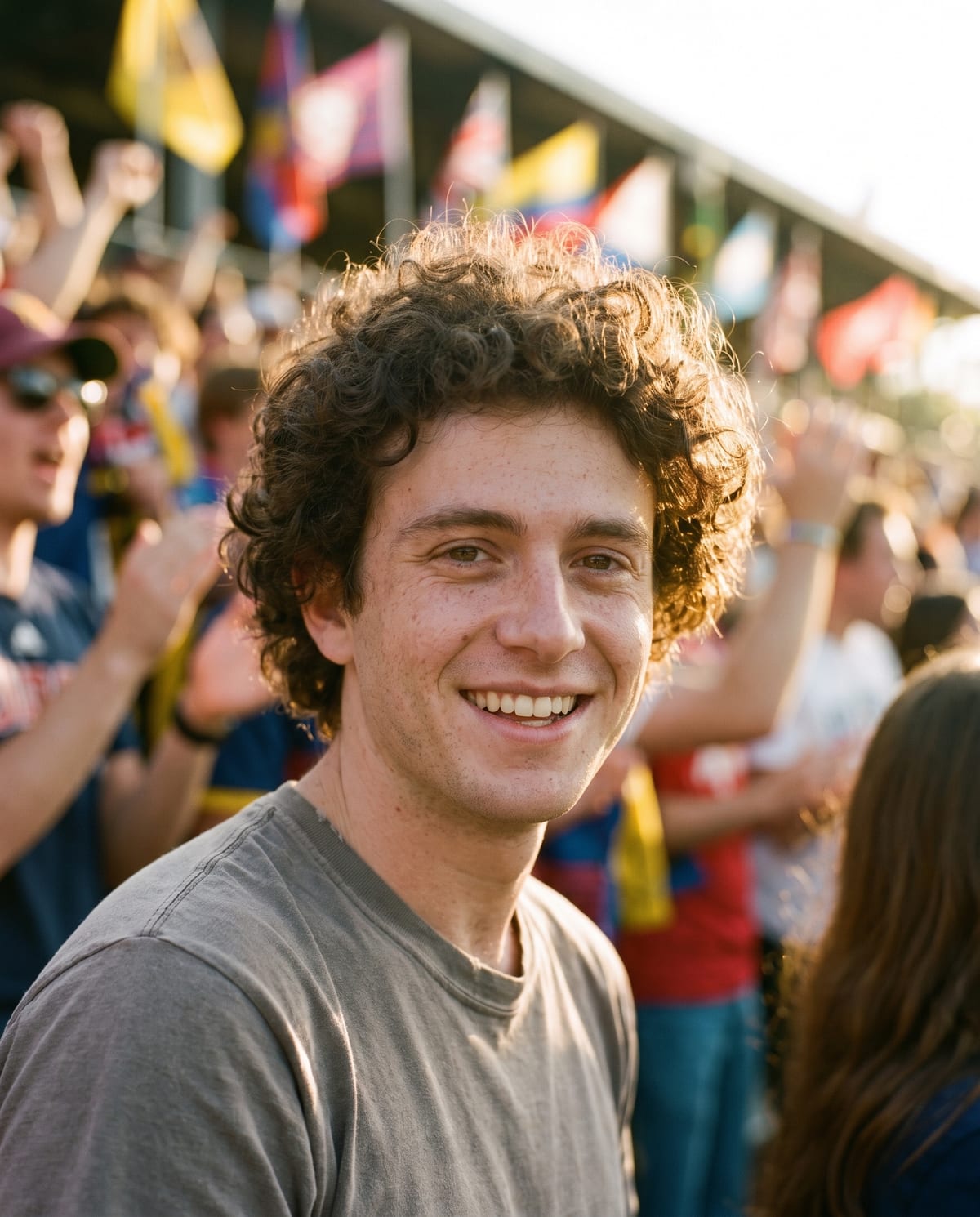
A film-grain fan portrait from the middle of the crowd. Add one clear photo; the look is already set.
A clear, close photo of your face in good light.
Pick a clear, close photo of your face.
The stadium, the light and the film grain are built in about a minute.
Save the image and share it anywhere.
A tight portrait that keeps your features, freckles and hair.
Warm late-afternoon light, shallow depth of field and fine 35mm grain.
The crowd and flags are blurry colour, with no team names or readable text.
One: a clear, close photo of you.
Your photos are used to make your image. Only upload photos of yourself, or of people who have agreed to it.
Check your plan's terms for what you can do with generated images. They apply to your result.
About a minute. You can leave the page; the finished Game Day image is saved to your assets.
No. The crowd is deliberately generic, with no team names, logos or readable text.
Pick a premise, choose the right photo, and turn one finished image into a post worth sharing.
Game Day fan portrait ideas: post concepts for season openers and watch parties, which close-up selfie to use, honest captions and what to check in the crowd.
The 2026 AI baseball fan cam trend, match-day fan photo generators and the Game Day film portrait compared: what each one makes and which suits your post.
One photo, about a minute. Golden light, blurry flags and your face on the cover.