Oakgen.ai

Video trend

Baby Lip Sync AI Trend: Captions, Cover and Who to Cast Last

The clip already has its structure: seven people commit, and then the camera finds the eighth. What you control is who that eighth person is, what the caption promises and who shares it after you post. Group videos travel when everyone in them wants to send them on, so most of this page is about making that happen.

Final video
37.08 seconds
Your input
8 photos
Quality
720p
THE ORIGINAL37.08 SEC / 9 / 16
Baby Lip SyncYour photo. This scene.

Making it land

01

Cast the closer first

Everything builds to the last person, so pick them before anyone else. The one nobody can picture in this video is the right choice: the head of the company, your dad, the coach or the friend who never appears in anything. Get their yes before you start.
02

Captions that work

Name the group and let the song do the rest. "Our team after the Q3 numbers." "Wedding party group chat, in real life." "Told my dad it was a family photo." "The accounts department has never been closer." Avoid explaining the song, since the first few seconds do that.

03

Pick the cover

Use a frame that shows the whole gang at the end, from about 32 to 36 seconds, when the group is laughing around the closer. For one recognisable hero face, use Singer 1 in the opening instead. Faces that people know are what get a thumbnail tapped.

04

Hook people early

A 37-second video needs a reason to stay. Add on-screen text from the first second that sets up the ending, such as "wait for the last one". The closer is visible from the very first frame, so a viewer who watches twice gets a small reward.

05

Let all eight share it

Tag everyone who agreed to it and send them the file. Eight people posting or resharing the same video is a stronger start than anything you can do with hashtags. Post it when most of them are around to respond, and keep the portrait frame, which needs no cropping.

06

Label it and check the music

Say that it is AI-made, in the caption or with the platform's AI label. Commercial music may be limited on business accounts, so check your platform's rules before posting for a brand. Never make somebody appear in it who did not agree, even as a joke.

Explore the Baby Lip Sync trend

How to make it

Add a photo for each role shown below. All roles need a photo.

The roles in the Baby Lip Sync original reference
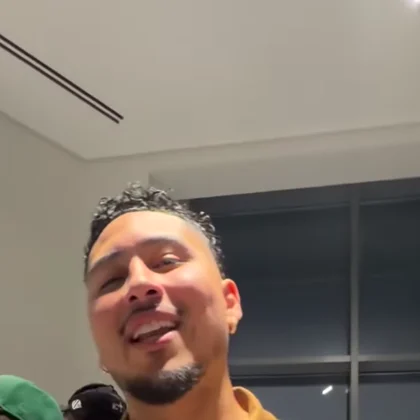
Singer 1 in the Baby Lip Sync source video
Singer 1
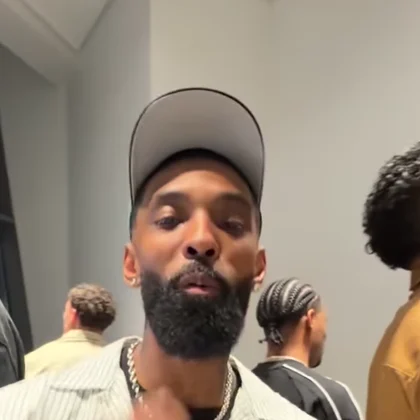
Singer 2 in the Baby Lip Sync source video
Singer 2
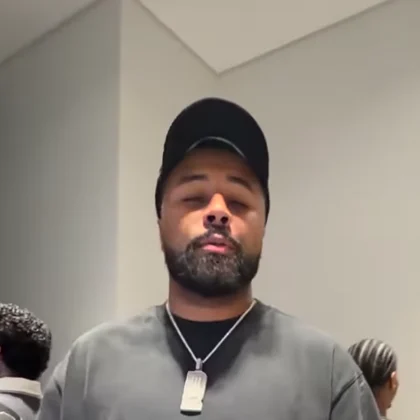
Singer 3 in the Baby Lip Sync source video
Singer 3
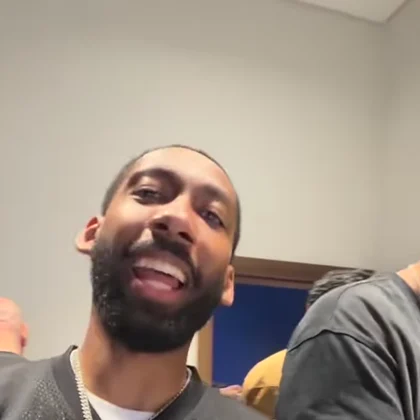
Singer 4 in the Baby Lip Sync source video
Singer 4
Singer 5 in the Baby Lip Sync source video
Singer 5
Singer 6 in the Baby Lip Sync source video
Singer 6
Singer 7 in the Baby Lip Sync source video
Singer 7
The closer in the Baby Lip Sync source video
The closer
  1. 01

    Upload all eight

    Add one clear photo per person, only of people who agreed to appear. A sharp face near the camera with the whole head and hair works best. Put the person nobody expects in the closer slot.

  2. 02

    Review quality and price

    Choose 480p, 720p or 1080p and review the quote. It covers all eight photo preparations and all 37 seconds, so read it before you generate.

  3. 03

    Check every person

    Pause on each of the eight turns, then check the joins at about 11.5 and 23 seconds, the hands near the lens and the mouths on the chorus before downloading your portrait MP4.

01

Your whole group

All eight people you see up close come from your photos. Each person's face, hair, build and outfit come from their own picture, so nobody needs a costume.

02

One long take

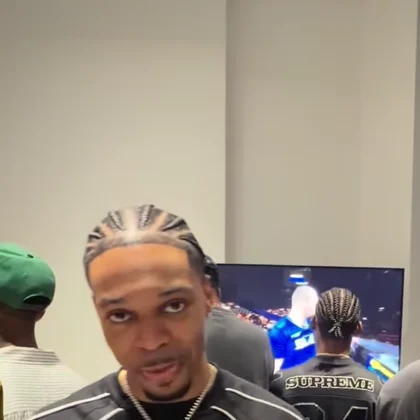
About 37 seconds in portrait, with one phone moving from person to person and no cuts to speak of. The room, the camera's path and the order stay the same.

03

The original audio

Your video keeps the clip's own audio, including "Baby" by Justin Bieber featuring Ludacris. Nobody records anything, and the mouths follow the reference performance.

04

The last-person payoff

The closer stands beside the first singer from the first frame and takes the camera at the end. The preview is the reference clip, not an Oakgen result, and its eight main performers are replaced by your photos.

Photo tips

  • Eight photos, one person each
  • Sharp faces near the camera
  • Whole head and hair in frame
  • Own outfits stay
  • Cast the closer first
  • Get a yes from all eight

Questions & answers

What is the Baby Lip Sync trend?

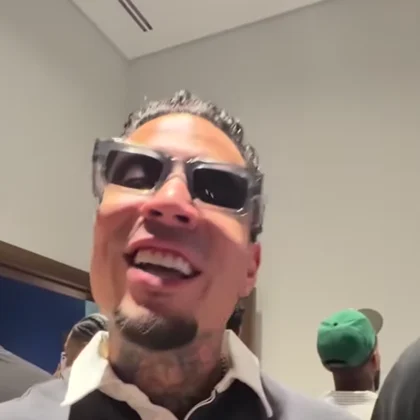
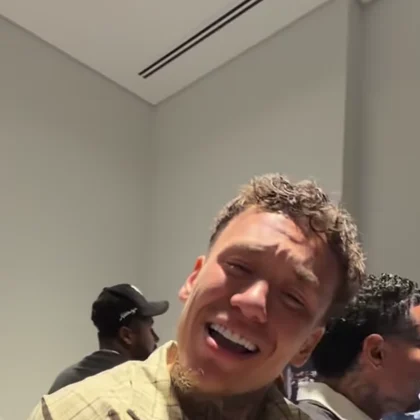
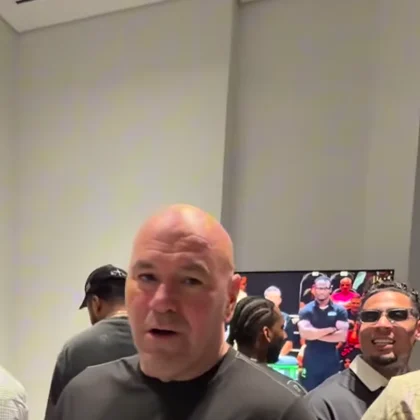
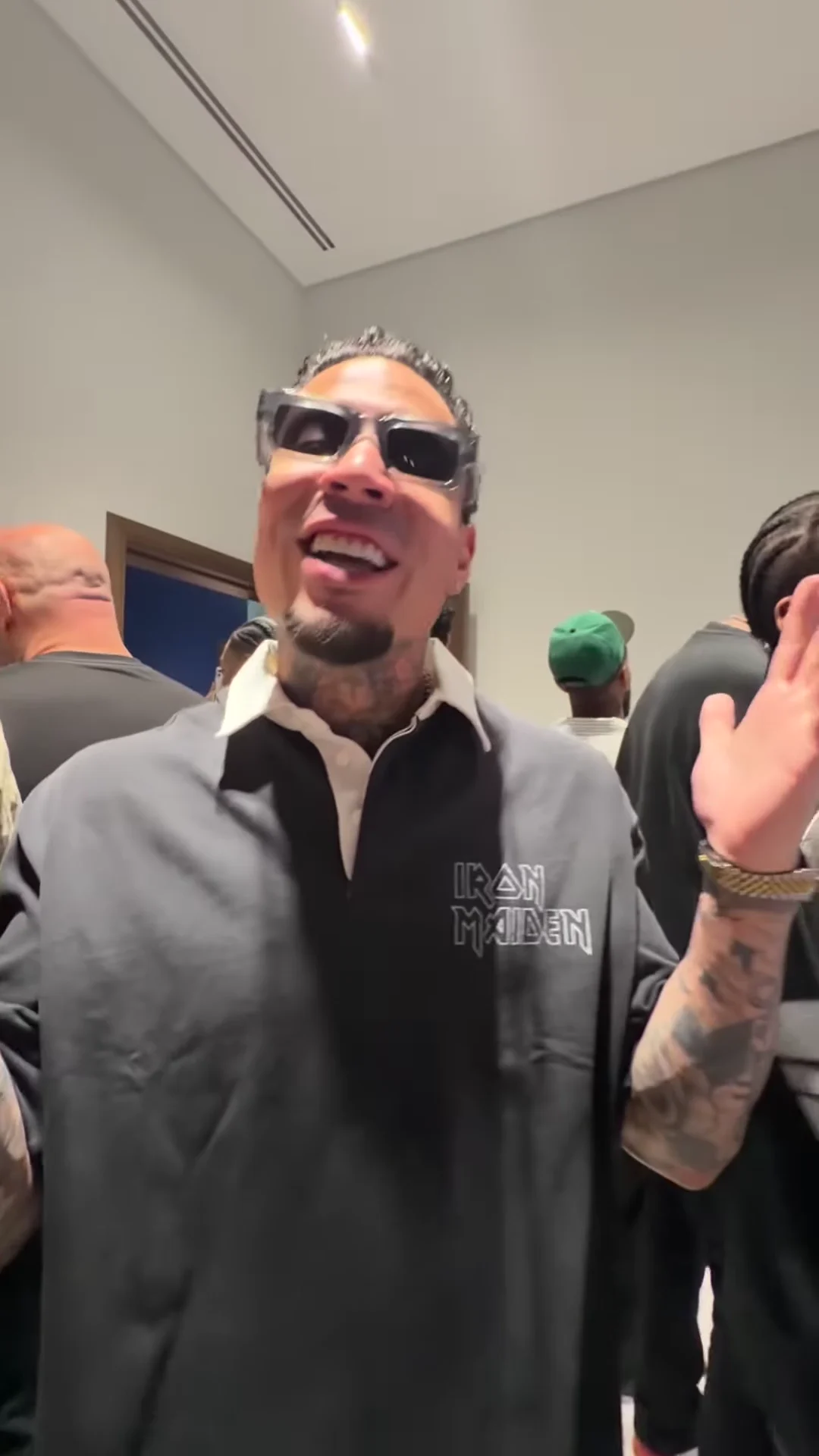
It is a 37-second portrait video in one long phone take. Seven people lip-sync the same pop song in turn in a crowded room, then the camera lands on an eighth person while everyone laughs. Oakgen's template replaces all eight with people from your photos.

What song is it?

"Baby" by Justin Bieber featuring Ludacris, identified from its lyrics. Neither artist appears in the clip or is connected to this template. We did not find an established name for this exact clip, so Oakgen calls it Baby Lip Sync.

Do I need all eight photos?

Yes. The source cast is never kept, so the studio will not start until all eight slots have a photo. You can use a photo twice, but that person will appear twice in the same room.

Who should be the closer?

The person nobody can picture doing this: a parent, a boss or the quiet friend. The closer stands beside the first singer from the start and takes the camera for about the last ten seconds.

Do we have to sing?

No. The video keeps the clip's original audio and nobody records anything. The mouths follow the reference performance, so check them closely before posting.

Do we keep our own clothes?

Yes. There is no costume. Each person's outfit comes from their own photo. The template asks for no logos or lettering from the source clothes to carry over.

Who are the other people in the room?

They are extras and are not cast from your photos. The template asks for anonymous people in the background, but it is an instruction to a model, so check the background before you post.

Whose photos can I use?

Only photos of yourself and of people who agreed to be in the video, all eight of them. Do not upload photos of athletes, celebrities or anyone who has not consented, and label AI videos clearly when you share them.

Why is the video made in parts?

A single model request cannot cover 37 seconds, so the template makes three parts and joins them near 11.5 and 23 seconds while the camera is swinging between people. Check those moments in your video.

Can I use photos of pets?

The template is written for people lip-syncing. An animal photo is not blocked, but the result is untested and the mouth timing may not look right.

How long is the video?

About 37 seconds in portrait 9:16.

Is the preview generated by Oakgen?

No. It is the reference clip the trend comes from, not an Oakgen result. Review every face in your video before sharing.

How much does it cost?

5,231 credits per 720p video. The quote includes all eight photo preparations and the complete video. Check it before generating.

Ideas for your next video

Plan a story, keep your character recognizable, and make the finished clip your own.

Explore the video trend playbook →

Make your Baby Lip Sync video

Upload 8 photos. Everything else is set.

Make this video