

 ChatGPT
 Claude
Blog
Guides, comparisons and trend walkthroughs for making images, video and audio with AI. Each article answers one practical question: which model fits a job, how to prompt it, what it costs in credits, or how to recreate a trending format step by step.
Latest guides and tutorials
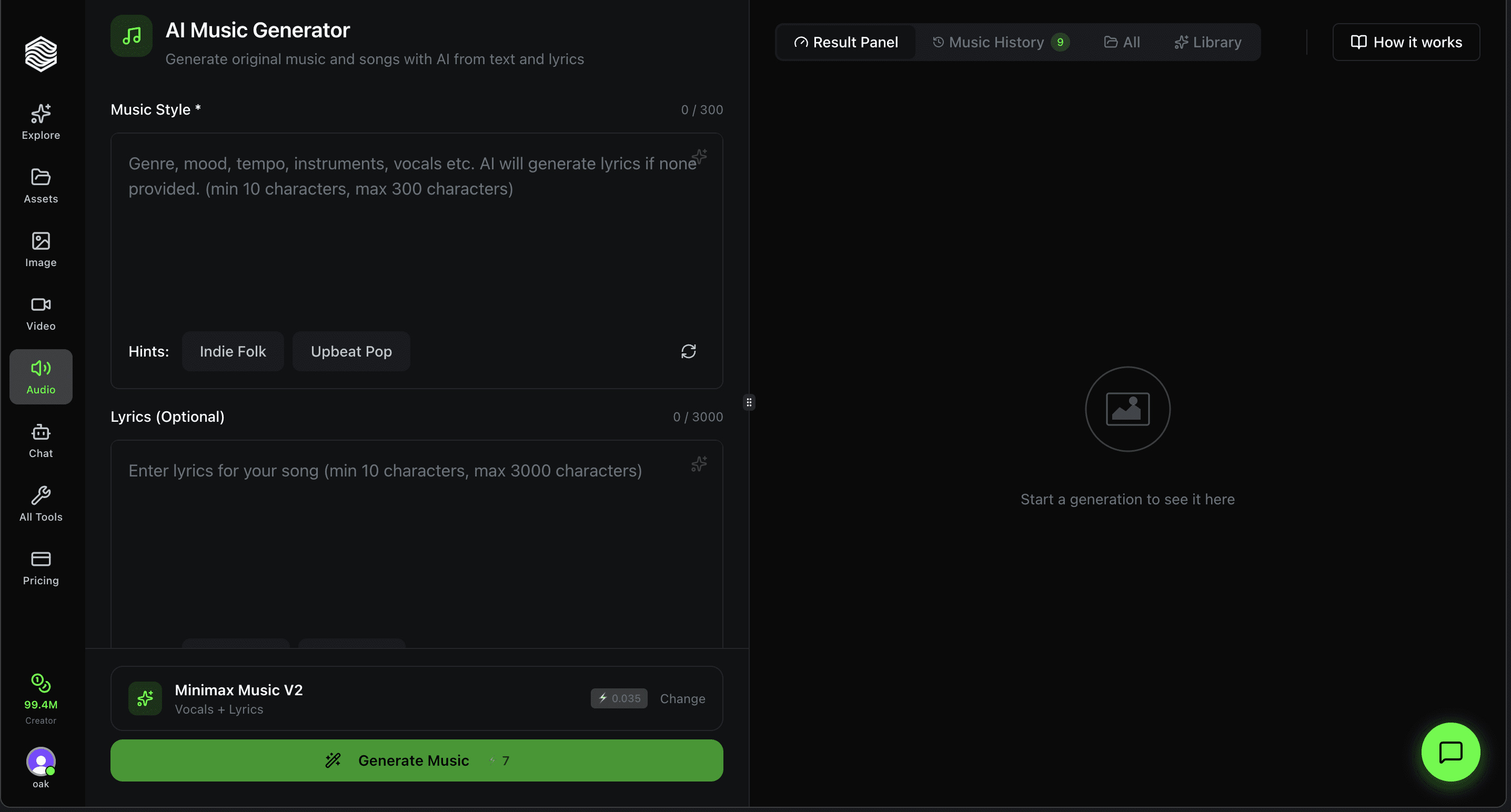
How to Use the AI Music Generator on Oakgen.ai
A walkthrough of Oakgen's AI Music Generator. Pick Lyria 3.5 or Eleven Music, describe a style, add lyrics and generate vocal or instrumental tracks.
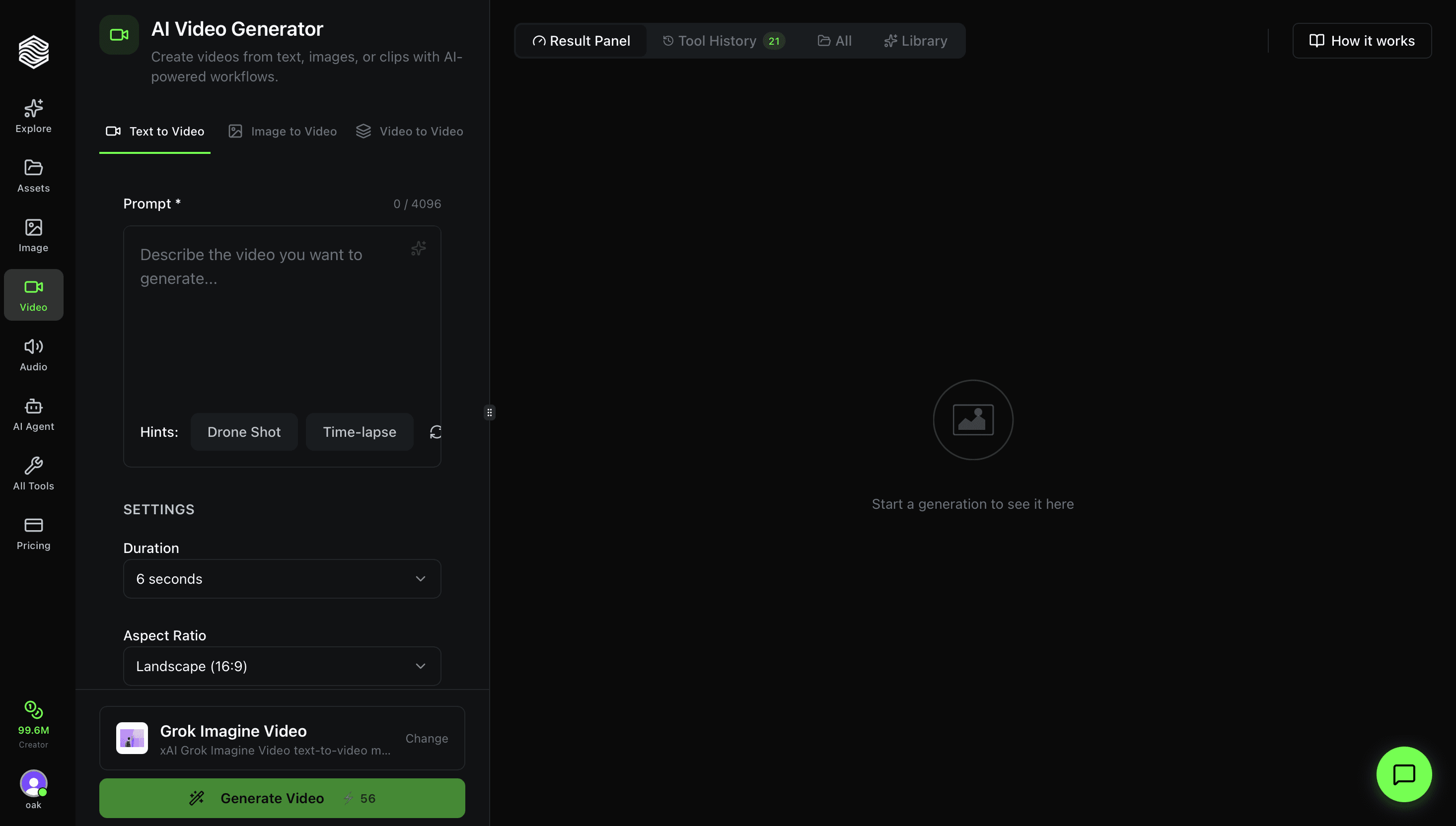
How to Use the AI Video Generator on Oakgen, Step by Step
Pick a video model and its mode, write the prompt, set length, shape and resolution, check the credit price on the Generate button, then run it.
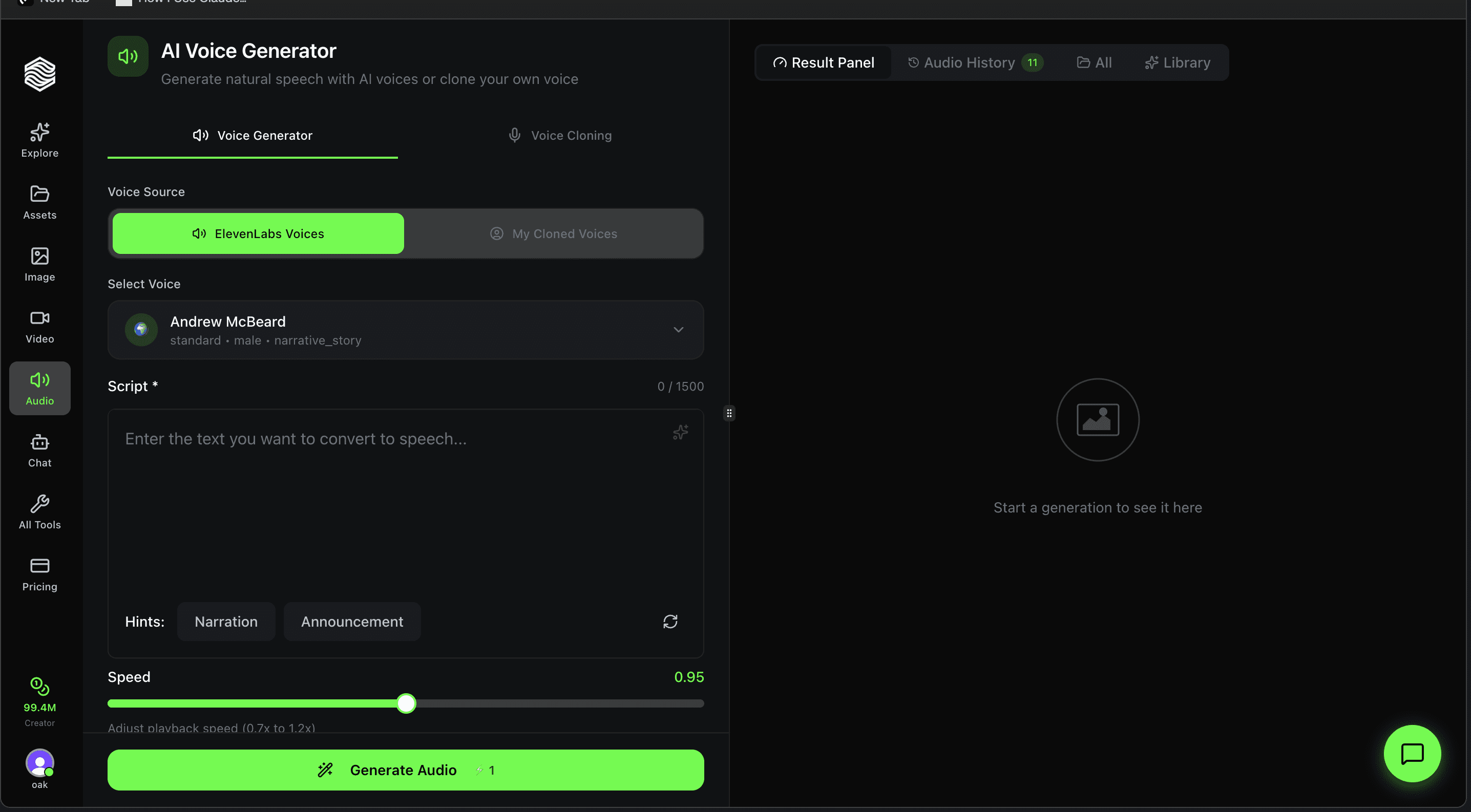
How to Use the AI Voice Generator on Oakgen.ai
Step-by-step walkthrough of the AI Voice Generator on Oakgen. Pick from 100+ ElevenLabs voices or use your cloned voice, adjust speed, and generate natural speech.
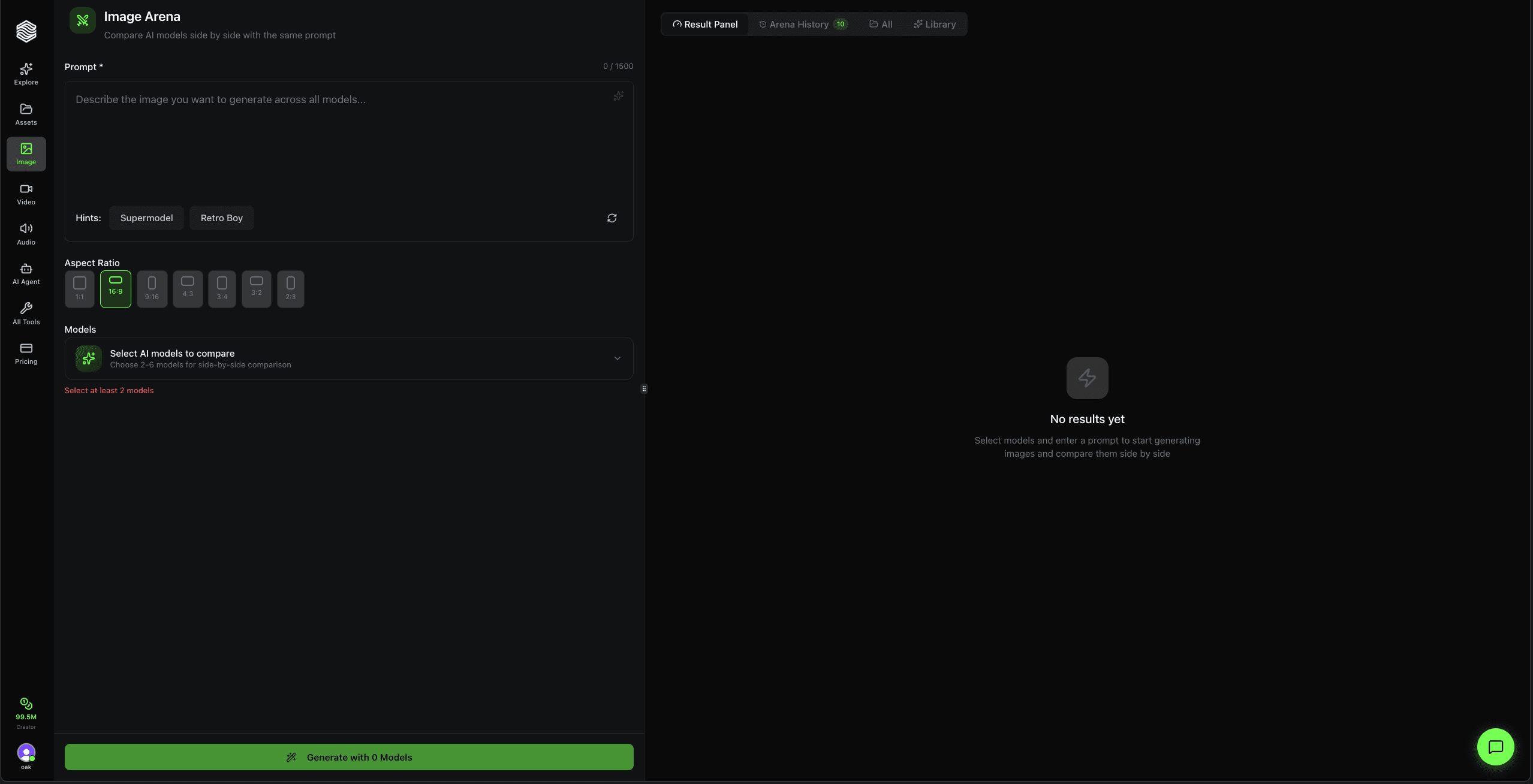
How to Use the Image Arena on Oakgen.ai
Step-by-step walkthrough of Oakgen's Image Arena. Compare AI image models side by side with the same prompt. Pick 2-6 models, generate, and see which one wins.
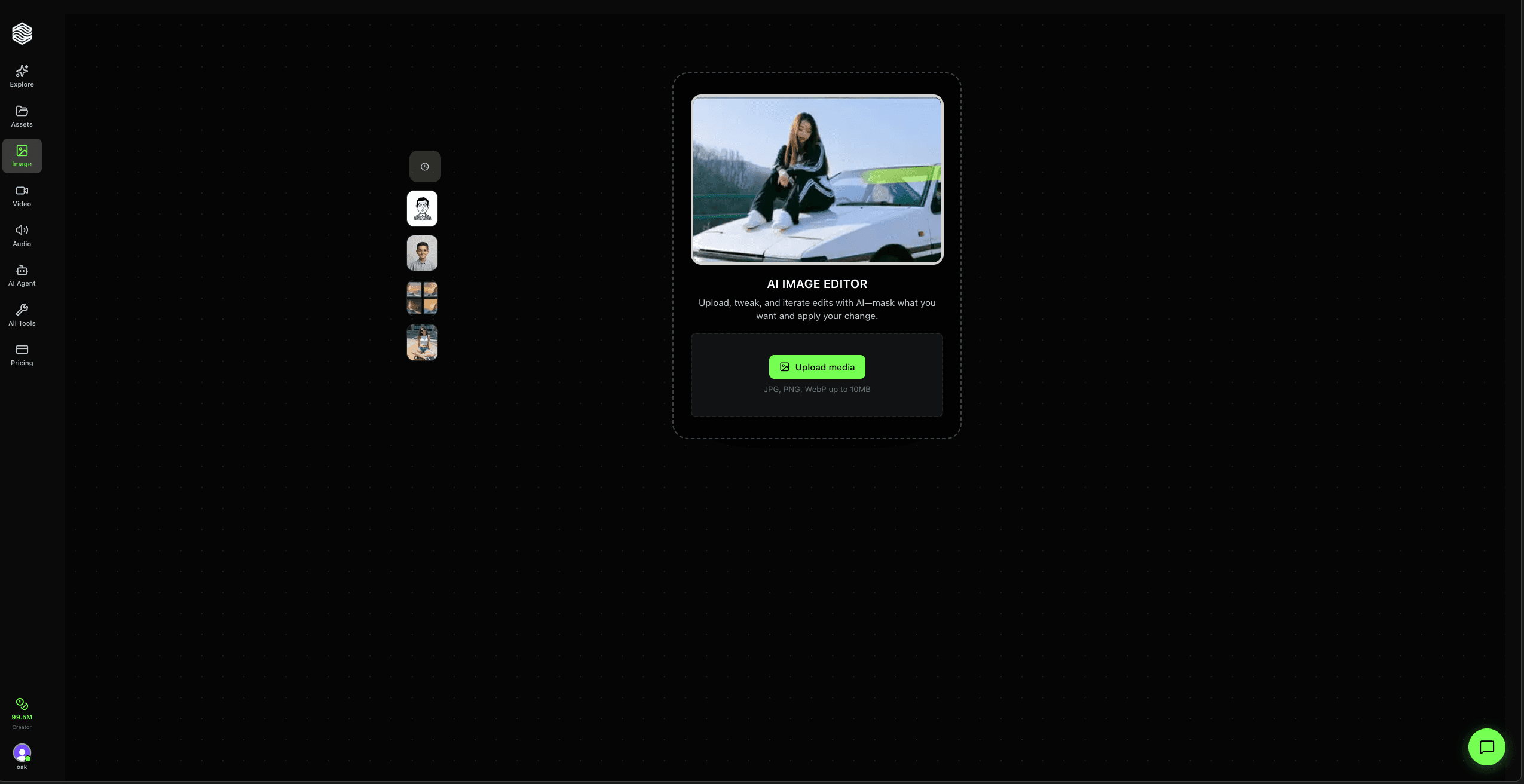
How to Use AI Image Editor on Oakgen.ai
Step-by-step walkthrough of Oakgen's AI Image Editor. Upload a photo, describe your edit in plain English, and iterate with version history.
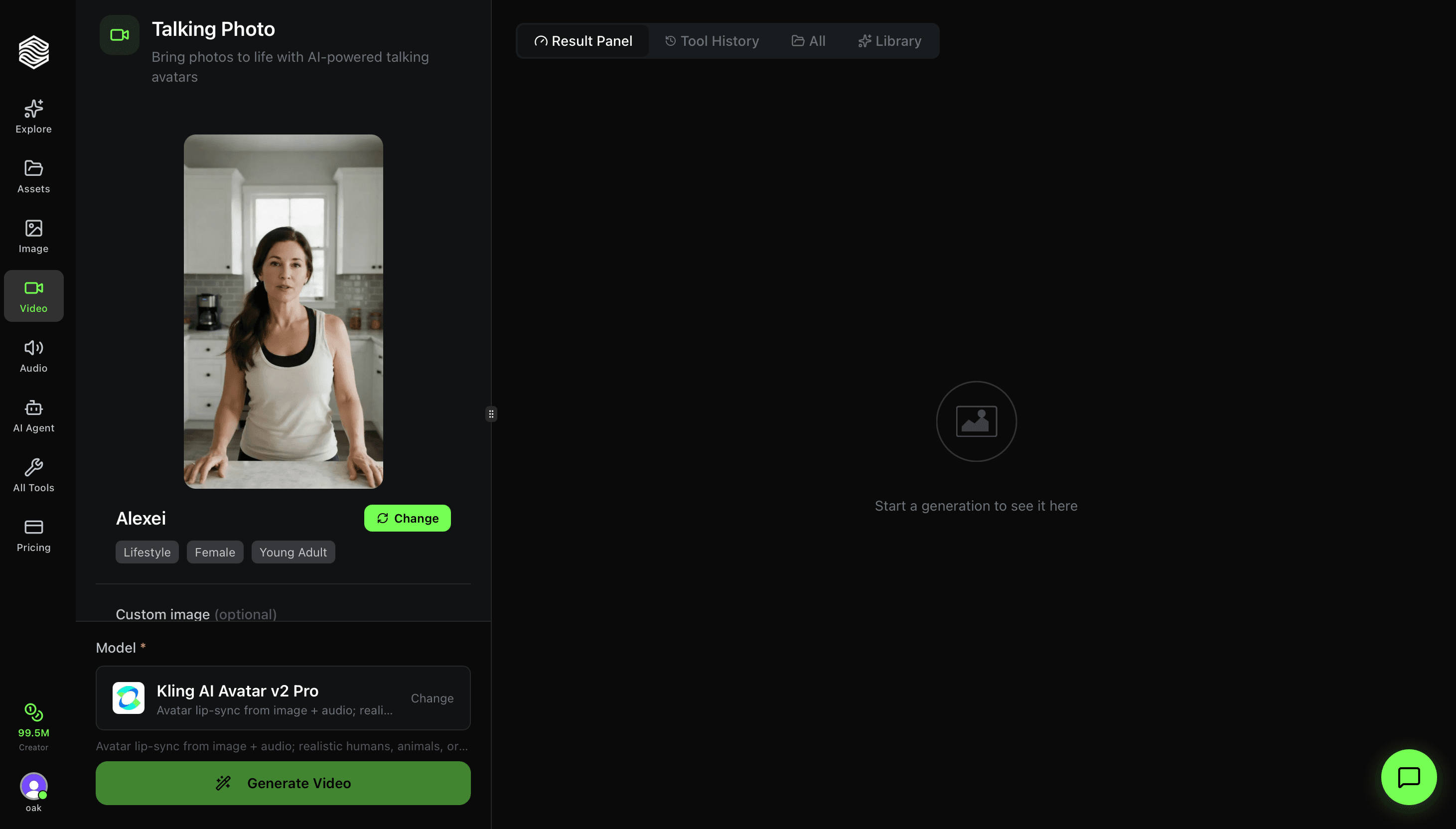
How to Use Talking Photo on Oakgen.ai
Step-by-step walkthrough of Oakgen's Talking Photo tool. Learn how to pick avatars, add audio, choose lip-sync models, and make any photo speak.
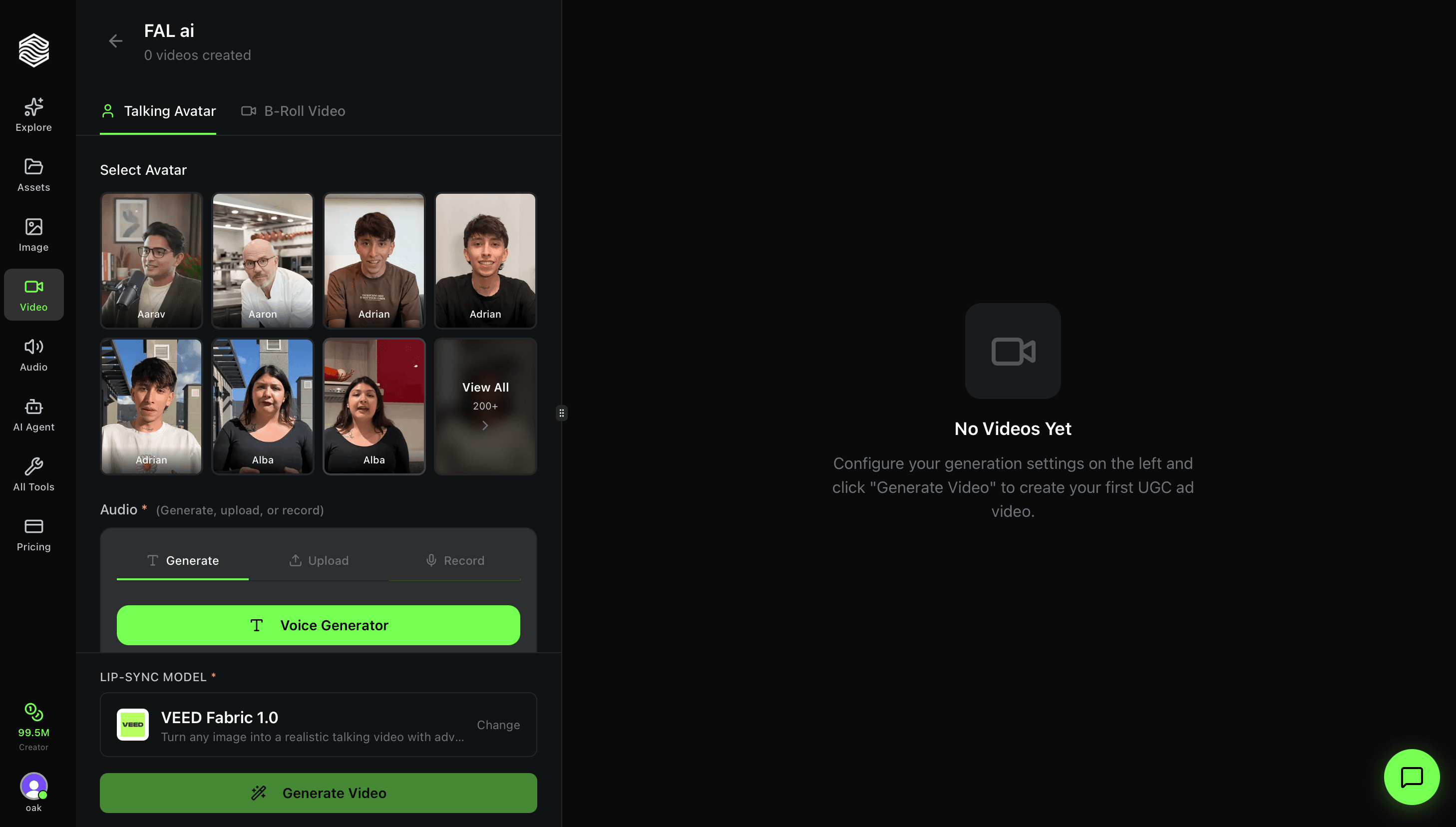
How to Use the UGC Ad Creator on Oakgen.ai
Step-by-step walkthrough of Oakgen's UGC Ad Creator. Learn how to pick avatars, add audio, choose lip-sync models, and generate UGC-style ad videos in minutes.
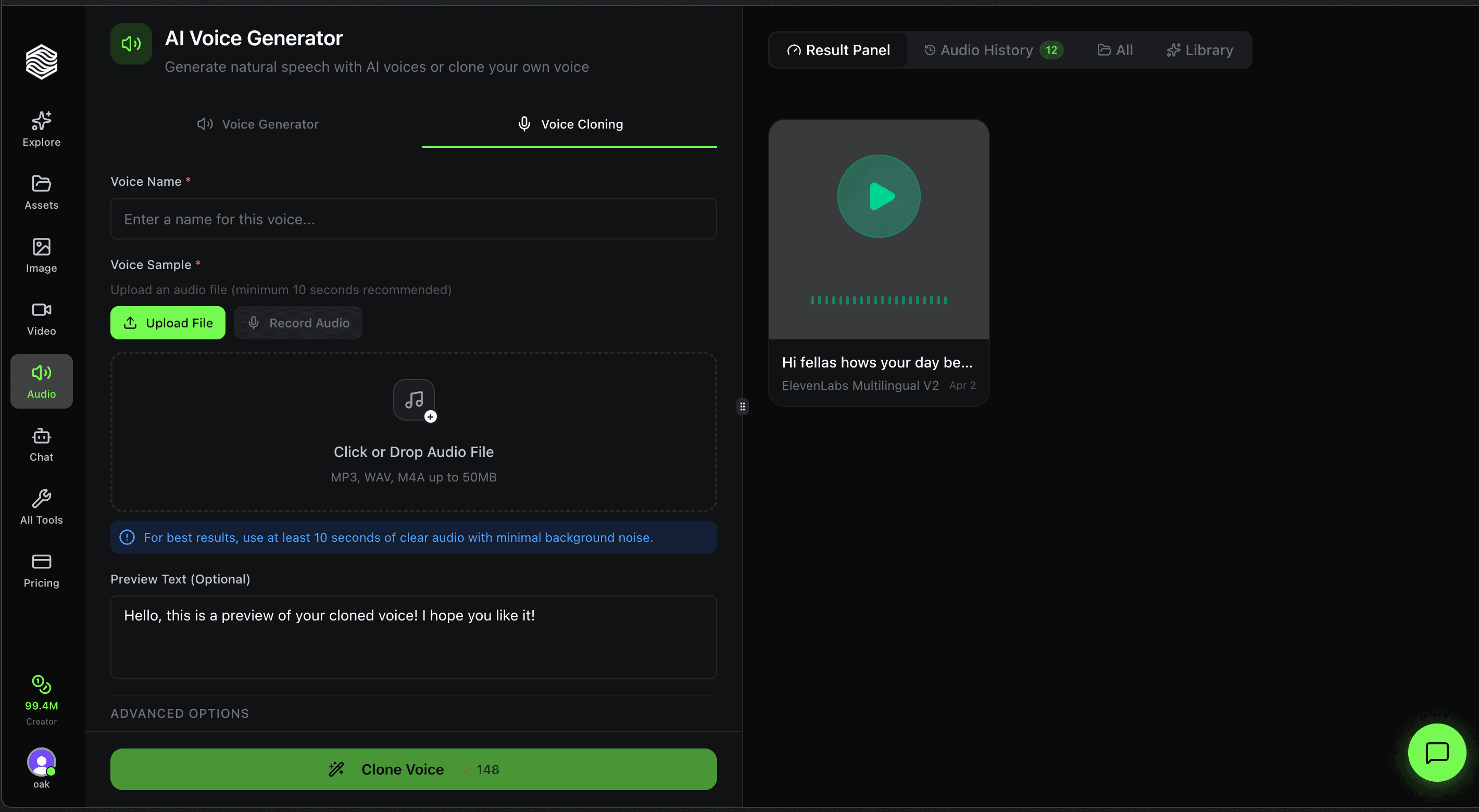
How to Use Voice Cloning on Oakgen.ai
Step-by-step walkthrough of Oakgen's Voice Cloning tool. Upload an audio sample, configure quality settings, and create a reusable AI clone of any voice.
How to Keep AI Characters Consistent Across Multiple Images and Scenes
The complete guide to maintaining character consistency in AI-generated images. Covers reference-based generation, Flux Kontext, LoRA training, and step-by-step workflows.
Reve Image 1.0: The Unknown Startup That Beat Midjourney in Image Quality
Reve Image 1.0 from a tiny Palo Alto startup reached #1 on the Artificial Analysis Image Arena, beating Midjourney, Flux, and GPT Image. Here's our full review.

Suno v5.5 Just Dropped: Voice Cloning, Custom Models, and Everything New
Suno v5.5 launched with voice cloning, custom models, and My Taste personalization. Here's everything new, how it compares to Udio and Lyria 3, and what it means for creators.
Best AI Video Generator: How to Create on Oakgen.ai
A practical walkthrough of Oakgen.ai for AI video generation, combining a simple workflow with professional-grade tools for cinematic results.

How to Generate AI Images on Oakgen.ai: A Beginner's Guide
Pick a model, write a prompt, set size and quality, then generate. Oakgen's eight image models cost 2 to 102 credits per image, shown before you run.

Kling 3.0 on Oakgen: How to Use Kling V3 Pro for AI Video
Kling 3.0 is live on Oakgen as Kling V3 Pro. See what it does, how text-to-video and image-to-video work, real credit costs, and prompt tips.
Nano Banana 2 on Oakgen: Credits, Specs, Editing and What Happened to Lite
Oakgen runs Nano Banana 2, 2.1 and Pro, each with an Edit mode, from 14 credits per image as of 2026-10-25. Nano Banana 2 Lite is no longer on Oakgen.

Create Your First AI Video in 5 Minutes with Oakgen.ai
Quick-start guide to AI video on Oakgen.ai. Text-to-video and image-to-video workflows with Kling v3 Pro, Seedance 2.5 and the other live video models.

How to Make a UGC Ad in Under 10 Minutes with AI
Learn how to create high-converting UGC ads in minutes using AI tools. Skip the $500 creator fees and produce authentic user-generated content ads at scale.

AI Music Generation: Create Original Tracks on Oakgen.ai
Create original AI music with Lyria 3.5 and Eleven Music on Oakgen. A step-by-step guide with prompt tips, track length limits and credit prices.