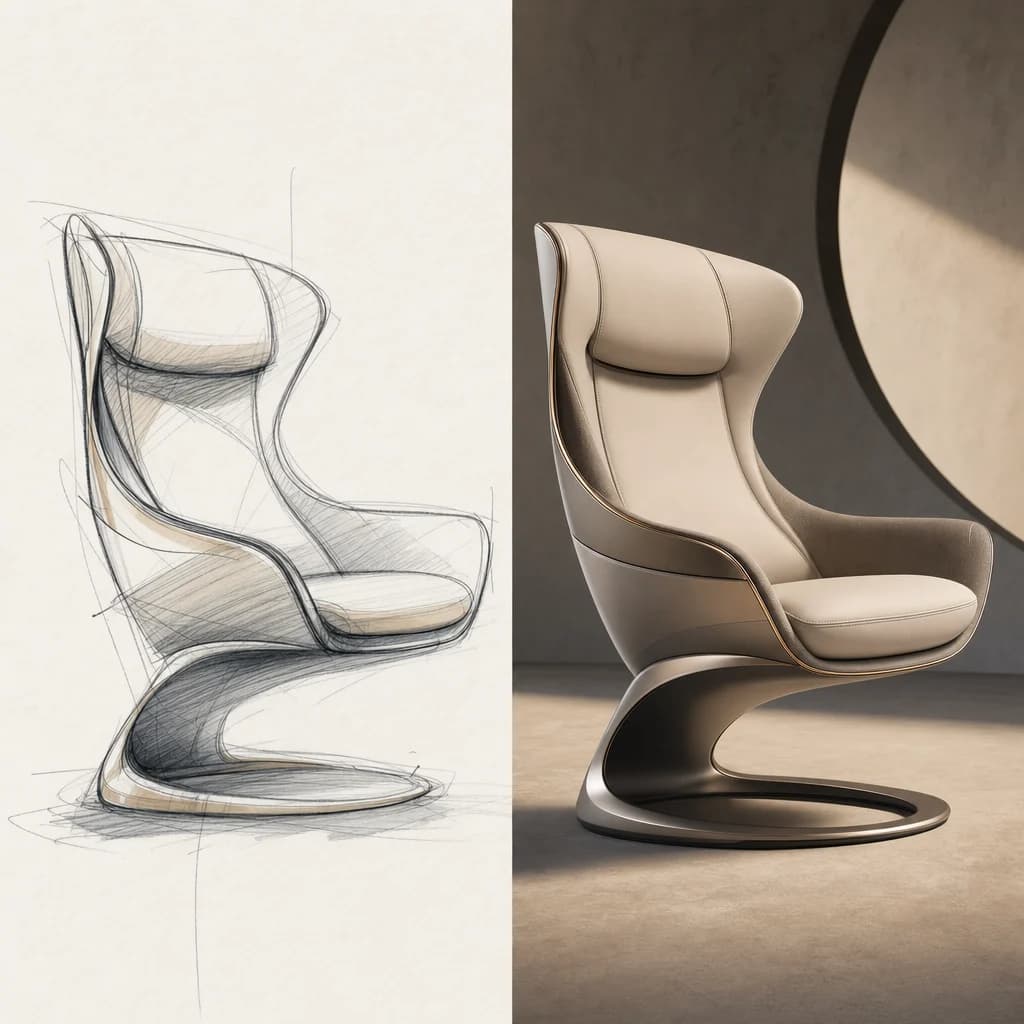
Two creative modes
Move between fast exploration and more deliberate high-quality generation depending on whether you are sketching directions or preparing a final image.
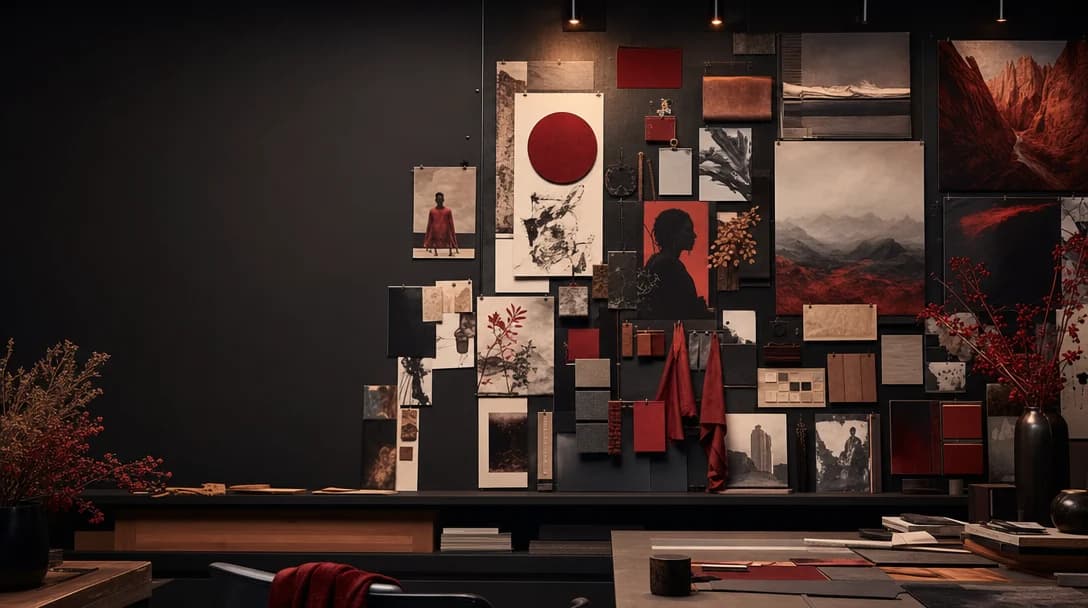
Creative image model
A creative image model built for direction, style control, references, and moodboard-led iteration across polished visual concepts.
Krea 2 style workflows are strongest when you want to steer the look: references, moodboards, visual strength, and controlled variation instead of one-off prompting.
Move between fast exploration and more deliberate high-quality generation depending on whether you are sketching directions or preparing a final image.
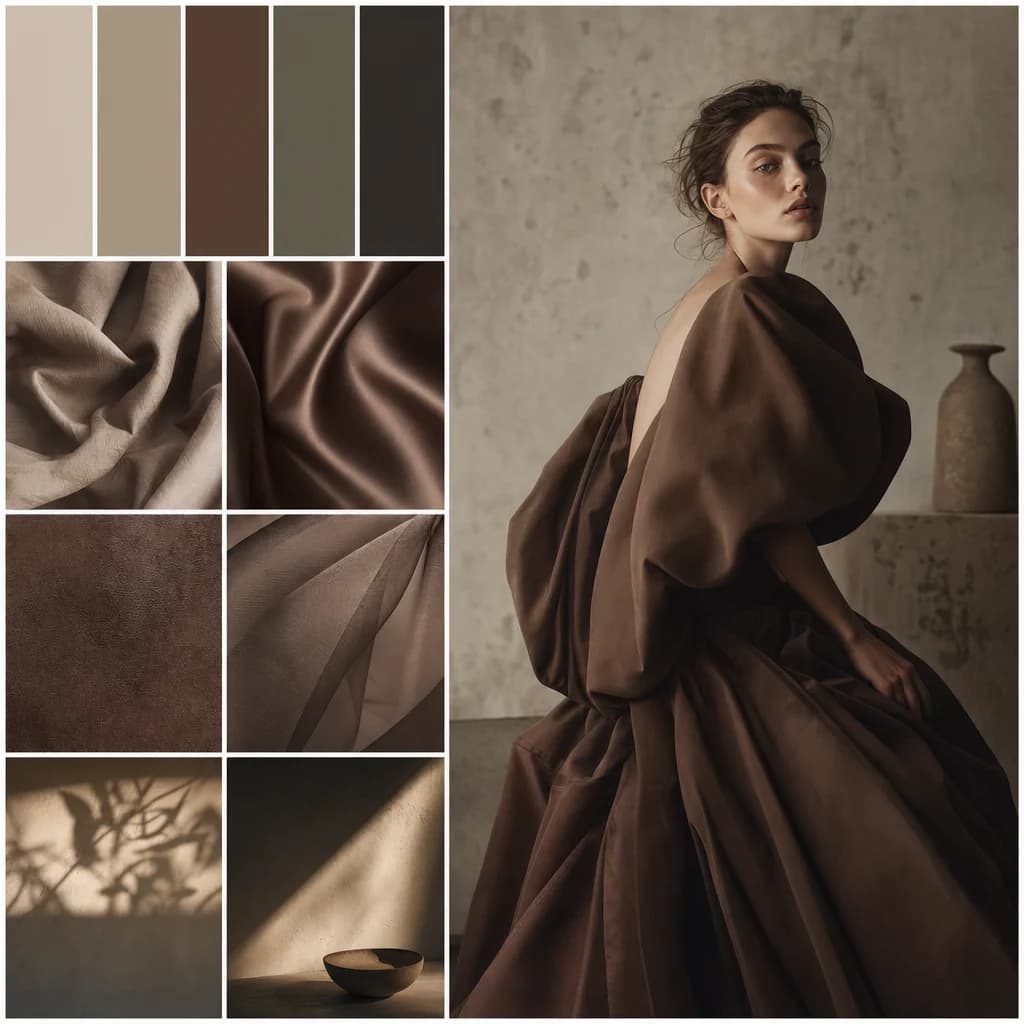
Use references to hold palette, texture, lighting, and composition so a campaign can keep its visual identity across variations.
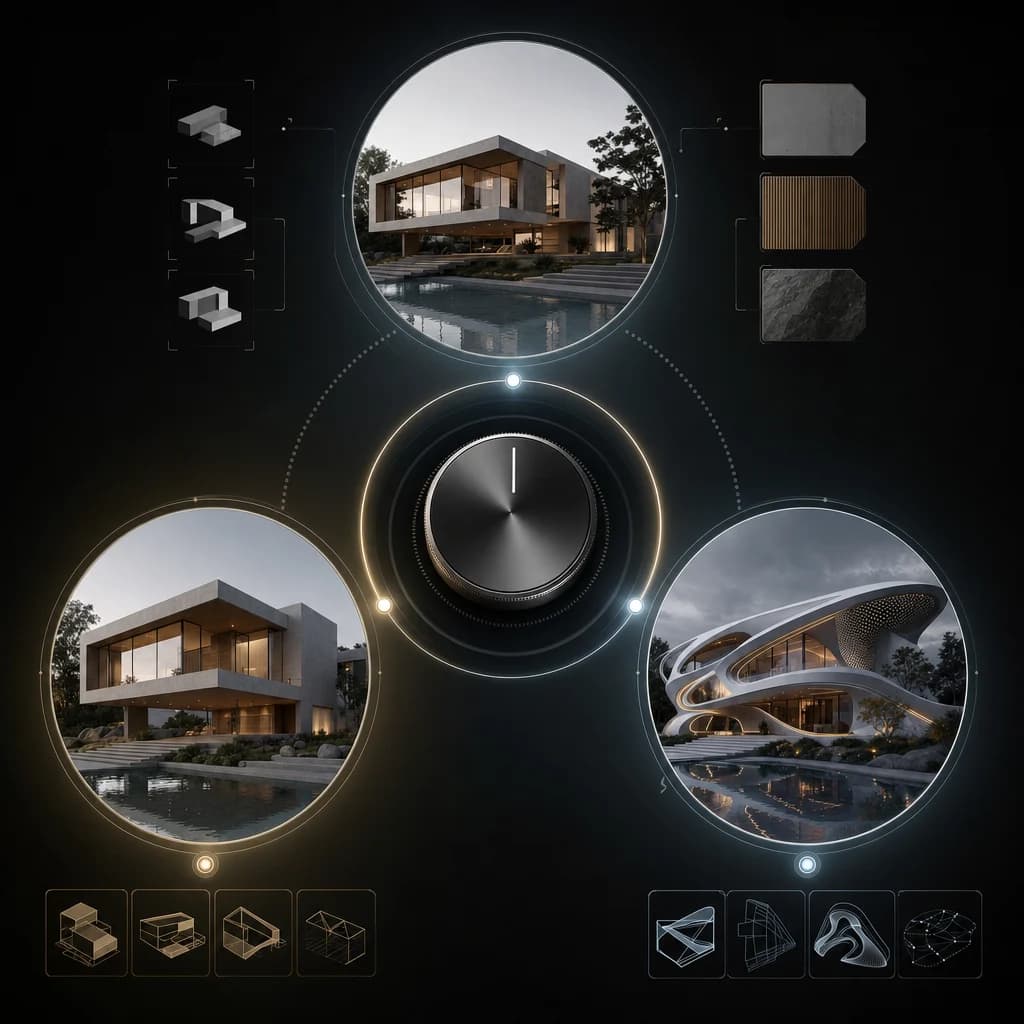
Tune output from faithful to experimental. Keep product and brand work controlled, then open up creative range for early exploration.
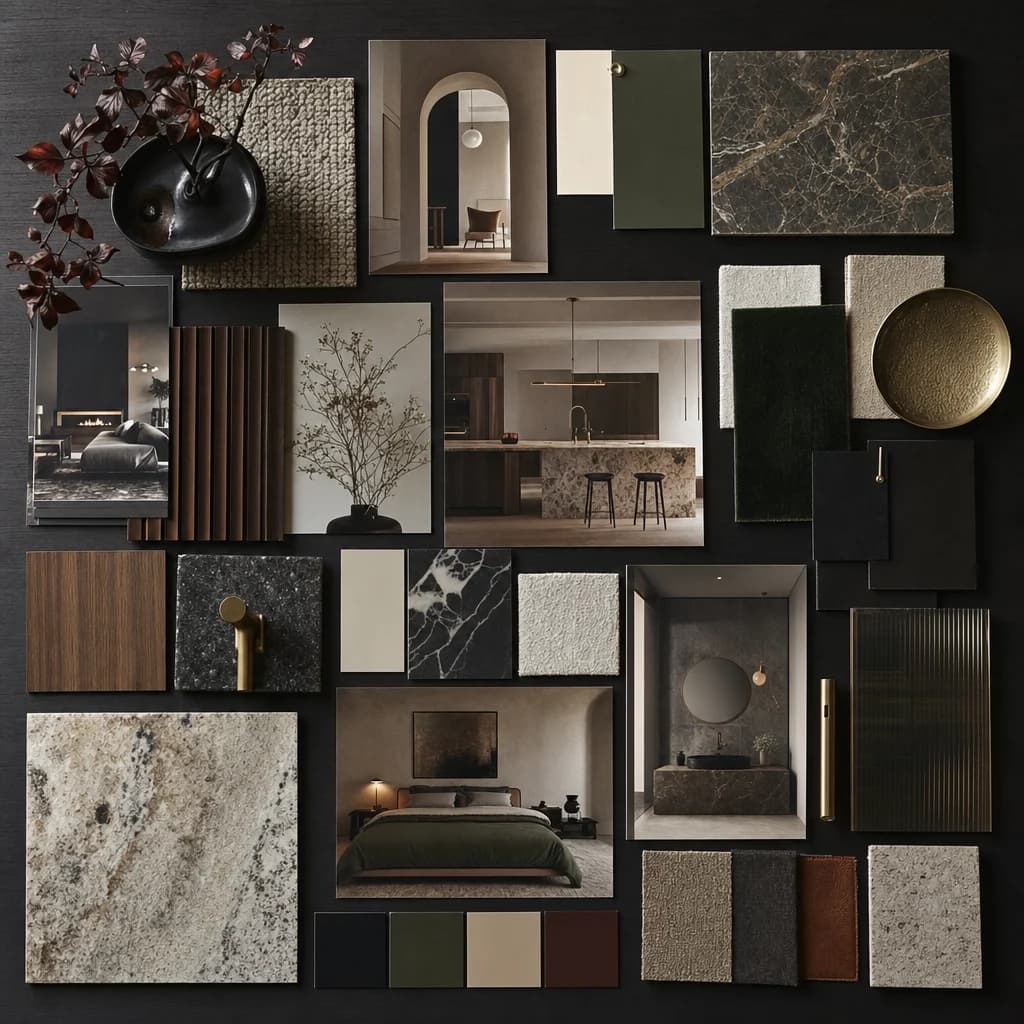
Combine references into a broader taste profile: color, subject, era, texture, lighting, and what to avoid.
Use Oakgen to explore image models, compare styles, and move from moodboard to polished visuals in one creative workspace.
Discover more image and video generation tools available through Oakgen.
Krea 2 is best understood as a creative-control image workflow: style transfer, visual references, moodboards, and controlled variation.
Yes. Reference-led workflows help preserve palette, subject treatment, texture, and composition across multiple outputs.
Use faster generations when exploring directions and higher-quality output when you have selected a direction that needs more detail and polish.
It is a strong fit for brand exploration when the prompt is paired with reference material, style boundaries, and a clear creative target.