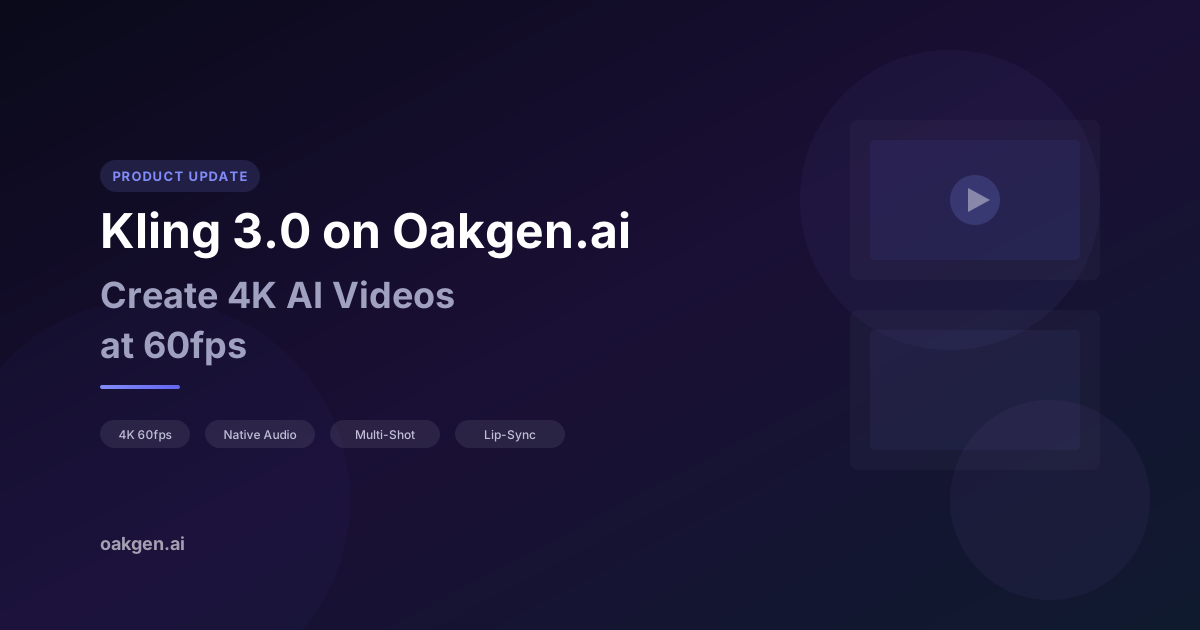
Kling 3.0 is Kuaishou's latest Kling generation, and it is available on Oakgen today as Kling V3 Pro. You can run it for text-to-video and image-to-video from the AI Video Generator, alongside other Kling models such as Kling O1, Kling O3, Kling 2.6, and Kling 2.1.
This post covers what Kling V3 Pro does on Oakgen, how it compares to earlier Kling models, what it costs in credits, and how to prompt it well.
What Kling V3 Pro Offers on Oakgen
Longer Clips, Chosen by the Second
Earlier Kling models on Oakgen, such as Kling 2.1 Master and Kling 2.6 Pro, give you a choice of 5 or 10 seconds. Kling V3 Pro lets you pick any length from 3 to 15 seconds. That means you can match a clip to a beat, a voiceover line, or an ad slot without paying for footage you will trim away.
Native Audio
Kling V3 Pro generates audio alongside the video by default, so ambient sound and effects arrive in the same file as the picture. You can still replace or layer audio later, but for many social clips the generated track is enough to post as-is.
Audio generation is on by default for Kling V3 Pro on Oakgen, and the credit cost shown in the generator already includes it.
1080p Output in Three Aspect Ratios
Kling V3 Pro renders at 1080p in landscape (16:9), portrait (9:16), or square (1:1). That covers YouTube, Reels, TikTok, Shorts, and feed posts from a single model.
Character and Object References (Image-to-Video)
In image-to-video mode, Kling V3 Pro accepts up to two elements: a character or object you want to keep consistent. Each element can take a front-facing image plus up to three extra reference angles, or a short video reference. This is the feature to reach for when the same person or product needs to look the same across several clips.
Start and End Frames
Image-to-video also supports an optional end frame. Give the model a first and last image and it fills the motion between them, which is useful for transitions, before-and-after reveals, and product rotations.
How Kling V3 Pro Compares to Earlier Kling Models
| Feature | Kling V3 Pro | Kling 2.6 Pro | Kling 2.1 Master |
|---|---|---|---|
| Duration options | 3 to 15 seconds | 5 or 10 seconds | 5 or 10 seconds |
| Native audio | Yes | Yes | No |
| Text-to-video | Yes | Yes | Yes |
| Image-to-video | Yes | Yes | Yes |
| End frame (image-to-video) | Yes | Yes | No |
| Character/object elements | Up to 2 | No | No |
| Available on Oakgen | Yes | Yes | Yes |
Using Kling V3 Pro on Oakgen
Text-to-Video Workflow
- Open the AI Video Generator or go straight to Kling V3 Pro text-to-video
- Select Kling v3 Pro from the model dropdown
- Write a descriptive prompt (up to 2,500 characters). Be specific about camera movement, lighting, and action
- Choose your duration (3 to 15 seconds) and aspect ratio
- Add an optional negative prompt for anything you want kept out of the shot
- Hit Generate and wait for your video to arrive via real-time notification
Image-to-Video Workflow
Already have a starting frame? Upload it as the source image and Kling will animate it. This works especially well with images generated on Oakgen using models like FLUX 2 or Nano Banana 2:
- Generate a high-quality image in the Image Generator
- Open Kling V3 Pro image-to-video
- Upload your image as the starting frame, and optionally an end frame
- Add character or object elements if identity needs to hold across clips
- Describe the motion you want: "slow camera push in, hair blowing in the wind, soft ambient light"
- Generate and download
For the cleanest animations, use a source image with a clear subject and simple background. Kling handles complex scenes well, but simpler compositions produce the most predictable motion.
Prompt Tips for Kling Models
Kling models respond well to cinematographic language. Here are prompt patterns worth trying:
- Camera movement: "slow dolly forward," "crane shot rising above the city," "handheld tracking shot following the subject"
- Lighting: "golden hour backlighting," "neon-lit cyberpunk alley," "soft diffused studio lighting"
- Action: "woman turns to face the camera and smiles," "rain begins to fall on a still lake," "car drifts around a mountain curve"
- Style: "shot on 35mm film," "cinematic color grading," "documentary style"
Oakgen's Wider Video Model Lineup
Kling is one of several video model families on Oakgen. Depending on your project, you might want to explore:
For polished, cinematic output:
- Kling V3 Pro: longest Kling clips on Oakgen, native audio, and character elements
- Kling O3 Pro: Kling's O-series model for polished shots
- Seedance 2.0: a strong alternative for hero shots
Pricing for Kling V3 Pro on Oakgen
Kling V3 Pro is billed per second of output, with audio included. Oakgen converts the provider cost to credits at 260 credits per US dollar, rounded up. For Kling V3 Pro that works out to:
| Kling V3 Pro duration | Credits |
|---|---|
| 5 seconds | 437 |
| 10 seconds | 874 |
| 15 seconds | 1,311 |
For comparison, Kling 2.1 Master costs 365 credits for 5 seconds and 729 credits for 10 seconds. The generator always shows the exact cost for your settings before you submit, and any plan-specific promotion is applied there.
New Oakgen accounts start with 0 credits, and plans start at $9/month. Review the current plans and model access on the pricing page before subscribing.
Building a Workflow Around Kling V3 Pro
Because Kling V3 Pro sits next to Oakgen's other tools under one credit balance, you can chain it into a larger pipeline:
- Design a character with Nano Banana 2, then animate them with Kling V3 Pro
- Use the same character as an element across several clips so the face and outfit stay consistent
- Pick exact clip lengths so each shot lines up with your edit
- Add a voiceover with ElevenLabs if the scene needs narration
See the Kling V3 Pro model page for more detail on the model.
The Bigger Picture: AI Video in 2026
Kling 3.0 is part of a broader shift where AI video is becoming a practical production tool rather than a novelty. The state of AI creative tools in 2026 covers how quickly video generation has moved.
For creators on Oakgen, the value is having video, image, audio, and music models, plus tools like UGC Ads and Talking Photo, under a single credit system. You can compare Kling against other models on the same prompt without juggling separate subscriptions.
Try Kling 3.0 on Oakgen
Generate a text-to-video or image-to-video clip with Kling V3 Pro, from 3 to 15 seconds with native audio.