Blog
Guides, comparisons and trend walkthroughs for making images, video and audio with AI.
Tutorials
AI Influencer Consistency Test: A 20-Image Drift Check to Run Before You Commit to a Tool
Run your own AI influencer consistency test: a 20-image drift matrix, a 0-2 scoring rubric, blind scoring with decoys, a 5-clip video and voice check and a cost ledger.
Animated Lower Thirds and Overlays for YouTube: Specs, Timing and Tools
Lower thirds for YouTube: safe areas for 16:9 and Shorts, in-hold-out timing, type size and contrast, end screen rules, and which tools export transparent overlays.
The Carousel Checklist: 18 Quality Checks Before You Post
A carousel checklist you can copy: 18 checks across structure, copy, design and claims, a 5-minute review routine, a team sign-off version and a weekly mix check.
Carousel Design Size and Limits in 2026: Instagram, LinkedIn, X and TikTok
The carousel design size that works everywhere, plus verified 2026 limits: Instagram 20 items, LinkedIn PDF rules, X's 4 photos and TikTok's 35, with fixes for crops and blur.
AI Character Video Workflow: From Character Sheet to Launch Video
An AI character video workflow: a fillable character sheet, then stills, short clips, talking video and a launch cut, with the check to pass between each stage.
Instagram Carousel Hooks: How to Write a First Slide People Swipe
How to write carousel hooks that earn the swipe: what the first slide must do, 8 hook patterns with rewrites, length and visual rules, swipe devices and a slide-2 test.
Kinetic Typography Without After Effects: 6 Techniques and When Each One Fits
Make kinetic typography without After Effects: six text animation techniques, when each fits, readability rules for 9:16 and 16:9, font pairing and beat-matching.
How to Recreate a Motion Graphics Style With Your Own Brand and Words
How to recreate a motion graphics style with your own brand: what transfers, picking a look by job, prepping logo and colours, rewriting the storyboard, and remaking an edit safely.
Remake a TikTok or Reel Edit With Your Own People (and What You Need to Own)
How to remake a TikTok edit or Reel with yourself or your own AI character: what carries over, picking a source edit, prepping the character, rights, fixes and a pre-post checklist.
How to Turn a Blog Post Into a Carousel (Without Losing the Point)
Blog post to carousel without losing the point: find the one claim, pull 5-7 beats, keep numbers verbatim, write the hook last. A worked example and a cut/keep checklist.
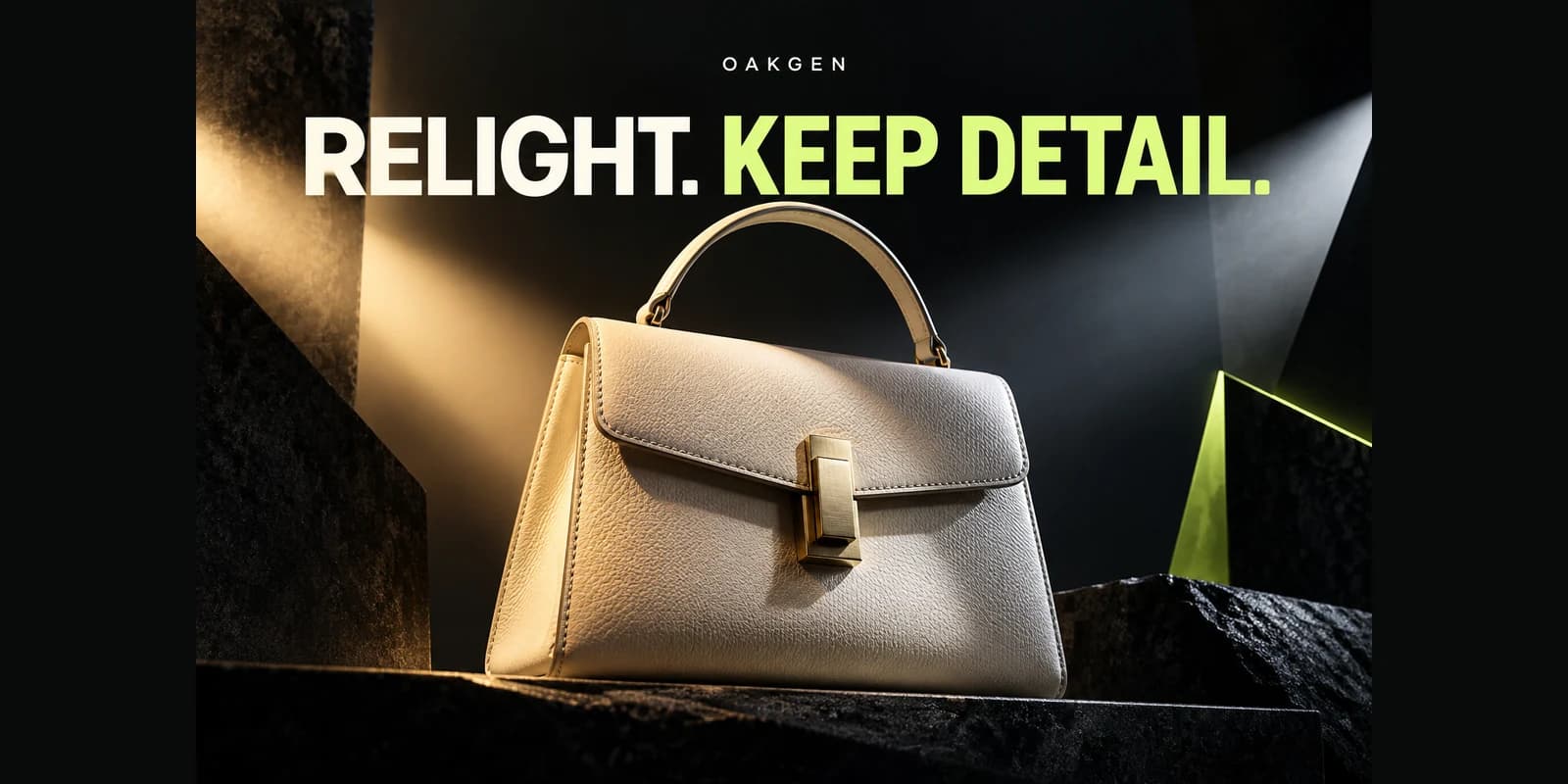
How to Relight a Photo with AI Without Changing Its Key Details
Use AI photo relighting with clear lighting briefs, portrait and product examples, and a practical checklist for identity, color, geometry, and shadows.

AI Product Photography for Glass: Keep Transparency and Labels Believable
Create believable AI product photography for transparent glass. Check bottle shape, liquid, labels, transmitted backgrounds, and reflections before publishing.
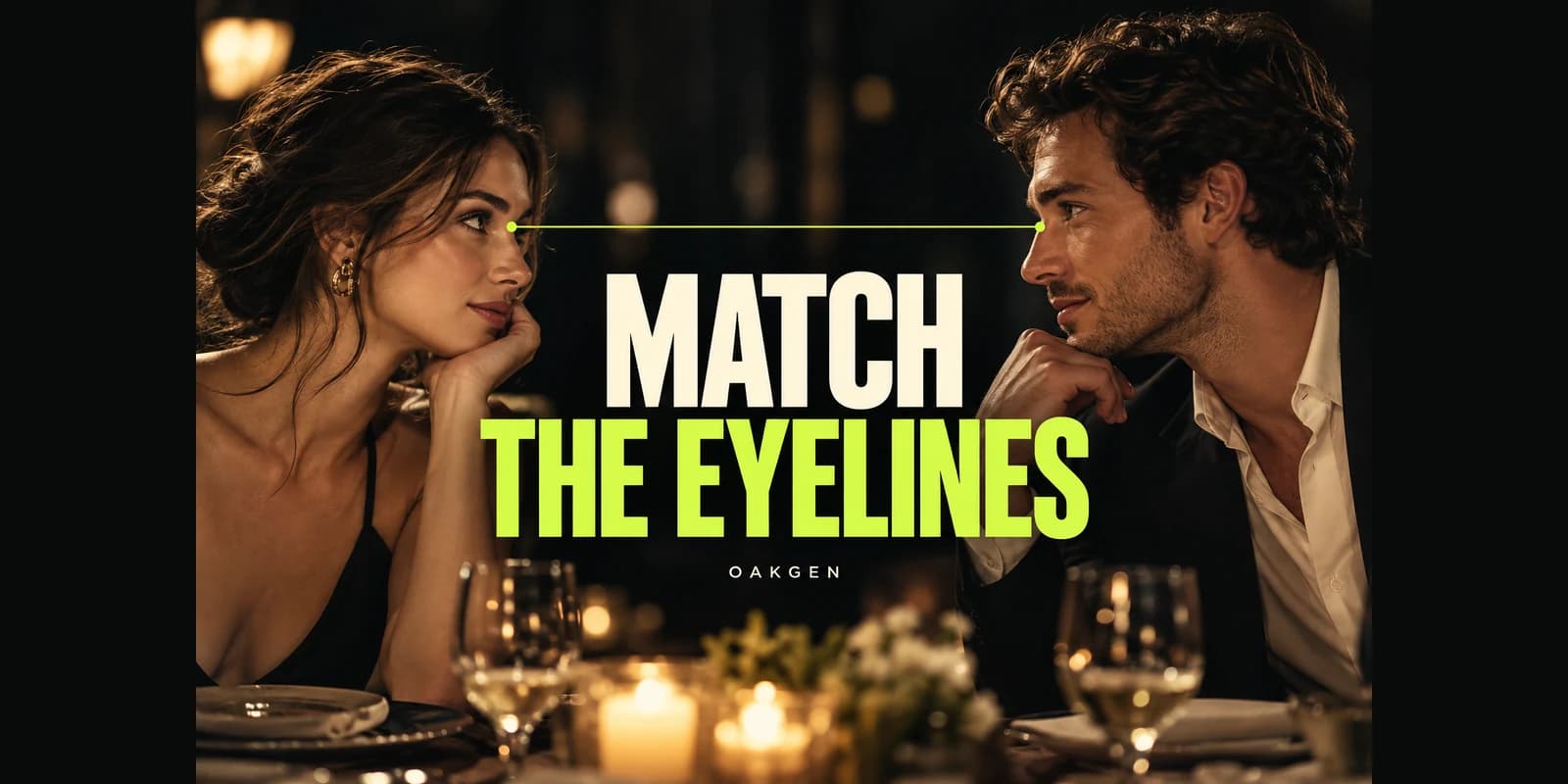
AI Shot–Reverse Shot: Make Two Characters Look at Each Other
Plan AI shot–reverse shot with a scene map, matching eyelines and consistent camera positions. Use paired prompts and a continuity worksheet before animating.
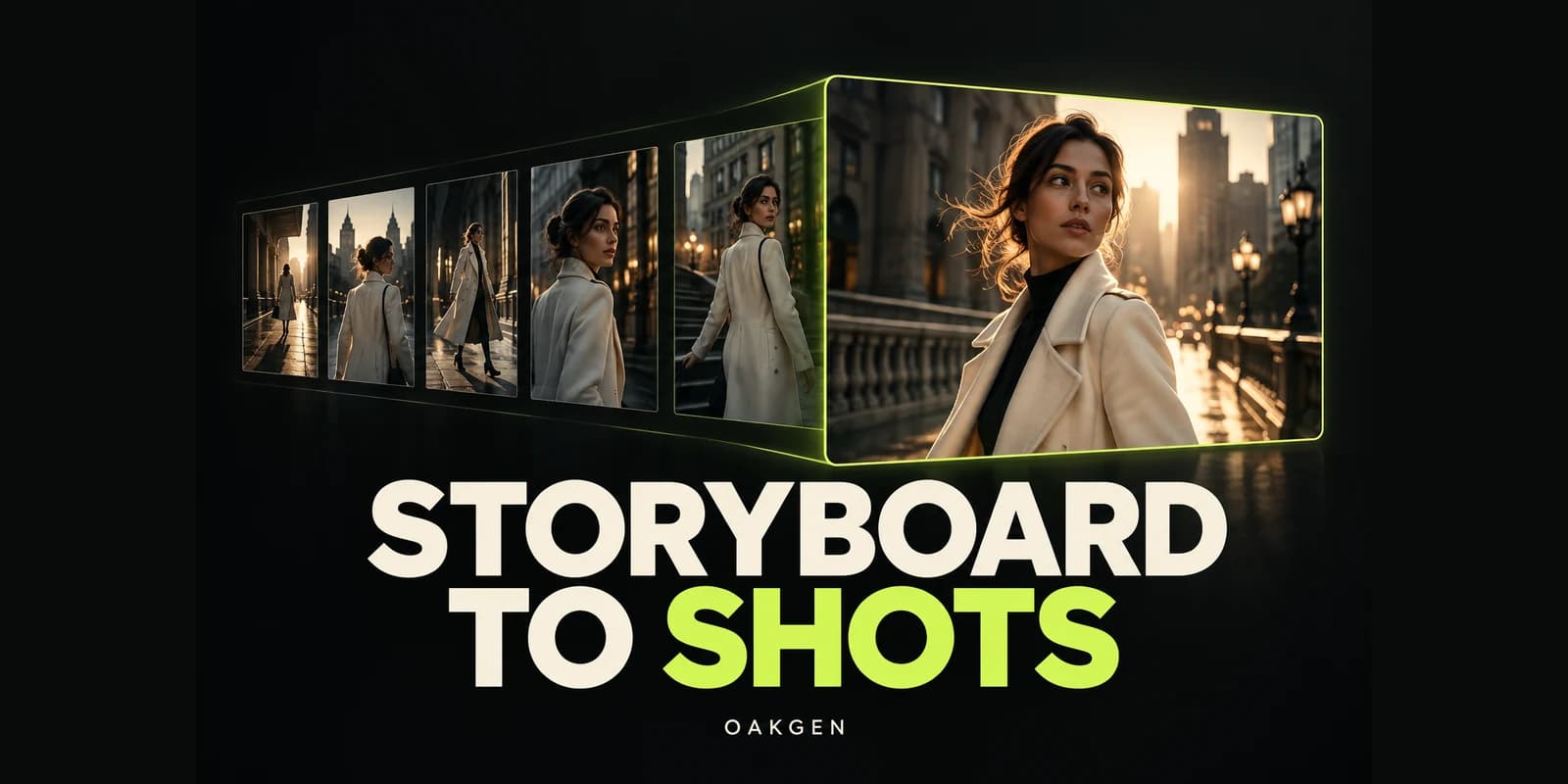
How to Turn an AI Storyboard Grid into Separate Video-Ready Frames
Split an AI storyboard contact sheet into clean frames. Calculate panel resolution, remove borders, choose crop versus recreation, and prepare image-to-video inputs.
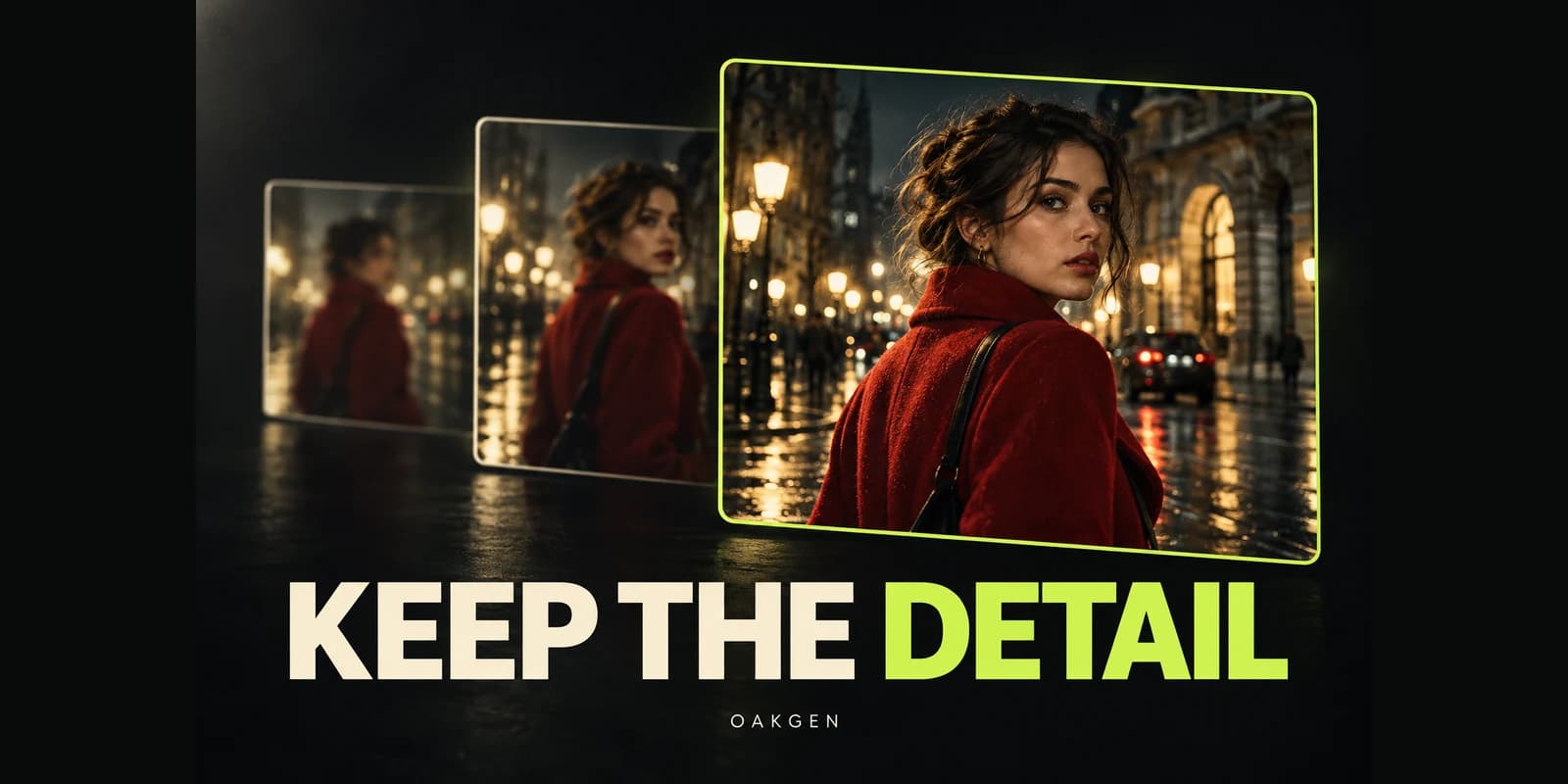
Why AI Video Quality Can Drop When You Extend a Clip
Diagnose AI video extension quality loss, compare source frames with continuations, and choose between another extension, a clean restart, or a planned cut.
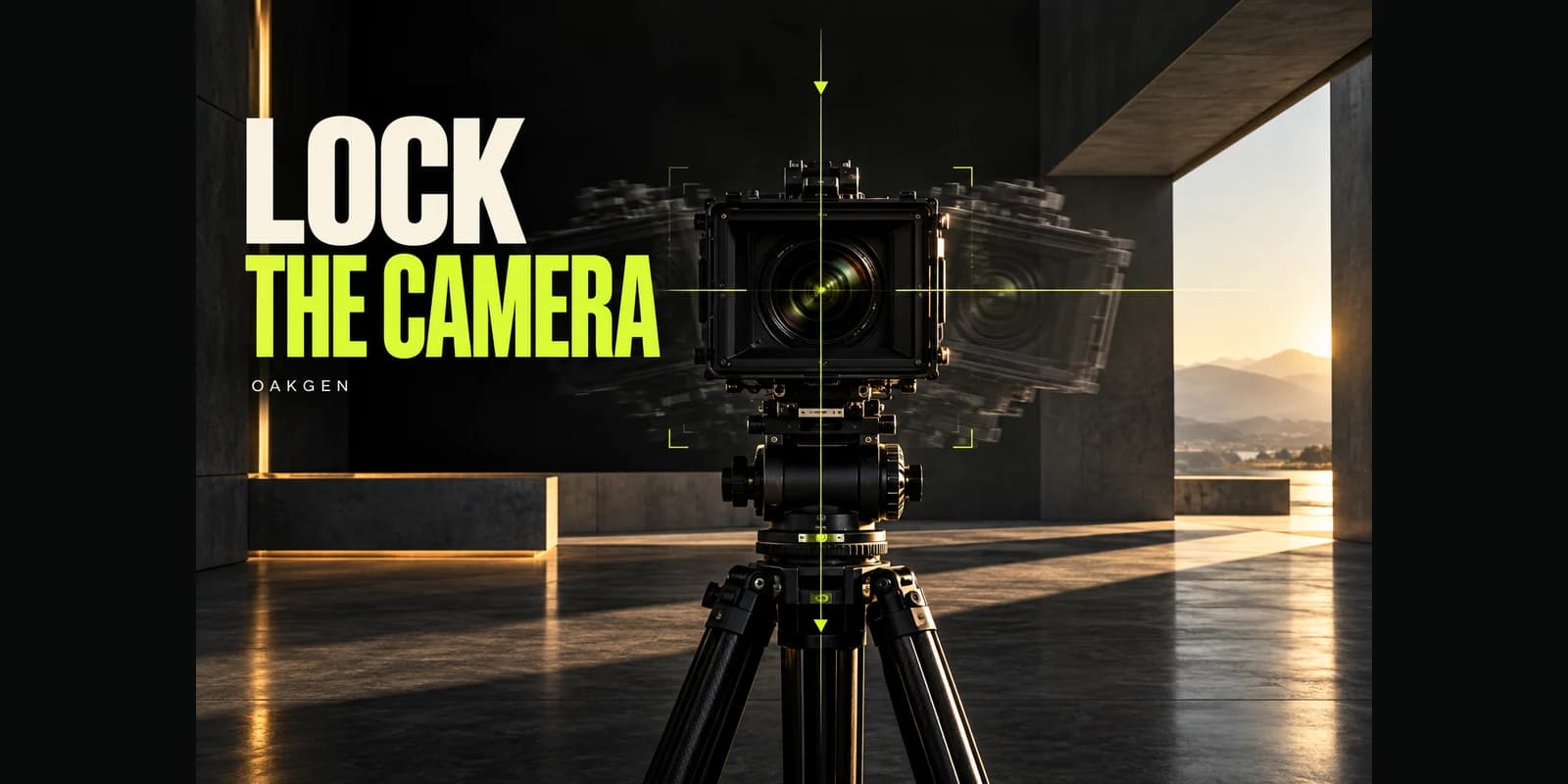
How to Keep an AI Video Camera Still While the Subject Moves
Plan an AI video static camera shot, separate subject motion from camera drift, compare fixed landmarks, and decide when to regenerate or stabilize.
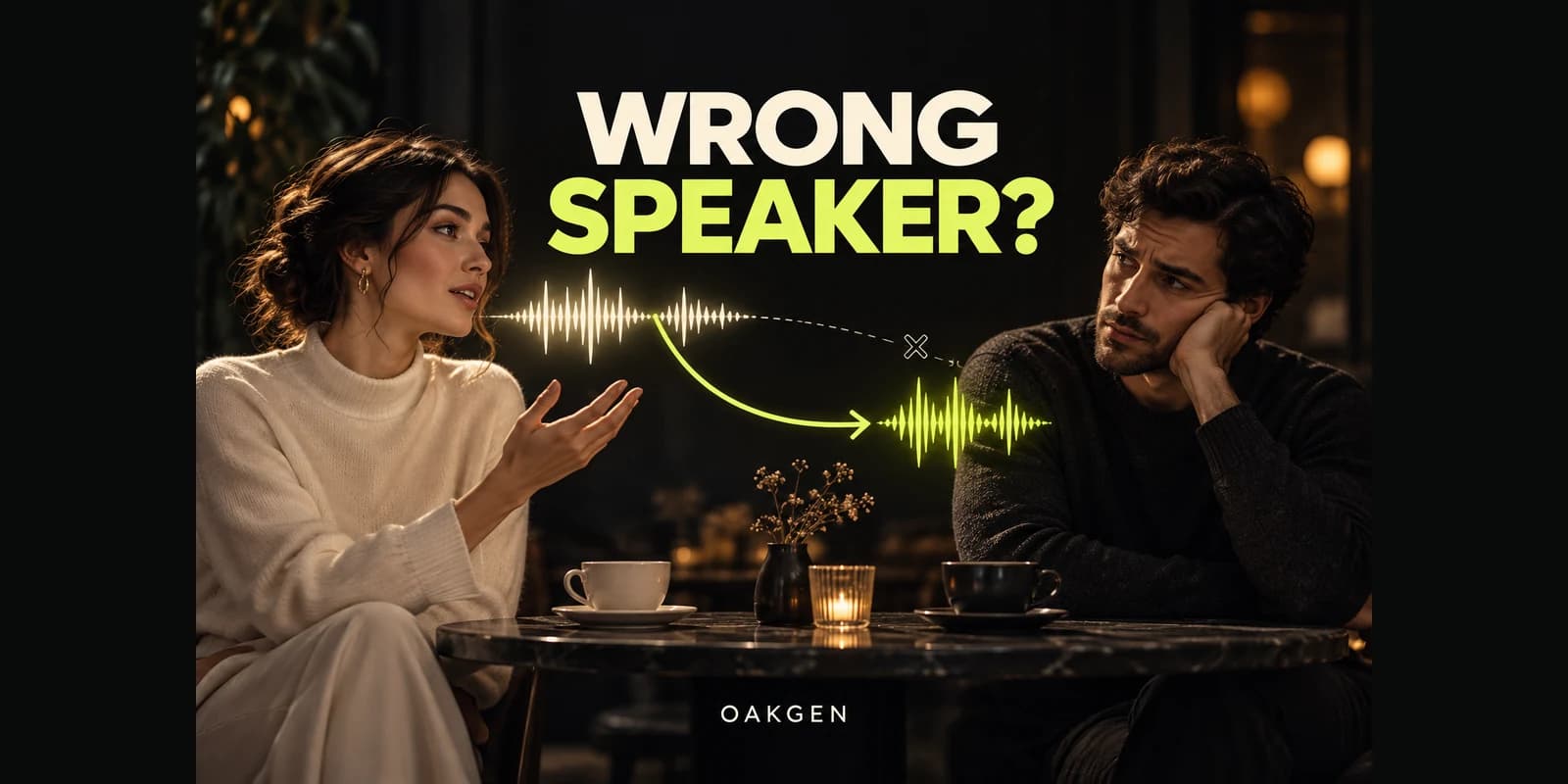
Why Does the Wrong Character Speak in AI Videos? Fixing Two-Person Dialogue
Fix AI video dialogue assigned to the wrong character with speaker maps, shorter exchanges, single-speaker coverage, and a practical review worksheet.
Why Does My AI Video Flicker? Fixing Shimmer, Pulsing and Texture Crawl
Diagnose AI video flickering before spending on repairs. Separate exposure pulses, texture crawl and export problems, then decide whether to edit or regenerate.