
Create from text
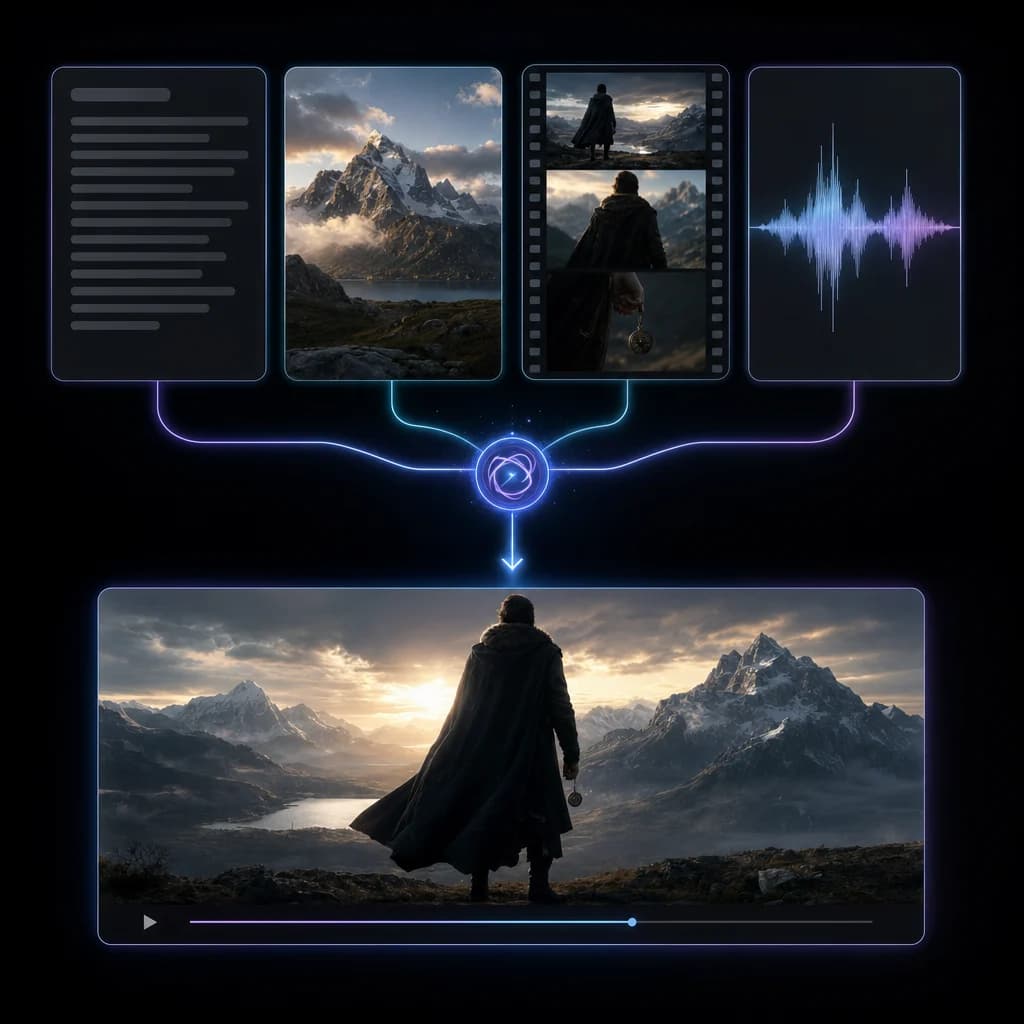
Describe the scene and choose a 4–15 second duration. The text workflow also accepts image, video, and audio references for guided generation.
ByteDance video model
Generate a video from a prompt or starting image. Choose the duration, resolution, and whether to generate audio.
Describe the scene and choose a 4–15 second duration. The text workflow also accepts image, video, and audio references for guided generation.
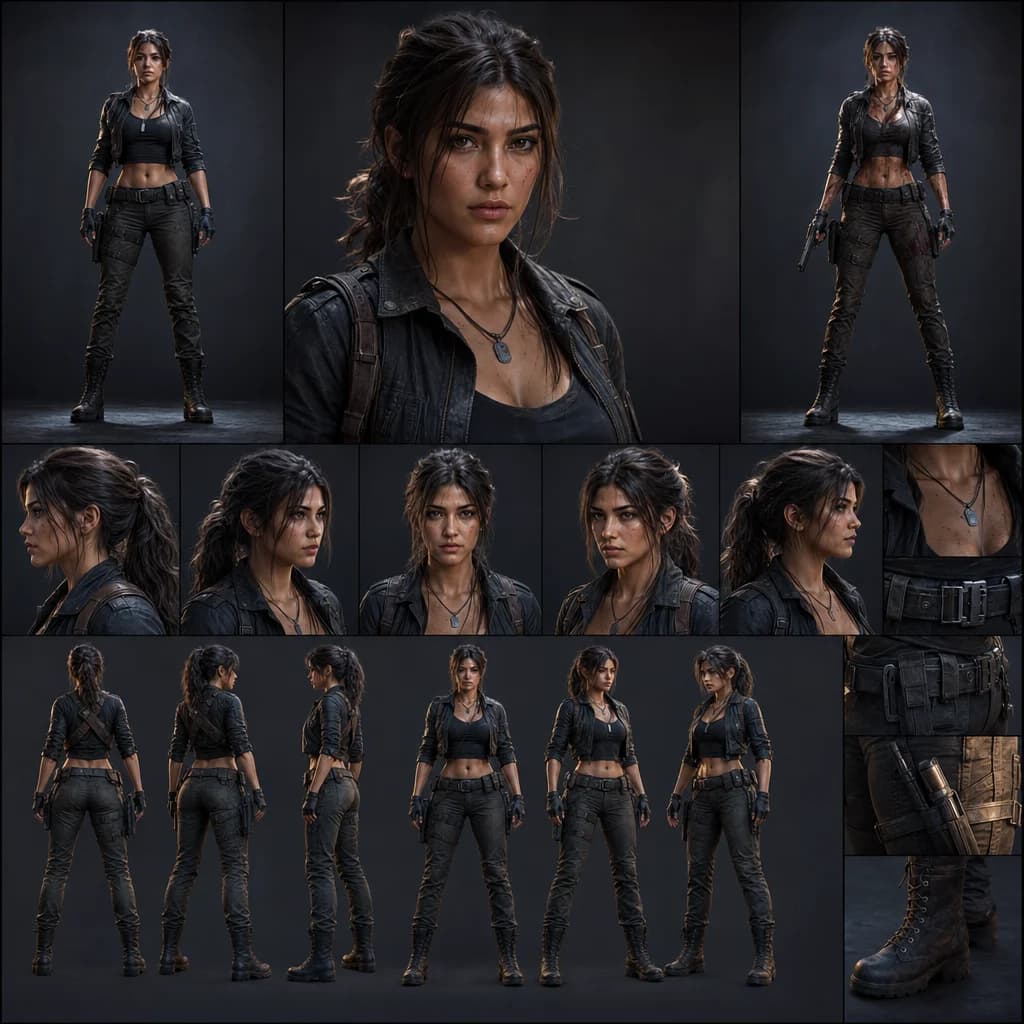
Use the image-to-video workflow to animate a starting image, with an optional end image and audio toggle.
Select 480p, 720p, 1080p, or 4K in the generator before submitting. The resolution affects the credit estimate.
Open the video generator, choose the Seedance workflow, and review the credit estimate before submitting.
Discover more image and video generation tools available through Oakgen.
The Oakgen text-to-video and image-to-video workflows offer whole-second durations from 4 to 15 seconds.
Yes. Choose Seedance 2.0 Image to Video and upload a starting image. You can also add an end image.
The generator includes a toggle for native audio in both Seedance 2.0 workflows.