01 / Explore
Flare.
A starting point for concept exploration, social layouts, and the next version of a brief. Review the output before committing to a batch.
For first directions, prompt variations, and fast creative exploration.
A quick first direction. A carefully considered final edit. OpenAI’s Flare and Sunburst image models are now available in the Oakgen image generator.
From 4 credits per 1024x1024 image at low quality. Edits add about 4 credits per reference image.
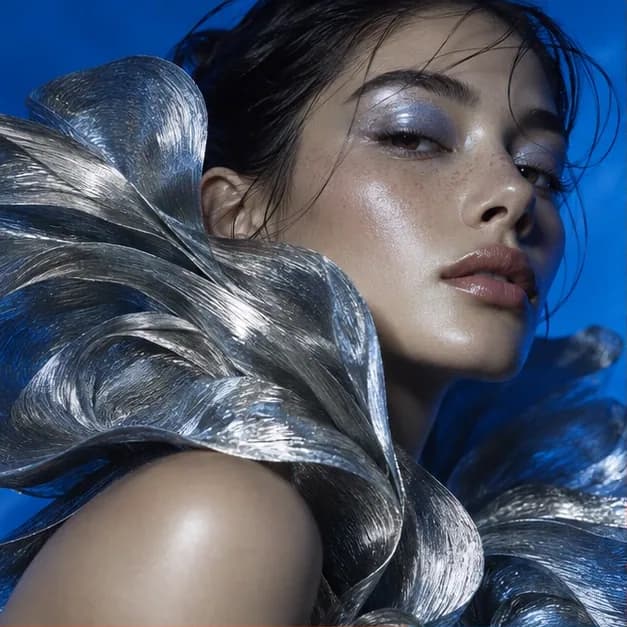
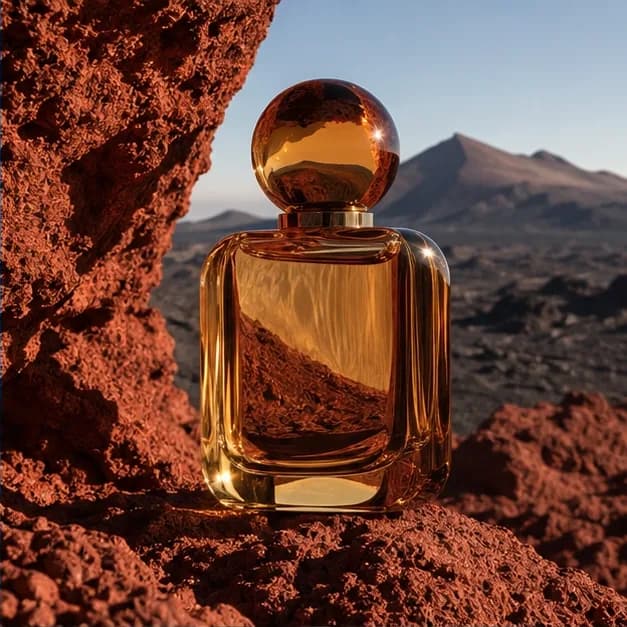
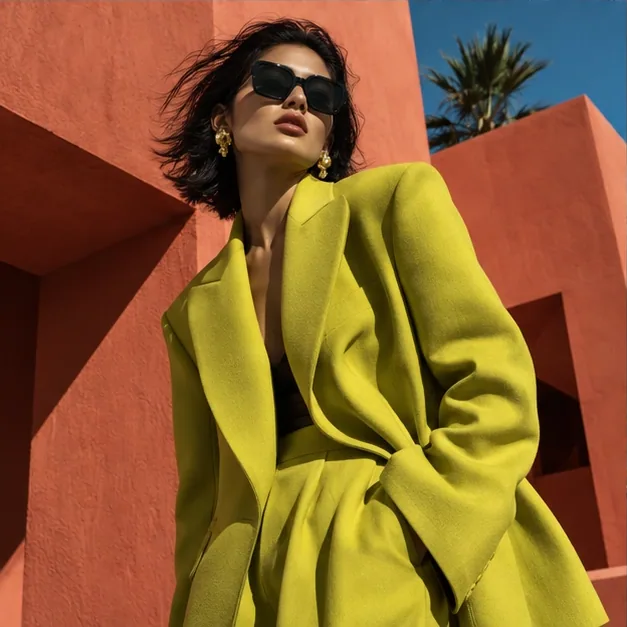
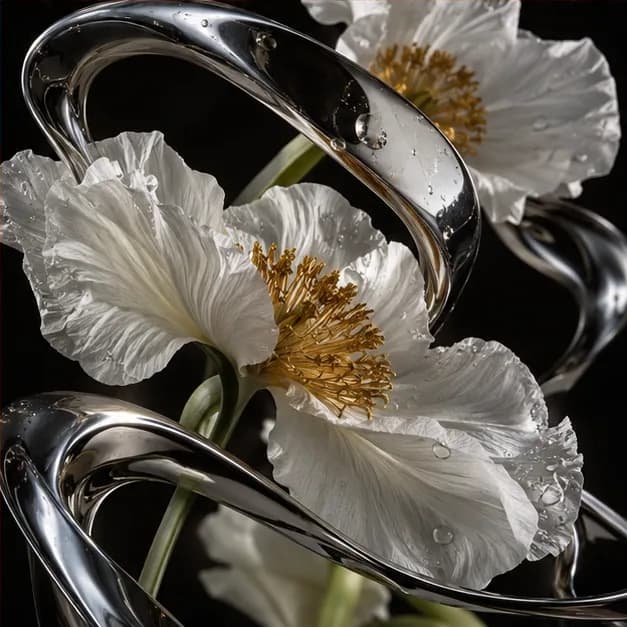
Original Oakgen editorial artwork for creative inspiration. These are not GPT Image 2.5 outputs.
Two ways to create
OpenAI positions Flare for everyday image generation and Sunburst for more demanding generation and editing. Start with the brief, then decide how much scrutiny the final image needs.
A starting point for concept exploration, social layouts, and the next version of a brief. Review the output before committing to a batch.
For first directions, prompt variations, and fast creative exploration.
Consider it when the brief calls for careful edits or intricate visual detail. Compare the result against the same requirements you used for Flare.
For considered image generation and precise reference-led editing.
Descriptions reflect OpenAI's positioning. On Oakgen both variants share the same controls and credit pricing.
Make the brief stronger
A good reference, a specific prompt, and one clear revision give you a better starting point for creative review.
Prepare a clean product reference, name the scene you want, and list what must stay unchanged. Check packaging, proportions, and label text before using the result.
Write the exact headline in quotation marks. Define its position and leave room for any final copy you will add in your design editor. Always proofread the exported image.
Change the backdrop, lighting, or crop in a separate step. Keep the last approved version so an unwanted change does not become the reference for your next edit.
The Oakgen workspace
Generate with Flare or Sunburst, or edit with reference images and an optional mask.
Describe the image in conversation and ask for GPT Image 2.5 Flare or Sunburst by name.
Connect your assistant to Oakgen, find GPT Image 2.5 through model discovery, and check the quote before you start.
Creative field guide
Our GPT Image 2.5 guides are coming soon.
Choose a variant with a repeatable review checklist. Guide coming soon
Plan a small migration test before replacing a working prompt. Guide coming soon
Copy a complete brief, then make one focused revision. Guide coming soon
Separate provider token costs from your Oakgen quote. Guide coming soon
Discover the model, check its inputs, and quote the work. Guide coming soon
Questions
Availability, controls, and Oakgen credit pricing for Flare and Sunburst.
Yes. Flare and Sunburst are available for text-to-image generation and reference editing in the image generator and Image Editor, and through agent chat and MCP.
OpenAI describes Flare as its fast everyday image model and Sunburst as its most capable image generation and editing model. On Oakgen both have the same controls and the same credit price. Choose by the job and inspect actual results; this page does not report an Oakgen speed benchmark.
Yes. Each variant has a text-to-image mode and an edit mode. Edits take 1 to 16 reference images and an optional mask, where transparent areas mark the region to change. You can request up to 4 images at once, choose square, portrait, or landscape sizes, and export PNG, JPEG, or WebP.
A 1024x1024 text-to-image generation costs 4 credits at low quality, 6 at medium, 16 at high, 27 at xhigh, and 57 at max. Flare and Sunburst cost the same. Edits add about 4 credits per reference image, and a mask counts as one more, so a 1024x1024 edit with one reference costs 8, 10, 20, 31, or 61 credits. Larger sizes and more images per request cost more.
No. The portraits, product scenes, and still-life images are original editorial artwork for this page. They are labeled as such and are not presented as GPT Image 2.5 outputs or a performance demonstration.
Do not assume an offer for GPT Image 2 includes GPT Image 2.5. Check the terms of the specific offer or plan.
Keep creating
Open the image generator with GPT Image 2.5 Flare selected. Switch to Sunburst or to reference editing from the model picker.
Create with GPT Image 2.5Provider documentation
Model descriptions are based on provider documentation. Oakgen controls and credit pricing are described on this page.