01Step 1: decide between one photo and two
The template has two photo slots, and you may fill either or both. Add two photos if you have two people to cast. Add one if you only have one, and the other role keeps the character from the reference. Either way the clip is still the full 15 seconds, and the quote only includes preparation for the photos you actually add. One person per photo, as the studio asks. Use photos of yourself or of people who have agreed to appear.
02Step 2: which photo goes left and which goes right
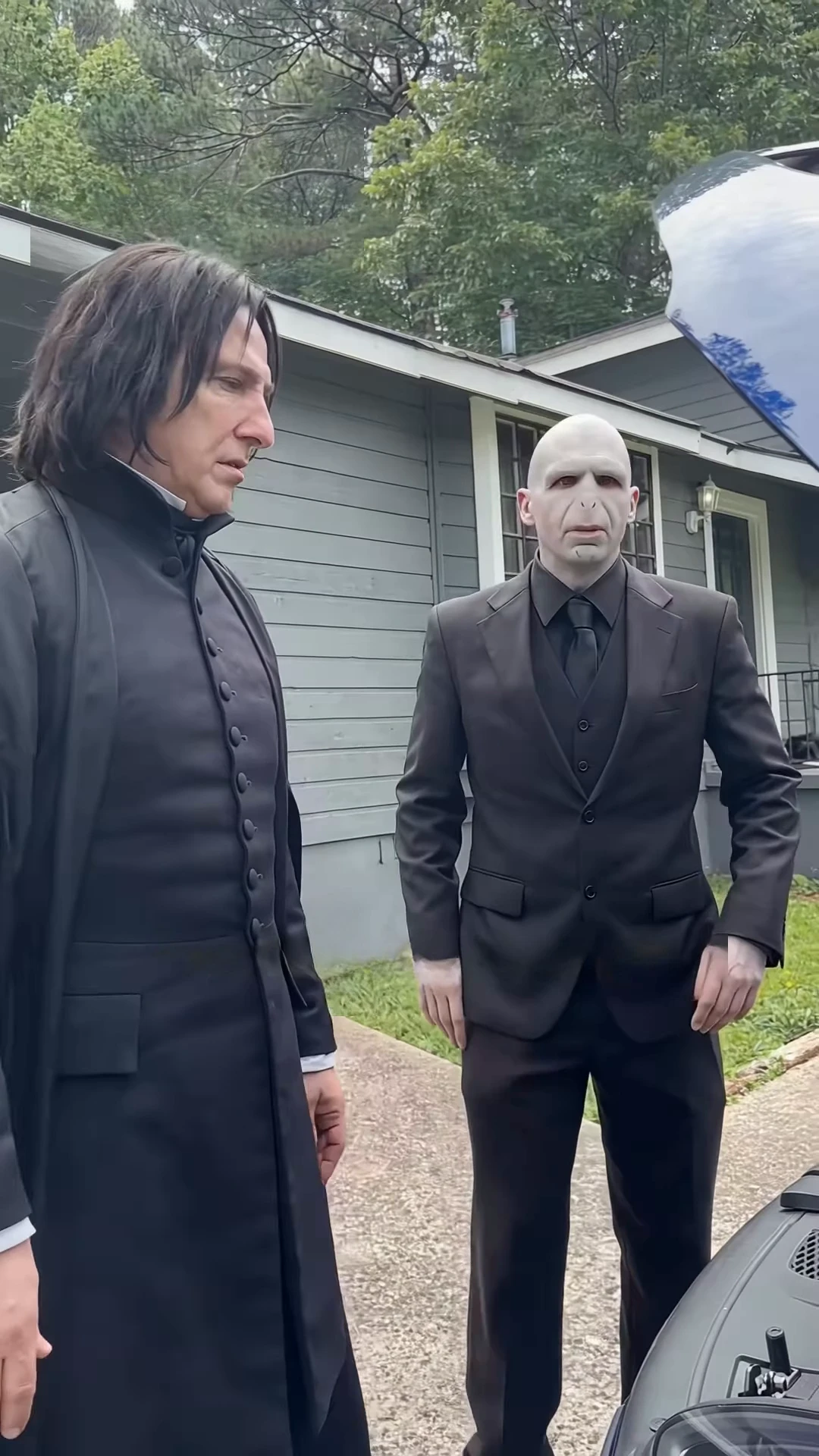
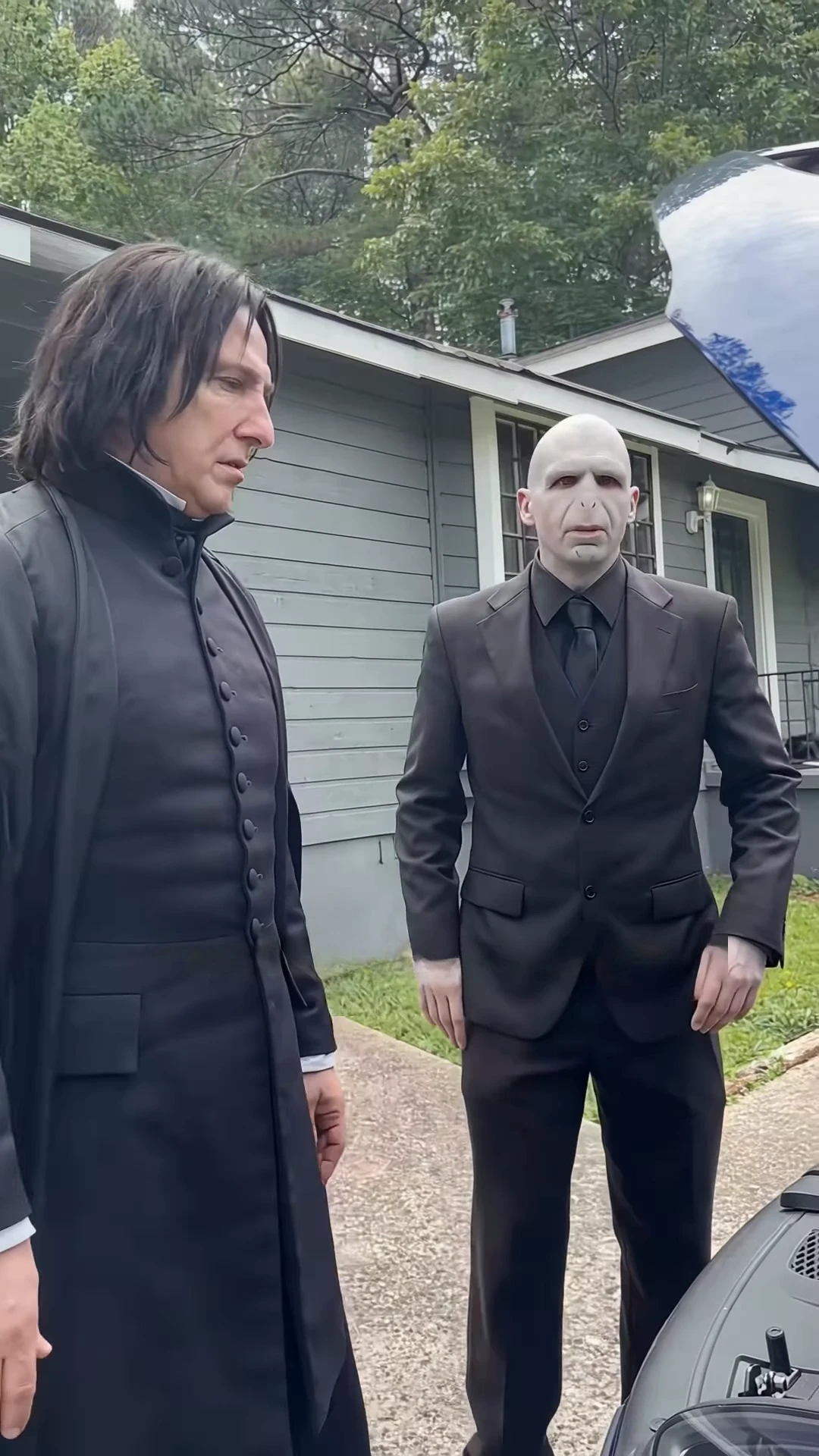
The slot labelled Coat character is the left side of the frame: the person who leans over the engine and makes the accusation. The slot labelled Suit character is the right side: the person who denies it and then gives the long excuse. The right role has the most mouth movement, from about 8.7 to 12.6 seconds, with the face fully toward the camera, so your sharpest, most front-facing photo belongs there. The left role is often seen bent over or in profile, so a photo showing the hairline and head shape helps more than a tiny face.
03Step 3: what the audio does
You cannot rewrite the dialogue. The source soundtrack is part of the recipe, and your characters' mouths are made to follow it, so the wording, the pauses and the strong language come with it. That also means the timing is fixed: the diagnosis starts the clip, the transmission line lands at about 2.5 seconds, and the clip finishes on the left character's reaction near 15 seconds. Pick the output resolution, check the quote in the studio, and expect the result to keep that soundtrack.
04Step 4: what to check in the result
Watch it three times. First with sound off, checking that the coat and suit are on the right sides and that no grid or mesh lines remain on either face. Second at about 2.5 seconds, where the left character should be turning from the hood to speak. Third during the long excuse, where the right character's lips should keep moving across all four seconds and both hands should spread. Look at the car too: the black car, its raised hood and the grey house with the barred window should stay put, because there are no cuts to hide drift.
05Step 5: when it looks wrong
If lip-sync drifts, try a clearer photo: a face that is turned away, hidden or small gives the tool less to work with. Swap it and run the video again. If a character reads as the wrong person, use a photo with plain, even light, so the hair and clothing are easy to carry over. Costumes may not match exactly. The reference has a bald figure and a long-haired figure, and results with different hair will look different, which is fine as long as the roles are still easy to tell apart.
06Step 6: caption it honestly
Say that it is an AI video made from photos, name @ausar.ai as the reference reel if you show or mention it, and do not present the original sound as yours or as having a known creator, because we could not find one. A plain caption works: the car part in question is the transmission, and the joke is that one person blames the other for it. If you show the reference next to your version, label them separately so viewers can tell which is which.