

 ChatGPT
 Claude
Blog
Guides, comparisons and trend walkthroughs for making images, video and audio with AI. Each article answers one practical question: which model fits a job, how to prompt it, what it costs in credits, or how to recreate a trending format step by step.
Latest guides and tutorials
How to Keep an AI Video Camera Still While the Subject Moves
Plan an AI video static camera shot, separate subject motion from camera drift, compare fixed landmarks, and decide when to regenerate or stabilize.
Why Does the Wrong Character Speak in AI Videos? Fixing Two-Person Dialogue
Fix AI video dialogue assigned to the wrong character with speaker maps, shorter exchanges, single-speaker coverage, and a practical review worksheet.
Why Does My AI Video Flicker? Fixing Shimmer, Pulsing and Texture Crawl
Diagnose AI video flickering before spending on repairs. Separate exposure pulses, texture crawl and export problems, then decide whether to edit or regenerate.
Krea 3 Explained: What Changed, What It Costs, and Who It’s For
Understand Krea 3 image editing, launch pricing versus provider billing, reference workflows, and how to evaluate it alongside Oakgen for production work.
Landscape to Vertical Video: Should You Crop, Expand or Regenerate?
Convert landscape video to portrait without losing the story. Compare crop math, moving subjects, AI expansion and regeneration with a practical framing worksheet.
How to Fit an AI Voiceover Into a 30-Second Video
Fix AI voiceover timing with a speech budget, shorter scripts, measured takes, and careful speed changes. Leave room for the visuals in your 30-second video.
How to Upscale AI Images for Print Without Ruining the Details
Upscale AI images for print with crop-aware pixel calculations, Oakgen Topaz settings, detail checks, and a copyable worksheet before placing your print order.

AI Image Not Following Your Prompt? Diagnose the Edit
Fix an AI image not following your prompt: check the edit input, isolate one change, clarify reference roles, protect faces and labels, and know when to stop.

Batch AI Product Videos: A Catalog Workflow for Real SKUs
Plan batch AI product videos with a downloadable SKU manifest, variant checks, retry records, and delivery rules that keep each catalog clip tied to its source.

Kling Elements: Character and Product Reference Guide
Set up Kling Elements in Oakgen with character or product references, input roles, reusable prompts, and a checklist for catching identity drift in clips.
How to Preserve Logos and Labels in AI Product Photos
Preserve logos and labels in AI product photos with a source checklist, exact-text review worksheet, and repair decisions for packaging that must stay accurate.
AI Caricature Prompts: Copy-Paste Prompts for ChatGPT, GPT Image and Nano Banana
The viral ChatGPT caricature prompt explained, plus 36 original copy-paste AI caricature prompts for jobs, couples, pets, weddings, farewells and sports fans.
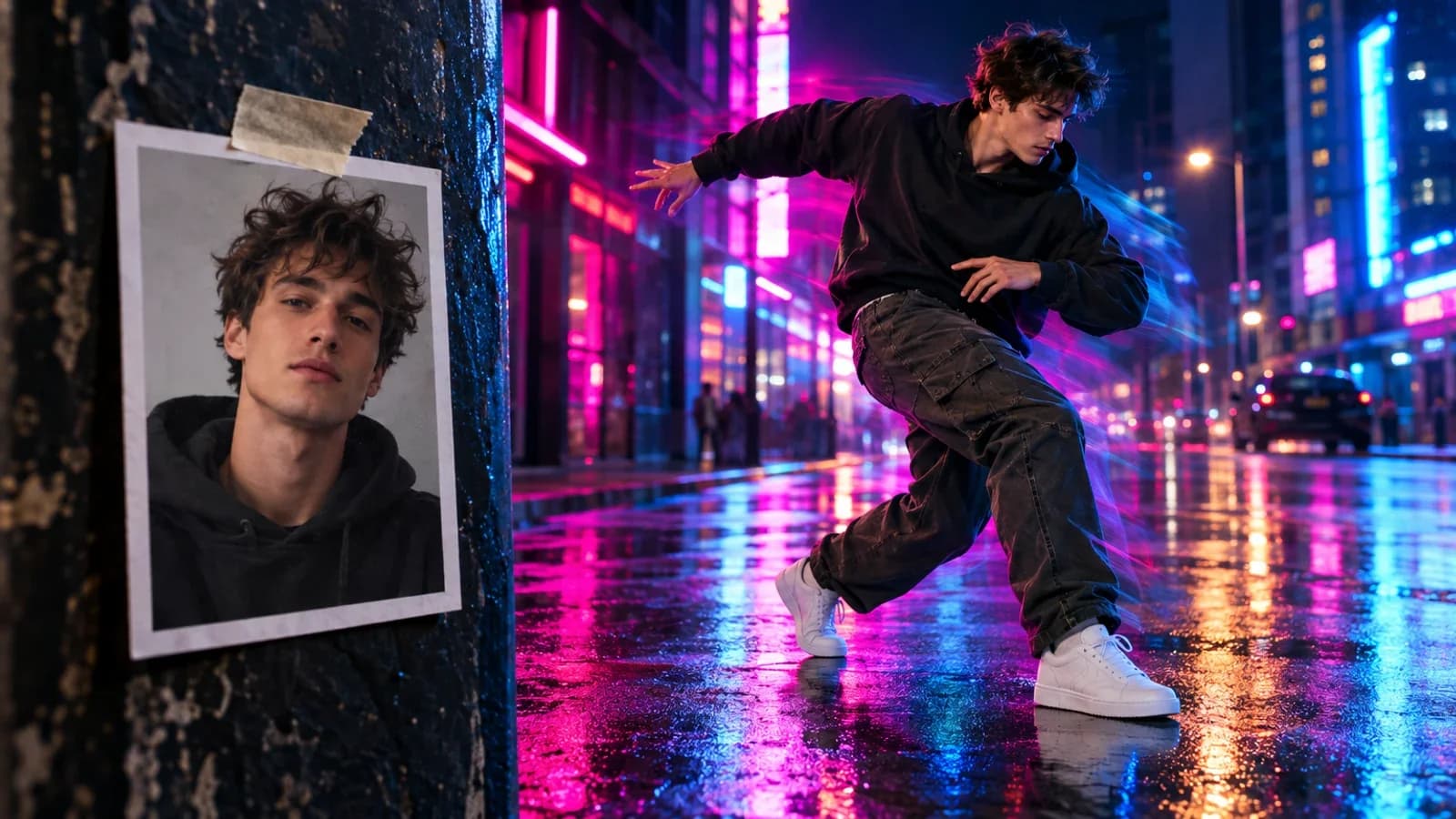
How to Make an AI Dance Video From a Photo
Turn one photo into an AI dance video. Compare motion control, dance prompts, and templates, then pick a reference clip, add music safely, and fix glitches.
AI Sound Effects: How to Generate Custom SFX From Text
How an AI sound effects generator turns text into SFX, with 45 copy-paste prompts, ElevenLabs settings, licensing rules, and real per-clip credit costs.

How to Animate a Photo With AI: 4 Methods That Actually Look Good
Learn how to animate a photo with AI using four methods: image-to-video, talking photo, motion control, and first/last frame. Prompts, costs, and fixes.
How to Make a Jingle (With or Without a Musician)
How to make a jingle step by step: what makes one stick, 15/30/60-second structures, a fill-in lyric template, three production routes, and AI steps.
Kling Motion Control: How It Works, Settings, and Prompts
Kling motion control copies the movement in a reference video onto a character image. Here are the clip rules, settings, prompts, fixes and Oakgen credits.
Magnific AI in 2026: The Freepik Rebrand, Pricing, and What Changed
Magnific AI explained after Freepik became Magnific: what the suite includes, current plans and credit pricing, how the upscaler works, and who it suits.