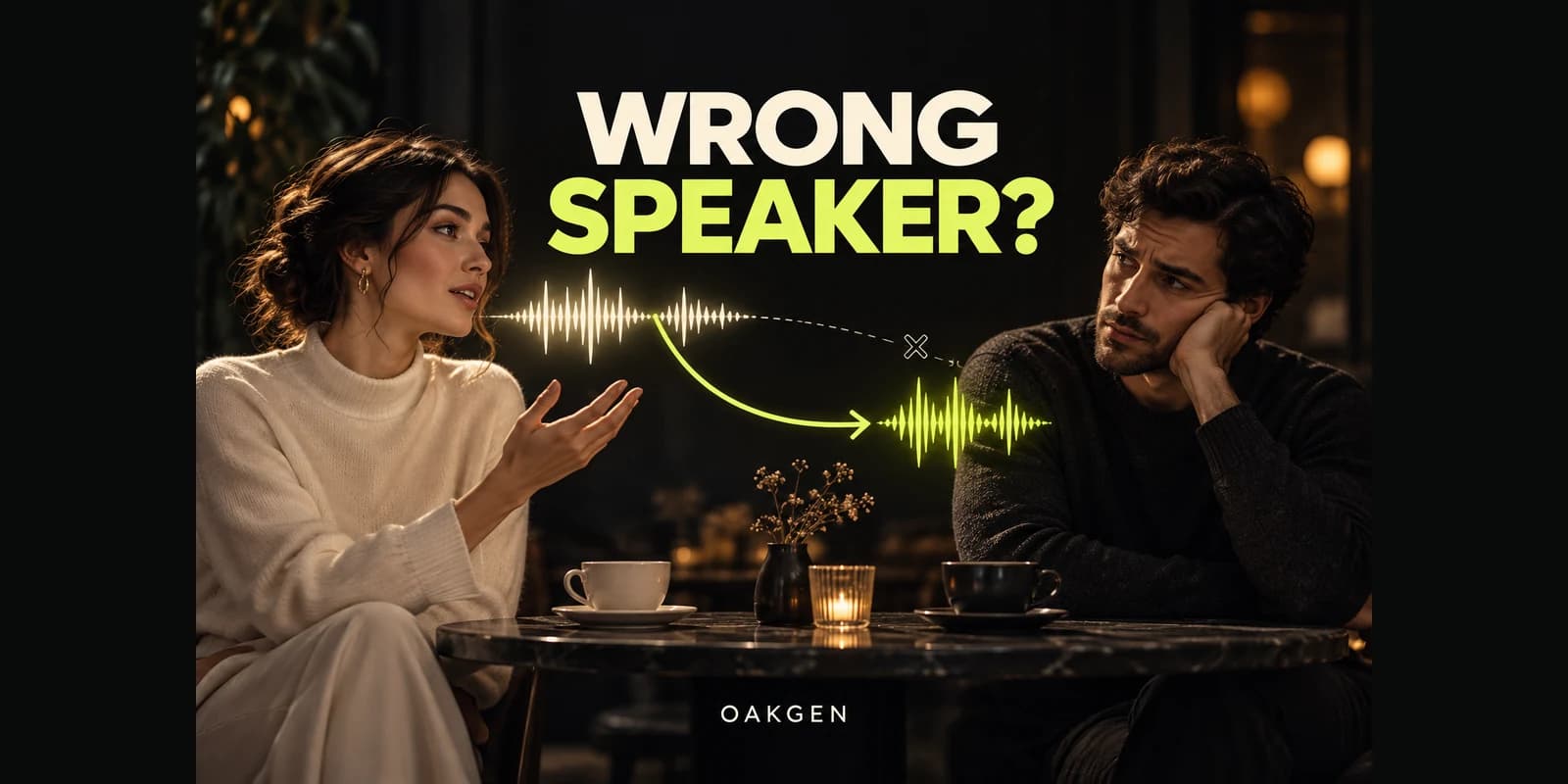
Oakgen's AI video generator is a practical starting point for two-person dialogue: choose a model with audio, keep the exchange short, and judge each speaker separately. If your AI video has the wrong character speaking, identify the speaker beside every line, give the listener a clear silent action, and reduce competing movement. If that fails, generate each speaker in a separate shot and assemble the conversation.
Give Every Line a Clear Speaker
Start with a short dialogue shot in Oakgen, then use the speaker checklist below to decide what deserves another take.
The important distinction is between a request and a result. A sentence saying who speaks does not enforce attribution perfectly. The useful production skill is recognizing which part failed and changing that part without discarding everything that worked.
Start with the right diagnosis
A scene can sound excellent while telling the wrong story. Before rewriting the prompt, play the clip once with sound and once muted. On the muted pass, watch only the mouths and reactions. Then listen without looking at the image.
| What you notice | What needs attention | First useful change |
|---|---|---|
| Correct words, wrong mouth | Speaker attribution | Isolate the speaking character |
| Correct mouth, wrong words | Script fidelity | Shorten and restate the exact line |
| Both characters mouth one line | Listener performance | Give the listener a quiet physical response |
| Correct speaker, rushed delivery | Timing | Shorten speech or allow more time |
| Correct line, changing voice | Voice continuity | Review audio independently across shots |
| Speech starts before the visible response | Timing or editing | Inspect the original clip before changing the prompt |
This guide is for creators making scripted interviews, fictional conversations, or product explainers. A fictional exchange is different from a real customer testimonial: do not present invented dialogue as a person's actual experience.
Research note: reviewed October 19, 2026. Oakgen is our product. The examples below are original, illustrative production plans, not completed generation tests or measured success claims. We checked current Oakgen model fields and official provider guidance; the proposed timings are editing decisions, not guaranteed model controls.
Why a clear screenplay can still produce the wrong speaker
Your script has several relationships that must survive generation: a name belongs to a face, the face belongs to a body, a line belongs to that character, and the mouth movement belongs to that line. A correct result needs all of those relationships to agree through time.
When they do not, the visible symptom alone does not reveal the model's internal cause. Avoid explanations claiming every model always attaches dialogue to the nearest noun. That is more specific than the available evidence supports. You can still improve the request by removing opportunities for confusion.
For example, two similarly dressed characters crossing in front of each other create a harder review problem than two distinct characters seated in fixed positions. “She replies” becomes ambiguous when the prompt describes two women. “The person on the left” stops being useful after a reverse angle or a crossing movement.
Use a stable name plus an observable identifier. Keep that identifier consistent. Mara in a yellow cardigan should not become “the customer,” “the brunette,” and “the woman opposite him” within the same short request. Those phrases may be understandable to a reader, but they create unnecessary interpretation work.
Google's video prompting guide demonstrates dialogue attributed to specific characters and describes audio separately from other scene elements. It offers a useful writing pattern, not a promise that every exchange will be assigned correctly.
Build a speaker map before writing the prompt
Consider a fictional repair shop scene. Mara has brought in a small desk lamp. Dev is inspecting it. The scene's job is to establish the fault and promise a repair, not to show a complete repair process.
| Character | Visible identifier | First line | Listener behavior |
|---|---|---|---|
| Mara | Yellow cardigan, seated beside the lamp | “It stopped working yesterday.” | Watches Dev with relaxed lips |
| Dev | Navy apron, seated behind the counter | “Leave it here. I'll check the switch.” | Looks at the lamp while Mara speaks |
Notice what the example leaves out: walking, exchanging the lamp, turning the lamp on, opening a drawer, and a moving camera. Those can become separate shots if the story needs them. The first task is an intelligible exchange.
Create the approved starting composition before spending attempts on dialogue. If your source image puts the characters too far apart to see their mouths, a more elaborate audio prompt will not fix the framing. Use Oakgen's image generator to prepare a clearer source when needed, then inspect faces, clothing, and the lamp before animating it.
Read the exchange aloud
Speak both lines at the intended pace, including a pause between them. Do not estimate duration from word count alone. Hesitation, emphasis, a smile, and a glance all need time. If the read fills the entire selected duration, there is little space left for the scene to settle.
For this illustrative plan, reserve an opening beat, Mara's sentence, a brief response beat, and Dev's answer. If those events feel hurried, split the exchange. A longer available duration is useful only when the extra time serves the scene rather than inviting more action.
VEED's official prompting advice also recommends matching dialogue length to clip duration and limiting the actions competing within a scene. Its interface-specific advice belongs to VEED; do not assume another application has the same enhancement toggle or settings.
A prompt that separates speaking from listening
The following is an unexecuted example, designed for a supported audiovisual workflow. Adapt it to the selected duration and your actual source image.
A continuous medium two-shot inside the repair shop shown in the reference.
Mara wears the yellow cardigan; Dev wears the navy apron.
Both remain seated. The camera holds the same framing.

Mara, in the yellow cardigan, says calmly: "It stopped working yesterday."
During Mara's line, Dev looks at the lamp with relaxed, closed lips.
After a brief pause, Dev, in the navy apron, replies:
"Leave it here. I'll check the switch."
During Dev's line, Mara listens and gives a small nod.
Quiet shop ambience under the conversation.
The prompt puts the speaker and line together, describes the listener's visible behavior, and gives the exchange a simple order. It does not add subtitle instructions, music direction, backstory, or multiple camera angles.
Use ordinary descriptive language before trying complicated markup. A numbered script can help you organize your own plan, but do not treat a custom “speaker ID” token as a control unless the selected system documents it. Similarly, timestamps can express an intended sequence without guaranteeing frame-accurate delivery.
Oakgen's current Seedance 2.5 model page is a useful place to inspect an audiovisual option. The checked image-to-video configuration includes a starting image, optional ending image, duration, resolution, and an audio-generation toggle. Those fields do not amount to a guaranteed per-character voice or mouth lock.
Review a failed take without starting over blindly
Suppose a hypothetical result gives Dev both sentences. Do not label the whole output “bad.” Record that the camera and character appearance were acceptable, while speaker ownership failed on Mara's line. Your next attempt should target that failure.
First, check that the actual request still contains the intended attribution. If you used any rewriting or assistance feature, inspect the resulting text before generation. Next, remove the second line and ask only Mara to speak while Dev listens. Keep the image, framing, and action unchanged.
If that single-line shot works, you have a usable fragment and a narrower problem: the exchange failed when a second turn was introduced. Generate Dev's answer separately. If Mara still does not own her line, move to a single-speaker composition rather than extending the description of Dev's silence indefinitely.
A different failure needs a different response. If Mara speaks her line correctly but Dev's answer is cut off, inspect duration and delivery. If their voices change between takes, speaker attribution may already be solved; the remaining issue is sound continuity. Keep the categories separate so each retry has a reason.
For deeper sound review, use our audio and lip-sync planning guide. It covers ambience, effects, and synchronization without turning every sound problem into a dialogue-assignment problem.
The dependable fallback: cover the conversation in separate shots
Separate coverage changes the production problem. Instead of asking one generation to alternate two visible speakers, each shot needs to deliver one person's line. You still have to review identity, performance, sound, and continuity, but you can replace a failed answer without replacing the successful question.
For the repair shop, keep a short silent establishing view of both characters. Then use a medium close-up of Mara for her sentence and a complementary view of Dev for his answer. Add a listening reaction only if it improves the rhythm.
Prepare both angles from the same approved scene plan. Keep the counter height, lamp location, clothing, and direction of light consistent. A different camera angle should not silently redesign the shop. Use the first-frame and reference guide to decide which evidence each input supplies.
Eyelines are a separate constraint. If both singles look toward the same screen edge, the characters can appear to be addressing someone else. Our shot–reverse-shot eyeline guide covers that spatial problem. Do not fix it by casually mirroring a shot with readable labels or asymmetric clothing.
In the edit, trim excess silence while preserving the natural start of each line. A listener cutaway can cover a picture transition, but it cannot make incorrect dialogue become correct. If an audible line is wrong, replace that line or regenerate the performance.
When replacing audio helps—and when it does not
Audio replacement is appropriate when the visible performance already works and the issue is a bounded sound problem. For example, a clean single-speaker shot may need a quieter background or an approved recording substituted through a compatible lip-sync workflow.
It is a poor first answer when Dev visibly mouths Mara's sentence. Laying Mara's voice over Dev's moving mouth can make the mistake more obvious. A generic audio track also cannot recover a missing reaction or restore the intended turn order.
If exact wording and a fixed voice are essential, plan an audio-led workflow from the beginning with a tool that explicitly supports it. Check its supported inputs and face requirements. A dedicated performance-transfer product may be more appropriate than native video generation for that particular shot; Oakgen's model selection should serve the brief rather than dictate it.
Approve the exchange before adding polish
For a product explainer, a speaker swap can change who makes a promise. If Dev says Mara's complaint and Mara delivers the repair offer, the words remain intelligible but the roles are reversed. Treat that as a meaning error, even when the voices and faces look convincing.
Ask someone who has not seen the prompt to summarize the scene. Do they understand who brought the lamp, who is offering help, and what happens next? This is a proposed editorial check, not a substitute for inspecting the script. It catches ambiguity that becomes invisible when you already know the intended story.
Only after that review should you add music, captions, or extra coverage. Captions can make a line easier to understand, but labeling a sentence “Mara” while Dev visibly speaks it creates another contradiction. Fix the underlying performance first.
For multilingual versions, repeat the same checks with a fluent reviewer. A familiar-looking waveform or convincing mouth motion cannot verify the meaning, pronunciation, or speaker assignment of a language you do not understand.
Copy this dialogue acceptance worksheet
Download the editable review worksheet and fill it with observations from your own outputs.
Use one record per candidate. The fields below are deliberately blank: fill them from your actual request and output instead of assuming success because the prompt looks organized.
Scene and shot:
Model and mode:
Source image filename:
Requested duration:
Exact submitted prompt:
Intended speaker and exact line:
Observed speaker and observed words:
Listener's mouth and reaction:
Voice continuity with adjacent shot:
First visible defect and timestamp:
Keep / trim / regenerate / replace with separate coverage:
One change for the next attempt:
Add a plain-language acceptance sentence: “A viewer can identify who asked the question and who answered without subtitles.” That is the scene's essential job. Then list any commercial requirements, such as the exact product name or a line that cannot be paraphrased.
Review the final sequence at normal speed after checking individual frames. A mouth shape that looks unusual when paused may be inconspicuous in motion; an apparently small speaker swap can completely reverse the scene's meaning. Let the intended communication determine the approval standard.
Keep rejected outputs with a short reason. A record saying “wrong speaker at the second sentence” is more useful than “take three looked weird.” It makes future changes deliberate and prevents another team member from accidentally choosing a polished but incorrect take.
Frequently asked questions
Why does the wrong character speak in my AI video?
The generation has not preserved the intended relationship between line and visible speaker. Make identifiers consistent, shorten the exchange, and remove unnecessary motion. A well-structured prompt can still fail, so judge the output rather than treating prompt clarity as proof of correctness.
Can two characters speak in one AI-generated shot?
Yes, supported audiovisual models can attempt this. Start with short turns and clearly different visual identifiers. If the scene keeps swapping speakers, separate coverage usually offers a more manageable editing plan than making the same two-shot increasingly complicated.
Will naming the characters guarantee the right speaker?
No. A name helps you organize the script. Pair it with visible details and the intended line, but do not assume it creates a persistent technical speaker identity. Keep positions and clothing consistent while you diagnose the shot.
Can I repair the wrong speaker by replacing the audio?
Only if the visible performance already belongs to the intended speaker and the new audio can be matched appropriately. A replacement soundtrack does not close the listener's moving mouth. Regenerate or change the coverage when the picture tells the wrong story.
What should I try after repeated speaker swaps?
Stop adding more prohibitions. Use one visible speaker per shot, preserve approved references, and assemble the exchange in an editor. That makes each failed line replaceable and leaves room to shape the scene with natural reactions and pauses.
Build the Conversation One Clear Shot at a Time
Use Oakgen to start with a focused audiovisual shot, review who actually speaks, and expand only after the first line works.