Blog
Guides, comparisons and trend walkthroughs for making images, video and audio with AI.
All guides
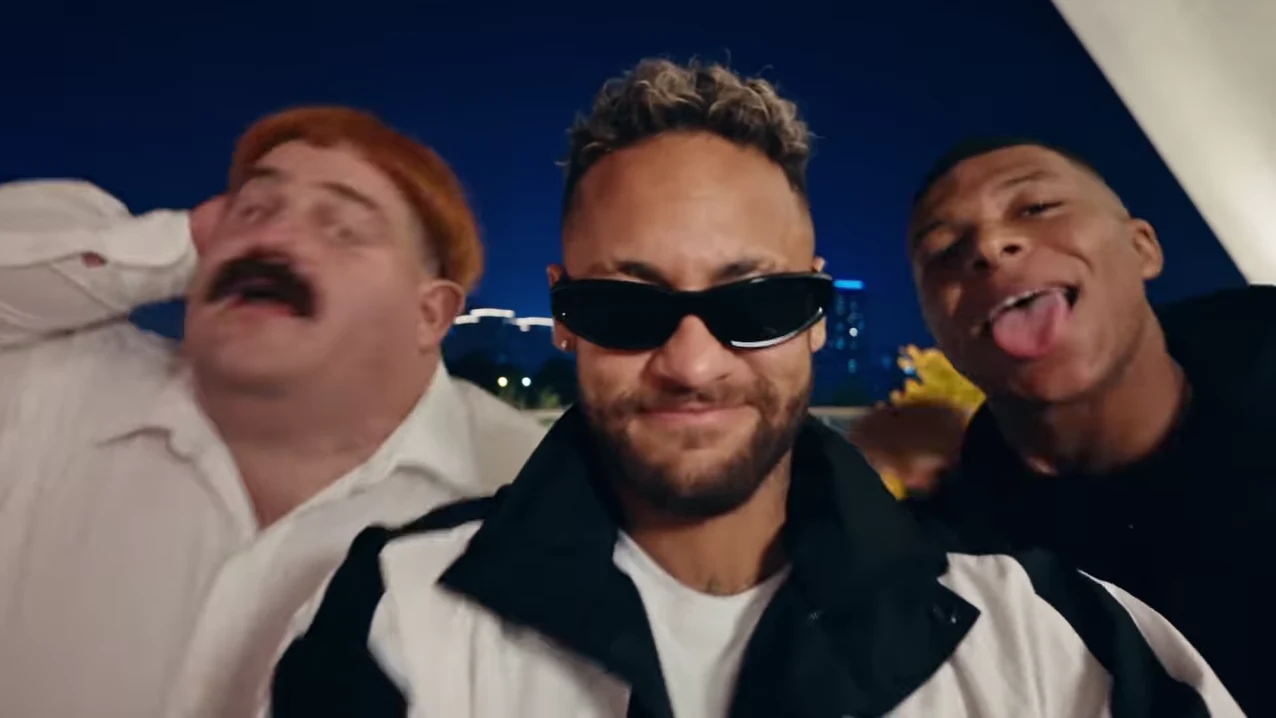
Gangnam Style Trio Reel: PSY Audio, Creator Credit and Source Notes
Identify the PSY soundtrack and Gus Grumble recreation behind the nighttime trio, with a shot sequence that distinguishes it from other Gangnam Style videos.
Crop Gangnam Style Trio for Vertical Video Without Losing Friends
Adapt the landscape Gangnam Style trio to a vertical canvas with a shot-by-shot plan that preserves all three friends, solo close-ups and captions.
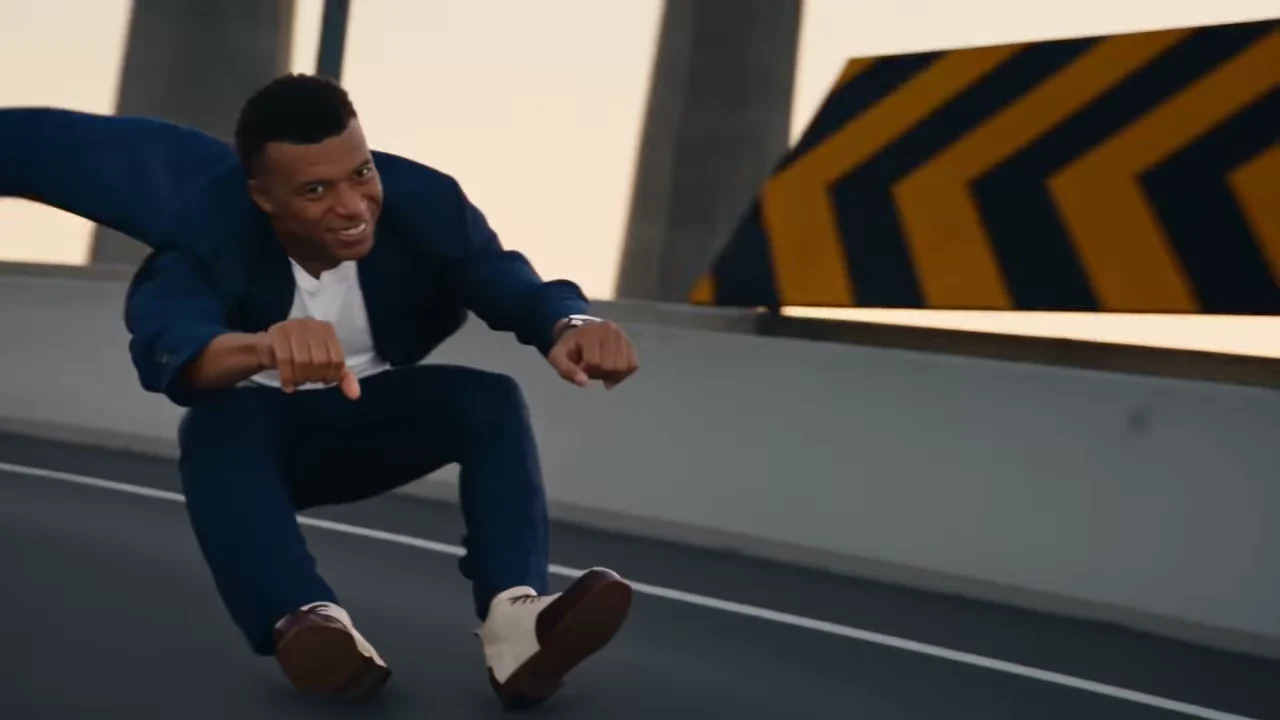
Hover Chase AI Photos: Keep Two Characters Consistent
Choose two Hover Chase AI photos and review the rider, pilot, close-ups, and stunt continuity. Diagnose casting and crop problems before another Oakgen attempt.
Frame a Hover Chase Without Losing the Pursuer
Map the lead, pursuer reveal and roadway payoff before adding captions or reframing a Hover Chase AI video for a phone screen.
Hover Chase AI: Choose the Portrait or Landscape Cut
Compare the two Hover Chase source cuts by framing, action coverage and the rider-pursuer relationship before choosing a version.
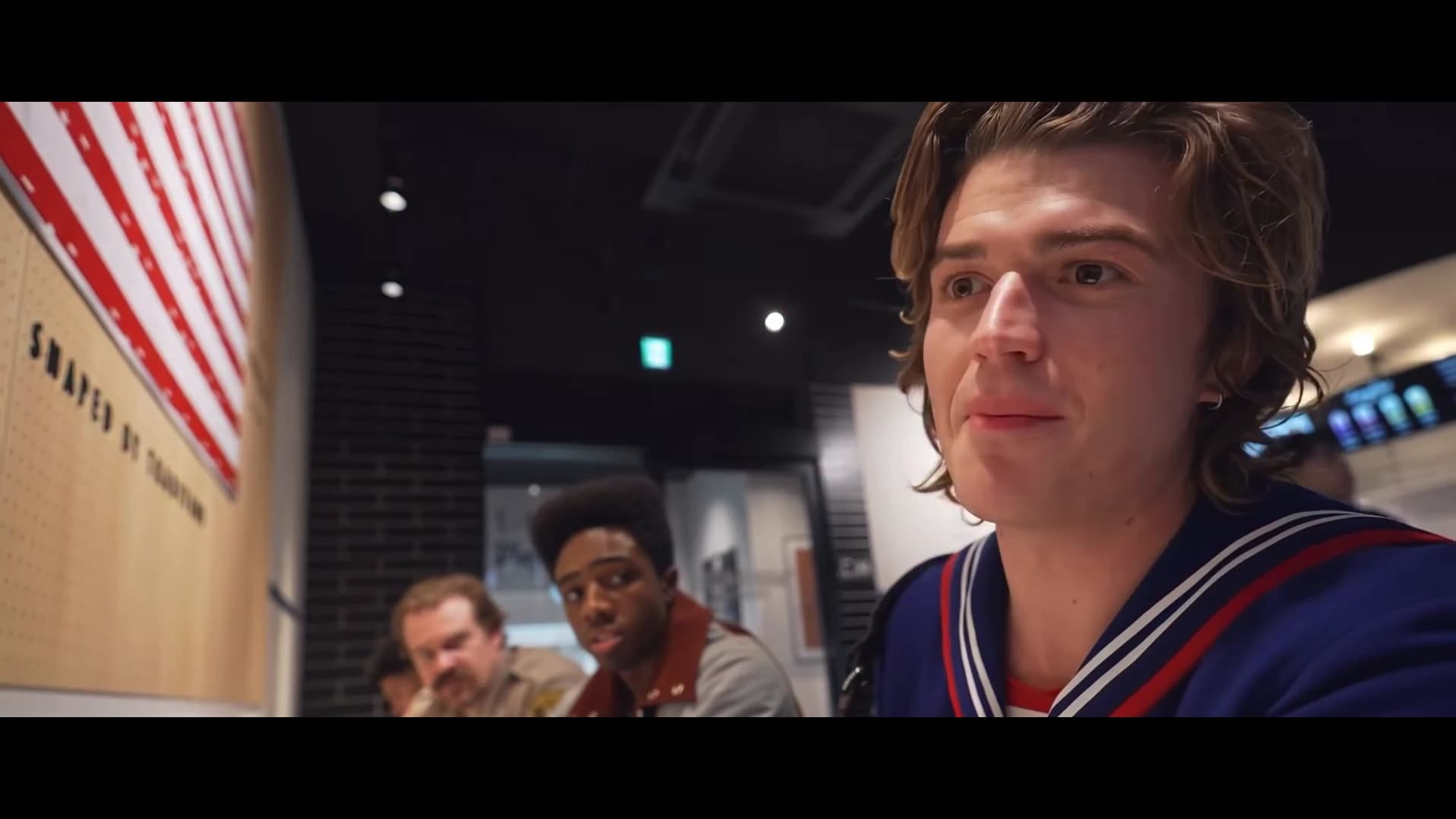
How to Do the DDG Bills AI Trend with Three Photos
Recreate the DDG Bills AI trend with three photos. Map the restaurant roles, keep the conversation timing, and review your finished Oakgen video before sharing.
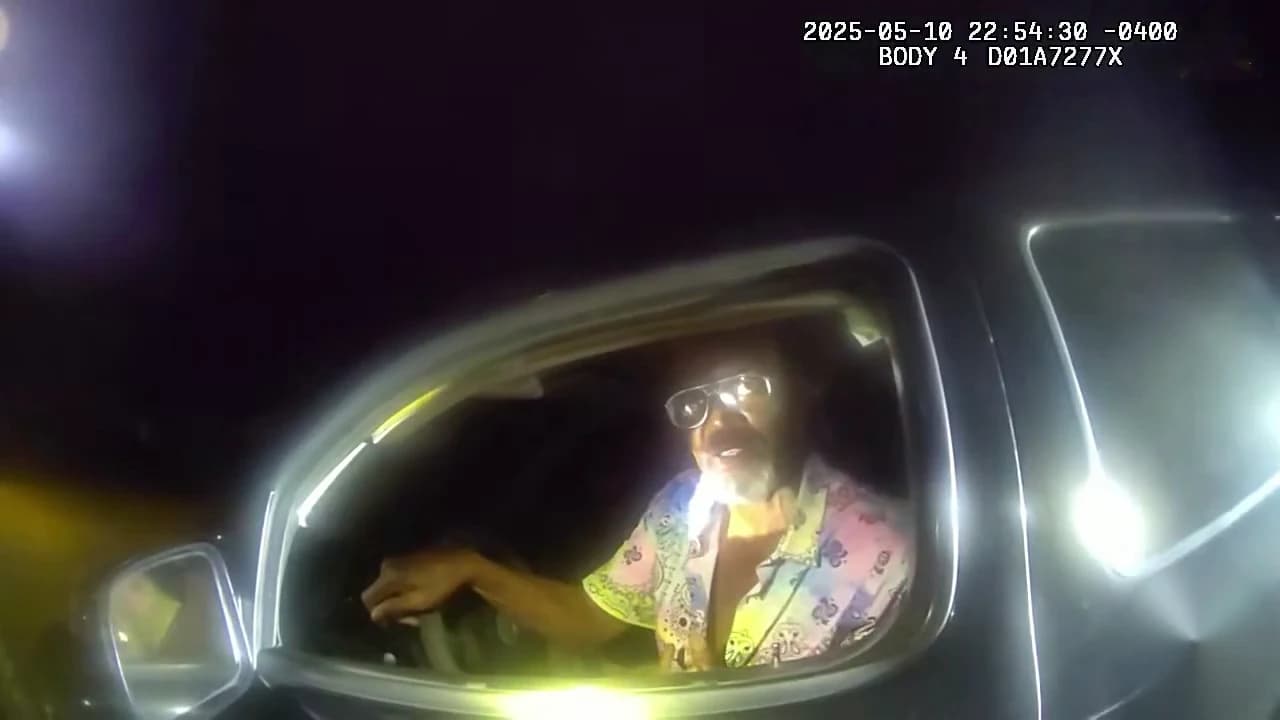
How to Do the Stop Sign AI Meme with One Photo
Make the Stop Sign AI meme from one photo in Oakgen. Follow the driver dialogue, keep the listening pauses, and check your face and audio before downloading.
How to Make the Crazy Frog Hover Chase AI Trend
Make a Crazy Frog style Hover Chase in Oakgen with two photos. Cast the lead and pursuing pilot, check the full scene, and keep both characters recognizable.
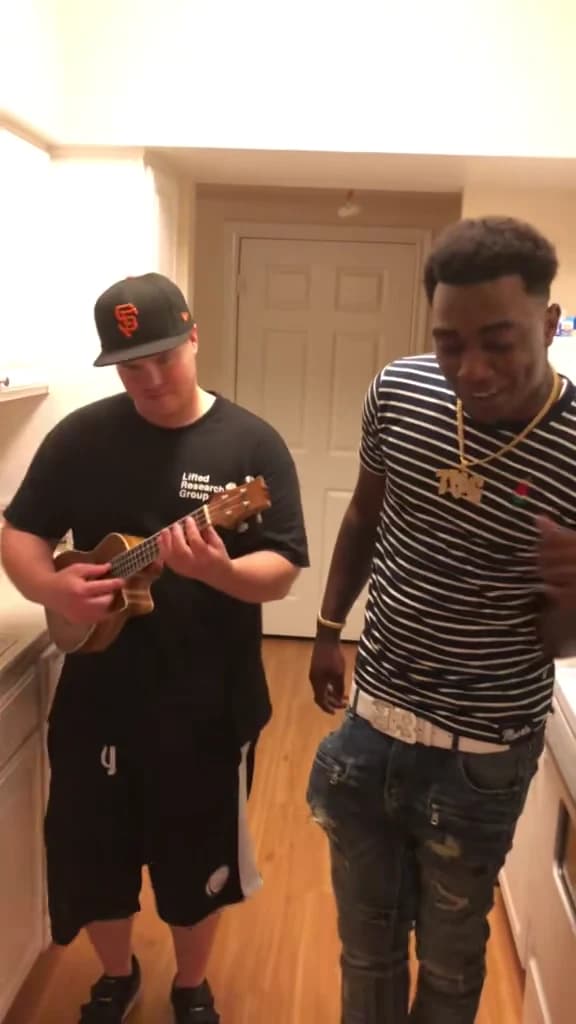
How to Make the Oouuh Ukulele AI Duet with Two Photos
Make the Oouuh ukulele AI duet with two photos in Oakgen. Assign player and singer, follow the kitchen reference, and review motion and audio before sharing.
I Be Thinking Bout My Bills AI Trend: Scene and Reactions
Understand the I Be Thinking Bout My Bills AI trend, its DDG reaction aliases and 13-second scene beats, then plan a clear three-person recreation in Oakgen.
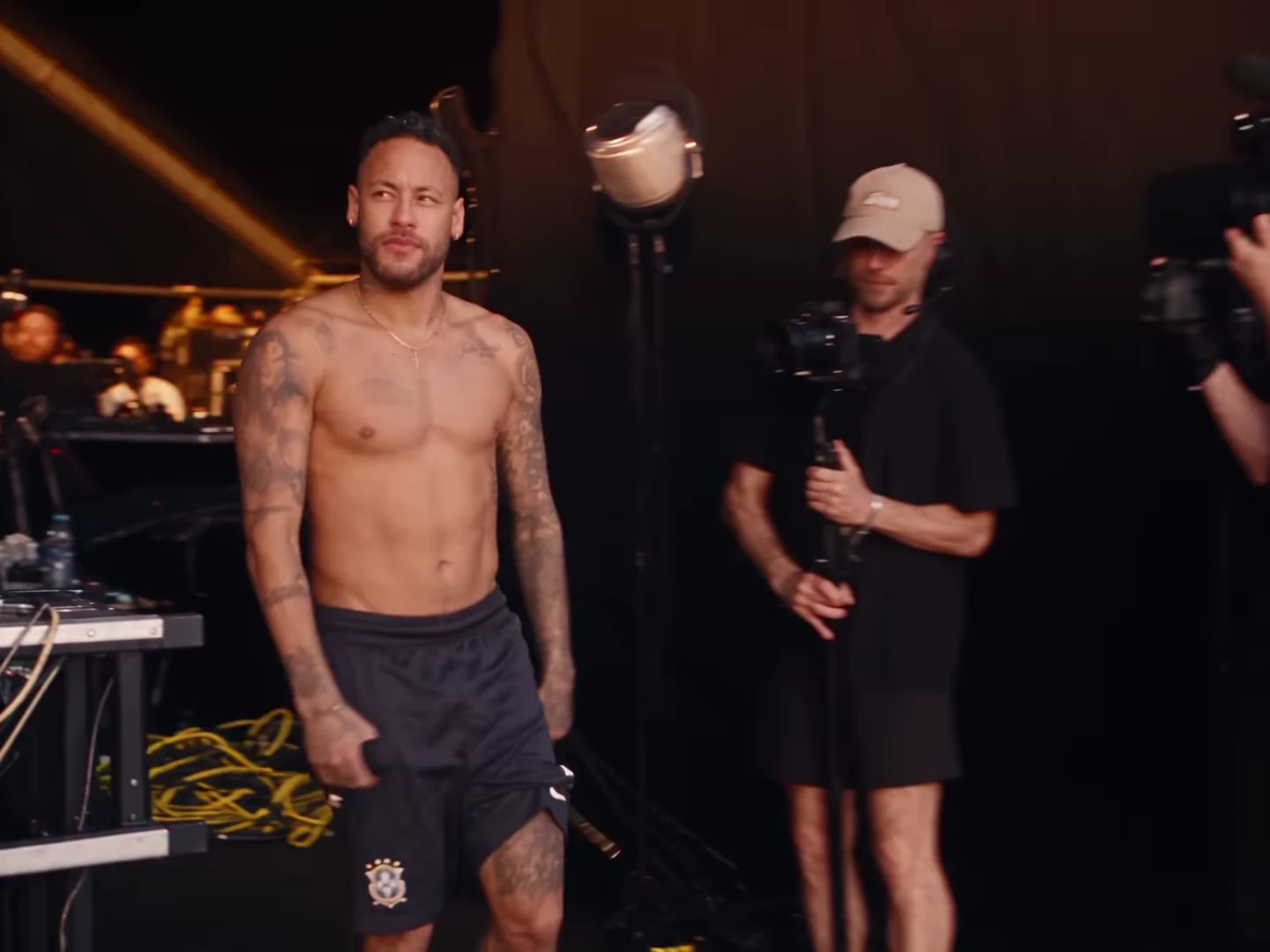
Lil Yachty Walkout Meme: Original Scene and AI Remakes
Separate the original Lil Yachty stage walkout, the Joker meme adaptation and the Neymar reference recreation before making your own entrance.
Lil Yachty Walkout AI: Plan for Side and Rear Views
Choose a clear lead photo and review the walkout through side views, rear views and returning close-ups without treating clothing as identity proof.
Edit a Lil Yachty Walkout Meme Around the Crowd Reveal
Build a stage-entrance joke around a small everyday arrival, preserving the walk, crowd reveal and returning lead in your external edit.
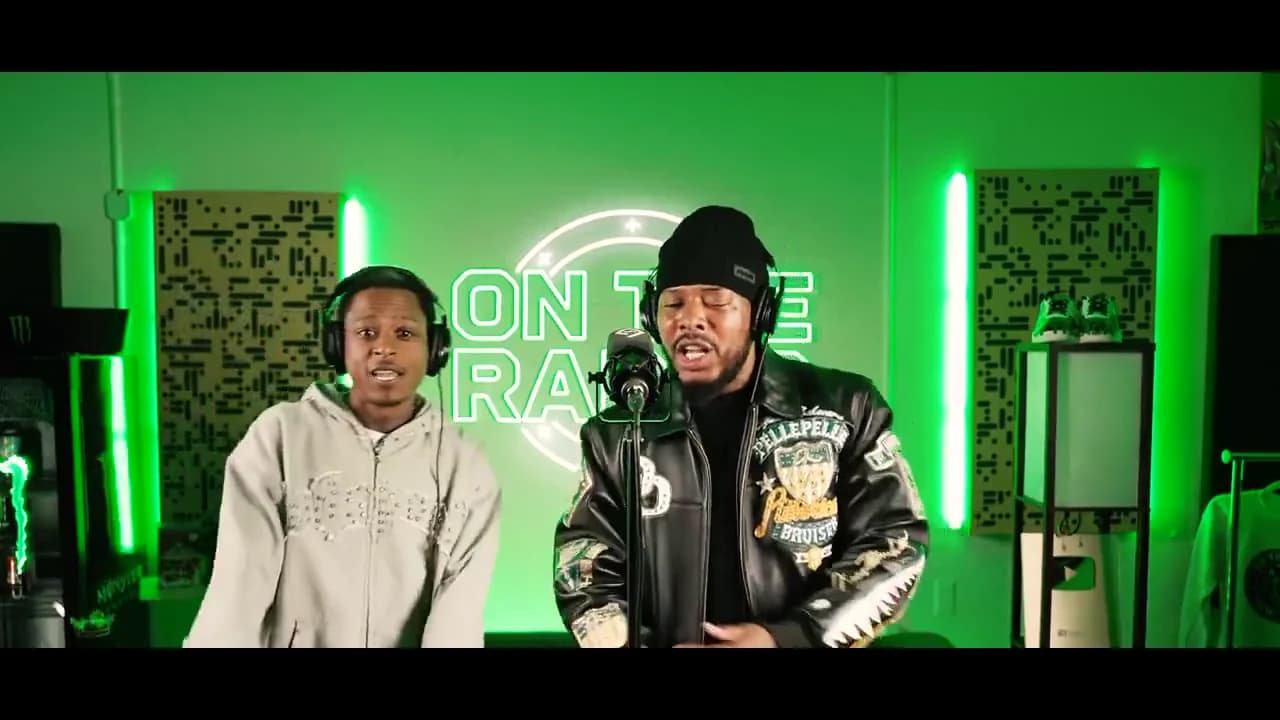
On The Radar Duo: Cast a Lead and Hype Partner
Build a two-person booth performance around a clear relationship, with a lead, a hype partner and a joke that survives without an explanation.
Write an On The Radar Duo Hook That Fits the Performance
Write a short setup for the booth duet, compare two captions on one output and give the second performer a useful role in the joke.
Edit an On The Radar Duo for a Vertical Screen
Compare a fitted booth video, a moving crop and a two-shot layout so both On The Radar performers remain readable on a vertical screen.
Oouuh Ukulele Duet Photo Tips: Keep Both Roles Clear
Choose better Oouuh ukulele duet photos and diagnose role swaps, face drift, instrument hands, and mouth timing with this practical Oakgen review checklist.
Stop Sign AI Video Photo Tips: Face, Pauses and Timing
Pick a clear Stop Sign driver photo and diagnose face changes, window glare, listening pauses, and lip-sync using Oakgen's practical video review checklist.