For a Lil Yachty walkout recreation, choose a clear photo of the lead and judge the finished identity across the whole entrance. The scene spends a substantial stretch behind the performer. A convincing opening face is only one part of a result that must remain recognizable when the person turns back.
The Lil Yachty Walkout template personalizes one lead in a fixed stage sequence. It does not give you separate photo slots for front, side and rear views, or for everyone in the crowd.
Understand the visibility changes
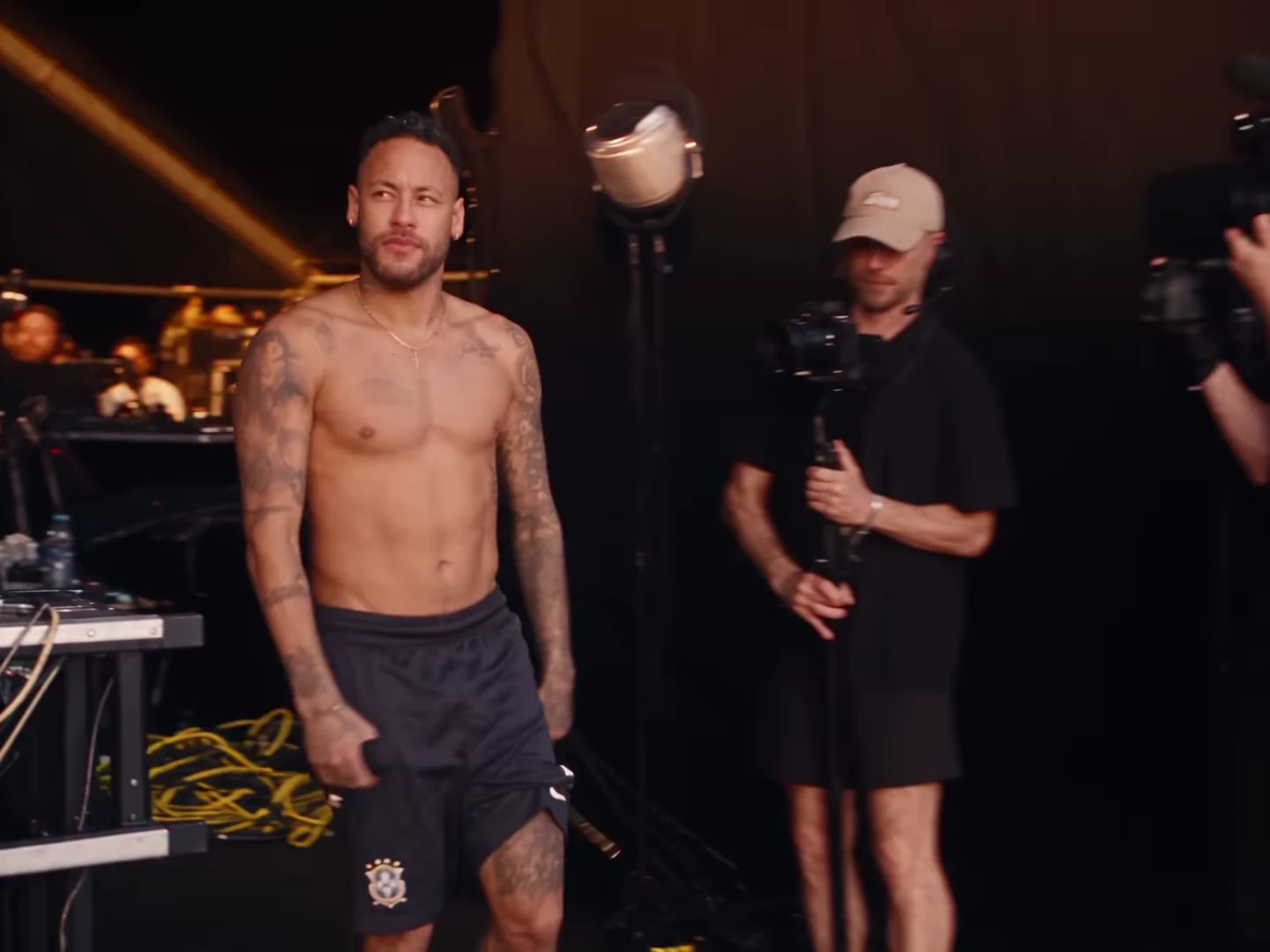
The supplied Neymar recreation begins near stage equipment, follows the performer onto a catwalk and shows the crowd ahead. The face becomes smaller or disappears as the lead moves away, then returns with changes in direction.
That is why the best review is not a row of face crops alone. Watch how the head, body and surrounding scene remain connected. A face can look plausible in isolation while appearing on a body whose scale changes unexpectedly.
This preview is a reference recreation. It is not an Oakgen test result, and the exact quality of your personalized output must be reviewed separately.
Choose a useful baseline photo
Use a recent, clear photo that shows the face without a strong obstruction. Avoid relying on a tiny face inside a large group image. A heavy filter or extreme lighting can make it difficult to decide later whether the generated person still resembles the intended lead.
Choose one intended appearance before you begin. If your candidate photos show very different hair or facial hair, decide which one should define the version. Do not expect the template to reconcile several appearances when you are only providing one photo.
A photo is an identity reference, not a wardrobe specification. If a particular jacket or hairstyle is essential to your story, check the actual result before claiming the detail was preserved.
Review four different views
| View | What to inspect | What you cannot establish from it |
|---|---|---|
| Opening face | The intended person's recognizable features | Consistency later in the walk |
| Side turn | Head shape and face attachment during motion | A fully hidden eye or cheek |
| Rear walk | Body continuity, head position and natural movement | Facial likeness when the face is unseen |
| Returning face | Whether the original identity returns | That every blurred intermediate frame is sound |
Do not mark a rear view as a successful face match. Mark it as a movement check. When the face returns, compare it with the opening and your chosen photo rather than with the replacement person in the source recreation.
Keep the review separate from the caption
A large title can hide the face at the exact point you need to inspect. Review the untouched download first. Then add the story caption and check that it does not cover the lead's return or collide with a raised arm.
If the identity changes, document the moment before deciding whether a different reference photo or another output is necessary. If the face is consistent but too small to recognize in a tight phone layout, that is a framing problem. The general face-drift guide helps separate those cases.
Read the origin guide for the distinction between Lil Yachty's performance and the remakes. For a finished post, use the walkout reveal edit, which preserves the entrance instead of cutting away the moments that establish it.
Explore the video trend creative playbook for related casting, editing and sharing guides.