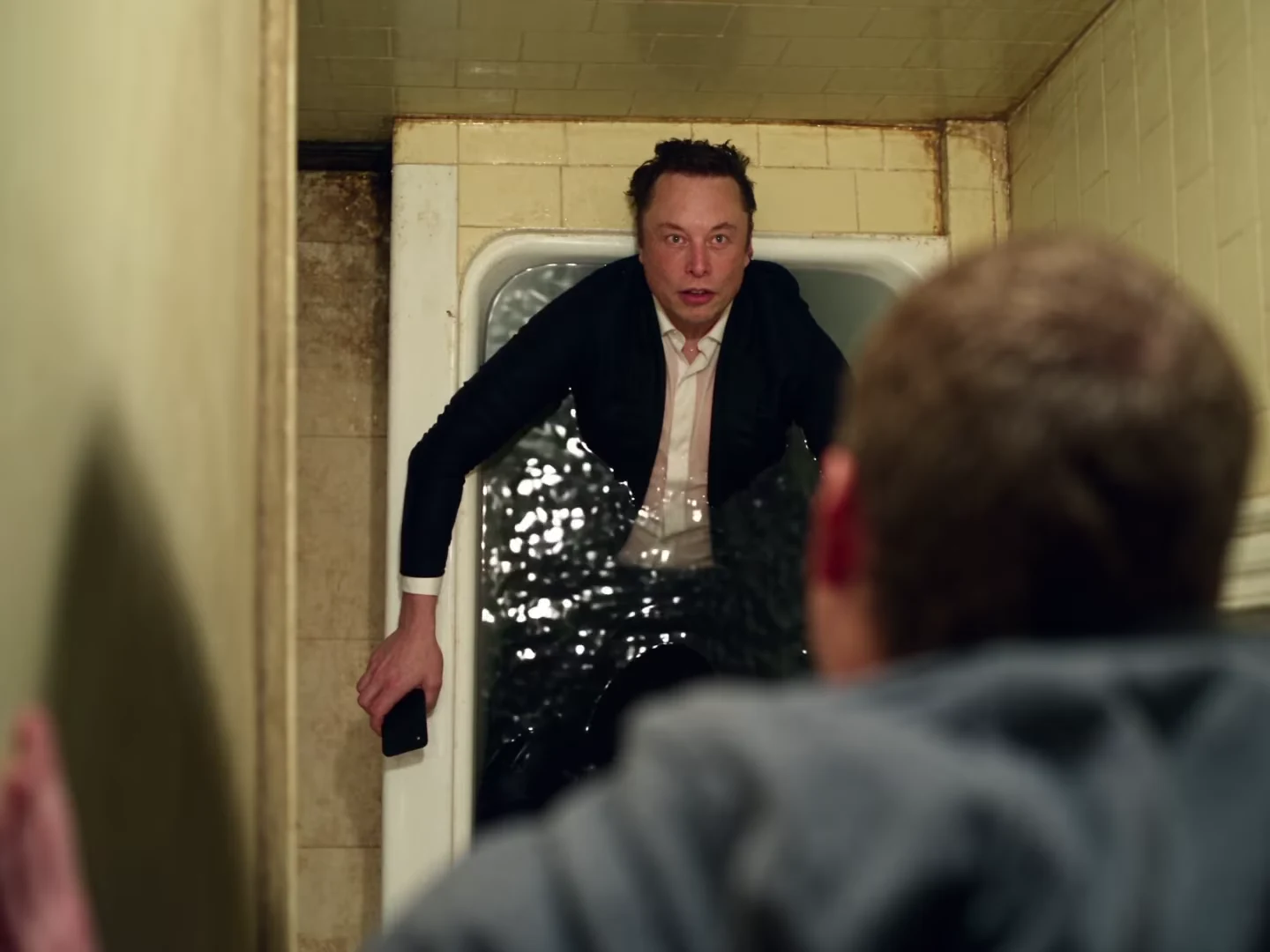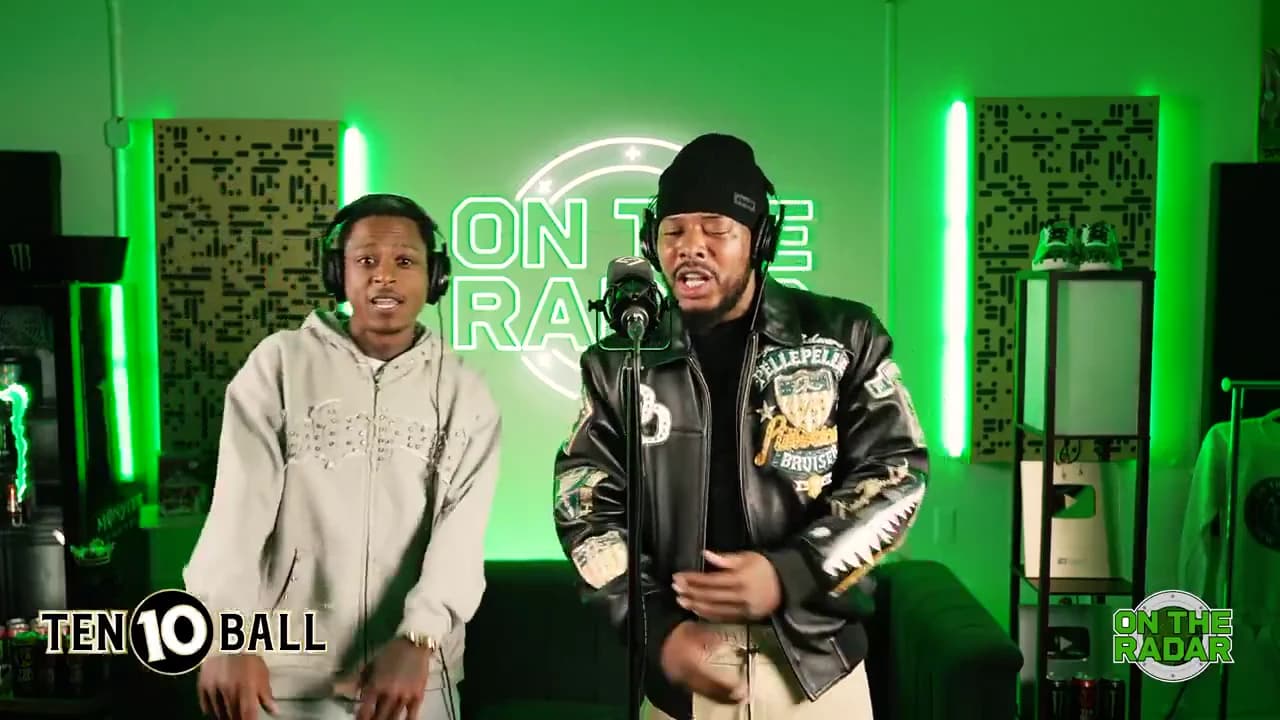
For a vertical On The Radar duo post, start by fitting the full widescreen performance inside a portrait canvas. The performer away from the microphone moves across the frame; a fixed crop around the lead can erase the relationship that makes the duet interesting.
The On The Radar Duo reference is a landscape booth scene. Vertical presentation is an editing decision after download, not a new camera setting inside the template.
Mark three moments before cropping
Watch the complete output and note a moment when both people stand apart, one when the partner leans toward the microphone, and one with extended arms. These are different framing tests. A crop that holds two still faces can fail as soon as the partner leans out or raises a hand.
The original On The Radar performance illustrates those movements. It is not evidence that a generated clip will reproduce every face or gesture perfectly. Use the corresponding moments in your own result for the edit.
Compare three layouts using the same output
| Layout | What it preserves | What to inspect |
|---|---|---|
| Full video on a portrait canvas | Both people and the booth | Faces may become small on a phone |
| A crop that moves over time | Larger faces during turns | Movement can chase the wrong person |
| Two selected shots, cut in order | A clear emphasis at each moment | Cuts can interrupt a shared gesture |
Make the fitted version first. Use a plain background and put a short premise above the video. “The meeting ended early” needs less space than a paragraph about the meeting. Avoid duplicating the video behind itself if the moving background makes the central performance harder to read.
A moving crop requires keyframes in a separate editor. Track the pair's useful space, not just the microphone stand. Leave room for a hand before it enters the crop; reacting late makes the frame appear to dodge the performer.
Preserve the booth's shared moment
The microphone provides a visual anchor, but the partner's reactions supply context. If you cut to a tighter lead shot, return to both people before their coordinated gesture. Otherwise the viewer may interpret the clip as one performer and an accidental passerby.
Do not create a split-screen by duplicating one moment and present it as two simultaneous camera angles. If you deliberately repeat a shot for a stylized layout, make the repetition obvious. A simple fitted frame is often easier to understand.
Keep the original audio aligned while moving the picture. Cropping should not change timing. If you also trim the clip, move the linked audio and video together and replay the first and last audible phrases before exporting.
Use a phone-sized review
Compare the two best layouts at the size someone will actually watch. Can you identify the second performer without pausing? Does the caption collide with a raised hand? Can the opening be read before the gestures become busy?
If the answer is no, return to the full frame or shorten the caption. Do not solve a missing person by adding their name over an empty crop. The general vertical duet guide explains the wider principle; this booth's moving partner is the specific test.
Pair the layout with a lead-and-partner casting idea and a short hook. Keep the original download so you can change the layout without generating another performance.
Explore the video trend creative playbook for related casting, editing and sharing guides.