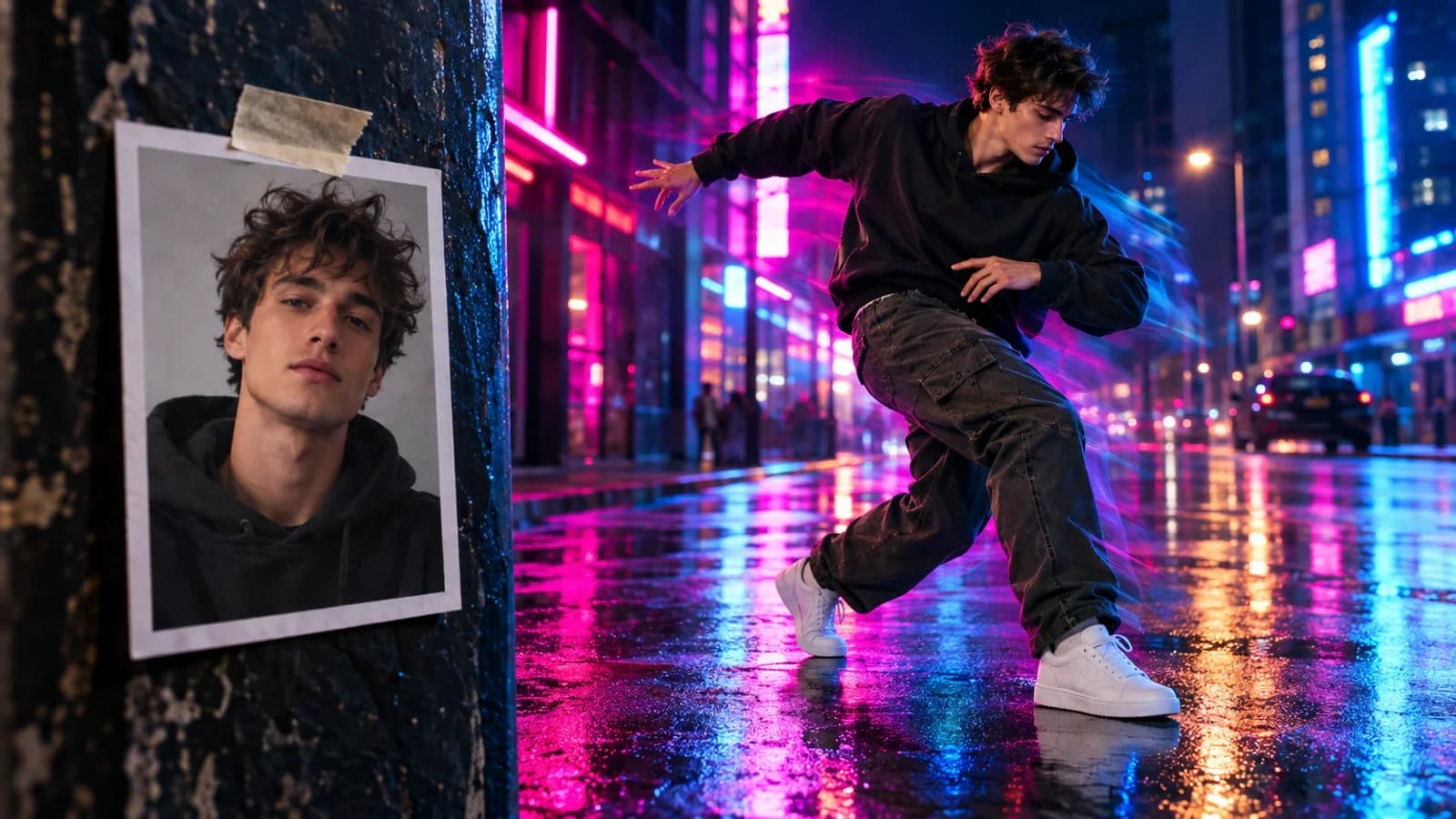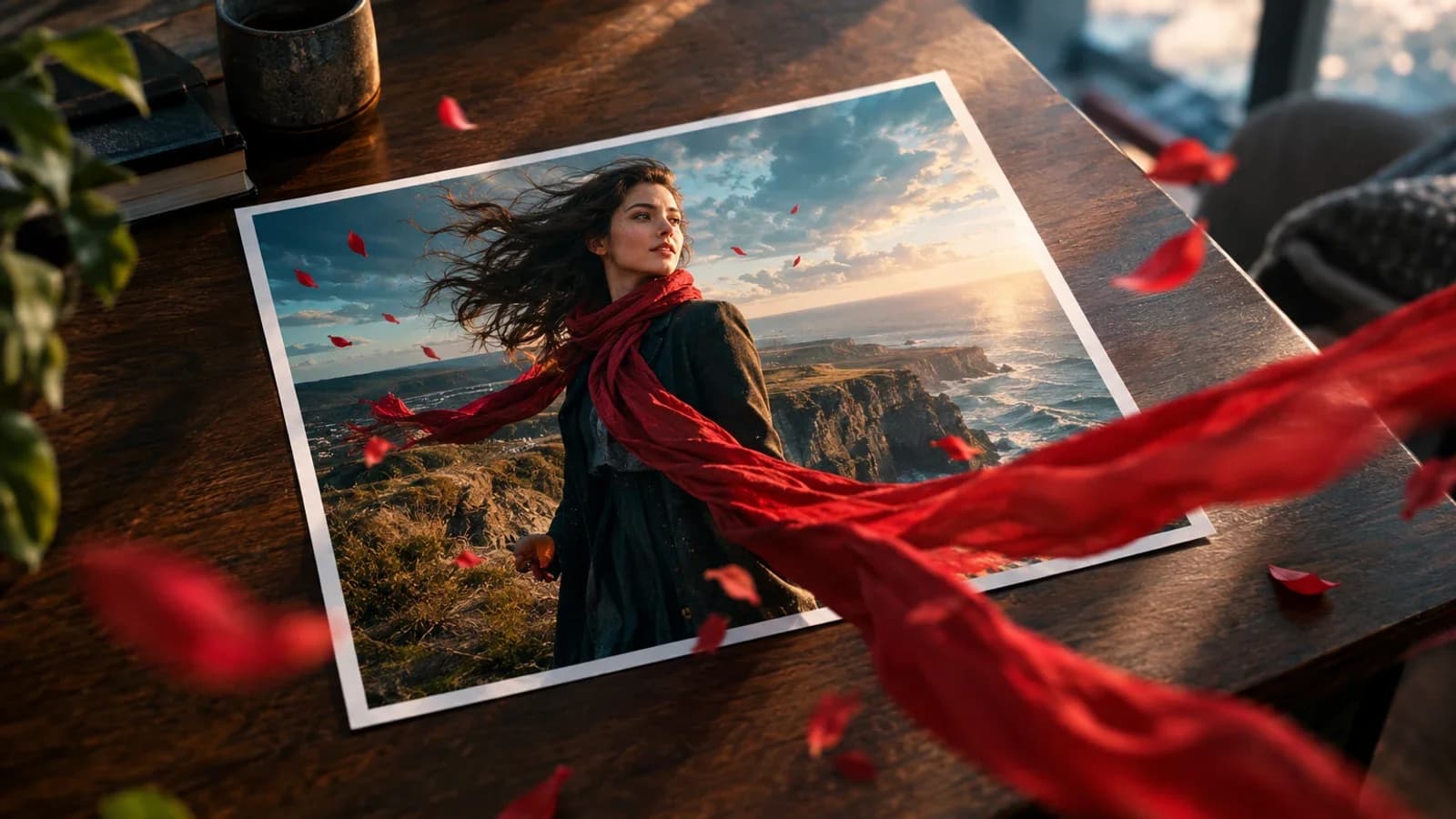
Good Grok Imagine Image 2 prompts read like a compact creative brief. Name the job, lock the composition, quote exact text, then state what the model must not change. The 40 prompts below cover the work xAI built Quality Mode around: posters, product photos, infographics, characters, game assets, and controlled edits.
Paste any prompt into Grok Quality Mode, or run it through Oakgen's current Grok Imagine route. Use Image Arena when you want the same brief tested across more than one model.
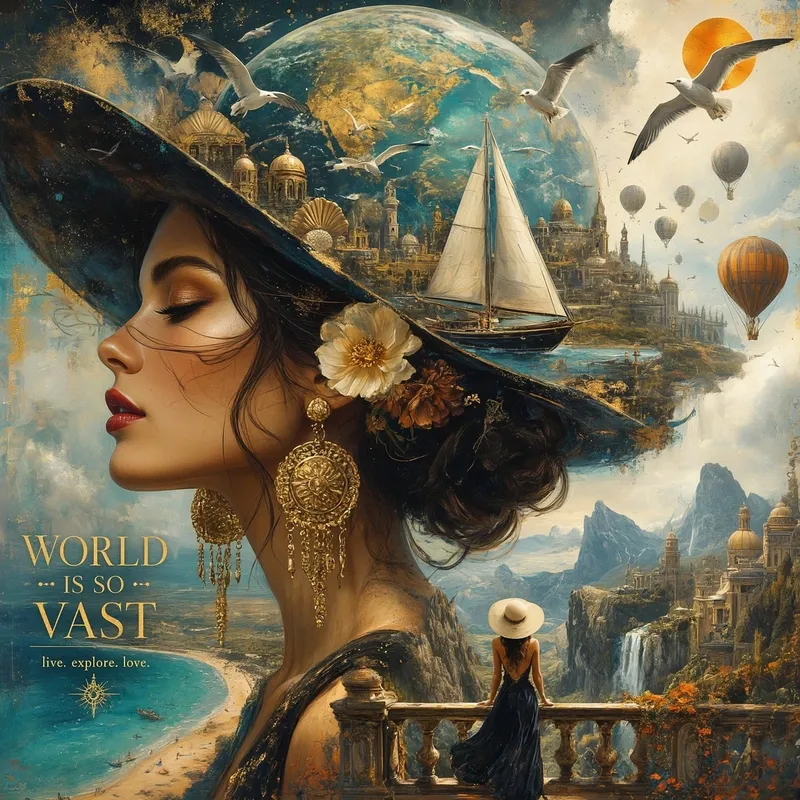
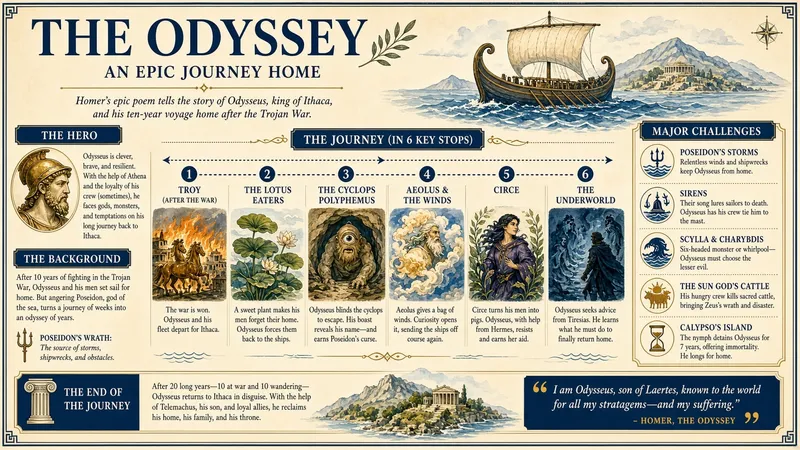
The images in this article are xAI launch examples. The prompts are Oakgen templates written for reproducible briefing; we don't claim they produced xAI's published gallery.
The prompt formula
delivery job + subject + composition + exact text + medium and lighting + preservation rules
Use concrete nouns and placement. “Orange headline in the top quarter” is easier to judge than “great typography.” If the image contains facts, dates, prices, or a route map, treat the generated copy as a draft and verify it manually.
Poster and typography prompts
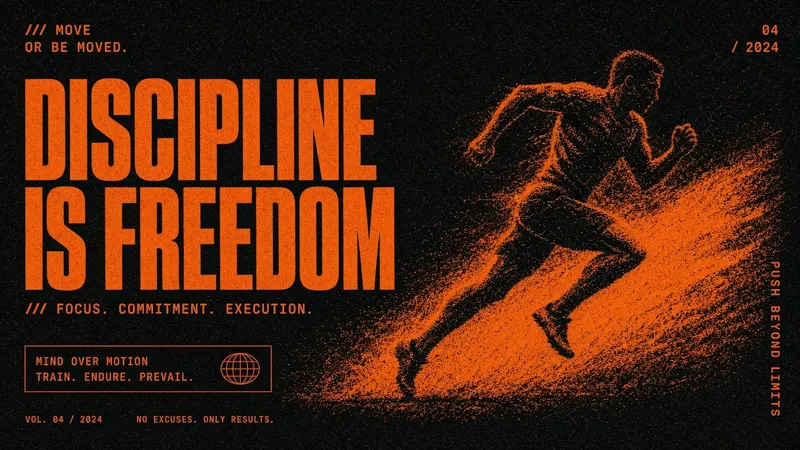
- Sports poster:
Vertical 3:4 sprint campaign poster. A runner drives out of the blocks, low camera angle, black background with burnt-orange grain. Headline exactly "BUILT FOR THE LAST 100M" in condensed white type across the upper quarter. Leave a clean sponsor strip at the bottom. No invented logos. - Gig poster:
Portrait concert poster for an electronic duo. Chrome stage rig, blue haze, two silhouettes centered. Exact title "SIGNAL / NOISE" and line "SEPT 18 · DOORS 8 PM". Swiss grid, wide margins, readable small copy. - Travel poster:
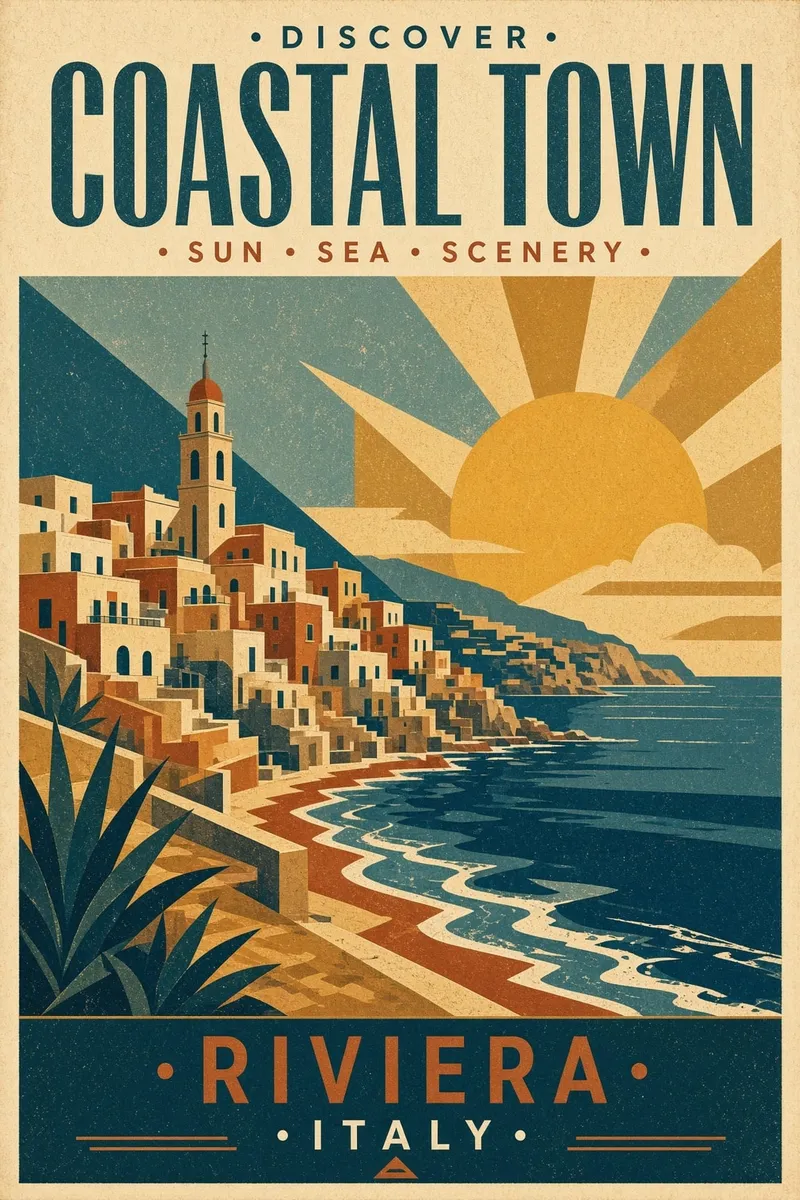
Vintage 1930s travel poster for the Italian Riviera, cliff town above a blue sea, flat screen-print colors, tall 2:3 layout. Text exactly "RIVIERA LIGURE". No airline logo. - Product poster:
Editorial poster for a red ceramic watch, product large at center-right, pale gray field, six-word headline at left: "TIME, CUT FROM A SINGLE LINE". Keep all lettering horizontal and legible. - Book cover:
Literary science-fiction cover, black ocean under a thin white moon, one tiny boat, title exactly "THE QUIET ORBIT", author "MARA VENN". Restrained serif type, no extra copy. - Museum card:
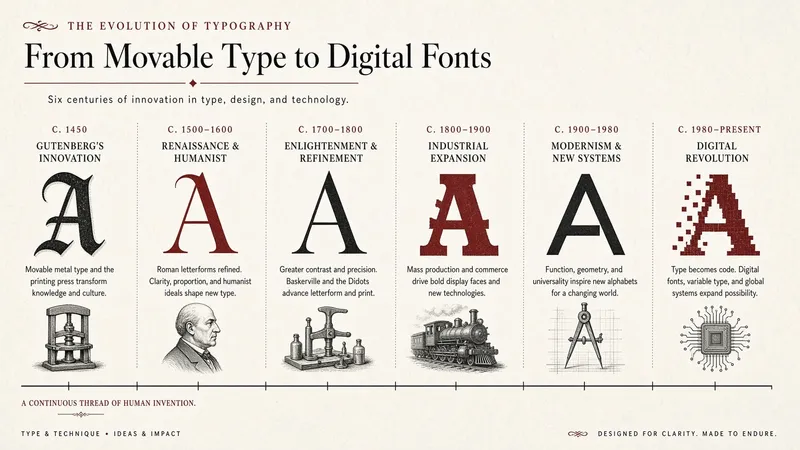
Horizontal exhibition card for a type-history show. Four labeled letterforms arranged left to right. Title exactly "TYPE / 1450–2050". Cream paper, black and vermilion ink. - Restaurant menu:
One-page modern ramen menu with eight dishes, clear price column, English dish names only, red stamp motif, generous spacing. Use placeholder prices marked $12–$18 and spell every dish correctly. - Event tile:
Square social tile for a design conference. Giant number "26", smaller text "SYSTEMS FOR HUMANS", date "OCT 4–6". Electric green on near-black, no gradients.
Product and ecommerce prompts
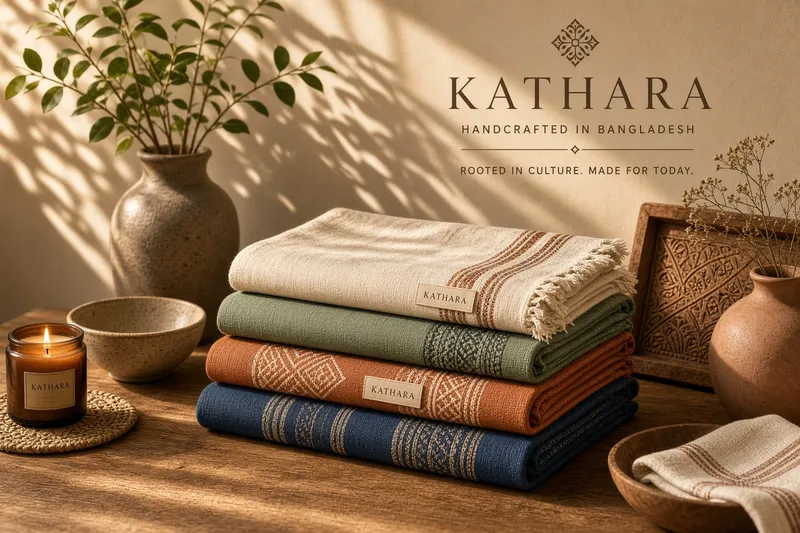
- Woven goods:
Natural-light ecommerce photo of three handwoven table runners stacked on walnut. Show the weave at true scale, warm side light, 4:3 crop, neutral wall, no hands, no labels. - Skincare hero:
Square product hero for an amber glass serum bottle on wet black stone, controlled rim light, readable blank label area, no added claims, no flowers. - Color variants:
Contact sheet of the same trail shoe in four approved colors: rust, moss, sand, and black. Identical camera, sole geometry, laces, and shadows in every cell. Labels below each shoe. - Furniture listing:
Bright catalog image of a walnut lounge chair, three-quarter front view, plain light-gray background, straight verticals, realistic floor shadow, no decor. - Food packaging:
Front-facing granola pouch mockup on a breakfast table. Keep the supplied logo and package shape unchanged. Morning light, oats scattered sparingly, 4:5 crop. - UGC-style product shot:
Casual phone photo of a hand holding a sunscreen tube near a beach bag, slightly imperfect framing, midday light, product text facing camera, no beauty retouching. - Flat lay:
Top-down flat lay for a fountain pen launch: pen, capped ink bottle, one folded note, dark green felt. Leave the upper-left quarter empty for copy. - Transparent cutout brief:
Isolate the red sneaker from the source image. Preserve laces, sole texture, and heel tab. Remove the full background and export with transparent pixels; do not add a shadow.
Infographic and instructional prompts
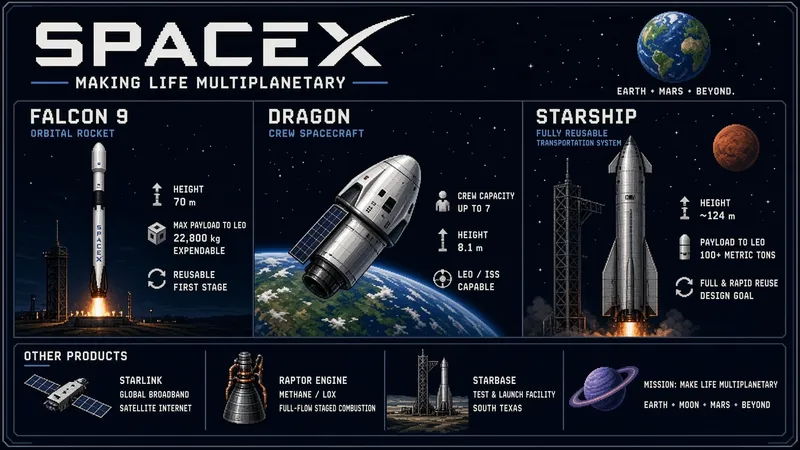
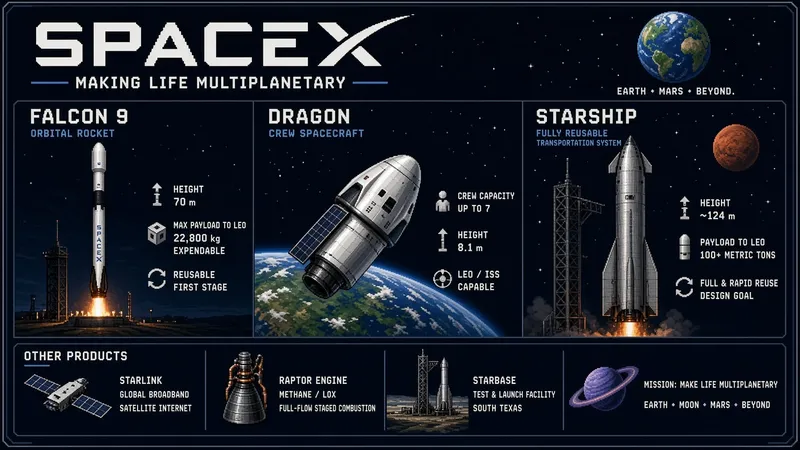
- Spaceflight timeline:
16:9 pixel-art infographic showing Falcon 9, Dragon, and Starship as three separate labeled stages. One left-to-right timeline, short labels, no invented performance numbers. - Travel itinerary:
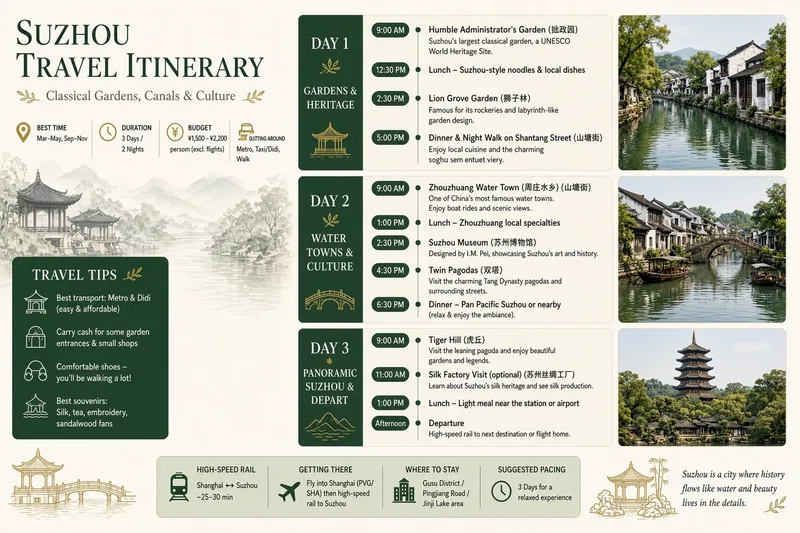
Three-day Suzhou itinerary in a clean illustrated map. Three columns labeled DAY 1, DAY 2, DAY 3; canals, gardens, and food icons; no fake opening hours. - Drawing tutorial:
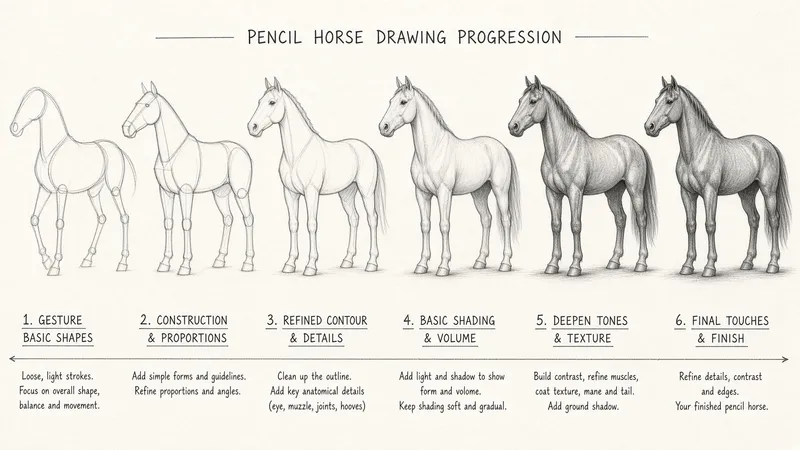
Six-panel pencil tutorial showing how to draw a horse from gesture line to shaded final form. Number every panel 1–6 and keep the horse pose consistent. - Process diagram:
Horizontal five-step diagram for roasting coffee: green bean, heat, first crack, development, cooling. One arrow path, short labels, cream background. - Comparison card:
Two-column visual comparing studio light and window light for portraits. Same person and camera angle in both panels. Label the light source and shadow direction. - Safety checklist:
A4 workshop safety checklist with eight rows, checkbox at left, short instruction at right, yellow and black industrial style. No decorative icons inside the checkboxes. - Anatomy sheet:
Botanical field sheet of one sunflower with labeled stem, leaf, petal, disc floret, and root. Accurate leader lines, legible labels, off-white paper. - Recipe card:
Landscape recipe card for lemon pasta with ingredients on the left and five numbered steps on the right. Keep measurements exact and add one small dish illustration.
Character, manga, and game prompts
- Character sheet:
Character sheet for a winter archer with a cheek scar and long braid. Front, profile, back, and three expressions. Same face, coat, bow, and proportions in every panel. - Manga page:
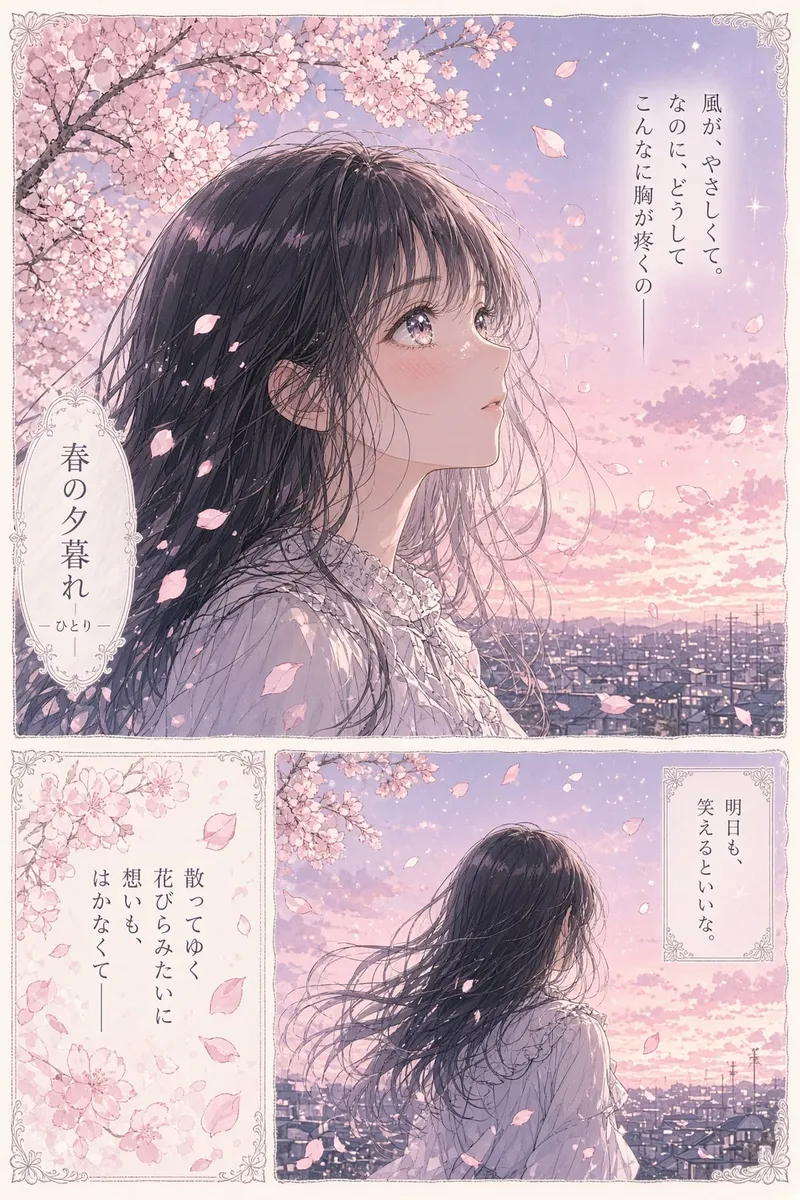
Soft four-panel manga page at cherry-blossom dusk. One girl waits at a train crossing; close-up, wide shot, hand detail, final smile. Keep her outfit and hair identical. - Pixel RPG title:
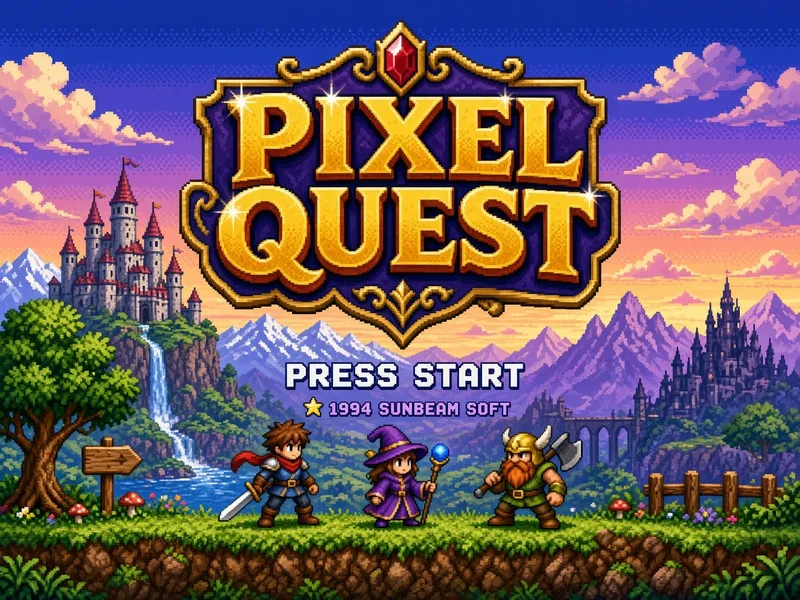
4:3 retro 16-bit RPG title screen, hilltop castle at dusk, four adventurers in silhouette, title exactly "ASHEN CROWN", empty lower area for START. - Sprite sheet:
Eight-direction pixel sprite sheet for a desert mechanic. Neutral pose, equal cell size, transparent background, identical clothing and tool belt in every direction. - Mascot:
Friendly raccoon mascot for a recycling app, simple vector shapes, green jacket, five expressions on one sheet, no text, white background. - Game props:
Isometric prop kit for an alpine survival game: rope, lantern, ice axe, map case, med pouch, and stove. Consistent scale, light direction, and outline weight. - Anime sports frame:
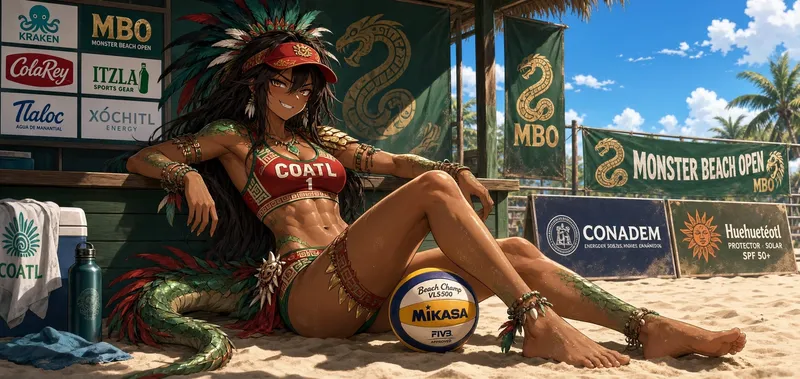
Wide anime frame of a beach volleyball player resting courtside after a match. Late-afternoon light, sponsor banners with abstract marks only, natural tired posture. - Fantasy key art:
A lone traveler faces two white dragons across a frozen plain, extreme wide shot, wind-blown snow, small warm lantern as the only orange accent.
Editing and resize prompts
- Local color edit:
Change only the jacket from blue to ochre. Keep face, hair, pose, stitching, light, and background unchanged. - Object removal:
Remove the paper cup from the table and reconstruct the wood grain beneath it. Change nothing else. - Background swap:
Replace the studio wall with a quiet bookstore interior. Preserve the person pixel-for-pixel, including hair edges and glasses. - Product repair:
Correct the warped bottle cap using the reference image. Keep label copy, bottle shape, reflections, and camera position fixed. - Outpaint vertical:
Extend this square scene to 9:16. Keep the subject at the same size and vertical position; continue the wall and floor naturally above and below. - Outpaint wide:
Extend to 2:1. Keep the original center untouched and add plausible environment on both sides with matching lens perspective and light. - Multi-reference composite:
Use image 1 for the person, image 2 for the coat, and image 3 for the snowy courtyard. Preserve face identity and coat construction; match courtyard light to the subject. - Restyle:
Render the source as a weathered medieval fresco. Preserve the person's face, pose, and framing. Add cracked plaster and faded mineral pigments without adding text.
For masking, segmentation, and ratio details, use the Image 2 editing guide.
Common mistakes
- Mixing the content brief and edit instruction into one giant paragraph.
- Using subjective terms where a position, count, color, or size would be testable.
- Trusting generated dates, prices, routes, or measurements.
- Asking for exact brand copy without a final proofreading pass.
- Changing several variables between model comparisons.
Frequently asked questions
How long should a prompt be?
Long enough to settle the job and constraints. Most briefs here fit in 30–70 words; extra adjectives rarely fix a missing layout instruction.
Should I include camera terms?
Use them when perspective affects the result. “Product-height camera, 85 mm compression” is useful; a pile of unrelated camera jargon isn't.
How do I get consistent characters?
Reuse the same reference, identity description, clothing block, and lighting block. Change only pose or scene per run.
Can I ask for exact text?
Yes. Quote it and specify placement. Then proofread it at full size.
Which model should I compare against Grok?
Start with GPT Image 2 for layout and typography, then Nano Banana 2 for a second general-purpose baseline.