Choose Grok Imagine Image 2 for its consumer editing controls, five-reference workflow, templates, and nine smart-resize ratios. Choose Nano Banana 2 when the job needs Google Search grounding, 4K output, translation, or a documented API model. For visual quality, test both with the same prompt and references.
There is no shared official launch benchmark between them in the sources reviewed on August 9, 2026. This is a capability and workflow comparison, not a made-up test.
Disclosure: Oakgen is our product. Image Arena exists for this exact decision, and Grok Imagine is available in the current Oakgen image workflow.
Quick recommendation
| Job | Start with | Why |
|---|---|---|
| Local consumer edits | Grok Image 2 | Named wand and segmentation tools |
| One master in many ratios | Grok Image 2 | Nine smart-resize presets |
| Five-input consumer composite | Grok Image 2 | xAI states up to five references |
| Current or factual visual | Nano Banana 2 | Google documents Search grounding |
| 4K delivery | Nano Banana 2 | Google documents output from 512px through 4K |
| Many recurring subjects | Nano Banana 2 | Google states up to 5 characters and 14 objects |
| General image generation | Test both | No fair shared launch score |
| Production API today | Nano Banana 2 | Gemini 3.1 Flash Image is in API preview |
What Nano Banana 2 documents that Grok does not
Nano Banana 2 is the product name for gemini-3.1-flash-image. Google's release material documents several capabilities that matter in production: grounding with real-time information and images from Google Search, readable text with translation and localization, consistency for up to five characters and fourteen objects, and output sizes from 512px to 4K.
Those are clear reasons to start with Nano Banana 2 for a current-events graphic, a localized campaign, a large scene with recurring subjects, or a final asset that must ship at 4K. Google also lists the model in preview in the Gemini API and Vertex AI. By contrast, xAI's Image 2.0 launch says API access for that exact release is still coming.
Google's current Gemini API pricing page lists image output by resolution and can change over time. Check it before estimating a batch; do not copy an old per-image figure into a client quote.
Character and world consistency
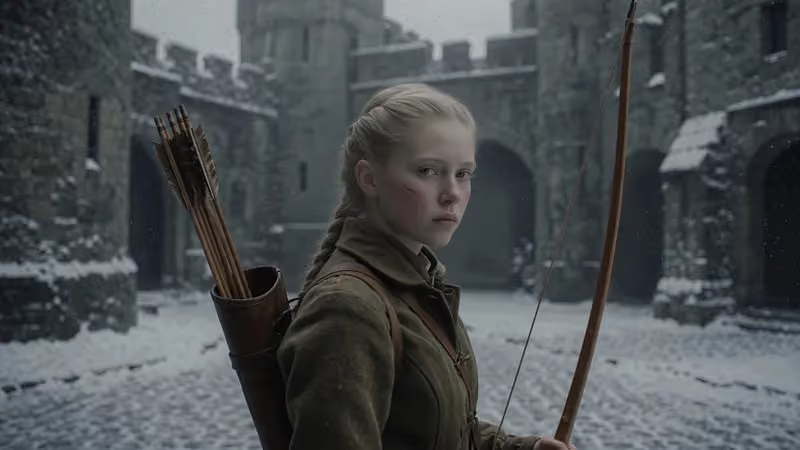
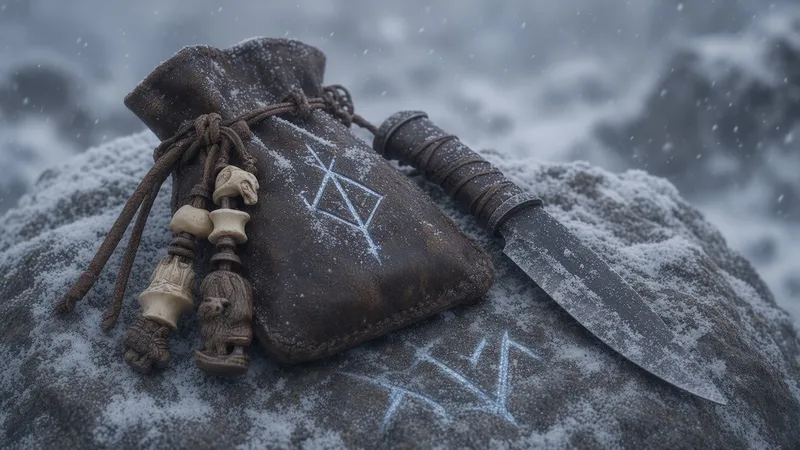
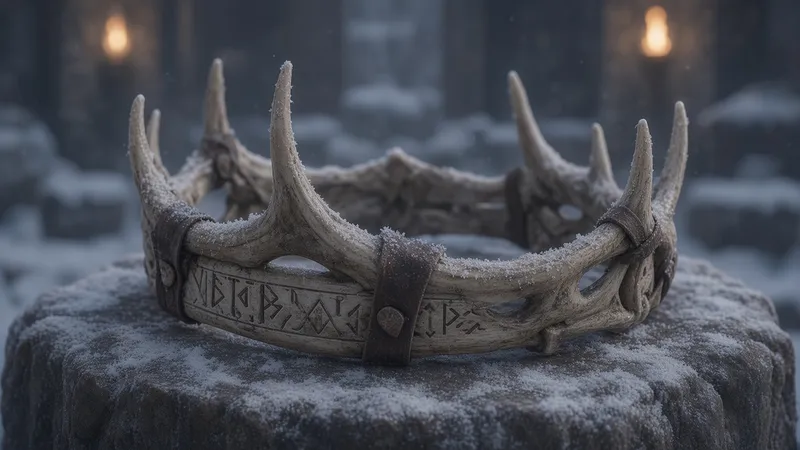
xAI's strongest launch story is a winter world assembled image by image: one archer, several locations, and small props that share the same visual treatment. That is a useful production test because consistency has several layers. The face, clothing, material palette, weather, lens, and prop design all need to agree.
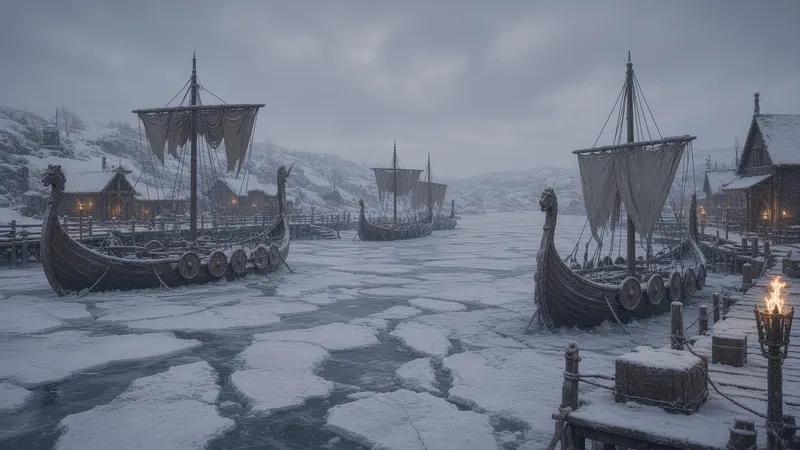
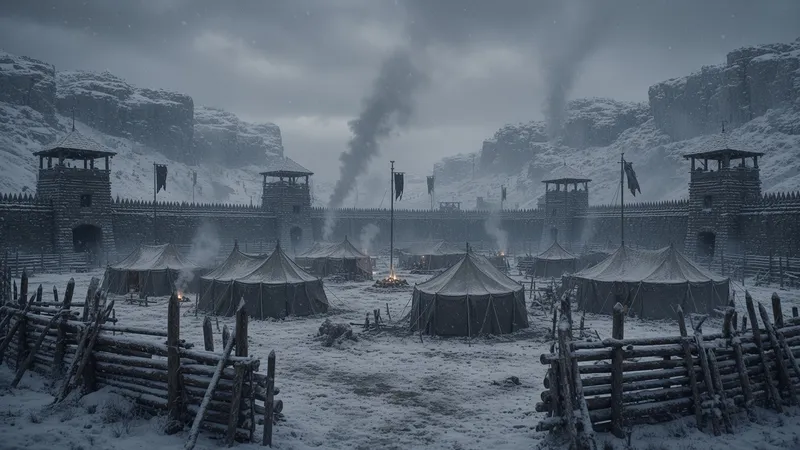
Don't compare one Grok frame with one Nano frame. Generate a character sheet, two locations, two props, and a second character pose. Score whether each belongs to the same production.
Reference-image workflow
Grok's consumer release accepts up to five images. Give each one a role: identity, outfit, location, prop, or style. Google says Nano Banana 2 can keep up to five characters and fourteen objects consistent in one workflow. Those figures describe different things, so a five-reference input limit should not be compared directly with a subject-consistency claim.
Editing and resize
Grok wins the feature list in xAI's consumer announcement: local wand edits, segmentation, background removal, multi-reference editing, and smart resize. That doesn't guarantee a lower failure rate, but it does give the operator a direct path for common corrections.
Use the Grok Image 2 editing guide for masks and preservation rules. Run the same source through Nano Banana 2 and score the amount of unintended change outside the target region.
Typography and layout
xAI built the Image 2.0 message around readable small text and planned layouts. Google documents accurate text rendering, translation, and localization for Nano Banana 2. Neither vendor claim settles a packaging brief.
Test an infographic with eight labels, a product poster with exact copy, and a 9:16 resize. Read every word. Count every object.
A fair six-output test
Use this compact suite:
- One front-facing character sheet.
- The same character in a new pose.
- Two locations sharing one visual world.
- Two props with a fixed material palette.
- One local clothing-color edit.
- One square frame expanded to 9:16.
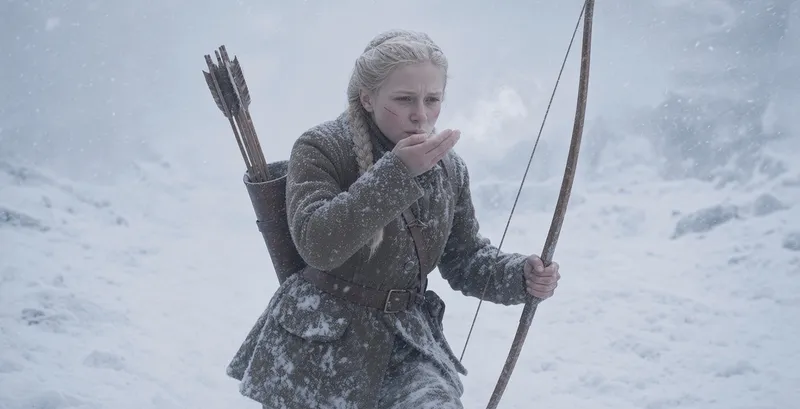
Record identity drift, reference obedience, spelling, unwanted edits, and edge invention. If you choose on aesthetics alone, you may select the model that makes the best first image and the worst sixth image.
Where Oakgen fits
Use a standalone app if you only need its specific editor. Use Oakgen when your job benefits from switching models without rebuilding the brief. The same prompt can go through Image Arena, and the selected image can move into Oakgen's editor.
Decision by job
- Pick Grok Image 2 for fast local edits, segmentation, background removal, template-led work, or turning one approved composition into several aspect ratios.
- Pick Nano Banana 2 for Search-grounded visuals, translated text, 4K output, or scenes that need many named characters and objects to persist.
- Run a controlled comparison for brand style, photorealism, product fidelity, or character identity. The official sources do not provide a shared test that answers those questions.
Common mistakes
- Treating a vendor-selected gallery as a neutral bakeoff.
- Comparing different source images or prompt wording.
- Checking only the first generation in a consistency job.
- Mixing Nano Banana 2, Lite, and Pro claims.
- Assuming a consumer reference limit applies to an API.
Frequently asked questions
Which one should I use for posters?
Start with Grok if you want to test xAI's new layout claims, then compare Nano on the same exact copy. Review at full size.
Which one should I use for product photos?
Choose the model that preserves shape, label, color, and reflections across edits. One attractive output isn't enough.
Does Grok keep a character consistent?
xAI shows a coherent winter-world set, but it is selected launch material. Test your character across several poses and locations.
Is Nano Banana 2 available on Oakgen?
Oakgen has a Nano Banana 2 model page and model-specific generation routes alongside Grok and other image models.
Where can I find prompts for the comparison?
Use the 40-prompt Grok Image 2 library and keep the same prompt unchanged for Nano Banana 2.
Sources and further reading
- xAI Image 2.0 announcement
- Google Nano Banana 2 announcement
- Google Gemini image generation documentation
- Google Gemini API pricing
- Grok Imagine Image 2 guide