Grok Imagine Image 2 is xAI's August 7, 2026 update for image generation and editing. It ships as the new Quality Mode on Grok Imagine for web, iOS, and Android. The release focuses on usable design work: sharper small text, better layout planning, local edits, background removal, multi-reference input, and automatic reframing for new aspect ratios.
One distinction matters before comparing specs. The consumer release and the existing Grok Imagine API aren't documented as the same named model. xAI's announcement says Image 2.0 API access is coming soon, while its developer site already lists grok-imagine-image and grok-imagine-image-quality. Treat those as separate product facts until xAI publishes a migration note or a new API model ID.
Try Grok Imagine in Oakgen for the model currently available in Oakgen, or read the Image 2 API and pricing status before planning an integration.
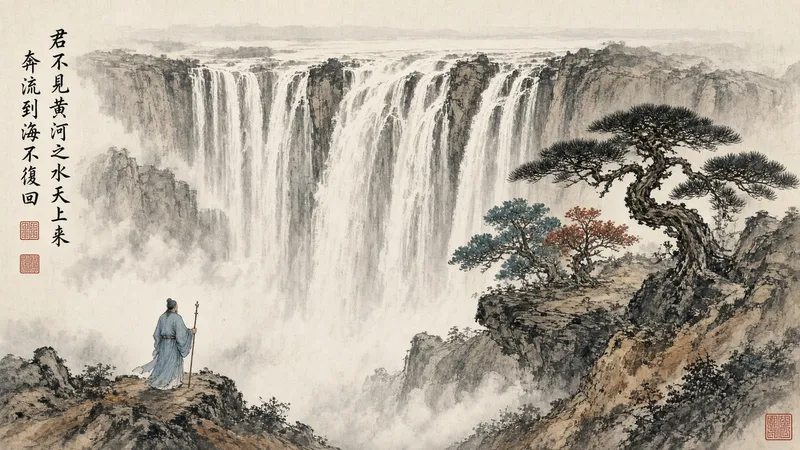
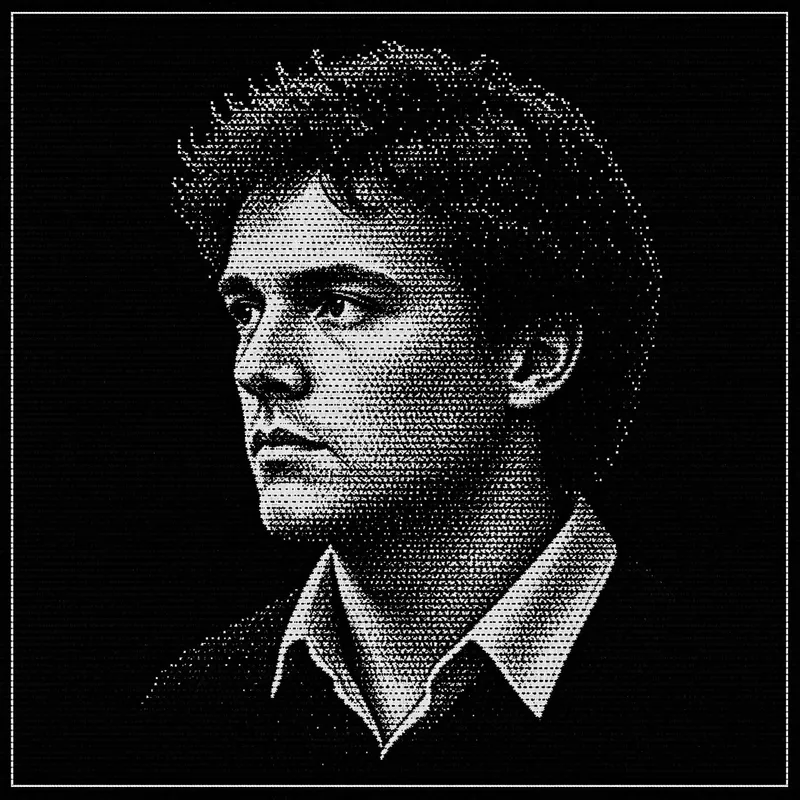
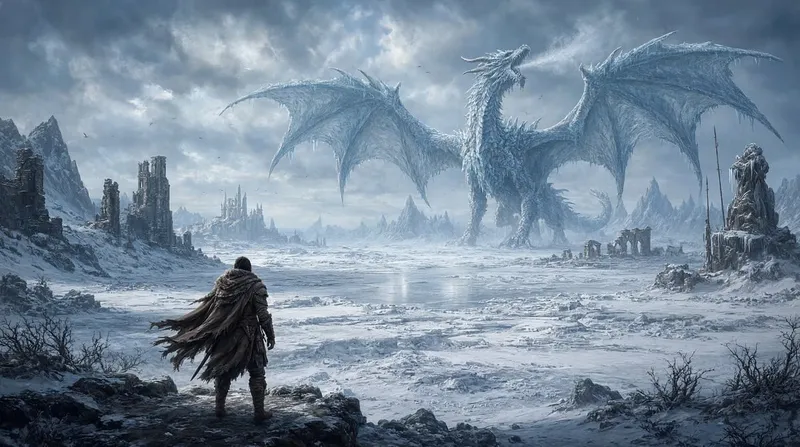
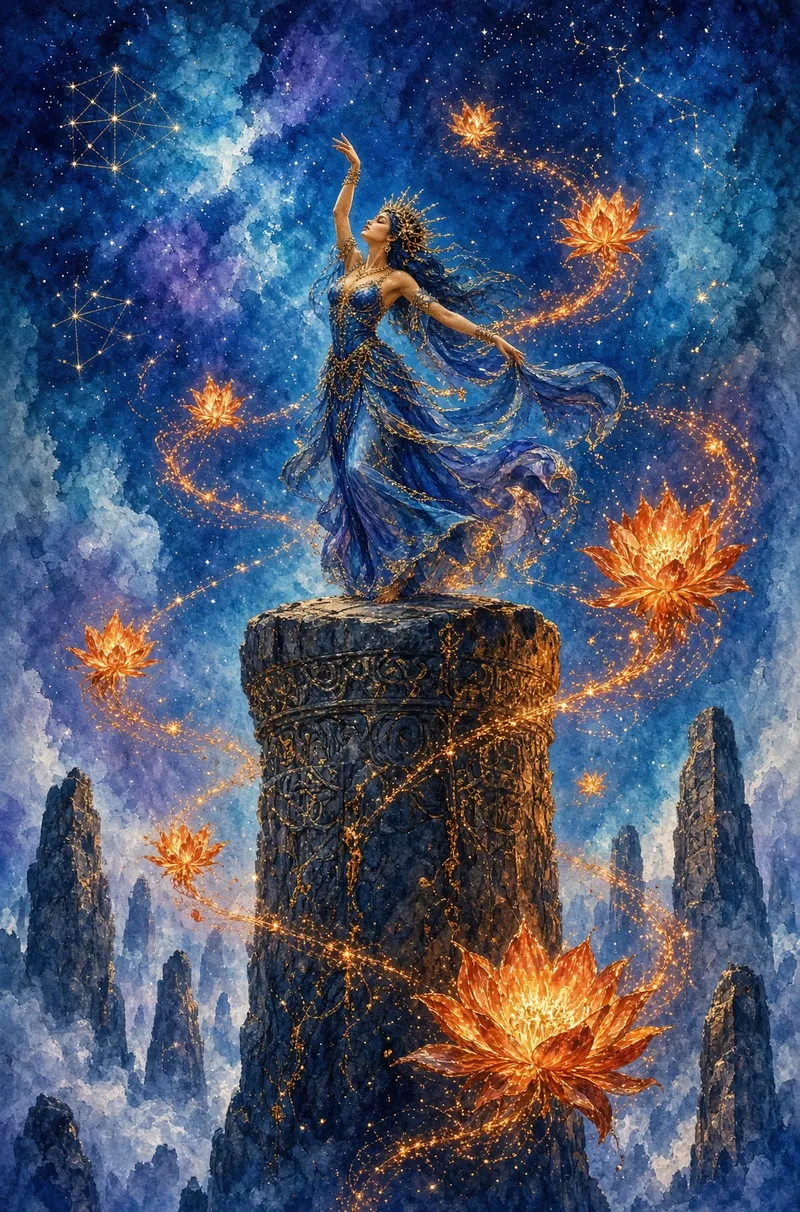
The images below come from xAI's Image 2.0 launch post and are mirrored on Oakgen's CDN for page delivery. They are source examples, not outputs from an Oakgen benchmark.
Grok Imagine Image 2 at a glance
| Area | What xAI announced | What to verify in your own work |
|---|---|---|
| Access | Quality Mode on web, iOS, and Android | Plan limits and regional availability |
| Generation | Closer instruction following and better layout planning | Long prompts, exact counts, and dense scenes |
| Typography | Sharper small text and multi-part visuals | Spelling, figures, and non-Latin scripts |
| Editing | Magic wand, segmentation, background removal | Identity and product-detail preservation |
| References | Up to five inputs in the consumer editor | How conflicting references are resolved |
| Resize | Nine preset ratios with generated canvas extension | Edge continuity and subject placement |
| API | Coming soon for Image 2.0 | Exact model ID, endpoint behavior, and price |
What changed in Image 2.0
xAI frames the release around images that can survive real production work. That means the model has to do more than make an attractive first frame. Posters need readable copy. Product shots need clean boundaries. A local edit shouldn't redraw the rest of the picture.
The biggest addition is the editing surface around the model. A magic wand targets a selected region; segmentation lets the user isolate a specific area; background removal produces a transparent subject; and multi-reference editing combines up to five inputs in one consumer generation. Our editing guide explains which control fits each job.
Typography and layout are the real pitch
Many image models can make a good portrait. Far fewer can arrange a poster, infographic, travel plan, or tutorial sheet without collapsing the text hierarchy. xAI says Image 2.0 plans typography and layout before rendering, including dense compositions and smaller type.
That claim deserves a practical test. Check the exact spelling, then inspect line breaks, padding, font consistency, and whether labels point at the right objects. A poster with one clean headline is easier than a timetable with ten facts. The Grok Image 2 prompt guide includes prompt structures for both.

What the launch benchmark does and doesn't prove
xAI reports that grok-imagine-image-2 (low) ranked second in both the Image Edit Arena and Text-to-Image Arena on August 7, 2026. Its published chart shows 1439 for editing, behind GPT Image 2 at 1463, and 1320 for text-to-image, behind GPT Image 2 at 1380.
That is a dated leaderboard snapshot supplied by xAI, not a permanent rank. Arena votes tell you which output people preferred in blind pairings; they don't tell you how often a product label survives four edits or how much a final campaign costs. Use the ranking as evidence that the model is competitive, then test the job you actually need.
For the closest commercial matchups, see Grok Image 2 vs GPT Image 2 and Grok Image 2 vs Nano Banana 2.
Who this guide is for
Image 2.0 is most relevant to designers, marketers, game teams, ecommerce operators, and creators who need a usable asset after generation. A mood-board artist may care about range; a product team cares whether the bottle, label, and color stay fixed during a background change.
Use a standalone Grok workflow if you want the new consumer editing interface. Use Oakgen's image generator when you want one workspace for Grok Imagine and other models, then move the selected result into editing, upscaling, or video.
Availability: consumer product versus API
The consumer position is clear: Image 2.0 is available as Quality Mode on grok.com/imagine and the mobile apps. The API position needs more care.
xAI currently documents two existing image API models. The standard model costs $0.02 per output at 1K or 2K, while the quality model costs $0.05 at 1K and $0.07 at 2K. The developer docs also describe image editing with up to three reference images. The Image 2.0 launch page, meanwhile, says API access is coming soon and describes up to five references in the consumer editor.
Don't copy the consumer limit into production code. Read the API status guide and check xAI's model list at integration time.

A sensible first test
Start with one brief that contains four things: a named subject, a fixed layout, exact text, and one detail that must survive an edit. Generate the base image, correct a small region, resize it to 9:16, and compare the final frame with the first.
That short sequence exposes the model's useful limits faster than twenty unrelated prompts. It tests instruction following, typography, local preservation, and reframing in one run.

Common mistakes
- Calling the xAI gallery an independent benchmark. The model maker selected every launch example.
- Treating Image 2.0, Quality Mode, and every existing API alias as interchangeable names.
- Judging text at thumbnail size. Zoom in and read every word.
- Running a five-reference composite before proving that two references work.
- Publishing the first generation without checking labels, hands, repeated objects, and edge artifacts.
Frequently asked questions
Does Grok Imagine Image 2 replace Grok Imagine?
xAI presents Image 2.0 as the new Quality Mode inside Grok Imagine. It has not published a simple statement saying that every older mode or API model has been replaced.
Can it remove backgrounds?
Yes, according to the launch announcement. The consumer product can export a selected subject with a transparent background.
How many reference images does it accept?
The Image 2.0 consumer announcement says up to five. Current Imagine API documentation says up to three for the documented API editing flow.
Is it better than GPT Image 2?
xAI's own August 7 Arena snapshot placed GPT Image 2 first and Grok Image 2 second for both generation and editing. The better choice still depends on typography, edit preservation, speed, price, and access.
Can I use it inside Oakgen now?
Oakgen currently offers Grok Imagine through its Grok image route. We aren't labeling that endpoint as the exact Image 2.0 consumer release without an official API mapping from xAI.
Sources and further reading
- xAI: Imagine Image 2.0
- xAI Imagine API overview
- xAI standard image model
- xAI quality image model
- How to use Grok Imagine Image 2