

 ChatGPT
 Claude
Blog
Guides, comparisons and trend walkthroughs for making images, video and audio with AI. Each article answers one practical question: which model fits a job, how to prompt it, what it costs in credits, or how to recreate a trending format step by step.
Latest guides and tutorials

Turn One Brand Brief Into a 30-Day Social Media Content Pack
Turn one approved brand brief into a governed 30-day social content pack with pillars, formats, visuals, CTAs, reuse sources, and review gates.

How to Brief an AI Creative Agent: The 7-Part Brief Template
Use this seven-part AI creative agent brief to define approved facts, source assets, deliverables, constraints, review gates, and no-ship conditions.

How to Generate Website Images From Claude Code With a Creative MCP
Generate website images from Claude Code with a creative MCP using a repository-aware brief, cost approval, human review, and safe asset placement.

How to Generate and Organize Marketing Images From Codex With MCP
Generate and organize marketing images from Codex with MCP using prompt provenance, spend approval, review states, safe paths, and version-control checks.
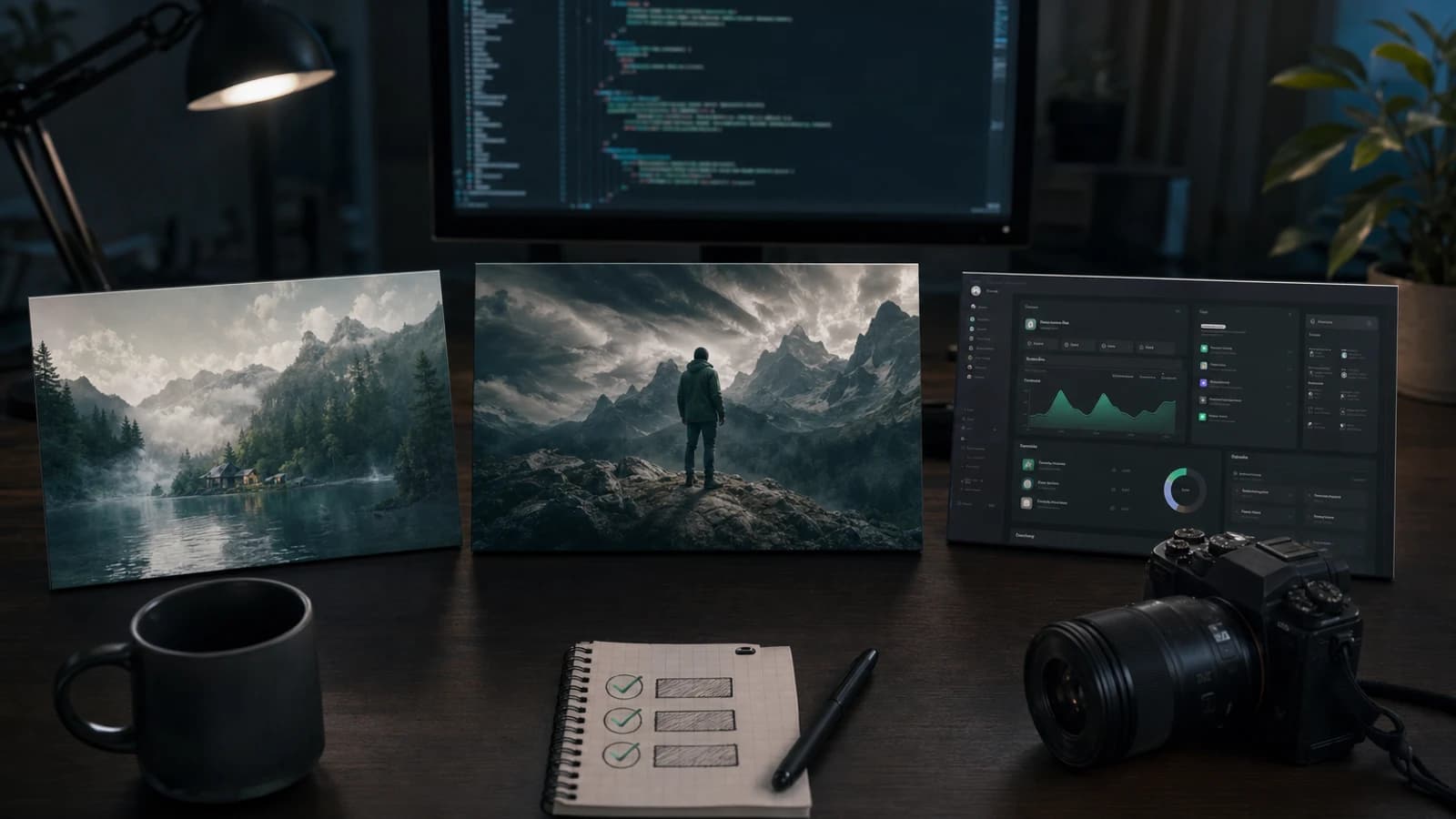
Generate OG Images, Blog Covers, and App Screenshots Without Leaving Your Coding Agent
Generate OG images with AI, create useful blog covers, and capture truthful app screenshots with a repository-ready specification and review workflow.

How to Create a 10-Slide Instagram Carousel With Agentic Chat
Plan a 10-slide Instagram carousel with a clear thesis, slide roles, copy limits, visual direction, accessibility checks, and an honest export workflow.

What Should a Creative AI Agent Automate, and What Still Needs Human Approval?
A practical human-in-the-loop framework for deciding which creative AI tasks to automate, review, or keep as accountable human decisions.

How to Turn Customer Reviews Into Better Ad Concepts With an AI Creative Agent
Mine genuine customer reviews for ad hooks, objections, scenes, and scripts while separating exact evidence from paraphrase, inference, and unsupported claims.

Create Platform-Specific Campaign Variants for Instagram, LinkedIn, TikTok, and YouTube
Adapt one campaign into platform-native Instagram, LinkedIn, TikTok, and YouTube assets with a matrix for hooks, format, pacing, sound, CTA, and QA.

From Product Page to Launch Kit: Build Campaign Assets With Agentic AI
Turn approved product-page facts into a coordinated launch kit with a source-of-truth brief, fact-to-asset provenance, production order, and review gates.

How to Revise AI Creative Without Starting Over: A Conversational Workflow
Use preserve, change, remove, compare, reset, and approve instructions to control AI creative revisions without losing the last accepted direction.
What Is an AI Image Generation MCP Server?
A plain-language guide to how an AI image generation MCP server exposes models, schemas, pricing, durable jobs, status, cancellation, and assets.
AI Image MCP Workflows for Content Creators
Plan thumbnails, social posts, cover art, and channel assets through an AI image MCP while keeping style, review, cost, and publishing decisions human.
Creative MCP Workflows for Marketing Agencies
Run agency campaigns through MCP with an intake template, a 20-variation planning matrix, approval checkpoints, client review rules and known failure points.
How to Generate Ad Creative Variations with an AI Agent
Build controlled ad-image variations from one invariant brief using model selection, price checks, stable naming, approval gates, and a useful test grid.
How to Generate Product Photos in Claude with MCP
Use Claude to direct an external image service for product shots while preserving product accuracy, cost approval, reference inputs, and human review.
Image Generation MCP Troubleshooting Guide
Diagnose an image generation MCP that is not working: connection, authentication, tools, schema, pricing, duplicate starts, stuck jobs, assets, and cancellation.
MCP Image Generation for Ecommerce Teams
Plan ecommerce images through MCP with a product-to-asset matrix, a preflight checklist, a six-step catalog workflow, six prompts and failed-job recovery.