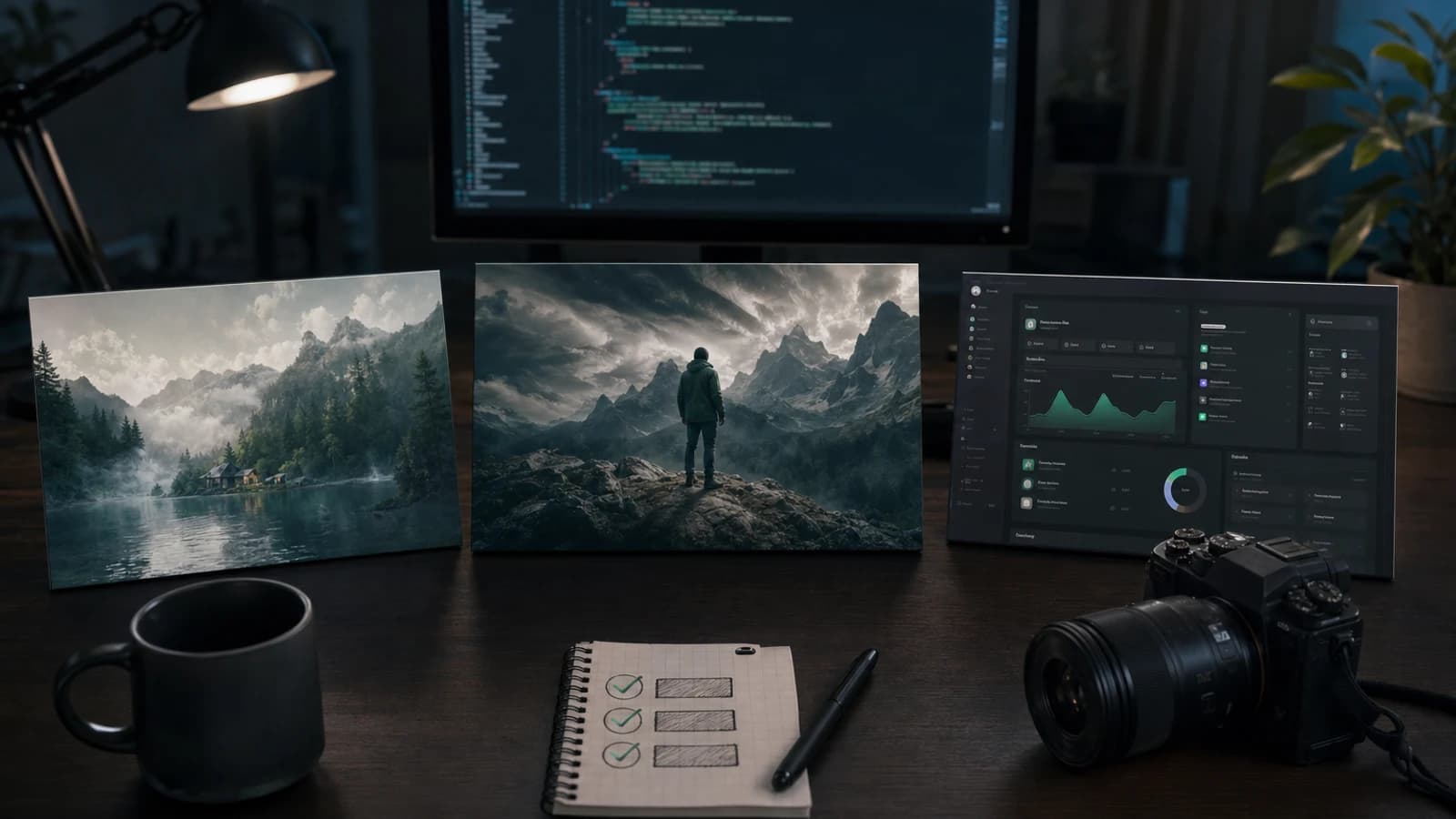
To generate OG images with AI without losing control of your repository, give the coding agent an asset specification rather than a vague prompt. The agent can read the target page, identify dimensions and paths, coordinate a connected image tool, and propose the integration. The external image service produces the visual. A human approves spend, truth, brand fit, accessibility, and the final file change.
Use three different production lanes. An OG image is a social-preview asset derived from the page message. A blog cover is editorial artwork derived from the article thesis. A factual app screenshot is a real capture of a running application. AI can help frame or decorate that capture, but it must not invent the UI and present it as product evidence.
Host disclosure: Coding-agent capabilities vary by host and configuration. Verify the behavior of the host you use before relying on this workflow.
Use the Oakgen MCP page for the current endpoint, supported clients, authentication options, tools, and limits.
Draft the structured request with the specification below. After Agent Chat passes release approval, you can prepare it there; create an illustrative source now with the current AI image generator.
The three-lane production matrix
| Asset | Source of truth | AI may create | Required validation |
|---|---|---|---|
| OG image | Page promise, metadata, and brand system | Illustration, background, texture, or concept | Deployed preview, crop, text policy, file size, and metadata |
| Blog cover | Article thesis and editorial system | Illustration, concept art, or a photographic direction | Relevance, series consistency, responsive crop, and accessibility |
| App screenshot | Running application state | Decorative framing or a clearly labeled mockup | Real state, privacy, legibility, current features, and platform rules |
This distinction prevents the most damaging shortcut: treating all three as “marketing images.” Their evidence standards are different.
For an OG image, a generated metaphor can be appropriate. For a tutorial cover, an editorial illustration can clarify the idea without showing literal UI. For a screenshot used to prove a feature, the pixels inside the application frame need to come from the application.
Who this is for
This workflow is for developers, founders, content operators, agency teams, and technical marketers who ship assets through a repository. It is especially useful when the image needs to match code-level facts:
- the exact route and page title;
- a social metadata component;
- responsive crop behavior;
- a documented asset directory;
- an image optimization pipeline;
- a content schema that requires cover and alt fields;
- a release branch with review and build checks.
The workflow is probably excessive for a one-off mood-board image. It earns its keep when assets repeat across articles, campaigns, locales, clients, or releases.
Methodology and evidence boundary
Methodology date: 2026-07-27.
We checked the official Model Context Protocol tools specification, the Open Graph protocol, Apple App Store Connect screenshot specifications, and Google Play preview-asset guidance. MCP defines tool discovery, calls, schemas, and result content that can include image data or resource links. It does not guarantee how every coding host previews, downloads, names, or persists those results.
The Open Graph protocol defines og:image and optional image properties such as URL, type, width, height, and alt description. It does not promise that every social network will render the same crop. Apple publishes accepted screenshot dimensions by device class. Google says store-listing screenshots should show app functionality accurately and publishes format and device guidance.
Those sources support a workflow, not a universal preset. Check the target platform and the site's own metadata implementation immediately before production.
For the protocol concepts, read what an AI image generation MCP server does. For model and price responsibilities, use the AI agent image-model selection and pricing guide. For the live endpoint and client setup, use Oakgen MCP.
Repository image asset specification template
Copy this template into an issue, content record, or asset manifest. Complete it before asking for a quote or output.
| Field | Required decision | Example |
|---|---|---|
| Purpose | Social click, article identity, feature explanation, product evidence, or decoration | Social preview for an MCP tutorial |
| Target page | Exact route, document, or store listing | /blog/repository-image-workflow |
| Exact dimensions | Export width and height, plus density when relevant | 1200×630 |
| Crop behavior | No crop, center crop, focal point, or responsive variants | Center crop; keep subject in middle 60% |
| Safe area | Protected space for subject, title, badge, and platform crops | No critical detail in outer 12% |
| Text policy | No text, fixed copy, or deterministic overlay | Title overlaid by a template, not generated |
| Brand references | Approved palette, imagery, product files, characters, and examples | Current brand sheet and three approved covers |
| Filename | Stable, descriptive, repository-safe name | mcp-repository-assets-og-v01.webp |
| Output format | Project-approved source and delivery formats | PNG source, WebP delivery |
| Accessibility text | Functional alt description or intentional empty alt | “Asset manifest connected to three image outputs” |
| Approval state | Draft, review, approved, rejected, or superseded | needs-review |
| Repository destination | Staging location and final path | Staging outside public; final public/images/blog/ |
| Truth class | Illustration, mockup, or factual screenshot | Illustration |
Add four operational fields: prompt and reference provenance, generation or capture identity, approval owner, and approval date. The visible file should never be the only record of how it was made.
The template is also a stop condition. If you cannot name the target page, safe area, truth class, or reviewer, you are not ready to generate.
Specification CTA: After the specification is approved, create the first illustrative source in Oakgen's AI image generator.
Workflow 1: Produce an OG image
An OG image has one job: represent the page when the page is shared. Start with the page promise, not its full outline.
Ask the coding agent to inspect the metadata implementation, target route, title, description, current cover conventions, and existing asset sizes. Then reduce the page to one visual claim. A guide about repository-safe image automation might show a structured asset record flowing into three approved outputs. It does not need tiny terminal text or a collage of every feature mentioned.
Use a working sequence:
- Define one message, one focal subject, and one visual hierarchy.
- Decide whether title text belongs in code, a deterministic template, or the artwork.
- Protect a central focal area because preview surfaces may crop.
- Create one source direction and review it at thumbnail size.
- Produce the repository-approved derivative.
- Add the image URL, dimensions, MIME type, and alt metadata supported by the site.
- Deploy to a preview environment and inspect the final URL in the relevant preview tools.
A 1200×630 canvas is a common starting point for general social cards, not a law. The correct output is the one your implementation and target surfaces accept. Do not claim a crop is safe until you preview it.
Text is where many generated OG images fail. If the headline must match the page, render it with HTML, SVG, or another deterministic template. Generated text can be acceptable as decorative texture; it is a poor source of truth for a product name, date, price, or feature claim.
Workflow 2: Produce a blog cover
A blog cover should communicate the thesis before it communicates the category.
Give the coding agent the title, direct answer, audience, and one representative section. Ask it to return three visual territories, each described by subject, composition, palette, and reason. Do not ask for three synonyms of “futuristic AI.”
For this article, useful territories might be:
- an asset manifest branching into a social card, editorial cover, and verified capture;
- a repository tree with approval states moving from draft to approved;
- a split visual contrasting generated illustration with a real application capture.
Choose one territory before making variations. Keep the article's editorial system visible through composition, palette, and typography policy. The cover should feel related to the series without becoming a minor color change of the previous post.
If two directions both meet the brief, compare them in Oakgen Image Arena. Review relevance first, polish second. The most attractive cover can still be wrong if it promises a visual-design article when the post is about evidence and repository controls.
Comparison CTA: Compare the two surviving directions in Image Arena, then record why the selected cover fits the article's thesis.
Create a source large enough for the required crops, then derive formats from that approved source. If a square crop destroys the composition, make a purposeful variant rather than forcing one file everywhere.
Workflow 3: Capture a factual app screenshot
A factual app screenshot begins with a controlled application state.
Use a real test account, simulator, browser, or device. Seed representative data that is safe to publish. Set the viewport, theme, locale, permission state, and feature flags. Hide personal notifications, credentials, internal hostnames, customer records, and unreleased features. Record the application version or commit associated with the capture.
Then:
- Navigate to the exact state named in the screenshot plan.
- Confirm the feature and visible values are current.
- Capture the application rather than reconstructing its interface.
- Preserve an unedited source capture.
- Crop or frame a derivative without altering factual UI.
- Review at the actual display size.
- Check the current destination requirements before export.
For store listings, use the current Apple or Google specifications for the target device class. Do not copy a size from an old blog post. Platform rules and device families change.
A generated screen is a concept or mockup, not a factual app screenshot. Never use synthetic UI as evidence of an existing feature, customer result, performance metric, or application state.
Where generative AI can assist screenshot production
Generative AI can help around a real capture:
- propose a shot list based on the release notes;
- create a non-factual background outside the capture;
- suggest concise callout copy;
- remove an irrelevant photographic background when policy allows;
- extend decorative space outside the application frame;
- create a clearly labeled concept for a future direction.
It should not rewrite balances, analytics, testimonials, usernames, feature controls, or system status inside a factual capture. It should not repair a broken feature by painting the expected UI.
If a promotional composition includes a real capture plus generated surroundings, keep the boundary visible in the working file and asset record. The capture should remain legible and faithful. Label a concept as a concept.
This is not only an ethics point. It is a production shortcut. Real captures are easier to reproduce after a release, compare against a regression, and defend during review.
Coordinate the image request through a coding agent
Once a compatible image service is connected and the specification is approved, use a staged tool workflow.
First, inspect the exposed tool and model schemas. Do not invent a model identifier, aspect-ratio field, reference parameter, or output format. Request an authoritative quote for the exact payload when the service supports pricing. Show the model or workflow, dimensions, count, references, and cost to the approval owner.
Approval to spend does not authorize a repository write.
Start one approved request and preserve its job identity. If the host disconnects, check authoritative status instead of submitting a duplicate. The MCP tools specification permits several result shapes, including image content and resource links, so retrieval and persistence need to follow the released service contract.
Stage the returned file outside the final public path. Verify MIME type, dimensions, byte size, color behavior, and provenance. Open it for visual review. Only after approval should the coding agent propose final placement and source references.
Oakgen MCP is live. Follow the current setup guide, then verify the exact asset download, naming, repository write, and review flow your coding host requires.
Validate repository placement and metadata
Treat the integration as a small code change with a binary dependency.
Before writing, ask for a mutation plan listing:
- source and destination paths;
- whether an existing file would be overwritten;
- derivatives to create;
- metadata, content, or component files to edit;
- alt behavior at each use;
- optimization and build commands;
- unrelated working-tree changes that must remain untouched.
After approval, verify:
- the filename matches the manifest;
- the file opens and its dimensions match the specification;
- production weight is reasonable for the page;
- the code references the final path;
- OG metadata resolves to an absolute public URL where required;
- width, height, type, and alt metadata match the actual asset;
- responsive crops preserve the focal point;
- the screenshot still represents the current build;
- the site builds and the preview page loads;
- the Git diff contains only intended changes.
Alt text is contextual. A blog's visible cover may be decorative when the adjacent heading already provides the same information, while og:image:alt describes the image for preview metadata. Follow the site's accessibility pattern instead of duplicating the headline mechanically.
Decision framework: generated, template-rendered, or real capture
| Need | Use | Why |
|---|---|---|
| Editorial metaphor or visual concept | Generated illustration | Flexible composition without pretending to show product state |
| Exact headline, logo lockup, date, or localized copy | Deterministic template | Repeatable text, positioning, and updates |
| Existing interface or feature evidence | Real application capture | Preserves factual UI and reproducibility |
| Real UI inside a campaign scene | Real capture plus designed framing | Keeps product truth while adding context |
| Future interface direction | Clearly labeled mockup | Communicates an idea without claiming it exists |
Decision CTA: If the asset is an illustration, generate an approved source in Oakgen. If it is product evidence, capture the real application instead.
What I would do for a weekly blog: maintain one deterministic cover template, use generated art only when the thesis benefits from it, and record every final asset in the content entry. For a product launch, I would create real captures first and build promotional framing around those sources. If that launch is on Product Hunt, the Product Hunt launch checklist lists its gallery and thumbnail sizes.
Common mistakes
Using one crop everywhere
A wide social card, square feed tile, and portrait store image impose different compositions. Define focal behavior or purposeful variants.
Asking an image model for factual UI
Small text may be wrong, and a plausible control may not exist. Capture the application for product evidence.
Presenting a mockup as a screenshot
A polished frame does not change its truth class. Label concepts and preserve real captures.
Baking mutable copy into pixels
Pricing, dates, headlines, and localized wording are easier to update and verify in code or a deterministic template.
Omitting safe areas
A subject placed perfectly on the source canvas can be cut off in a preview. Specify and test the protected region.
Committing an unreviewed binary
Stage first. Visual approval, file placement, and code edits are separate decisions.
Skipping metadata and accessibility checks
A correct file can still fail because the public URL, type, dimensions, crop, or alt description is wrong.
Saying the host made the visual
The coding host coordinates context and operations. MCP carries the tool interaction. The connected image service produces the image.
Frequently Asked Questions
What size should an OG image be?
Start with the requirements of your metadata implementation and target preview surfaces. A 1200×630 source is a common convention, but validate the deployed page because crops vary.
Can a coding agent create blog cover images?
It can inspect the article, prepare a specification, coordinate an approved tool request, and integrate the selected file. The connected image service produces the visual.
Should text be inside the image or overlaid in code?
Use code or a deterministic template when text must be exact, localized, accessible, or easy to update. Reserve generated lettering for artwork that can tolerate variation and is reviewed closely.
Can AI generate app screenshots?
It can make a clearly labeled concept or mockup. A screenshot presented as factual product evidence must come from a real application state.
What is the difference between a mockup and a screenshot?
A screenshot captures something the application displayed. A mockup represents a proposed or simplified design and cannot prove that the feature exists.
How should repository images be named and stored?
Use a descriptive pattern based on page, purpose, ratio, and version. Keep unreviewed sources in staging, store provenance in an asset record, and move only approved derivatives into production paths.
Who approves a generated repository image?
Assign a human owner for spend, truth, brand, rights, accessibility, and placement. One person can hold several roles, but the approvals should remain explicit.
Can Oakgen produce these assets through MCP today?
Yes. Oakgen MCP connects supported coding agents to image, video, and voice generation through a remote endpoint.
Official Sources
- Model Context Protocol tools specification
- The Open Graph protocol and image properties
- Apple App Store Connect screenshot specifications
- Google Play preview asset guidance
- Google Play guidance on accurate store listings
Build the specification in Agent Chat, create the approved illustrative source in Oakgen's image generator, and let the coding agent handle only the repository changes you explicitly review.
Frequently asked questions
Should text be generated inside an image or overlaid in code?
Prefer code or a deterministic template when wording must be exact, searchable, localizable, or frequently updated. Use baked-in text only when it is intentional artwork and has been checked character by character.
What is the difference between an app mockup and a screenshot?
A screenshot records a real application state. A mockup is a designed representation that may simplify or imagine the interface, so it must not be presented as evidence that a feature or result exists.
How should generated assets be named and stored?
Use a stable name based on page, purpose, ratio, and version. Stage unreviewed files outside production paths, record provenance and review state, then move only approved derivatives to the repository destination.
Who should approve a generated repository image?
A named human owner should approve spend, factual accuracy, brand fit, rights, accessibility, and final placement. Permission to generate is separate from permission to modify repository files.
Can Oakgen generate these assets through MCP today?
Yes. Oakgen MCP connects supported coding agents to image, video, and voice generation through a remote endpoint.