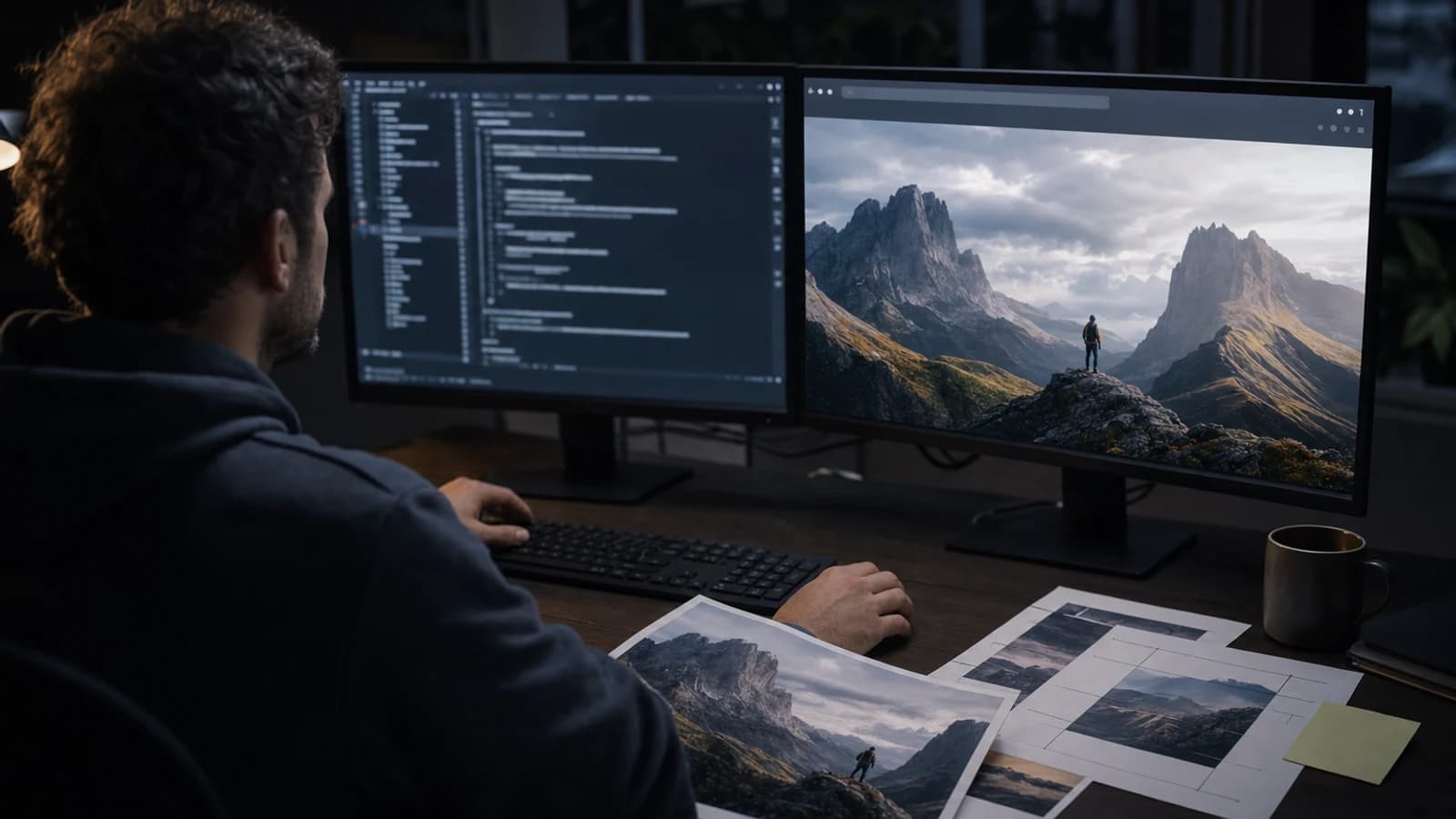
The reliable way to handle Codex MCP image generation is to treat every marketing visual as a small, reviewable repository artifact—not as a picture dropped into a generic folder. Codex can read the campaign page, derive asset requirements, coordinate a connected MCP tool, and propose file changes. Pixel creation happens in the external image service. A human separately approves generation spend, visual truth, binary placement, and source-code edits.
That separation gives a team something it can audit later: what the asset was for, which prompt and references produced it, which job returned it, who accepted it, where it is used, and whether the repository stayed clean.
Host disclosure: Codex is an OpenAI product. Oakgen is not affiliated with or endorsed by OpenAI.
Use the Oakgen MCP page for the current Codex endpoint, setup commands, authentication, tools, and limits.
Turn the campaign request into a structured brief with the template below. After Agent Chat passes release approval, you can structure the brief there; create and review the source now through the current AI image generator.
Four artifacts, four approvals
| Artifact or action | What it contains | Required review |
|---|---|---|
| Generation request | Model or workflow, prompt, references, dimensions, output count, quote | Explicit spend approval |
| Generated binary | Returned source image or derivative | Visual truth, rights, quality, and brand review |
| Asset record | Job identity, prompt provenance, filename, dimensions, state, owner, usage | Metadata and retention review |
| Repository change | Final binary placement plus code or content references | Filesystem permission, Git review, and build checks |
The mistake is compressing those four into one command such as “make an ad image and add it to the landing page.” That instruction hides cost, creative judgment, and file mutation inside a single approval.
Codex is useful here because it can maintain context across the campaign code, content, and asset rules. It should not be treated as the image creator or final art director.
Who this is for
This workflow is for agency developers, growth engineers, technical content operators, ecommerce teams, and founders who ship campaign assets from a repository.
Typical jobs include:
- producing a 4:5 product-benefit visual beside paid-social source files;
- creating a blog cover that references the article's real promise;
- organizing several landing-page directions without losing prompt provenance;
- connecting approved images to email templates or content records;
- replacing placeholders while keeping the Git change reviewable;
- handing a campaign to another operator without reconstructing its history.
If all you need is one exploratory concept, start in a visual interface. Use Oakgen's Image Arena to compare directions, select a source, and only then organize the approved result. Repository automation provides the most value when the intended use, naming rules, approval chain, and destination are already clear.
Exploration CTA: Compare two campaign directions in Image Arena before creating repository records for a direction no one has selected.
Methodology and evidence boundary
Methodology date: 2026-07-27.
We reviewed OpenAI's official Codex MCP documentation and configuration reference, plus the official Model Context Protocol tools specification. OpenAI documents MCP support for local STDIO and Streamable HTTP servers, authentication options for applicable remote servers, project-scoped configuration for trusted projects, and controls for enabling, disabling, and approving MCP tools.
Oakgen publishes a guided Codex connection flow. The Codex host still does not establish one universal contract for automatically previewing, downloading, naming, and persisting every MCP image result, so test the exact file and review workflow your repository needs.
Use the live Oakgen MCP setup guide for the Codex connection. Use this article for the outcome workflow. For permission boundaries, keep the MCP security checklist for creative teams beside your rollout checklist.
Read the campaign and repository before generating
Start with discovery that cannot spend money or mutate files.
Ask Codex to inspect:
- the target landing page, post, email, or ad-source record;
- existing campaign directories and naming conventions;
- responsive image components and required ratios;
- brand tokens, product references, and text policy;
- optimization or image-build scripts;
AGENTS.md, contribution rules, and content schemas;- current Git status so unrelated user changes remain untouched.
The output should be a proposed asset set, not a generation request. For each asset, require a purpose, usage channel, ratio, dimensions, safe area, format, destination, and owner.
This is also the time to remove unnecessary work. A campaign request for “Meta, LinkedIn, email, and blog” does not always need four independently generated images. One approved source may support several carefully cropped derivatives. Conversely, a single horizontal crop usually cannot carry the same composition into a 4:5 feed placement.
Here is where this breaks: if Codex sees a placeholder named hero-final.png, it may infer that overwriting it is desired. File existence is not permission. Make staging and final paths explicit.
Marketing image repository checklist
Create one record for every generated source. The record can live in a campaign manifest, issue, content file, or approved asset system. Do not store sensitive reference URLs or credentials in source control.
| Field | Requirement | Example |
|---|---|---|
| Folder placement | Campaign-specific staging and final directories | public/images/campaigns/summer-launch/approved/ |
| Filename format | Campaign, concept, ratio, version, extension | summer-launch-benefit-proof-4x5-v01.webp |
| Generation identity | Durable job ID plus ordered asset ID | Internal job and asset references |
| Source prompt record | Approved prompt, references, and factual invariants | Product centered; label unchanged; no invented claims |
| Alt text | Functional description for the actual destination | “Travel bottle beside a packed gym bag” |
| Dimensions | Pixel dimensions and intended ratio | 1080×1350, 4:5 |
| Review state | Controlled state, never “probably final” | generated, needs-review, approved, rejected, superseded |
| Approval owner/date | Person or role and ISO date | Growth design lead, 2026-07-27 |
| Usage destinations | Every known consuming page or channel | Landing page, paid social, email |
| Version-control checks | Size, format, dimensions, references, build | 184 KB WebP; content reference verified |
Recommended review states
Use a small state machine:
generated → needs-review → approved
From needs-review, an asset can become rejected. An approved asset replaced by a newer direction becomes superseded; it does not silently disappear from history.
This prevents filenames such as final-final-2.png from carrying workflow state. The manifest is authoritative; the name communicates identity.
Recommended folder pattern
Adapt this to the project:
campaigns/
  summer-launch/
    records/
    staging/
    approved/
    derivatives/
Keep staging outside a publicly served directory when the framework would otherwise deploy every file. Approved sources and production derivatives may need different storage. A 12 MB source PNG should not become a web payload merely because it produced a good compressed WebP.
Recommended filename pattern
Use:
{campaign}-{concept-or-benefit}-{ratio}-{version}.{extension}
For example:
summer-launch-portability-proof-4x5-v03.webp
Avoid a timestamp as the only meaning. Avoid the prompt as a filename. Avoid provider or model names unless they serve a real retention requirement; the asset's business purpose usually matters more.
Plan, inspect, quote, and start
The generation sequence should be explicit and recoverable.
1. Define the asset job
Translate the campaign request into one asset record. Identify audience, channel, message, subject, reference images, exact dimensions, safe area, text policy, format, output count, and non-negotiable facts.
For a product visual, non-negotiables might include package shape, label spelling, cap color, quantity, and the absence of medical claims. “On brand” is not enough.
2. Discover a suitable workflow
After a released compatible server is connected, ask Codex to inspect exposed tools and model schemas. Do not guess model identifiers or parameters. Different image workflows accept different ratios, reference inputs, output controls, and formats.
MCP allows tools to publish JSON Schema inputs. Schema inspection catches invalid or invented fields before a paid call.
3. Obtain an authoritative quote
Price the exact payload that will be submitted. Record its model or workflow, prompt, references, dimensions, count, and quote.
If any material field changes, quote again. An approval for one square concept does not cover four 4:5 outputs with new references.
For account-level cost planning, consult Oakgen pricing. Before generation, use Oakgen MCP's live model-pricing tools for the prepared request.
Preflight CTA: Review current Oakgen pricing while defining the batch ceiling, then require a fresh quote from the released tool before any MCP generation.
4. Require explicit generation approval
Show the human:
- the complete prepared request;
- expected number and type of outputs;
- quoted cost;
- potential reference or rights concerns;
- stable request identity, when the service supports one;
- the instruction that no repository write is included.
Only then start one job.
5. Persist generation identity
Save the returned job handle and ordered asset identity in the working record. If the client disconnects or a call times out, check authoritative status. Do not start a replacement merely because the finished binary did not appear in the conversation.
The identity connects cost, prompt, result, and review. Losing it turns every later question into guesswork.
Stage and review the binary
An image result can arrive in different shapes under MCP: image content, a resource link, structured metadata, or a server-specific asset reference. The protocol permits several result types; the host experience is not universal.
Retrieve the asset according to the released server contract, validate its type, and stage it. Do not say Codex automatically placed it in public/images. Do not treat a preview as proof that the original bytes were persisted.
Review three layers.
Creative and factual review
- Does the product match the supplied reference?
- Is any visible text accurate?
- Does the visual express the intended benefit without inventing evidence?
- Does the crop work for the target channel?
- Is there enough safe space for separate layout copy?
- Does it fit the campaign rather than merely look polished?
Technical review
- Correct dimensions and ratio
- Expected MIME type and extension
- Acceptable file size
- Color and transparency behavior
- No unintended metadata
- Successful optimization into the required derivative
Rights and policy review
- References were supplied with appropriate permission
- No unauthorized logo or likeness was introduced
- The asset does not fabricate a testimonial, screenshot, certification, or product claim
- Retention of prompts and references follows team policy
An attractive image can still be rejected. Keep that judgment in the review state instead of quietly editing the filename.
Separate binary placement from source edits
After the source is approved, ask for a repository-mutation plan.
It should list:
- the staging file and its recorded identity;
- the final path and production derivative;
- every source, content, or configuration file that will reference it;
- alt text or decorative-image handling;
- commands used to verify dimensions, size, build, and tests;
- existing unrelated work that will remain untouched.
Approve that plan separately from generation spend.
The binary change and source changes are different review objects. Git may show that a binary file changed without explaining what its pixels contain. Visual inspection is mandatory. Source diffs should show only intended path and markup updates.
If your team prefers atomic history, use two commits: one for the approved asset and record, another for its integration. If the project uses one task-level commit, at least keep the diff scoped and the asset record complete.
A reusable Codex instruction
Use this before any write:
Inspect the campaign files, target component, image conventions, project instructions, and current Git status. Draft a Marketing Image Asset Record with folder placement, filename, generation identity placeholder, approved source prompt, references, alt-text decision, dimensions, review state, approval owner, usage destinations, and version-control checks. List unknowns. Do not call a paid generation tool, download an asset, or modify the repository.
Then use a distinct preflight:
Inspect the connected image tool and selected model schema. Prepare one request matching the approved asset record and obtain an authoritative quote. Display the exact payload and price. Stop for explicit spend approval. This approval will not authorize repository changes.
Finally, after human visual approval:
Propose the exact binary placement and source-reference edits. Include dimensions, format, byte size, review state, alt text, affected files, and validation commands. Preserve unrelated changes. Stop for separate repository-mutation approval.
These prompts make the approval boundaries visible in the conversation.
Decision framework
| Need | Recommended workflow |
|---|---|
| One exploratory image with fast visual iteration | Use the Oakgen web image workflow |
| Several creative directions for the same brief | Compare them in Image Arena |
| Repository-specific naming, placement, and provenance | Use Codex after the MCP path is tested |
| High-stakes brand campaign or factual product composite | Designer-led review and production |
| Large repeatable campaign set | Use a manifest-driven workflow with explicit budgets and review owners |
Decision CTA: When the matrix points to visual exploration, create one approved source in Oakgen's image generator before scaling the repository workflow.
What I would do for a ten-asset launch: establish one source direction visually, approve a naming and manifest pattern, test one low-cost asset end to end, then scale. I would not begin with ten paid requests or let one broad approval cover all file changes.
Common mistakes
Dumping everything into images/
The folder communicates neither campaign nor review state. Use a campaign-specific structure that follows repository conventions.
Naming by timestamp alone
Timestamps help sorting but do not explain purpose. Include campaign, concept, ratio, and version.
Losing prompt provenance
Keep the approved prompt, references, factual invariants, job identity, and selected asset identity together.
Combining spend and write approval
They have different consequences. Keep generation permission separate from filesystem mutation.
Shipping the source file as the derivative
Review dimensions and byte size. Optimize for the destination and retain the source according to policy.
Hiding binary and code changes in a noisy diff
Scope the task, preserve unrelated edits, inspect the image visually, and review every source reference.
Crediting the coding layer for pixel creation
Codex coordinates. MCP standardizes the tool interaction. Pixel creation happens in the connected image service.
Claiming an untested Oakgen connection
Do not publish an endpoint, authentication method, or Codex compatibility claim until a clean-account release test supports it.
Frequently Asked Questions
Can Codex connect to MCP image tools?
Codex officially supports MCP servers. A specific image service still needs a released server, supported authentication, appropriate approvals, and tested result handling.
Can Codex generate marketing images directly?
Codex can coordinate a request through a connected tool. The external image system performs the rendering, while Codex can help define and organize the work.
Where should marketing images live?
Follow the repository's conventions. Prefer campaign-specific staging and approved locations, and avoid publicly served paths until review is complete.
How should I name generated campaign images?
Use a stable business-readable pattern such as campaign, concept or benefit, ratio, version, and extension. Keep provider IDs in the asset record.
Should prompts be committed?
Preserve prompt provenance somewhere approved. Commit it only when repository policy allows and it contains no sensitive customer, credential, or reference information.
How do I review binary changes in Git?
Open the image, verify dimensions, format, size, crop, and content, then review source references and run the build. Git's binary-change line is not a visual QA process.
Can one approval cover generation and code changes?
No. Approve the paid generation payload first. After the result passes human review, separately approve binary placement and source edits.
Is Oakgen MCP publicly available in Codex?
Yes. Oakgen publishes guided Codex setup for its remote MCP server, including the endpoint and authentication command.
Official Sources
Build and approve the first source in Oakgen's AI image generator, or connect Codex through Oakgen MCP and use the checklist to organize the result.
Frequently asked questions
Where should generated marketing images live in a repository?
Use a campaign-specific staging and final structure that follows the project's conventions. Keep unreviewed sources out of production public paths until a human approves them.
How should I name AI-generated campaign images?
Use a stable name that communicates campaign, concept or benefit, aspect ratio, version, and extension rather than relying on timestamps or opaque job identifiers.
Should prompts be committed with generated assets?
Preserve the approved prompt, references, non-negotiables, job identity, review state, and approver in an asset record. Whether that record is committed depends on repository policy and sensitivity.
How do I review binary image changes in Git?
Inspect the image visually and record its path, dimensions, format, byte size, intended use, and review state. Also review source references and run the project's build and asset checks.
Can one approval cover generation spend and code changes?
Keep them separate. Approval to spend on a generation should not imply permission to add binary files or edit source references in the repository.