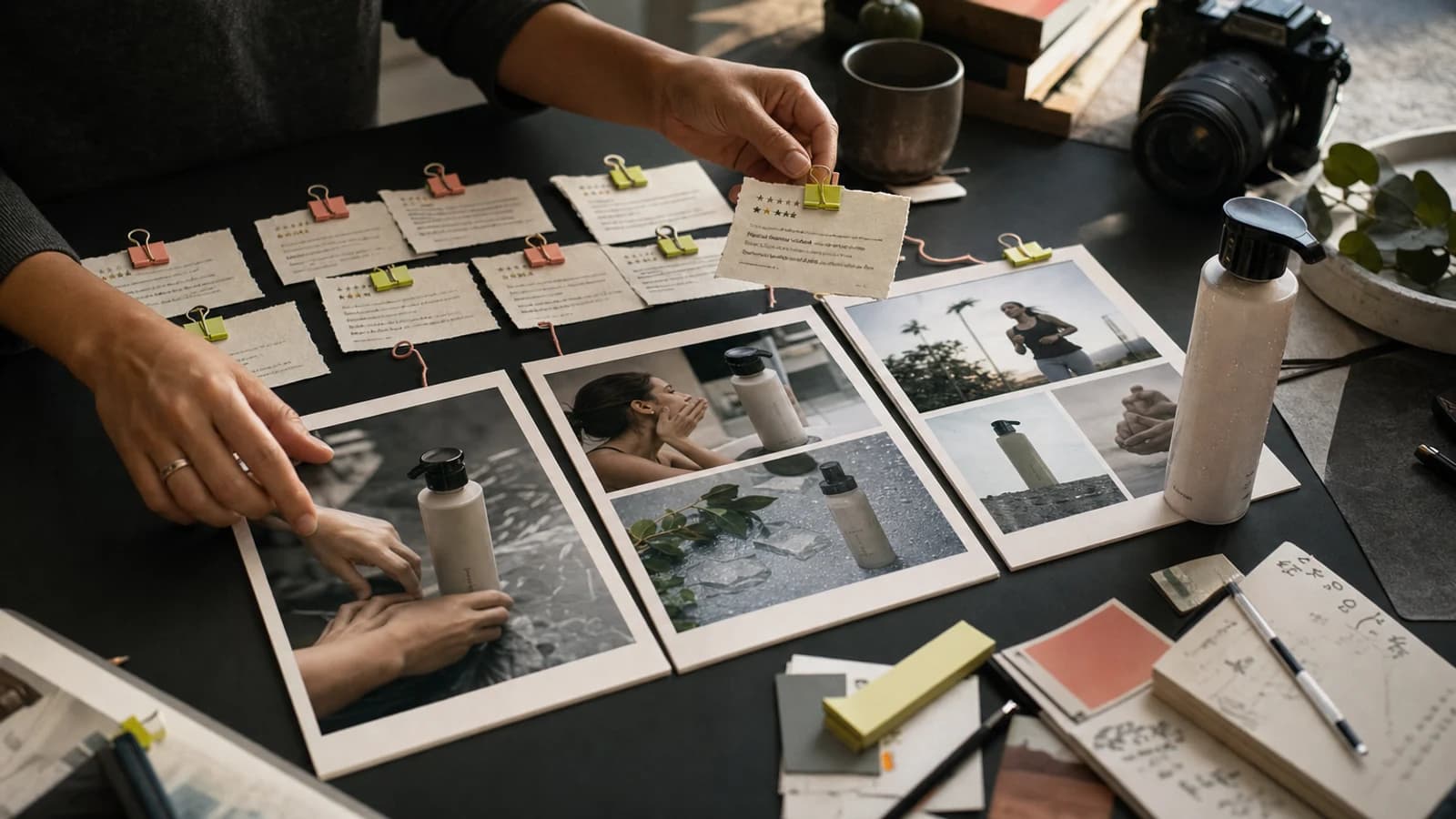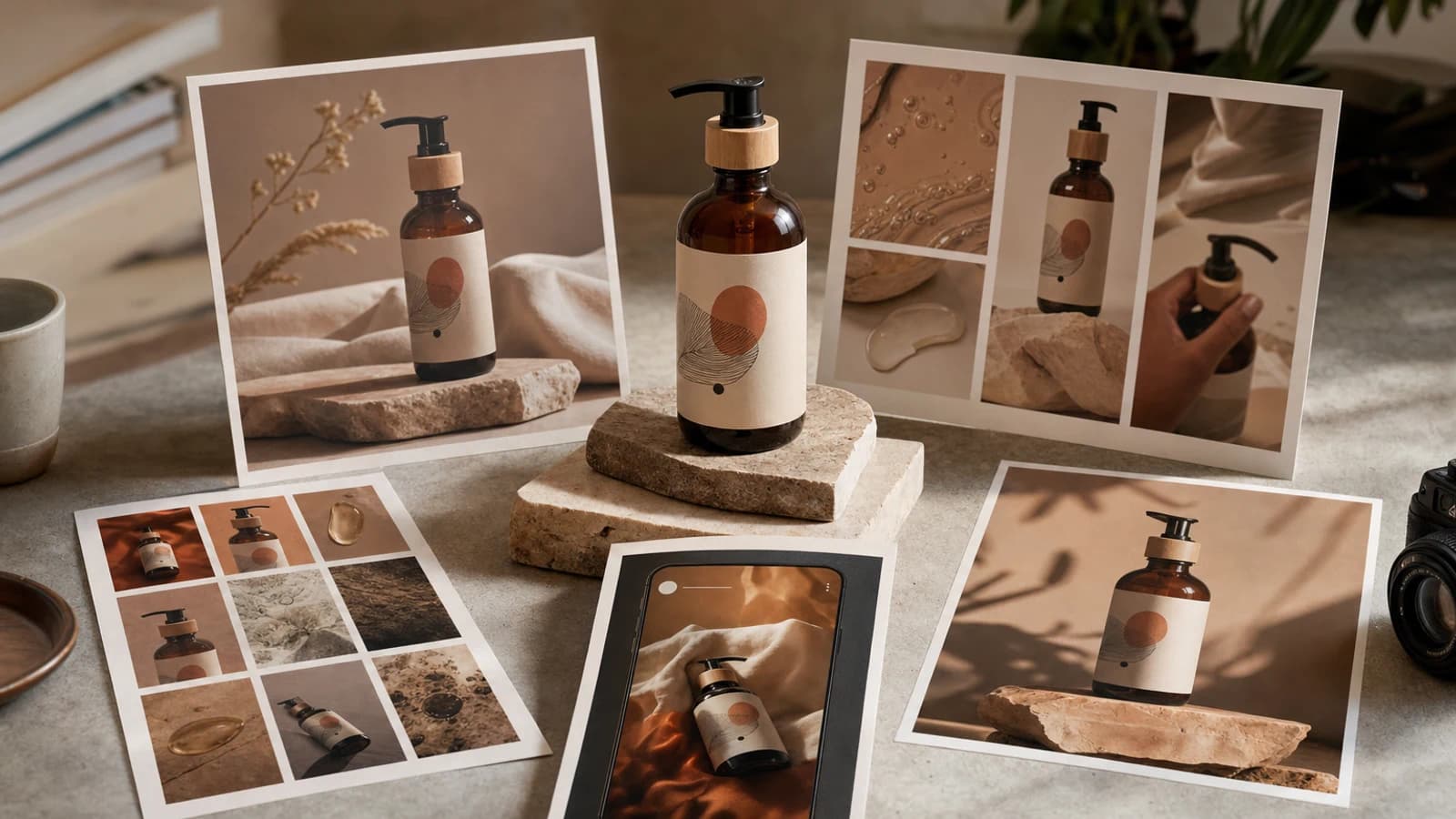
To revise AI creative without starting over, treat every feedback round as a controlled change request. Name the current baseline, state what must stay, request one observable change, and define how the new version will be judged. Then compare the result against the baseline before approving it.
That method works better than repeating the full original prompt with a few different words. It also creates an audit trail for agencies, founders, and content teams: which asset changed, why it changed, what drifted, and which version is approved. AI editing can still alter areas you did not request, so “preserve” is an instruction and review criterion—not a guarantee.
| Revision move | Use it when | Required control |
|---|---|---|
| Preserve | An element is already approved | Name the observable invariant |
| Change | One variable needs improvement | Isolate one variable |
| Remove | An object, line, or distraction must go | Describe the intended background or continuity |
| Compare | Two viable directions need a decision | Use the same evaluation criteria |
| Reset | The result has drifted from the concept | Return to the last approved source |
| Approve | A version is ready for downstream use | Record owner, status, and restrictions |
Use this language to plan a revision in Oakgen’s Agent Chat after the relevant production release is approved. For work available through dedicated tools, start from an owned source in the AI image generator or use an appropriate editing workflow. Always verify which selection, reference, history, and editing controls the current release actually supports.
Generative editing can change unselected details, product geometry, lettering, faces, lighting, texture, or composition. This guide does not claim pixel-level preservation, durable memory, masking, or exact version recall in Oakgen Agent Chat. Reattach the approved source, inspect the output, and use deterministic editing or compositing when exactness is mandatory.
Revision-language swipe file
The swipe file below turns loose feedback into six kinds of instruction. Copy the pattern, replace the specifics, and keep the acceptance test visible.
1. Preserve
Use preserve to declare the parts that already passed review.
BASELINE: HERO-A-v02 PRESERVE:
- the exact product variant and packaging reference
- the three-quarter camera angle and current crop
- the subject's hand position
- the warm neutral palette
- the approved headline wording and hierarchy
Treat these as review invariants. If any invariant changes, return the result for review rather than calling it approved.
“Keep everything else the same” is weak because neither the operator nor the tool has a precise checklist. A useful invariant can be seen and compared: cap shape, logo size, left margin, face direction, number of objects, or approved phrase.
2. Change
Use change for the one variable you want to test.
CHANGE ONLY: Make the background feel like early morning rather than late afternoon.
KEEP: Product, camera, crop, props, subject pose, headline, and composition.
ACCEPT IF: The scene reads as cool morning light without changing product color.
One-variable passes make feedback legible. If you request new lighting, a wider crop, three prop changes, new typography, and a different expression at once, you will not know which instruction caused the improvement or the drift.
3. Remove
Removal needs a continuity instruction. Otherwise the model may fill the gap with an unrelated object or damaged texture.
REMOVE: The ceramic cup behind the product.
RECONSTRUCT: Continue the same walnut tabletop and background shadow through that area.
PRESERVE: Product silhouette, label, reflections, crop, and all other props.
For claim-bearing copy, removal should also specify meaning. “Remove the 20% discount badge; do not replace it with another offer or urgency line.”
4. Compare
Use compare when the team needs evidence for a choice rather than another uncontrolled batch.
Create two labelled candidates from HERO-A-v02.
OPTION A: Increase background contrast only. OPTION B: Reduce background detail only.
For both options, preserve the product, camera, crop, palette, and copy. Return a comparison against:
- product legibility,
- message hierarchy,
- mobile readability,
- brand fit,
- visible drift from the baseline.
The comparison should use the same source and criteria. A beauty contest between two unrelated generations tells you little.
5. Approve
Approval is an explicit state, not “looks good.”
APPROVE HERO-A-v04 as the paid-social master for internal production.
Approved:
- composition
- product presentation
- color direction
- headline hierarchy
Still required before publishing:
- full-resolution label check
- claim-owner approval
- placement crop and safe-area review
- rights and final export review
An approval can be conditional. “Approved for concept testing” does not mean “approved for a homepage hero” or “approved for paid media.”
6. Reset
Use reset when revisions accumulate and the asset no longer resembles the last approved direction.
RESET TO: HERO-A-v02, the attached approved source. DISCARD: v03 and v04 as revision references.
Reason: both changed product geometry while attempting a lighting edit.
NEW ATTEMPT: Change only the background light temperature. If the product silhouette, cap, label, or color changes, stop and mark the attempt rejected.
Resetting is not failure. It is change control. Continuing from a drifted version compounds the problem.
Write a controlled revision in Agent Chat once its release evidence for the required workflow is approved.
Who this is for
This workflow is for agency operators, creators, founders, and growth teams who have reached a useful visual direction but keep losing it during feedback rounds.
Use it when:
- a client likes the composition but wants one prop removed;
- a product image is strong except for lighting or background;
- a social asset needs a platform crop without changing its message;
- two stakeholders want different directions compared fairly;
- generated lettering, packaging, or identity must be checked after every pass;
- the team needs to know which version was actually approved.
It is especially useful after exploratory generation. Exploration can be broad; revision should become narrow. If your team is still deciding the concept, read how an agentic creative pipeline separates planning, generation, and review. For the conversational product context, see the existing Oakgen Agent Chat overview, while treating older capability statements as subject to current release verification.
Label the baseline before changing anything
A baseline is the last asset the team agrees is worth preserving. Give it a stable ID before another generation.
Use a naming pattern such as:
CAMPAIGN-ASSET-DIRECTION-vNN-change
Examples:
SPRING-HERO-A-v01-baselineSPRING-HERO-A-v02-remove-cupSPRING-HERO-A-v03-cooler-lightSPRING-HERO-B-v01-new-composition
Do not call a materially new composition A-v04. It belongs to a new direction, such as B-v01. Version numbers show lineage; direction letters show conceptual branches.
Record the minimum change log:
| Field | Example |
|---|---|
| Asset/version | SPRING-HERO-A-v03 |
| Parent | SPRING-HERO-A-v02 |
| Instruction | Cooler morning background light |
| Invariants | Product, cap, label, crop, props |
| Observed result | Light improved; label softened |
| Decision | Reject |
| Next action | Reset to v02; strengthen label reference |
| Owner/date | Creative lead, 2026-07-27 |
The log prevents a common agency mistake: a rejected image later reappears in delivery because its filename looked newer.
Run one-variable revision passes
Begin with the smallest meaningful change. A good one-variable pass has five parts:
- Source: the attached or selected approved baseline.
- Invariant: the elements that must remain observably stable.
- Change: one variable, described positively.
- Acceptance test: what a successful result looks like.
- Rejection rule: which drift makes the version unusable.
For a product hero:
Use PRODUCT-HERO-A-v02 as the source. Preserve the product variant, cap geometry, label layout, camera angle, crop, and shadow direction. Change only the surface from pale concrete to dark walnut. Accept if the wood reads clearly and the product remains the visual focus. Reject if the packaging, label, product color, scale, or camera changes.
The output may still drift. The value of the protocol is not magical compliance; it is that the reviewer knows exactly what to inspect.
Midway through a campaign, this discipline saves more effort than writing increasingly long prompts. Lock what must stay with a named baseline, then judge every candidate against it.
Compare versions with the same scorecard
Do not ask, “Which one do we like?” Use criteria tied to the job.
| Criterion | Question | Score |
|---|---|---|
| Invariant integrity | Did approved elements remain acceptable? | Pass/fail |
| Requested change | Is the single change visible and useful? | 1–5 |
| Product truth | Is identity, geometry, label, or usage accurate? | Pass/fail |
| Message hierarchy | Does the viewer notice the intended idea first? | 1–5 |
| Placement readiness | Does it survive the planned crop and UI overlays? | 1–5 |
| New defects | Did the edit introduce artifacts, extra objects, or false text? | Pass/fail |
A version that looks prettier but fails product identity is not the winner. A version that obeys the edit but weakens the campaign message may need another controlled pass.
Keep candidates side by side at the same scale. Inspect the whole frame, then zoom into high-risk regions: hands, faces, labels, product joins, reflections, text, repeated patterns, and edges around removed objects.
Compare two labelled versions when the available comparison workflow fits the task, and keep the final decision in the campaign log.
Reset after a failed direction
Reset when any of these conditions appears:
- a required invariant fails twice;
- the team cannot identify the parent of the current version;
- each correction creates a new unrelated defect;
- the composition has shifted enough that the original acceptance criteria no longer apply;
- the requested change now affects most of the scene;
- the asset requires exact typography, packaging, or identity that the generative workflow cannot reliably preserve.
Use this decision rule:
| Situation | Next move |
|---|---|
| Local change, baseline still strong | Controlled edit |
| Two failed passes on the same invariant | Reset to last approved source |
| Core concept or composition must change | New direction and regeneration |
| Exact pixels, logo, label, or legal copy required | Deterministic editor or compositing |
| Video shot needs a small timing adjustment | Edit only if the tool exposes the required control; otherwise rebuild the shot |
Here is where this breaks: conversation alone cannot make a probabilistic generation deterministic. If exact packaging must survive, create the environment and product as separate controlled layers, or composite the approved pack shot after generation. Use the image editor only for operations the current interface demonstrably supports.
Approve and record the final version
Before downstream production, mark:
- the approved asset ID and source file;
- approval scope: concept, organic, paid, client presentation, or final;
- approved and prohibited crops;
- claims and copy status;
- rights, likeness, and product-accuracy status;
- any remaining human check;
- owner and approval date;
- destinations already updated.
Never overwrite the approved master with the next experiment. Duplicate or branch it. If the team later requests a change, the approved master remains a safe return point.
For video, record the time range and audio state as well as the filename. Watch the entire result after every change. A good first frame does not prove temporal continuity, readable captions, stable hands, or correct final audio.
Common mistakes
Asking for five changes in one prompt
The result may improve, but you cannot attribute the improvement. Split the round into ordered passes.
Using “same” as an acceptance criterion
“Same person” or “same product” can hide meaningful drift. List observable features and compare them.
Continuing from the newest version
Newer does not mean better. Continue from the last approved version.
Treating a generative output as exact brand artwork
Logos, labels, small text, interfaces, and regulated copy need close inspection and often a controlled finishing step.
Approving in chat only
Move the decision into the change log with scope and owner. Otherwise “yes” may refer to the idea, not the final file.
Assuming the system remembers every earlier constraint
Repeat critical invariants and supply the source again when possible. Do not base production safety on implied memory.
Frequently asked questions
Can conversational image editing preserve the rest of an image?
It may preserve much of the source, especially when the edit is local and references are strong, but exact preservation varies by system and task. Review the whole frame, not only the requested area.
Should I write a new full prompt for every revision?
No. Name the baseline, repeat the invariants, and state the single change. Use a full new prompt when you intentionally start a new direction.
How many revision attempts should I allow?
There is no universal number, but two failures of the same critical invariant are a useful reset signal. Return to the last approved source or change the production method.
Can this process replace version-control software?
No. It supplies a practical naming and decision discipline. Store approved files and logs in the system your team uses for controlled delivery.
What is the safest way to revise product photography?
Use owned product references, name identity invariants, inspect packaging closely, and composite the exact product when fidelity is more important than generative flexibility.
What is the bottom-line workflow?
Baseline, preserve, change one variable, compare, approve, and record. Reset instead of stacking corrections on a drifted asset.
Sources and further reading
Product behavior must be verified against the dated Oakgen release candidate before publication. The following research is useful for understanding why conversational editing benefits from explicit references, iterative instructions, and human evaluation:
- TalkPhoto: a conversational system for image editing
- RePrompt: automatic prompt editing for text-to-image generation
- Conversational image editing research
- Study of everyday image-editing capabilities
Revise a creative set after the required Oakgen workflow has passed its production evidence and approval gates. Until then, use the swipe file as a tool-independent change-control system.
Frequently asked questions
Can AI change only one thing in an image?
It can attempt a one-variable edit, but exact preservation is not guaranteed. Name the baseline, state the invariant, isolate one change, and compare the result against the last approved asset.
What should I tell an AI creative tool to preserve?
Name observable invariants such as product identity, logo placement, camera angle, composition, crop, subject pose, palette, lighting direction, and approved copy. Do not rely on vague phrases such as keep everything else.
When should I edit an asset and when should I regenerate it?
Edit when the concept, composition, and key identity are already useful and the requested change is local. Regenerate when the art direction, scene structure, camera, or central subject needs to change.
How should I label AI creative versions?
Use a stable asset ID plus a sequential version and short change label, such as HERO-A-v03-warmer-light. Record its parent version, instruction, invariants, result, and decision.
Can Agent Chat remember earlier assets and instructions?
Do not assume durable memory or exact asset recall. Reattach or reselect the approved source when the interface permits, repeat critical constraints, and verify behavior against the current Oakgen release before relying on it.
What should I do if product identity drifts?
Reject the version, return to the last approved source, strengthen the product references and invariant list, and use a controlled edit or compositing workflow when exact identity is required.
Does this conversational revision workflow work for video?
The change-control language applies to video direction, but temporal continuity makes preservation harder. Specify the exact shot, time range, subject, motion, camera, audio, and elements that must not change, then review the full clip.