Blog
Guides, comparisons and trend walkthroughs for making images, video and audio with AI.
Tutorials
The Nano Banana Pro Handbook: Complete Guide to Google's Portrait Champion
Everything about Nano Banana Pro — capabilities, best prompts, weaknesses, pricing on Oakgen, and when to pick it over GPT Image 2 or FLUX 2 Pro Max.
5 Ways to Promote an AI Tool Without Being Cringe (Scripts Included)
Copy-paste scripts for promoting AI tools without sounding like an ad — tweet templates, YouTube mid-rolls, newsletter CTAs, Discord pinned messages, and LinkedIn case-study posts.
Seedance 2 Prompt Guide: Controls and Templates
Write Seedance 2.0 prompts for Oakgen's text-to-video and image-to-video controls, with reference roles, timed beats, 4K workflow, and repair rules for teams.
The Complete Veo 3.1 Prompting Guide (2026)
A structured guide to Veo 3.1 video prompting — character fidelity, native audio dialog, long-form prompts, and 20 copy-paste templates for every video style.
Video Agent on Oakgen: Script to Finished Video in One Prompt
Oakgen Video Agent takes a single prompt or brief and autonomously generates a multi-shot video — script, scenes, voiceover, music, and final edit. Here's how it works and when to use it.
50 AI Chat Prompts for Daily Life: Copy, Paste, Save Hours Every Week
Fifty specific AI chat prompts for the small decisions, annoying tasks, and everyday thinking most people do alone. Tested on GPT-5.4, Claude, Gemini, and Grok.
How to Use Inspire: Oakgen's AI Prompt Library (Step-by-Step Guide)
A step-by-step guide to using Oakgen's Inspire feature. Learn to browse curated prompts, create AI-powered prompts from vibes, and build your personal prompt library.
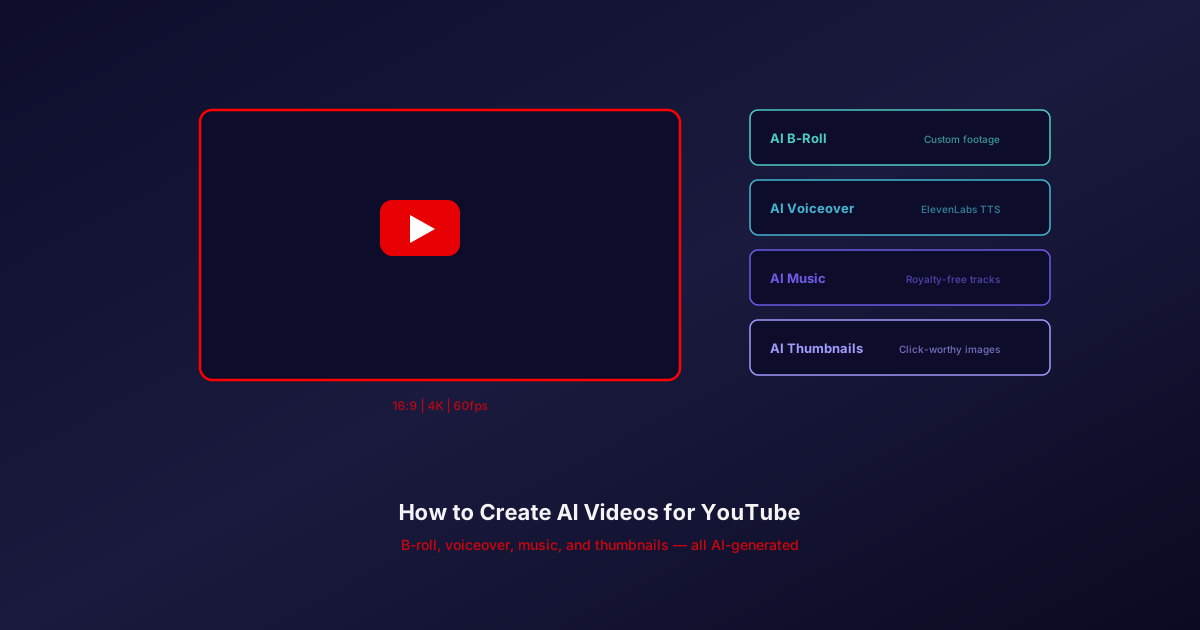
How to Create AI Videos for YouTube: Complete Guide
Learn how to use AI video generators for YouTube content. Generate B-roll, voiceover, music, and thumbnails with AI. Step-by-step guide for YouTubers.
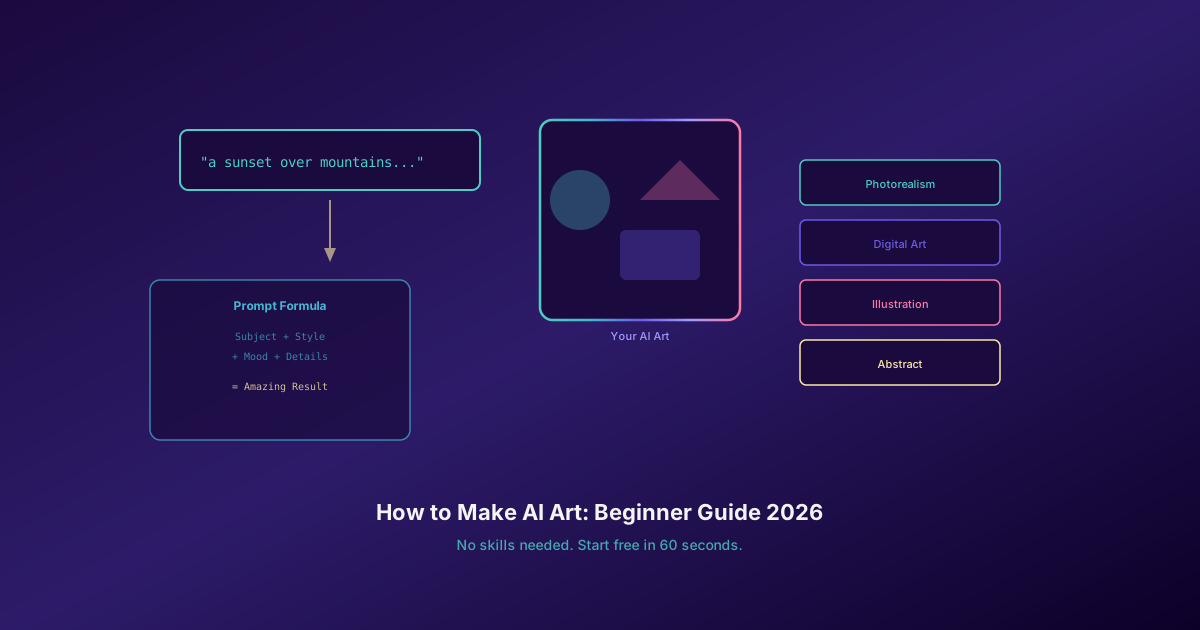
How to Make AI Art: Complete Beginner Guide 2026
Learn how to make AI art from scratch. No design skills needed. This beginner guide covers prompts, models, styles, and step-by-step instructions.
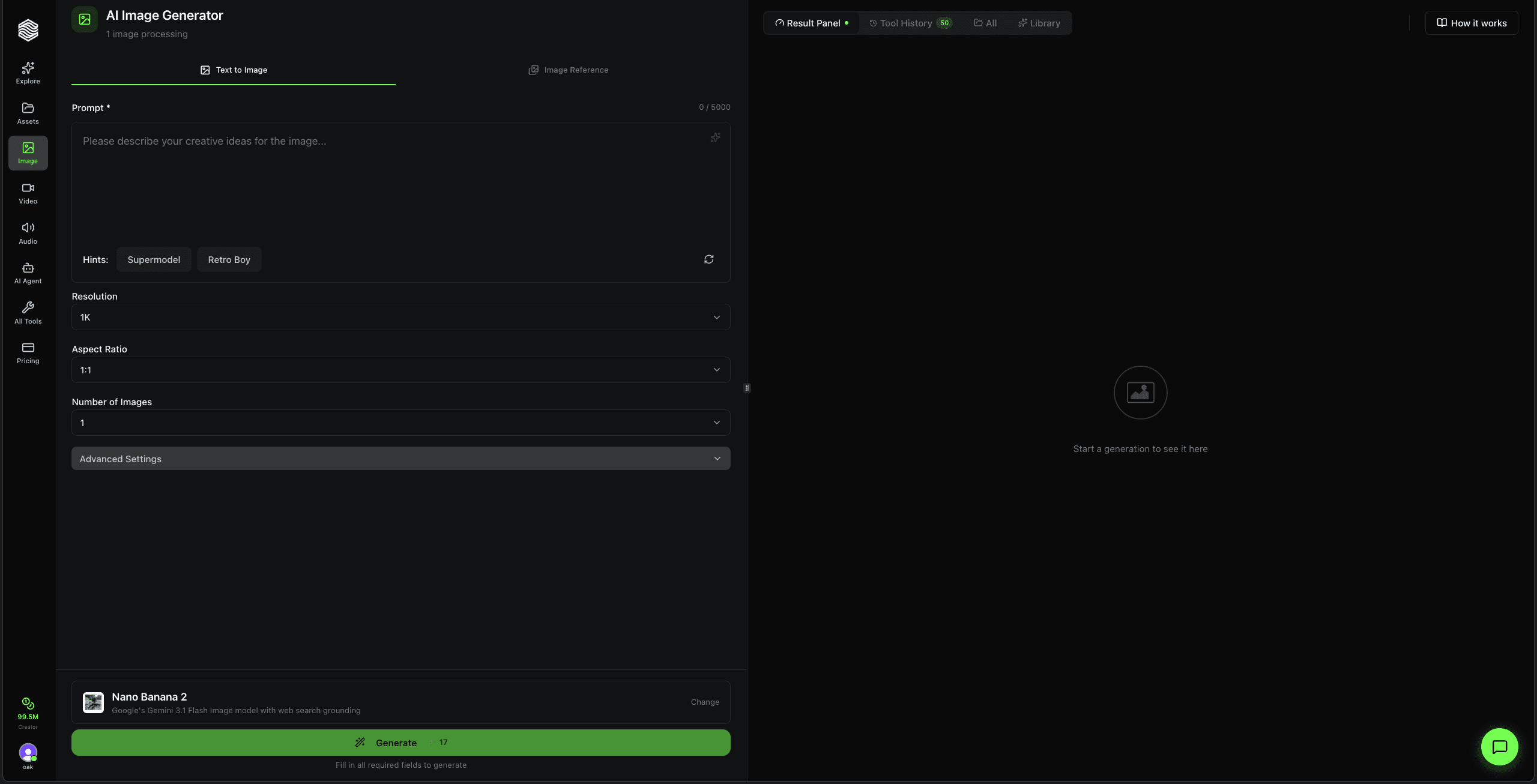
How to Use the AI Image Generator on Oakgen.ai
Step-by-step walkthrough of every feature in Oakgen's AI Image Generator. Learn text-to-image, image reference, model selection, upscaling, and the library quick actions.
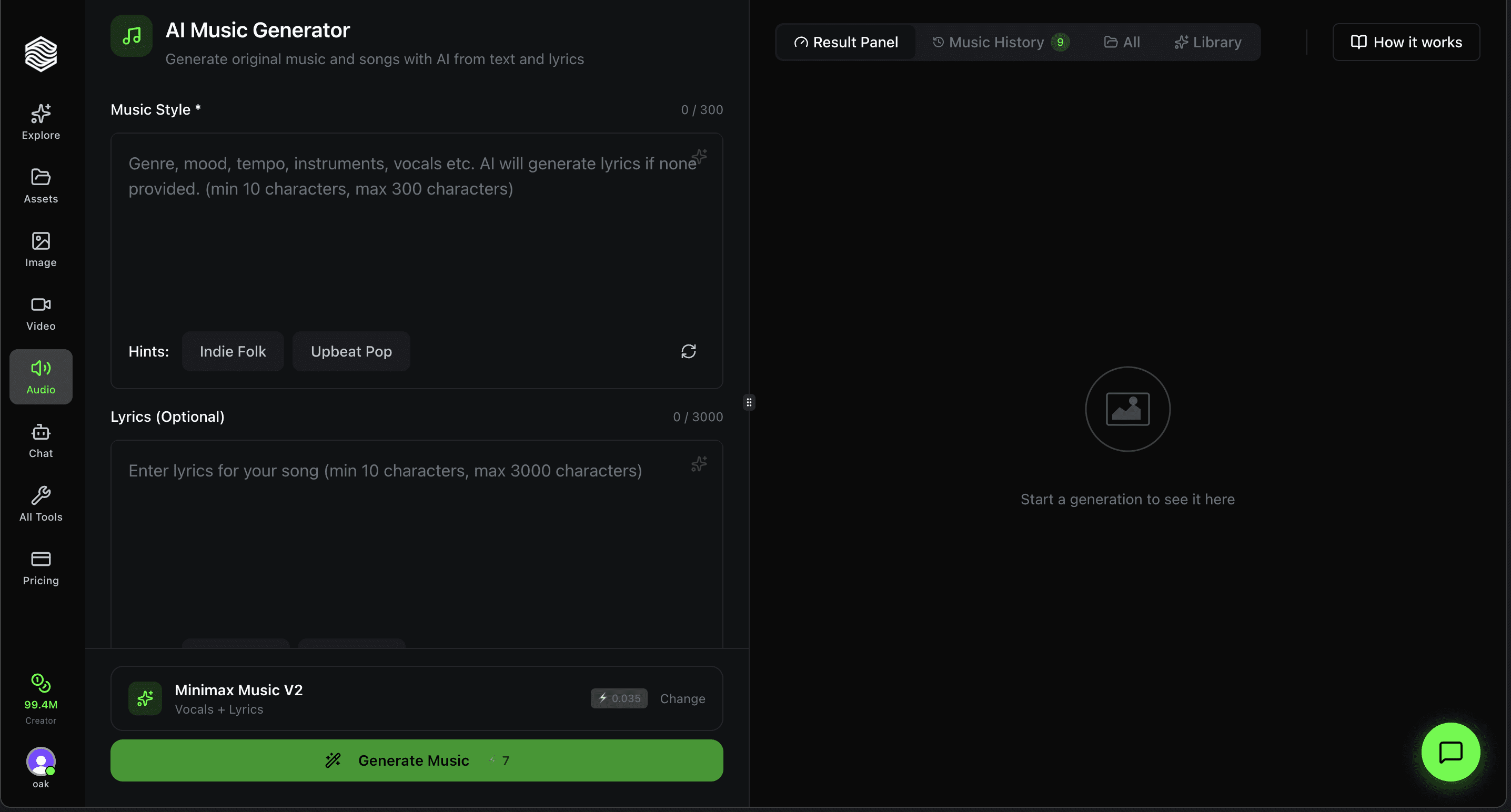
How to Use the AI Music Generator on Oakgen.ai
Step-by-step walkthrough of Oakgen's AI Music Generator. Choose Lyria 3 Pro or Eleven Music, describe a style, add lyrics, and generate full songs with vocals or instrumentals.
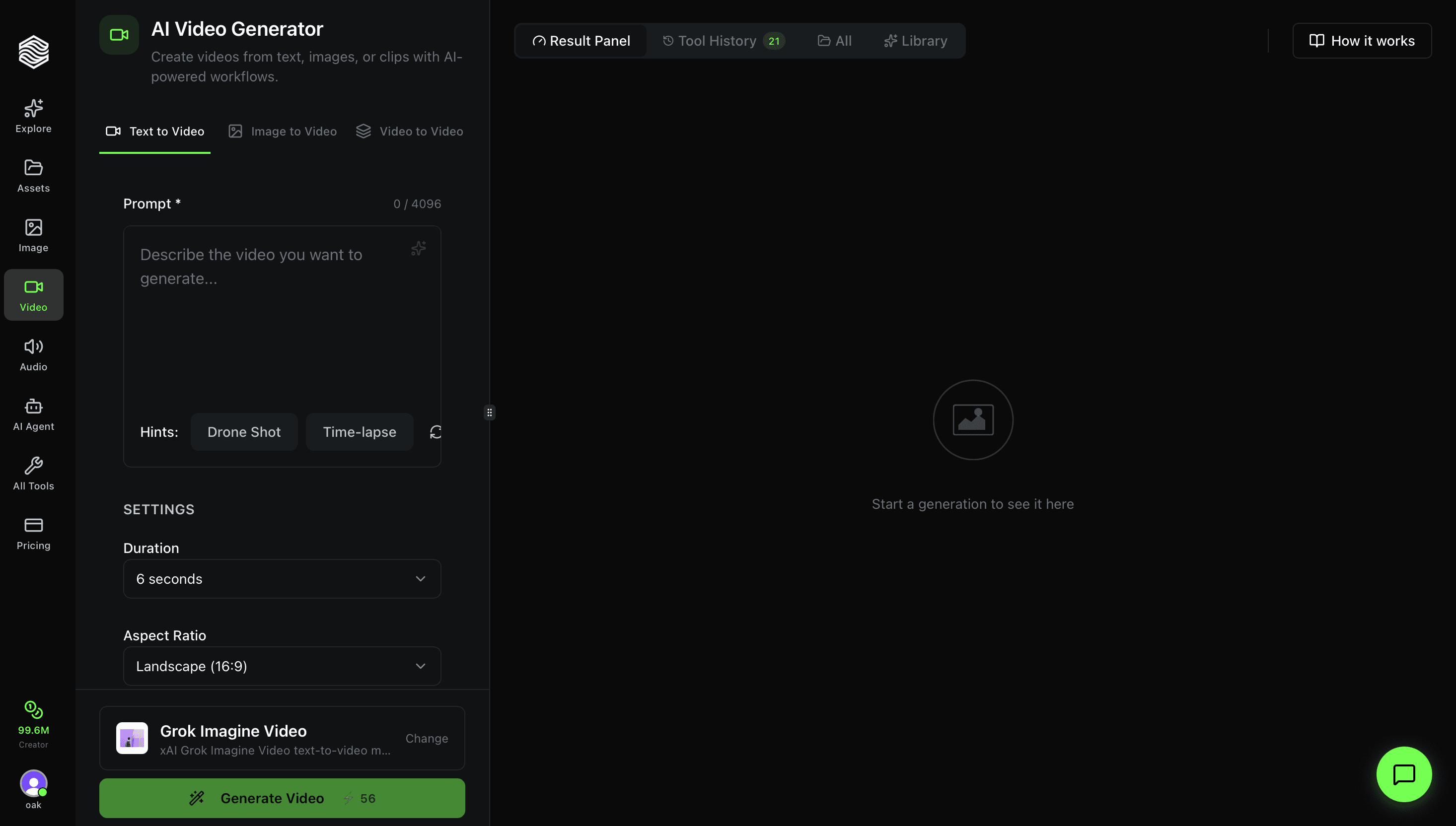
How to Use the AI Video Generator on Oakgen.ai
Step-by-step walkthrough of every feature in Oakgen's AI Video Generator. Learn text-to-video, image-to-video, and video-to-video modes, settings, model selection, and more.
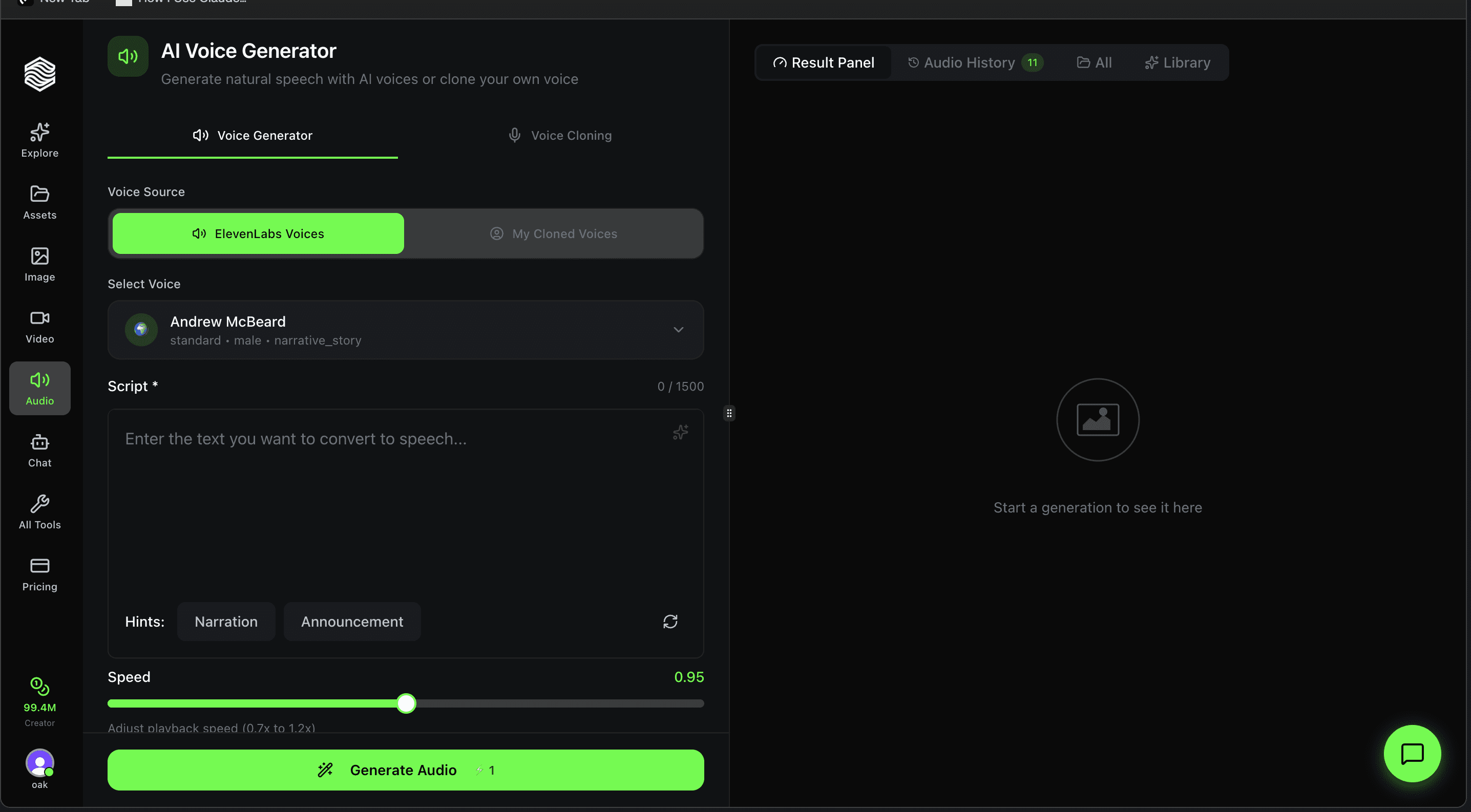
How to Use the AI Voice Generator on Oakgen.ai
Step-by-step walkthrough of the AI Voice Generator on Oakgen. Pick from 100+ ElevenLabs voices or use your cloned voice, adjust speed, and generate natural speech.
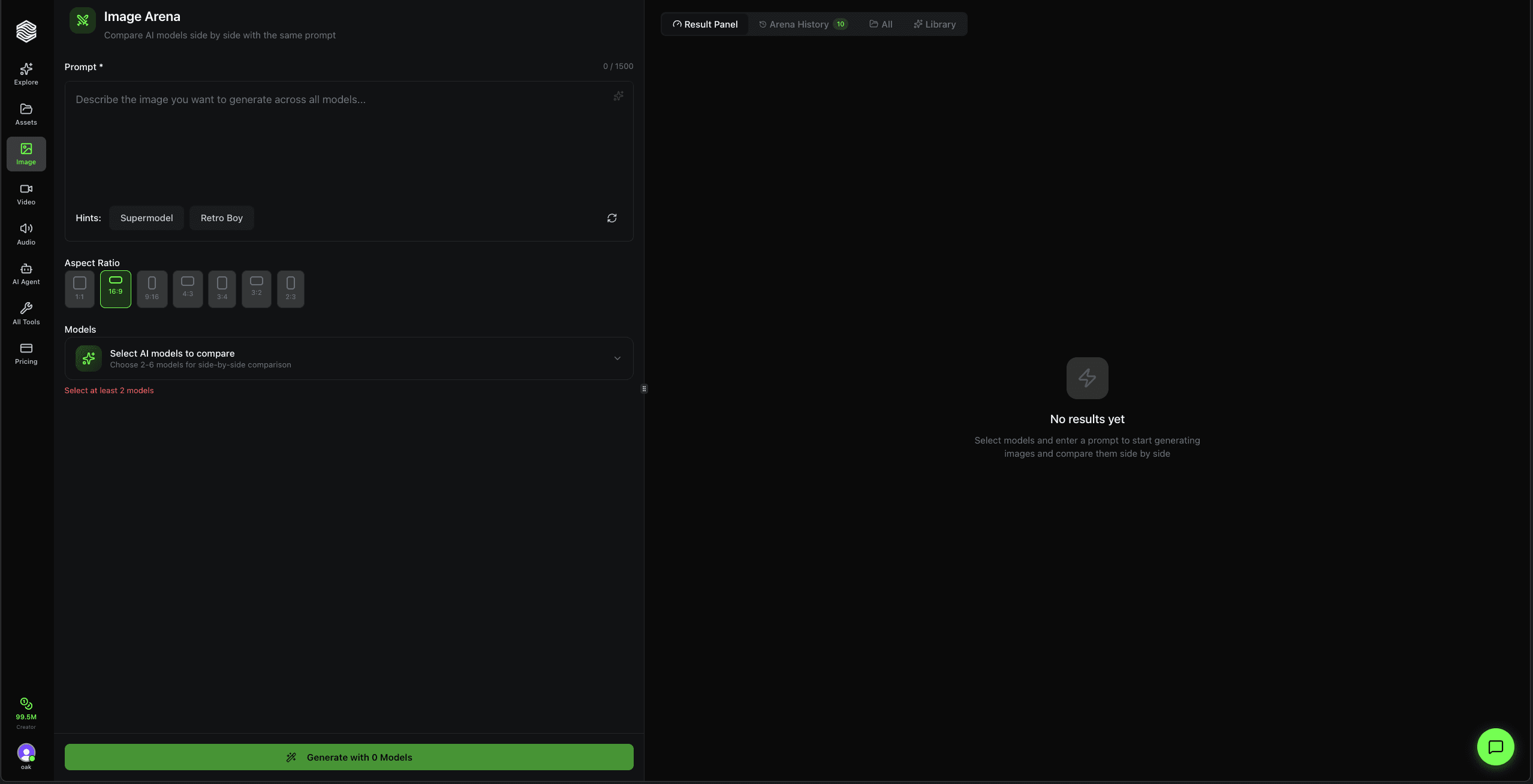
How to Use the Image Arena on Oakgen.ai
Step-by-step walkthrough of Oakgen's Image Arena. Compare AI image models side by side with the same prompt. Pick 2-6 models, generate, and see which one wins.
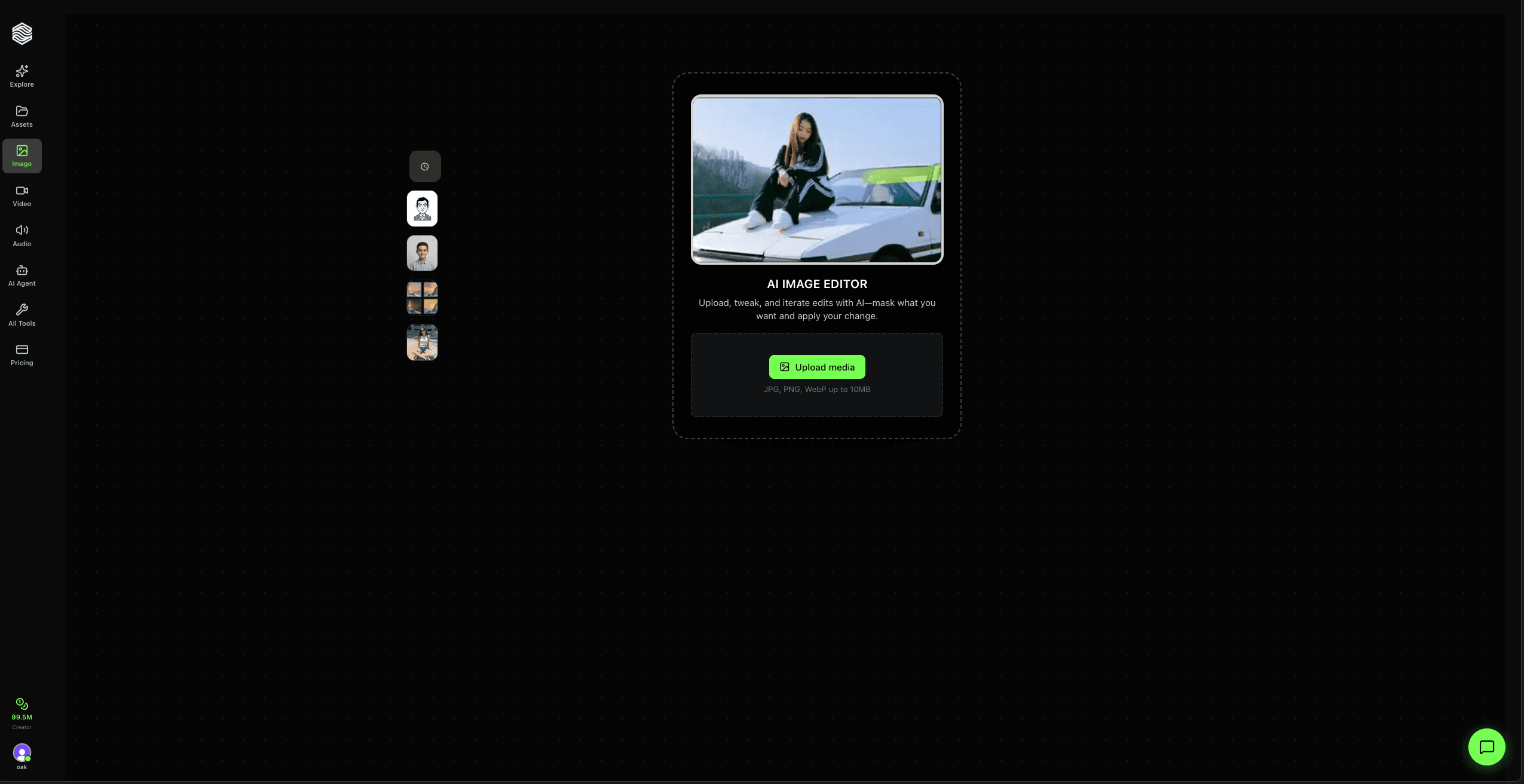
How to Use AI Image Editor on Oakgen.ai
Step-by-step walkthrough of Oakgen's AI Image Editor. Upload a photo, describe your edit in plain English, and iterate with version history.
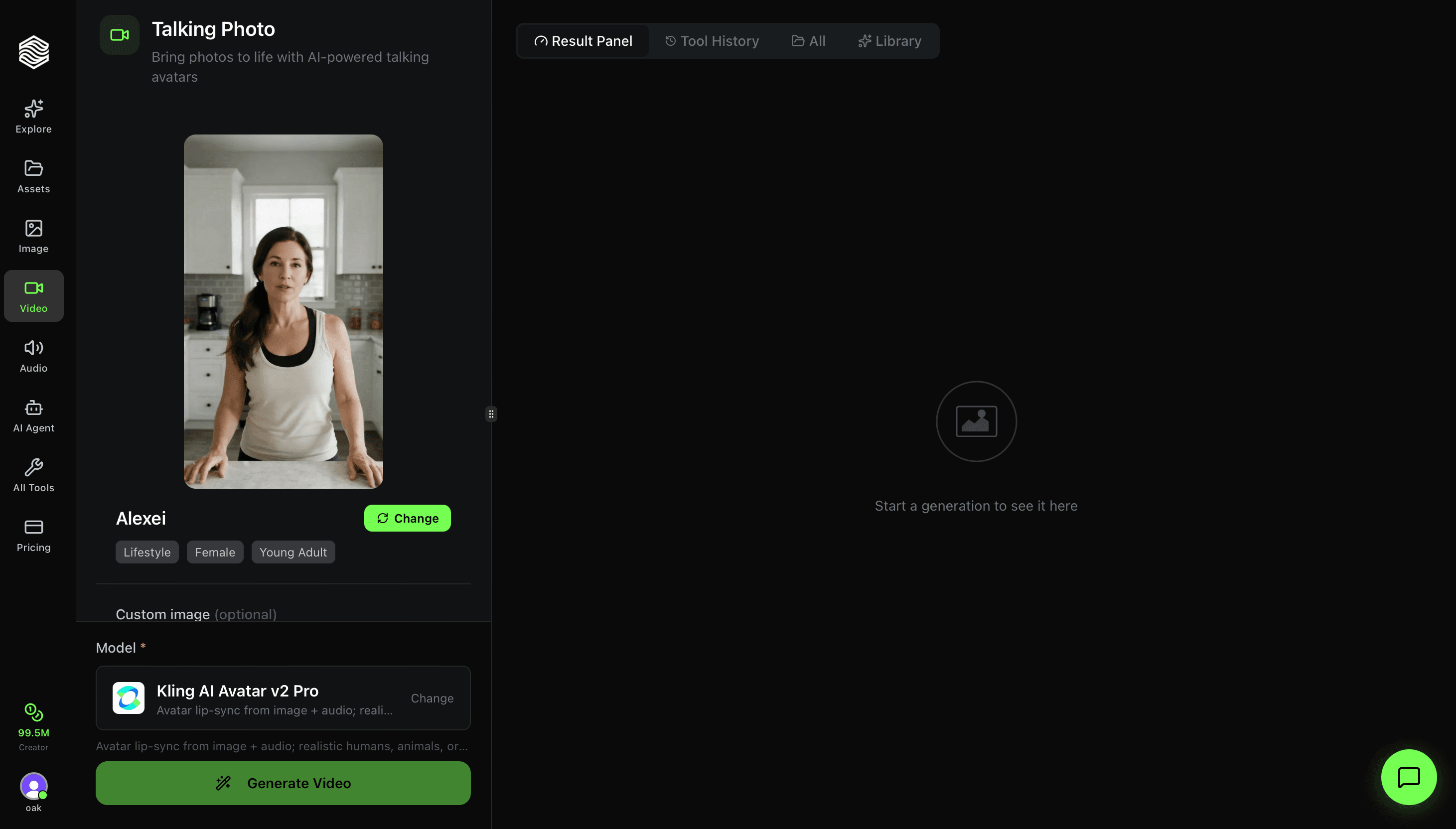
How to Use Talking Photo on Oakgen.ai
Step-by-step walkthrough of Oakgen's Talking Photo tool. Learn how to pick avatars, add audio, choose lip-sync models, and make any photo speak.
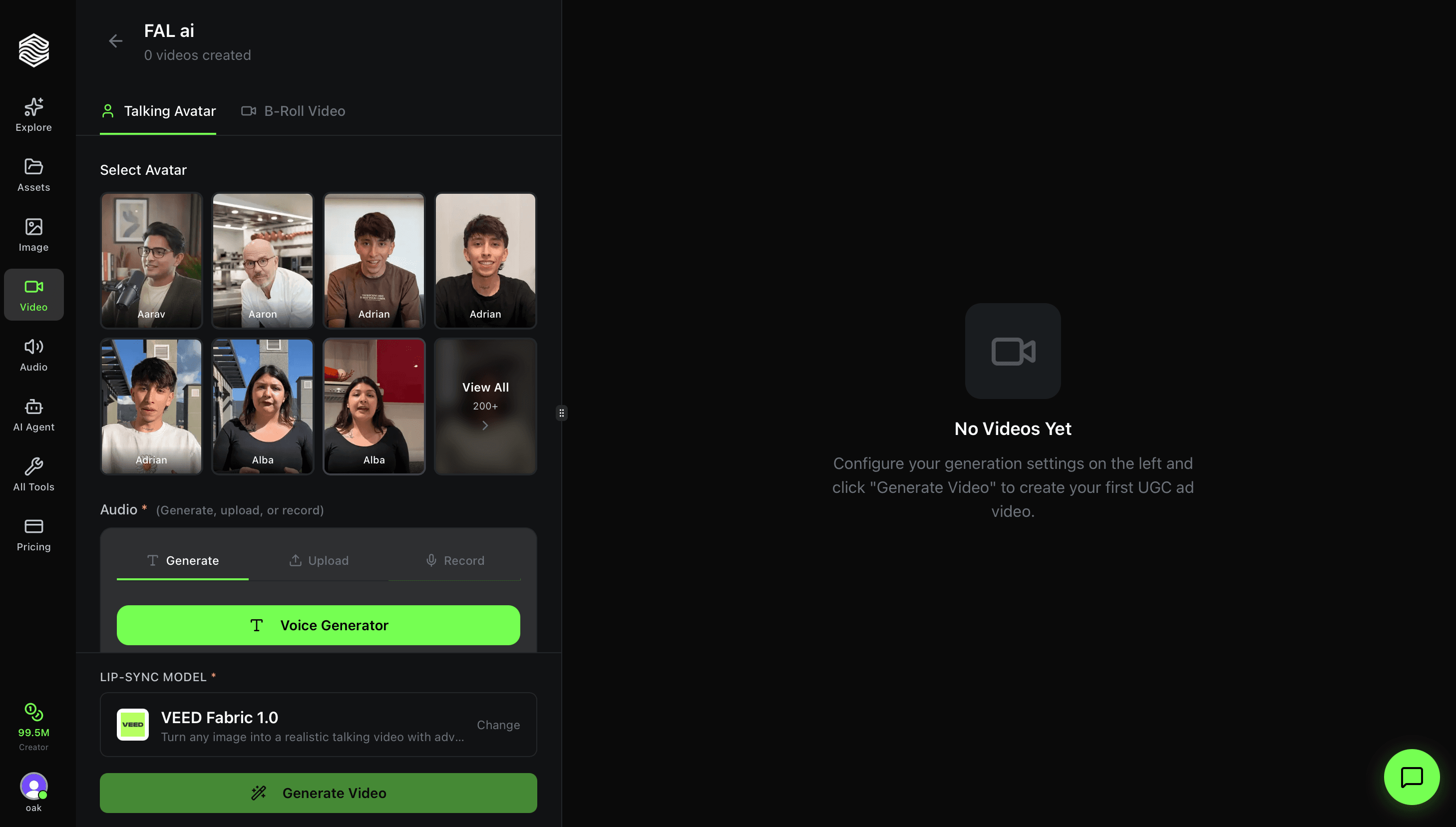
How to Use the UGC Ad Creator on Oakgen.ai
Step-by-step walkthrough of Oakgen's UGC Ad Creator. Learn how to pick avatars, add audio, choose lip-sync models, and generate UGC-style ad videos in minutes.
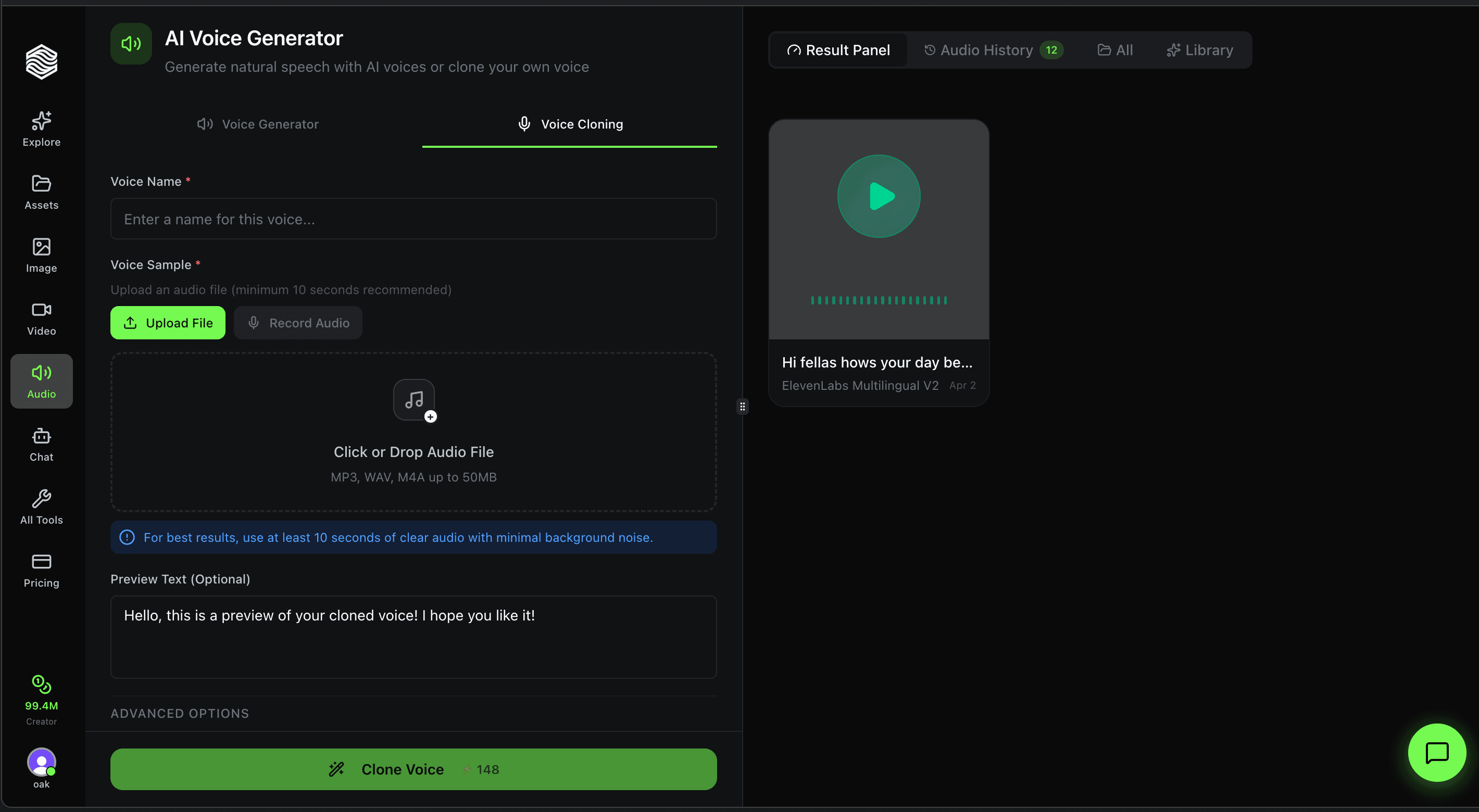
How to Use Voice Cloning on Oakgen.ai
Step-by-step walkthrough of Oakgen's Voice Cloning tool. Upload an audio sample, configure quality settings, and create a reusable AI clone of any voice.