ChatGPT
 Claude
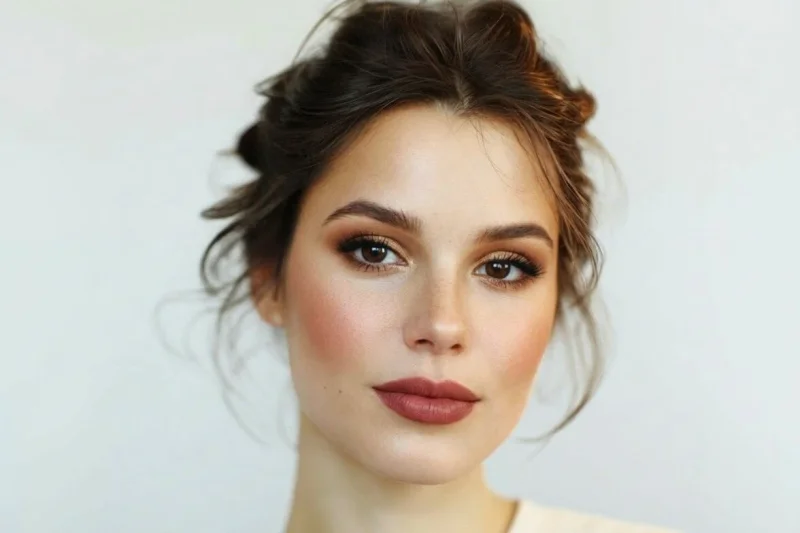
If you are choosing between two lipsticks, take one selfie near a window and try both colors on that picture. In Oakgen's lip color changer, select a Lip Color, such as Rose or Berry. The question is which color you like with your own complexion and the light in the picture.
Make a pair you can compare
Choose a photo in which both corners of your mouth are visible. A slightly open mouth can work, provided you can see a clear boundary between the lips and teeth. Turn off any beauty filter on your camera first. An existing smoothing effect makes it harder to tell which details the preview changed.
Try two shades on the original selfie. Start with a modest difference, such as Natural Pink against Rose. If those are too close at phone size, swap one for Classic Red or Plum. Keep the source beside the pair. If one version changed the color of your cheeks or whitened your teeth, the side-by-side comparison is no longer telling you about lipstick alone.
Look at the mouth in context
At full size, check the cupid's bow and the corners of the lips. Color that spills onto skin can make the upper lip look wider. An invented highlight can make a soft shade appear glossier. Now look at the full face. The darker shade may be exactly what you want with a plain top and too much beside a patterned scarf.
If the shade is for an evening event, repeat the winning pair on a new photo taken near the light you'll be in. Keep those two comparisons separate. A warm room lamp and daylight can make the same red look quite different.
When to try the rest of the look
For a broader makeup idea, open Makeup Try-On and compare Bold Lips with Natural Glam on the original portrait. Watch what happens around your eyes as well as your mouth. A stronger lash line can change which lipstick you prefer. If you're adjusting a fictional character's eyes for a shoot, the eye-color photo guide covers iris edges and reflections.
Save your preferred image as a color reference. In a store, describe the feature you chose: a muted rose, a cooler berry, or a red that stays distinct under warm light. The template offers those broad visual directions. An actual lipstick's pigment and finish are easier to judge from a real swatch.
Frequently asked questions
Can I try lipstick on a photo without changing all my makeup?
Choose Lip Enhancement and select a Lip Color. Compare the result to your original, especially the teeth, shape of the lips and nearby skin. Makeup Try-On applies a coordinated look across the face.
Can the preview match a specific lipstick I saw in a shop?
The lip tool offers named color families such as Rose, Coral and Classic Red. They can help you shortlist colors. For an exact product, check the brand’s swatch or try it in person in similar light.