ChatGPT
 Claude
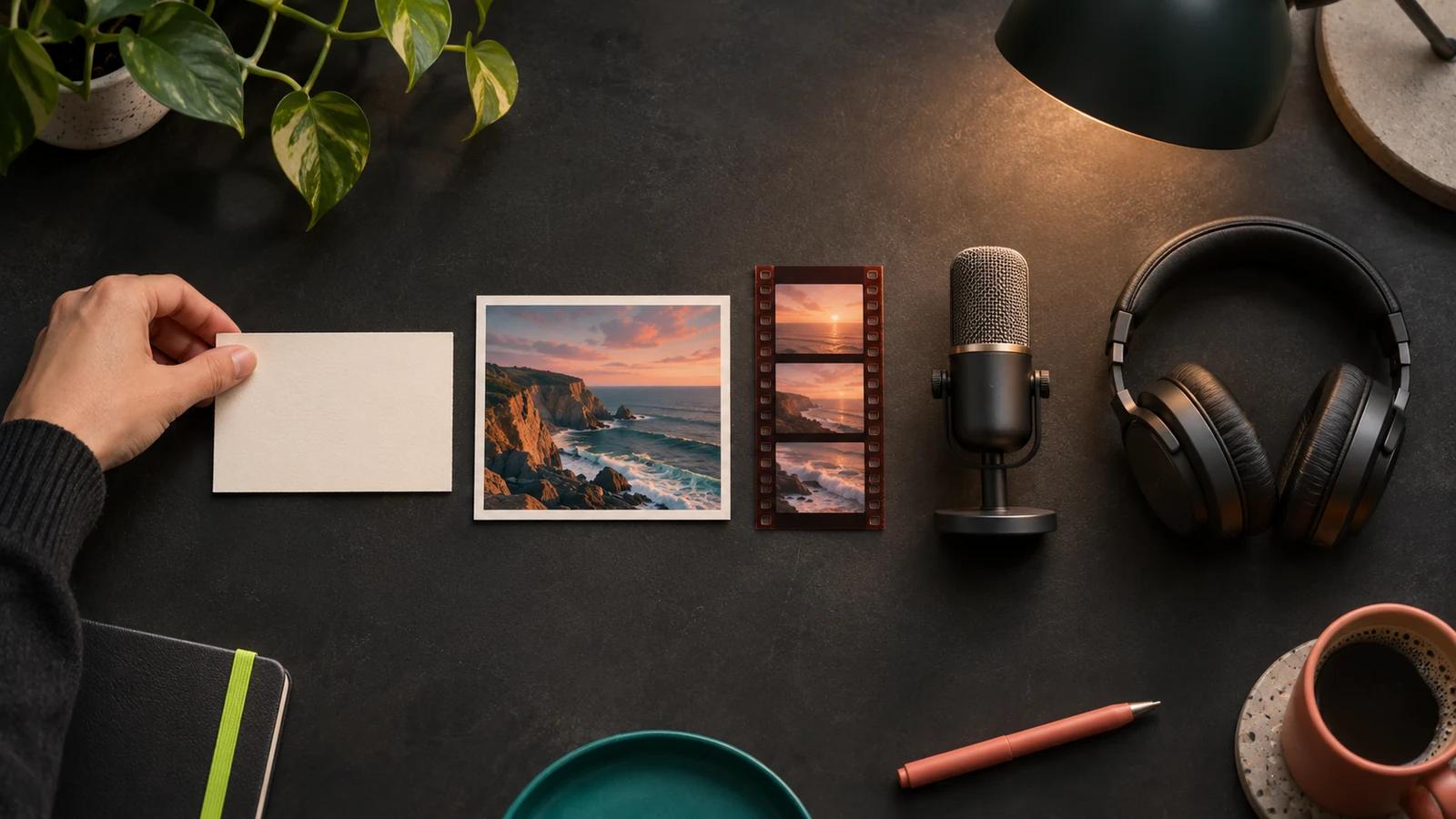
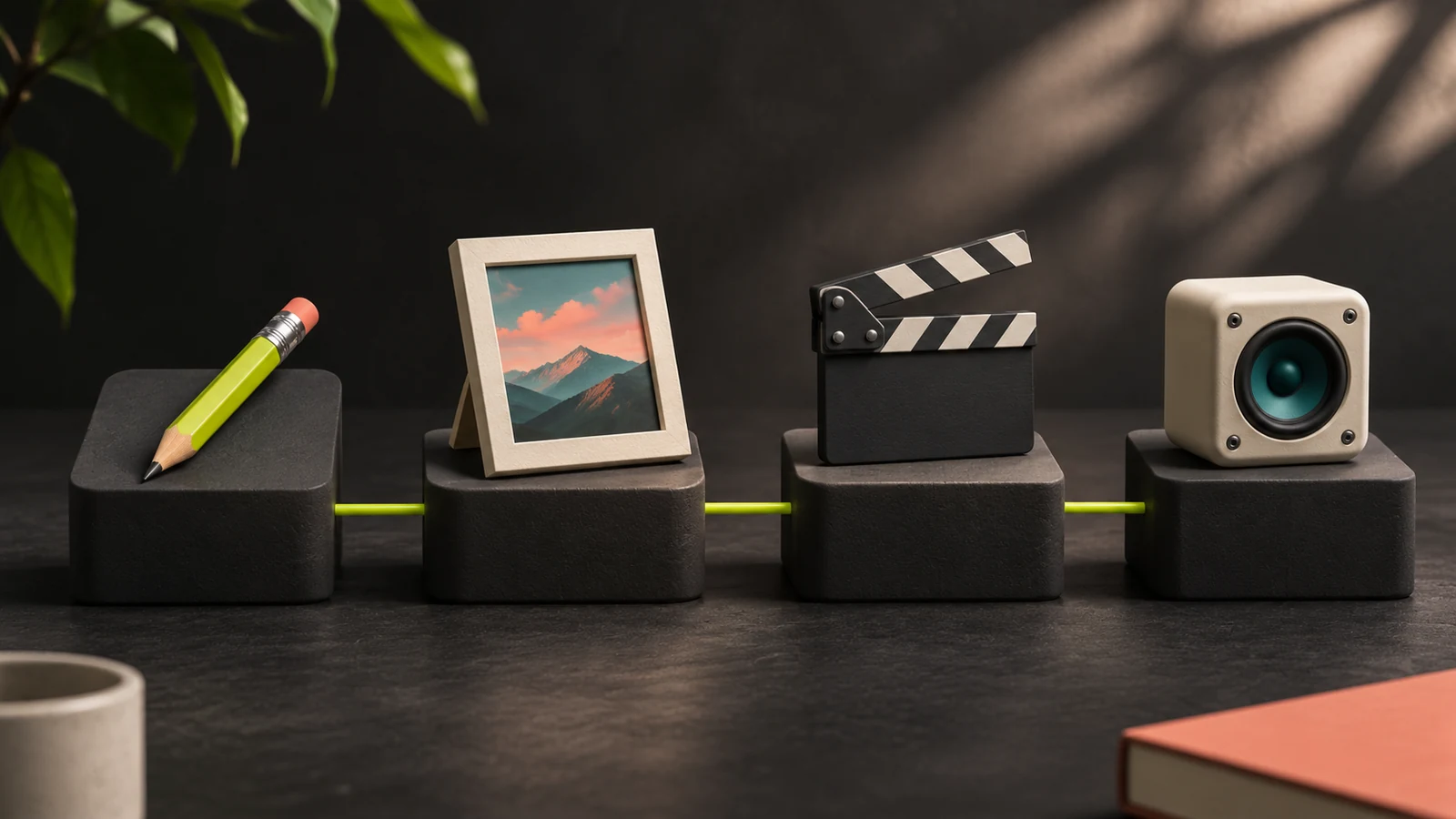
Here is how to make content with AI if you have never used these tools. Write a one-line brief, generate an image, turn it into a short video clip, add a voiceover, add music, then cut it all together in an editor. Each step uses a different kind of tool, and most have a free tier you can learn on. As of November 2026 you can practise every step for nothing except the music file: Suno Free has no downloads, so in the free exercise music is optional, or you use a track you already have permission to use.
Two checks trip up beginners. Some free plans, such as ElevenLabs Free and Suno Free, exclude commercial use, and YouTube and TikTok require a label on realistic AI content, while Instagram may require one on realistic AI video and audio. This guide covers the five steps, a first month's cost and both checks, with every number linked to the vendor page we read on November 19, 2026.
What do you need to make content with AI?
You need an idea, a browser and an account on a few tools. You do not need design skills or a fast computer.
| Step | What you make | Kind of tool | Tools covered here | Free tier to learn on? |
|---|---|---|---|---|
| 1. Brief and script | The goal in one sentence, then the words | Chat assistant | ChatGPT, Gemini | Yes, both |
| 2. Image | Key visual or first frame | Image generator | ChatGPT, Gemini, Canva, Midjourney, Oakgen | ChatGPT, Gemini, Canva: yes, limited. Midjourney, Oakgen: no |
| 3. Video | A clip of a few seconds | Video generator | Google Flow, Runway, Kling, Oakgen | Flow: daily credits. Runway: 125 one-time credits for selected models. Oakgen: no |
| 4. Voice | Narration of your script | Text to speech | ElevenLabs, Oakgen | ElevenLabs: yes, personal use only. Oakgen: no |
| 5. Music and edit | A background track, then the final cut | Music generator, video editor | Suno, CapCut, Oakgen | Suno: yes, but no downloads. CapCut: yes |
All of these are generative AI tools: you describe what you want in plain words, called a prompt, and the tool produces it.
Start with one image
Pick a model, type what you want to see, and check the credit cost before you generate.
How we checked this
Oakgen is our product, a paid studio with no free plan, so the free route uses other tools. Every third-party price, limit and policy was read on the vendor's or platform's own page on November 19, 2026, and is linked where it appears. We did not run generations, so nothing here judges output quality. We use published prices and label introductory offers where shown, and where a vendor publishes no number we leave it out.
How to make AI content step by step
Work in this order: brief, image, video, voice, then music and editing. The image becomes the first frame of the video, and the script sets the length of the voiceover and the music. The running example, a 30-second vertical video for a home bakery, is illustrative.
Step 1: Write a one-line brief and a script
A usable brief names the audience, the one thing you want them to do, and where the post will run. For the bakery: "Locals on Instagram, order the cinnamon loaf by Friday, 30-second Reel."
Then ask a chat assistant for a script. ChatGPT and Gemini both have free plans, per ChatGPT's pricing page and Google's plans page. Ask for a script you can read aloud in about 30 seconds, then time yourself reading it and cut lines until it fits. Check every name, price and date yourself, because fluent text can still be wrong.
Step 2: Make the image
An image generator turns a written description into a picture. A good beginner prompt has five parts: subject, setting, light, style and shape. For the bakery:
A cinnamon loaf on a wooden counter, steam rising, morning window light, realistic food photo, vertical 9:16.
Make it in the shape of the final post, since it becomes your first frame. Where to make it, as of November 2026:
- ChatGPT. The Free plan lists "Limited image creation", Go is $8 a month and Plus is $20 a month, per ChatGPT's pricing page.
- Gemini. Google's free plan lists "Image generation and editing", and Google AI Plus is $4.99 a month, per Google's plans page.
- Canva. Use it when the image sits inside a layout with your logo and text. Canva Free lists "Limited access to Standard and Premium AI", and Canva Pro lists at US$18 a month, per Canva's pricing page.
- Midjourney. The Basic plan is $10 a month, per Midjourney's plan comparison, and there is no free trial on its website or Discord.
- Oakgen. The image generator runs models from Google, OpenAI and xAI, including Nano Banana 2.1, GPT Image 2.5 Sunburst and Grok Imagine Image. It needs a paid plan.
For prompt practice, read how to make AI art as a beginner or how to generate AI images on Oakgen.
Step 3: Turn the image into a video clip
Start the clip from your image, because the picture fixes the look before you pay for motion. The motion prompt is then one sentence: "Slow push in, steam rising, a hand places a price card beside the loaf."
Think in clips, not finished videos. Google Flow lets all users generate videos up to 10 seconds, and subscribers up to 15 seconds, per Google's Flow credits page. Kling advertises "native 30s generation" for Kling 4.0, and its Standard plan includes 660 credits a month, per Kling's membership page. The November 19 Standard offer showed $10 crossed out, $6.50 a month for the first three months, then $8.80 a month. Check your checkout renewal. A 30-second post is usually three to six shots joined in an editor.
Runway's Standard plan is $15 a month for 625 credits, which Runway equates to 52 seconds of Gen-4.5 video or 78 Gen-4 images, per Runway's pricing page. Gen-4.5 needs Standard or higher and makes clips of 2 to 10 seconds, per Runway's Gen-4.5 guide, so 30 seconds is three 10-second clips. On those numbers, one second of video costs more than a whole image.
Our guide on how to make a video with AI goes deeper on each route. For help with the motion prompt, Oakgen's image to video prompt generator is free, runs in the browser and needs no signup. Creating the clip on Oakgen needs a paid plan.
Animate your first frame
Upload the image from step 2, describe the motion in one sentence, and pick a video model.
Step 4: Add a voice
Paste the script, pick a voice, and fix lines that sound wrong by changing the punctuation.
ElevenLabs' Free plan includes 10k credits a month, and its pricing FAQ gives about 1 credit per character for text to speech, with the exact rate depending on the model, per ElevenLabs' pricing page. All included tools share the same credits, so spent only on speech that is roughly 10,000 characters, enough for many takes of a 30-second script.
The catch is rights. ElevenLabs says "The free plan does not include a commercial license and cannot be used for any commercial purpose", and that free content you publish must credit ElevenLabs in the title. The Starter plan lists a Commercial License, Image & Video and 30k credits at $6 a month, after a $1 first-month introductory offer shown on November 19. Paid plans include the commercial license "provided you're not using Beta Services", and content made outside a paid subscription, before or after, cannot be used commercially.
For narration in your own voice, look at voice cloning. On Oakgen, voice cloning is for your own voice, or another person's only with their explicit permission.
Step 5: Add music, then assemble and export
Music comes last because it has to fit the cut. A prompt names genre, mood, tempo and vocals: "Warm acoustic guitar, relaxed, no vocals, 30 seconds."
Suno's free plan has a trap for video makers. Suno Free lists "50 song credits per day" but also "No monthly song downloads" and "No commercial rights", per Suno's pricing page. Suno says streaming and sharing on Suno remain unlimited on every plan, but on Free you cannot pull the file into your editor. So in a $0 project, music is optional: post without it, or use a track you already have permission to use. Suno Pro is $10 a month with 2,500 song credits, 20 song downloads a month and commercial use rights. For commercial use, obtain a permitted download while subscribed, check the track against Suno's terms, and exclude remixes covered by its remix clause. Subscribing later does not, by default, give commercial rights to songs made on Free, per Suno Help.
Then drop the clips, voiceover and music into an editor, trim to the narration, add captions and export. CapCut's Free plan lists "Basic editing tools", and CapCut Pro is $19.99 a month with 1,200 monthly AI credits, per CapCut's pricing page. For what AI can and cannot do at this stage, see whether AI can make and edit videos.
How much does a first month of AI content creation cost?
A first month costs between nothing and about $61 at November 2026 list prices, depending on how many specialist tools you pay for. The worksheet adds up four setups at monthly billing, before tax, as shown to a US visitor.
| Setup | What you pay for | Monthly list price | The catch |
|---|---|---|---|
| Learn for free | Free plans of ChatGPT or Gemini, Google Flow, ElevenLabs and CapCut | $0 | Voice is personal use only. No music file, since Suno Free has no downloads, so skip music or use a track you have permission to use |
| Lean, paid voice and music | ElevenLabs Starter $6 + Suno Pro $10 | $16 | Image, video and editing stay on free limits. Commercial use has conditions, see the commercial-use check |
| Specialist stack | Midjourney Basic $10 + Runway Standard $15 + ElevenLabs Starter $6 + Suno Pro $10 + CapCut Pro $19.99 | $60.99 | Five accounts, five credit systems, five sets of terms |
| One studio | One paid plan covering image, video, voice and music | See the vendor's pricing page | One credit balance has to stretch across every format |
On November 19, 2026, ElevenLabs Starter showed a $1 first month, then $6, and Canva Pro showed US$9 instead of US$18 for three months. The November 19 Kling Standard offer showed $10 crossed out, $6.50 a month for the first three months, then $8.80 a month. Check your checkout renewal.
Oakgen is one example of the "one studio" row; current plan prices are on the pricing page. For picks at fixed budgets, see the best AI creative tools by budget.
Can you make content with AI for free?
Mostly. As of November 2026 you can learn every step for free except a downloadable music file, and free plans limit volume, rights and downloads. Free video is the tightest:
- Google Flow gives 50 credits a day with or without a subscription. A Veo 3.1 Lite clip of 4, 6 or 8 seconds at 720p costs 10 credits for most users, so that is up to five clips a day. From roughly 2 PM to 5 PM UTC you may not be able to generate videos without a subscription, per Google Flow Help.
- Runway includes 125 one-time credits for a selection of models that changes over time, and free videos carry a Runway watermark, per Runway's Free plan details. Gen-4.5 is not on Free.
So free is enough to learn and post for fun. For a business post, ElevenLabs Free and Suno Free rule out commercial use, but not every free option does. Runway's usage rights page draws no line between plans, so check each tool's terms rather than assuming free means personal only.
Can you use AI content commercially?
Sometimes. It depends on the tool and the plan you were on when you made it. This is the first check beginners skip.
| Tool | What the vendor says | What it means for a beginner |
|---|---|---|
| ElevenLabs | "All paid plans include a commercial license, provided you're not using Beta Services." Free has none (source) | Upgrade before you record a business voiceover |
| Suno | Commercial use needs "a permitted download of that Output", and covered remixes stay non-commercial (terms, help) | Obtain a permitted download while subscribed, check the track against Suno's terms, and exclude remixes covered by its remix clause. Free has no downloads |
| Kling | Paid plans list "Brand watermark removal" and "Generated content is for commercial use" (source) | Free output is for practice |
| Midjourney | "If you have subscribed at any point, you are free to use your images/videos in just about any way you want." Companies over $1,000,000 in yearly gross revenue must buy Pro or Mega (source) | A solo creator can start on Basic |
| Runway | "the content you create using Runway is yours to use without any non-commercial restrictions from us" (source) | The page draws no line between plans |
| Canva | AI images can be used "for any purpose, including personal or commercial projects", but "you may not have exclusive rights" (source) | Others may make a similar image |
| Oakgen | Eligible outputs can be used commercially under Oakgen's Terms and provider terms | Rights also depend on what you upload, such as faces, voices and logos |
A commercial license does not clear a celebrity's face, a brand's logo or a singer's voice that you put into the prompt.
For more tools, read which AI tools allow commercial use and what the Oakgen terms say about commercial use.
Do you have to label AI content when you post it?
Usually, when it looks or sounds real. This is the second check beginners skip. Each platform draws the line in a different place.
| Platform | What needs a label | What does not |
|---|---|---|
| YouTube | "AI-generated or altered content that seems realistic", including a realistic scene that did not occur. Disclose AI-generated music when it is the main focus. YouTube also lists AI-generated music as a disclosure example, so select AI use for an AI-generated background track when in doubt | Scripts, ideas, thumbnails and captions made with AI. Unrealistic content. "Cloning one's own voice to create voice overs or dubs" (YouTube Help) |
| TikTok | TikTok requires labeling for AI-generated content containing realistic images, audio or video | If you used only TikTok AI effects, TikTok may apply the label automatically. Follow the usual rules if you also altered the content with another AI tool (TikTok Support) |
| Instagram and Facebook | Meta may require disclosure for photorealistic video or realistic-sounding audio, for example "A reel narrated with a realistic AI-generated voiceover" | Images, which Meta does not require you to label. Images may be labeled automatically (Meta Help Center) |
On our reading, a clip narrated in a clone of your own voice needs no YouTube disclosure, but Meta may require a label for it on Instagram.
YouTube says "Disclosing AI content alone won't limit a video's audience or impact its eligibility to earn money." YouTube lists content removal and suspension from the YouTube Partner Program as penalties for creators who consistently fail to disclose.
Our rule of thumb: if a viewer could mistake it for real footage or a real voice, label it. See making AI content for TikTok, Instagram, Facebook and YouTube and do you have to label AI videos for the detail.
Which setup should you start with?
Pick by what you will make most often.
- Use only free tiers if you are learning or posting for fun.
- Use ChatGPT or Gemini alone if you need images and captions and nothing else.
- Use Canva if the post is a layout: text, logo and a template.
- Use ElevenLabs if voice is your main product, and Suno if you want full songs. For commercial use, be on a paid ElevenLabs plan when you generate speech. For Suno, obtain a permitted download while subscribed, check the track against Suno's terms, and exclude remixes covered by its remix clause (details).
- Use CapCut if you already have footage and mostly need editing.
- Use Runway or Kling if video is nearly all you make.
- Use Midjourney if images are all you make and you want volume. Unlimited Relax Mode images start on its Standard plan at $30 a month, per Midjourney's plan comparison.
- Use a multi-format studio if you make images, clips, voiceovers and music every week. That is where Oakgen fits.
For a wider tool list, see the best AI tools for content creation.
What mistakes do beginners make?
- Picking a tool before writing the brief. You generate fifty images and post none.
- Following an old tutorial. OpenAI's help center says "The Sora web and app experiences were discontinued on April 26, 2026." Midjourney's free trial and Suno's free downloads are gone too.
- Using a real person's face or voice without permission. TikTok bans AI content showing "the likeness of adult private figures used without their permission".
Where does Oakgen fit, and where does it not?
Oakgen fits when you make several formats and want them in one place.
- One account for the middle four steps. The image generator, the video generator, voice and audio and the music generator share one balance. Models come from Google, OpenAI, xAI, ByteDance, Kling, MiniMax and ElevenLabs.
- The cost before you commit. The generator shows the credit cost before you submit, and credits for a failed generation are returned automatically.
- A timeline to finish in. Compose brings video, images, audio and captions together in one editor.
See the chain in the image to video to audio to music pipeline.
Add the voiceover and the music
Text to speech, voice cloning with consent, sound effects and music on the same credit balance as your images and video.
Where another tool is the better choice:
- You have no budget. Oakgen has no free plan, signup credits or trial. If a free tier covers what you need, use it.
- You want Suno songs. Suno does not run on Oakgen, whose music generator runs Eleven Music and the instrumental Lyria 3.5.
- You only make voice. Oakgen offers ElevenLabs and MiniMax speech models, not ElevenLabs' full product. Go to ElevenLabs directly.
- You mostly edit real footage. A dedicated editor such as CapCut or Runway does more for footage you filmed.
Oakgen does not post to YouTube or TikTok for you. You upload the file yourself, which is the moment to set the AI label.
See what one plan covers
Image, video, voice and music on one credit balance, with the cost shown before each generation.
Frequently asked questions
How do I start AI content creation as a beginner?
Start with one small post, not a tool. Write one sentence on who the post is for and what they should do, then make one image for it in a chat assistant such as ChatGPT or Gemini, both of which list image creation on their free plans as of November 2026. Once the image looks right, add one step at a time: a short video clip, then a voiceover, then music. Learn each step on a free tier before you pay for anything.
Can I make content with AI for free?
Yes, for practice and personal posts, with one gap: music. As of November 2026, ChatGPT Free lists limited image creation, Google Flow gives 50 credits a day for video and ElevenLabs Free gives 10,000 credits a month. Suno Free has no song downloads, so make music optional or use a track you already have permission to use. ElevenLabs Free and Suno Free do not allow commercial use. Oakgen has no free plan, signup credits or trial.
What is the easiest type of AI content to make first?
A single image. It needs one tool, one prompt and no editing, and as of November 2026 the free plans of ChatGPT and Gemini list image creation, while Canva Free includes limited access to its AI tools. An image also becomes the starting frame for a video later, so the work carries forward. Video is the hardest place to begin because clips are short, a second of video costs more than a whole image on Runway's published credit ratios, and you need an editor to join them.
How much does it cost to create content with AI?
At November 2026 list prices, a month can cost nothing on free plans, $16 if you only pay for voice and music (ElevenLabs Starter at $6 plus Suno Pro at $10), or about $61 for five specialist subscriptions covering image, video, voice, music and editing. A paid plan alone does not clear commercial use; see the commercial-use section of this guide for each tool's conditions. Some vendors showed introductory offers when we read their pages, so check your checkout renewal before you budget.
Can I use AI content commercially?
It depends on the tool and the plan. As of November 2026, ElevenLabs Free has no commercial license, and paid plans include one unless you use Beta Services. For Suno, obtain a permitted download while subscribed, check the track against Suno's terms, and exclude remixes covered by its remix clause; Free has no downloads. Midjourney requires Pro or Mega for companies with more than $1,000,000 in yearly gross revenue. Read the vendor's terms for your plan before you sell or advertise with an output.
Do I have to label AI content on YouTube, TikTok and Instagram?
For realistic content on YouTube and TikTok, yes, and on Instagram, possibly. As of November 2026, YouTube requires disclosure of realistic AI content and of AI-generated music when it is the main focus, and TikTok requires labeling for AI-generated content containing realistic images, audio or video. Meta may require disclosure for photorealistic video or realistic-sounding audio, and images may be labeled automatically. YouTube also lists AI-generated music as a disclosure example, so select AI use for an AI-generated background track when in doubt. Disclosure alone does not limit a YouTube video's audience or earnings.
How long can an AI video be?
Single clips are short. As of November 2026, Google Flow lets all users generate videos up to 10 seconds and subscribers up to 15 seconds, and Kling advertises native 30-second generation for Kling 4.0. Anything longer is usually several clips joined in an editor, with a voiceover and music laid over the top. Plan a 30-second post as three to six shots, not as one generation.
Does Oakgen have a free plan for beginners?
No. Oakgen has no free plan, signup credits or trial, and generating needs a paid plan with credits. One credit balance covers image, video, voice and music, and the generator shows the credit cost before you submit. If you want to learn at no cost first, use the free tiers named in this guide, then move to a paid studio when you are making more than one format each week. Current plan prices are on the Oakgen pricing page.
Sources
- OpenAI, ChatGPT plans and pricing (read 2026-11-19)
- OpenAI Help Center, Images in ChatGPT (read 2026-11-19)
- OpenAI Help Center, What to know about the Sora discontinuation (read 2026-11-19)
- Google, Gemini subscriptions and Google AI plans (read 2026-11-19)
- Google Flow Help, Manage your Google Flow credits (read 2026-11-19)
- Canva, Pricing: Free, Pro, Business and Enterprise plans (read 2026-11-19)
- Canva, AI Image Generator FAQ on commercial use and ownership (read 2026-11-19)
- CapCut, Pricing: Free, Pro, Ultra and Teams plans (read 2026-11-19)
- ElevenLabs, Pricing (read 2026-11-19)
- ElevenLabs Help Center, Can I publish the content I generate on the platform? (read 2026-11-19)
- Suno, Pricing (read 2026-11-19)
- Suno Help, Upcoming Changes FAQ: Downloads, Models, and Terms of Service (read 2026-11-19)
- Suno, Terms of Service, Permitted Commercial Use and Remixes (read 2026-11-19)
- Suno Help, If I subscribe, do I get rights for the songs I made before subscribing? (read 2026-11-19)
- Suno Help, What rights do I have with a paid subscription? (read 2026-11-19)
- Runway, Pricing (read 2026-11-19)
- Runway Help Center, Free plan details (read 2026-11-19)
- Runway Help Center, Creating with Gen-4.5 (read 2026-11-19)
- Runway Help Center, Usage rights (read 2026-11-19)
- Kling AI, Membership plans (read 2026-11-19)
- Midjourney Docs, Comparing Midjourney Plans (read 2026-11-19)
- Midjourney Docs, Free Trials (read 2026-11-19)
- YouTube Help, Disclosing use of GenAI content (read 2026-11-19)
- TikTok Support, AI-generated content (read 2026-11-19)
- Meta Help Center, How to identify AI content on Meta products (read 2026-11-19)