ChatGPT
 Claude
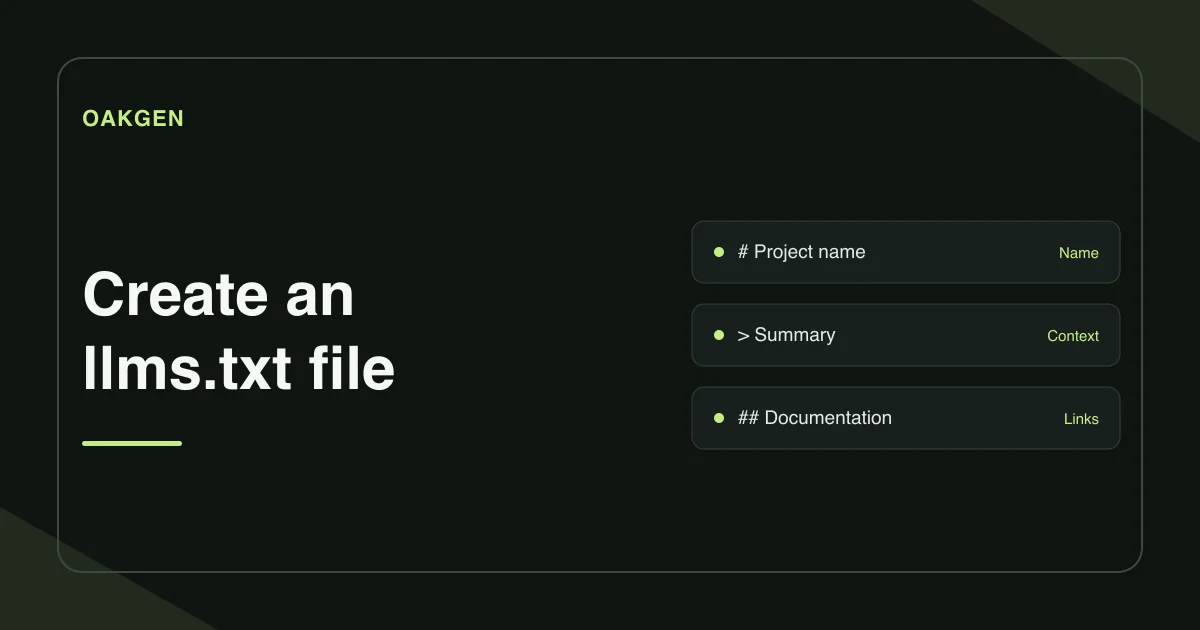
An llms.txt file is a short Markdown guide to the pages an agent may need on a site. Start with one H1 naming the project, then add a summary and the links for common tasks. Publish the site-wide file at /llms.txt and open the public URL to verify it.
Which links should go in llms.txt?
Choose pages that answer concrete questions. A booking platform could link to its setup, authentication, and cancellation rules. Give each link a practical name and describe what someone will find there. Keep secondary links in an Optional section when they are useful but can wait.
The proposal recommends linking to clean Markdown versions of pages where they exist. Confirm that the Markdown URL actually resolves before adding it. If you have a sitemap with hundreds of URLs, use it to find candidates and then select the useful pages. A project index and a sitemap serve different jobs. The llms.txt proposal · Sitemaps protocol
How do you generate a file from paths or a sitemap?
- Open the llms.txt Generator and sign in. Enter the project name and a short summary.
- Add the website URL if you will paste relative paths. In Important pages, use one entry per line. Separate an optional display name and note with
|. - To start from an existing sitemap, choose Import URLs from sitemap.xml. If Oakgen finds an index, select a child sitemap. It imports up to 30 page URLs. Edit the list to keep the pages you would send to someone new.
- Choose Generate llms.txt. Review the draft, then copy or download it. Publish it with the place where your website's public files are hosted.
The core format is simple enough to edit by hand after downloading. Group link lists under H2 headings if the file covers several distinct topics.
What does a small file look like?
Imagine a scheduling product that has public help pages and private customer dashboards. Start with the three public pages most useful to a new customer. The example below shows the links you would keep after dropping an account-specific help URL from the sitemap import.
# Queuehouse

> Appointment scheduling for neighborhood clinics.

## Key pages

- [Set up a clinic](https://example.com/help/setup): Connect a calendar and add working hours.
- [Manage booking links](https://example.com/help/booking-links): Create a booking link for each service.
- [Cancellation rules](https://example.com/help/cancellations): Explain when a visitor can reschedule.
If a path changes, update the file and check that the named page still answers the same question. A redirect to the homepage gives the reader very little of the context the link description promises.
How do you check that the public file works?
Open https://example.com/llms.txt in a signed-out browser, using your real host. Look for plain Markdown. If you see your homepage or a sign-in screen, check how the host serves static files.
In Oakgen, toggle Check file and choose Check live file. You can also paste the Markdown to check its headings and file links before publishing. Open links separately to confirm they resolve and contain the promised instructions.
If the file lives under /docs/, paste the complete file URL into the live checker. Typing just the domain checks the root path. Keep an editable copy of the Markdown beside your documentation source so a renamed guide and its link can be updated together.
For Google AI Overviews, use the GEO audit checklist to verify indexing and snippet eligibility. Google's AI features guidance
How we checked this
On November 21, 2026, we reviewed the public tool page, its generator and checker behavior, and the v2 proposal. The Queuehouse file is illustrative.
Frequently asked questions
What is the minimum valid llms.txt file?
The llms.txt proposal requires one H1 with the name of the site or project. A short blockquote summary and link sections are optional and make the file more useful.
Where should llms.txt go?
Publish a site-wide file at /llms.txt. The v2 proposal also supports scoped files, such as /docs/llms.txt for the documentation under /docs/.
Can I generate llms.txt from my sitemap?
Yes. Oakgen can bring in up to 30 page URLs from a sitemap. If it finds a sitemap index, choose a child sitemap. Review the URLs and rename or remove entries as needed.
Does llms.txt replace robots.txt?
They serve different jobs. Robots.txt communicates crawler access rules. An llms.txt file offers a curated set of pages and context for agents.
Do I need llms.txt for Google AI Overviews?
Google says its AI search features require no additional AI text file or special structured data. Pages still need to satisfy Google's normal indexing and snippet eligibility requirements.